













官方供應商
我們作為官方授權經銷商,直接提供超過200家開發廠家所發行超過1000個的產品授權給您。
請參閱我們所有的品牌。
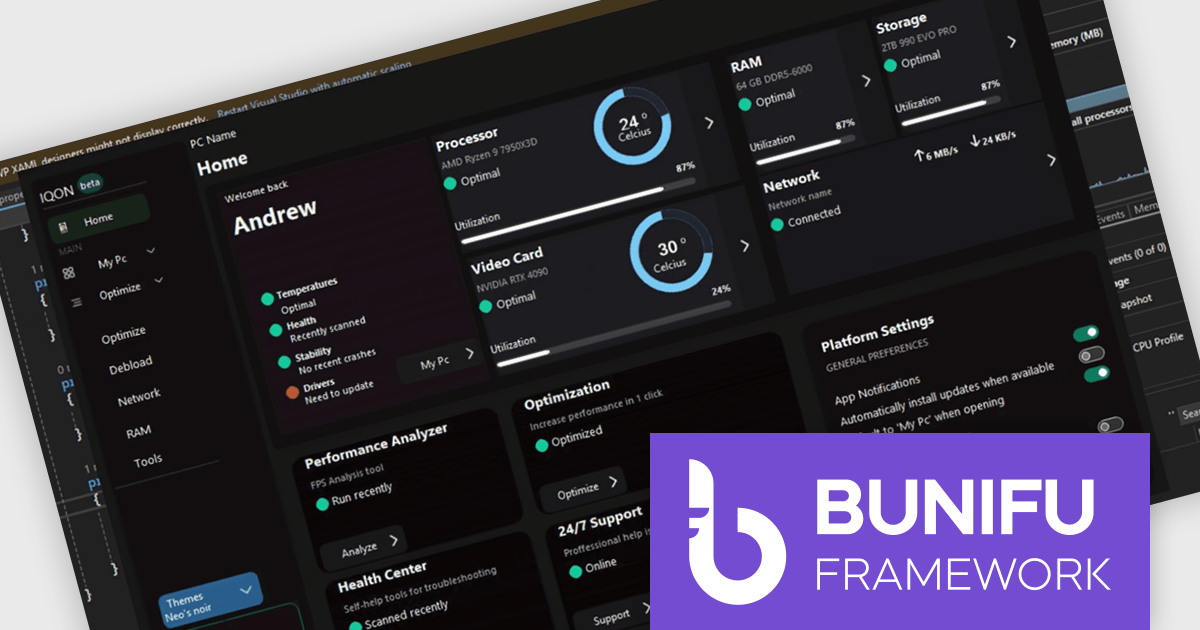
Bunifu UI WinForms is a user interface (UI) framework designed to improve the development of modern and visually appealing desktop applications using Microsoft's WinForms platform. It provides a wide array of pre-built, customizable UI components, such as charts, a data grid, gradient panel, and slider, that emphasize a minimalist aesthetic while maintaining performance efficiency. With it developers can significantly enhance the UI development process, allowing them to drag-and-drop elements and leverage extensive design properties to create professional-looking applications in less time.
Designing a system performance monitor UI using Bunifu UI WinForms allows software developers to create modern, visually clear, and responsive monitoring interfaces while continuing to work within the familiar WinForms framework. The framework provides ready-made, highly customizable controls and smooth interaction behaviors that simplify building professional dashboards for real-time system metrics, reduce reliance on custom UI rendering and styling code.
Bunifu UI WinForms is licensed per developer and are available in four plans, three of which are annual licenses while the other is perpetual. All plans come with free version updates and Premium support for the active license period. See our Bunifu UI WinForms licensing page for full details.
Bunifu UI WinForms is available in the following products:
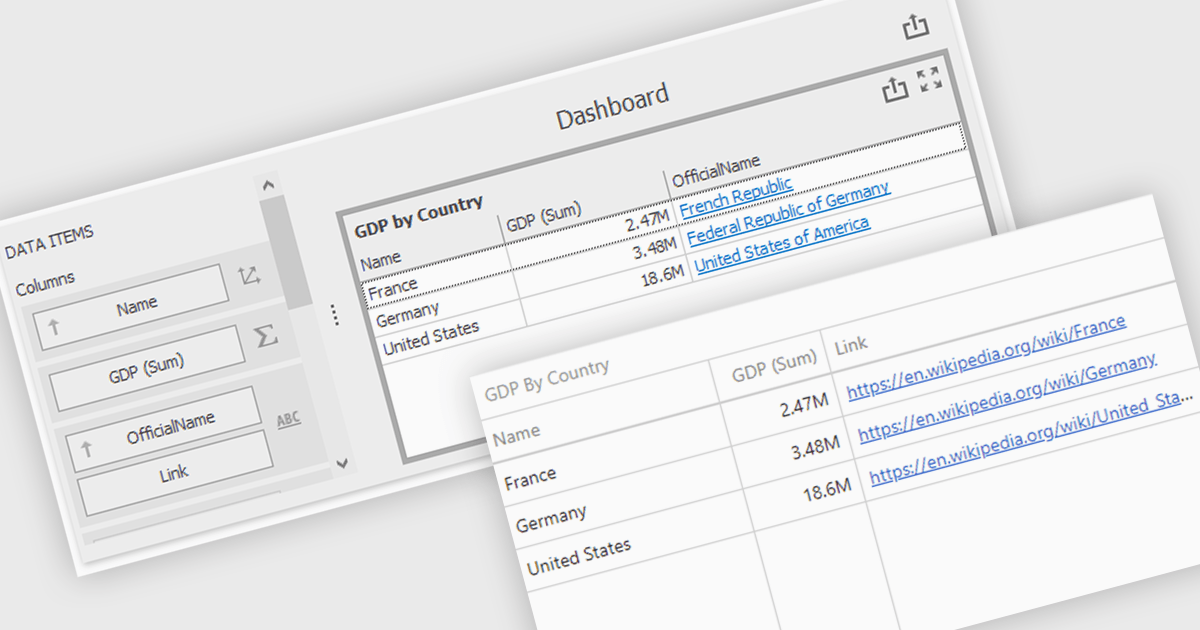
Hyperlinks in grid cells allow data within a grid to be presented as clickable links, enabling users to navigate directly to related pages, records, or actions from a single view. This reduces the need for extra navigation steps, and makes relationships between data clearer and more intuitive. Key benefits include faster access to detailed information and a more interactive user experience. Common use cases include linking order numbers to order details, customer names to profile pages, or grid entries to related documents, reports, or edit screens.
Several .NET WinForms grid controls offer hyperlink cell types, including:
For an in-depth analysis of features and price, visit our .NET WinForms grid controls comparison.
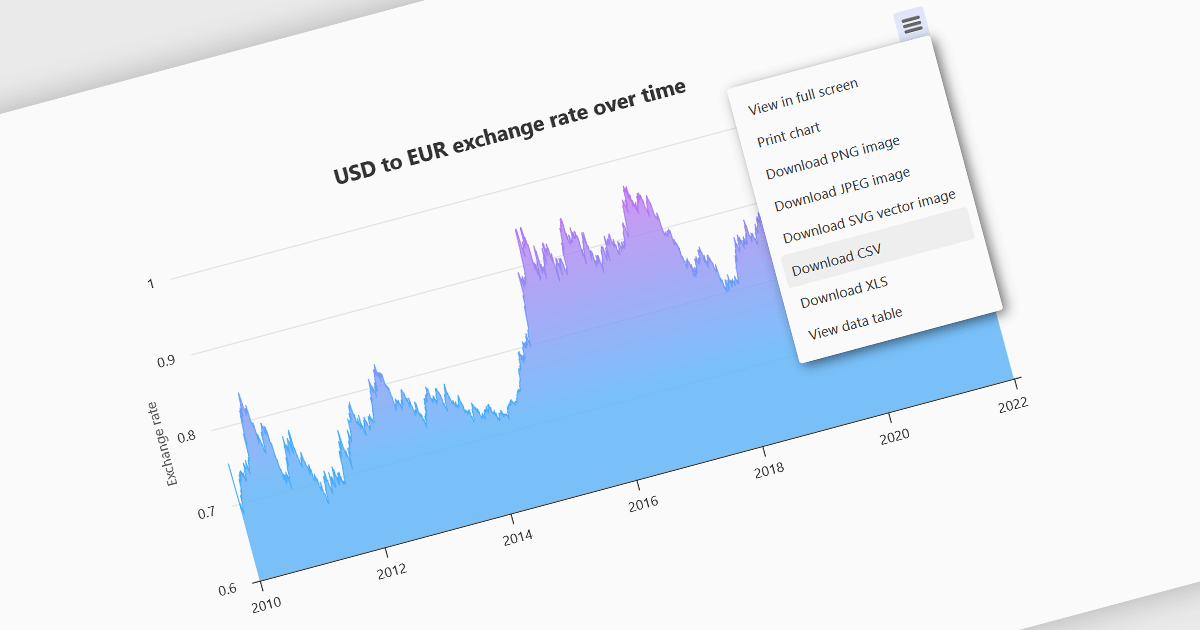
Exporting charts to CSV (Comma-Separated Values) allows users to extract underlying chart data into a simple, portable text format that can be easily opened in spreadsheet applications or processed by other tools. This feature is particularly useful for reporting, data analysis, auditing, and integration apps, as it decouples the visual presentation of data from the raw numerical or categorical information it represents. By enabling quick access to chart data in a structured format, exporting to CSV enhances interoperability across systems and supports a wider range of use cases.
Several WinForms charting components allow you to export to CSV, including:
For an in-depth analysis of features and price, visit our comparison of WinForms chart components.
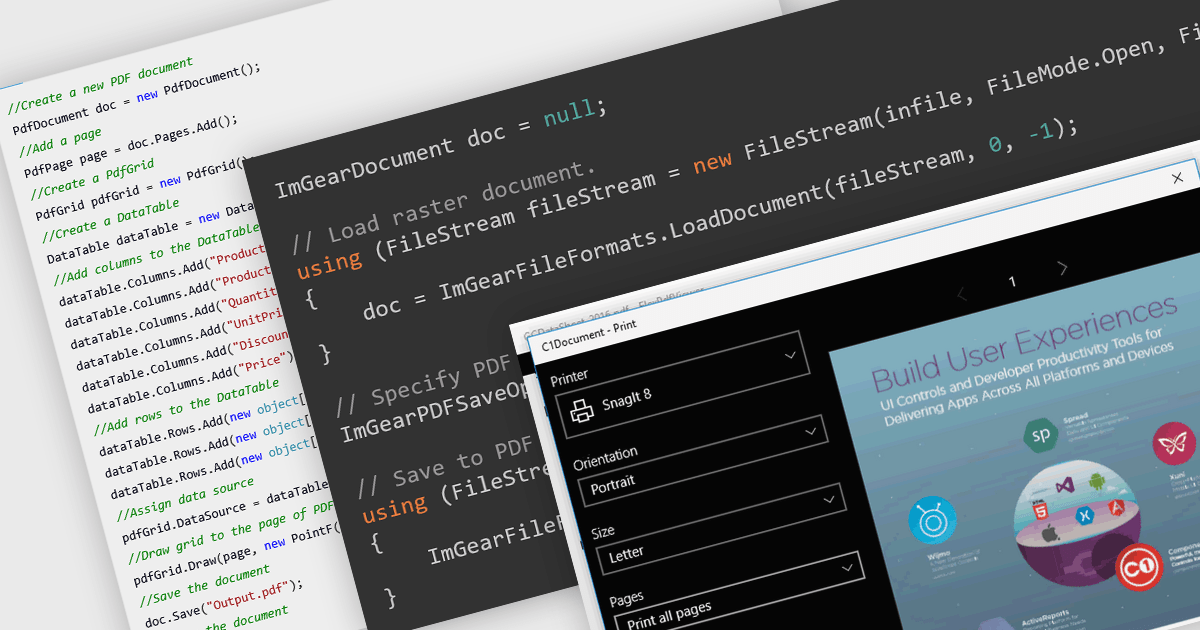
PDF reading and writing features form a core part of modern PDF components, allowing applications to view, generate, edit, and share PDF documents consistently across platforms. These capabilities cover common tasks such as displaying and searching documents, as well as creating and exporting PDFs programmatically with reliable rendering and standards compliance.
Common features include:
For an in-depth analysis of features and price, visit our WinForms PDF components comparison.
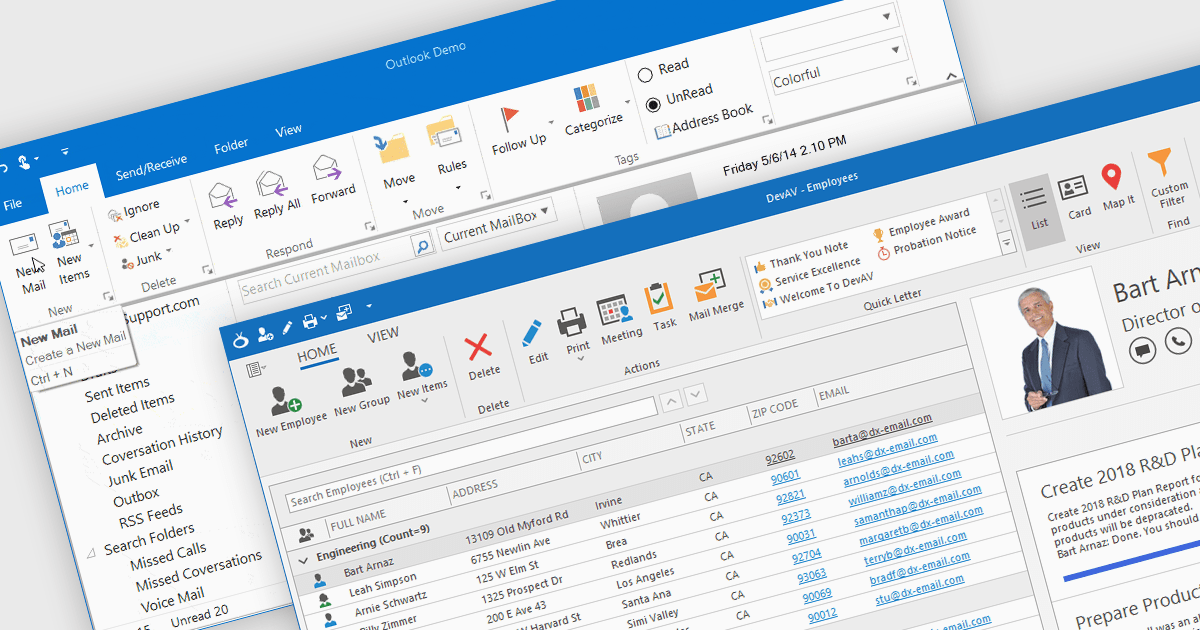
Ribbons provide a structured, visual command interface that organizes application features into clearly labeled tabs and groups, improving discoverability, efficiency, and usability. By surfacing frequently used and context-aware commands, ribbons reduce navigation time and deliver a familiar, professional user experience. Commonly used in productivity software, data-driven applications, design tools, and enterprise systems, ribbon interfaces are ideal for applications with rich functionality where users need quick, intuitive access to a wide range of tools.
Several .NET WinForms UI suites offer ribbon control including:
For an in-depth analysis of features and price, visit our comparison of .NET WinForms UI suites.
聯繫電話: (888) 850 9911
傳真: +1 770 250 6199


