













官方供應商
我們作為官方授權經銷商,直接提供超過200家開發廠家所發行超過1000個的產品授權給您。
請參閱我們所有的品牌。
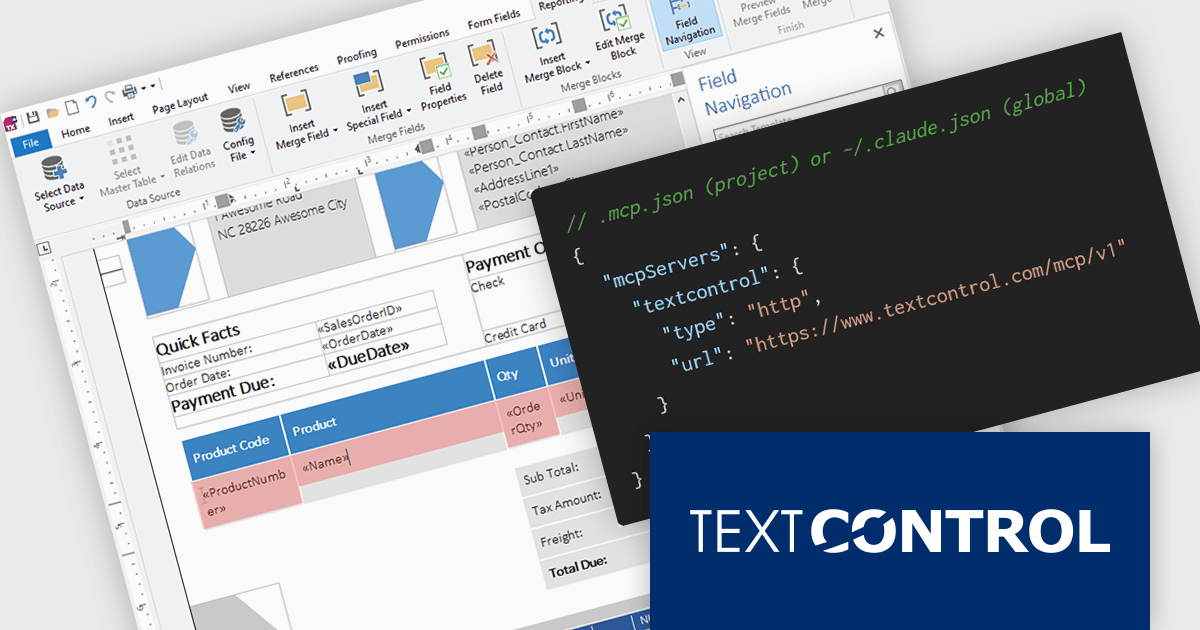
TX Text Control .NET is a royalty-free, fully programmable document editor that empowers developers to add rich WYSIWYG word processing to desktop and web applications across various platforms. It provides everything from comprehensive text formatting and mail merge to PDF creation and processing, all through a robust API and intuitive user interface.
The new Text Control MCP Server introduces a read-only Model Context Protocol (MCP) endpoint designed to integrate authoritative product knowledge into AI-assisted processes. By adding a single URL to an assistant’s configuration, developers can enable access to blog content, documentation, API references, and more, all without leaving the editor. This approach improves the relevance and accuracy of AI-generated responses, making it easier to work with up-to-date information across the entire Text Control ecosystem.
TX Text Control .NET for Windows Forms and TX Text Control .NET for WPF are licensed per developer and are available as a Perpetual License with a 12 month support and maintenance subscription. See our TX Text Control .NET for Windows Forms licensing page or TX Text Control .NET for WPF licensing page for full details.
TX Text Control .NET is available to buy in the following products:
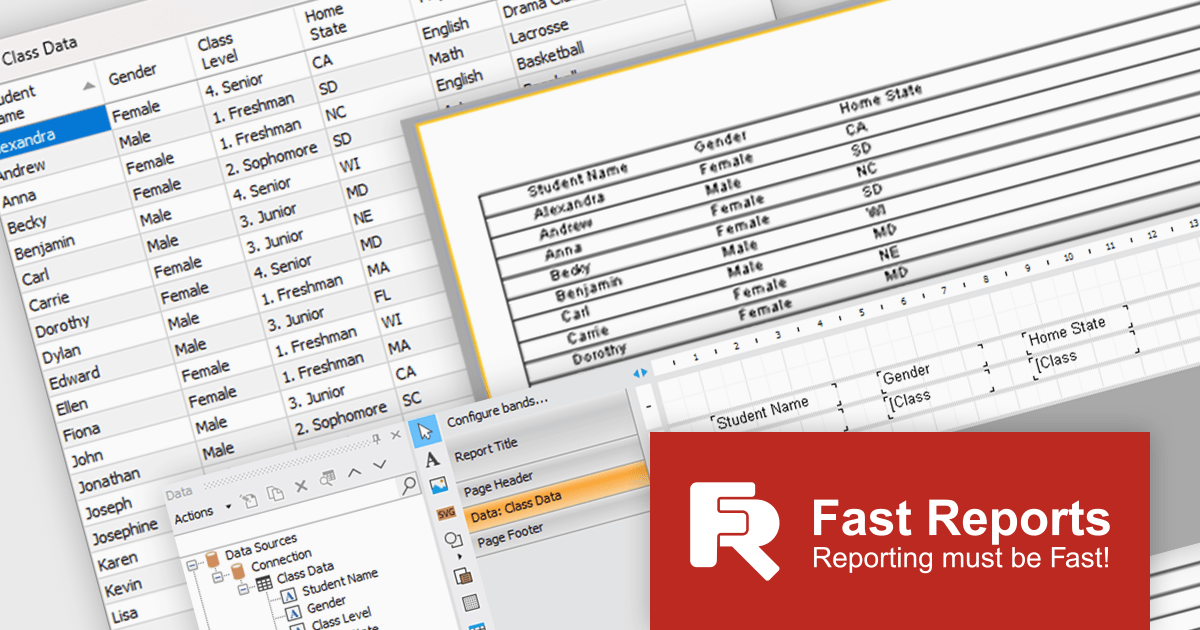
FastReport .NET Ultimate is a comprehensive reporting solution for developers working within the Microsoft .NET ecosystem. It supports the creation, design, and delivery of rich, interactive reports across Windows Forms, ASP.NET, MVC, and .NET Core applications. The Ultimate edition includes server deployment capabilities and extensive export options, such as PDF, Excel, Word, and HTML. It connects to various data sources, including SQL databases and business objects, providing flexibility for enterprise-level reporting. With the integrated FastReport Online Designer, users can edit reports directly in their browsers, enabling efficient collaboration and modern, full-featured report design across both desktop and web platforms.
The latest FastReport .NET Ultimate update introduces support for Google Sheets as a data source, allowing reports to connect directly to cloud-based spreadsheets. It enables developers and data professionals to work with up-to-date information without manual data transfers, making it easier to incorporate shared or frequently updated datasets into reports. It simplifies access to external data while maintaining the familiar reporting experience, making it particularly useful for teams already relying on Google Sheets for data management.
FastReport .NET Ultimate is licensed per named user and is available as a perpetual license with a one-year subscription for updates and support. See our FastReport .NET Ultimate licensing page for full details.
For more information, visit our FastReport .NET Ultimate product page.
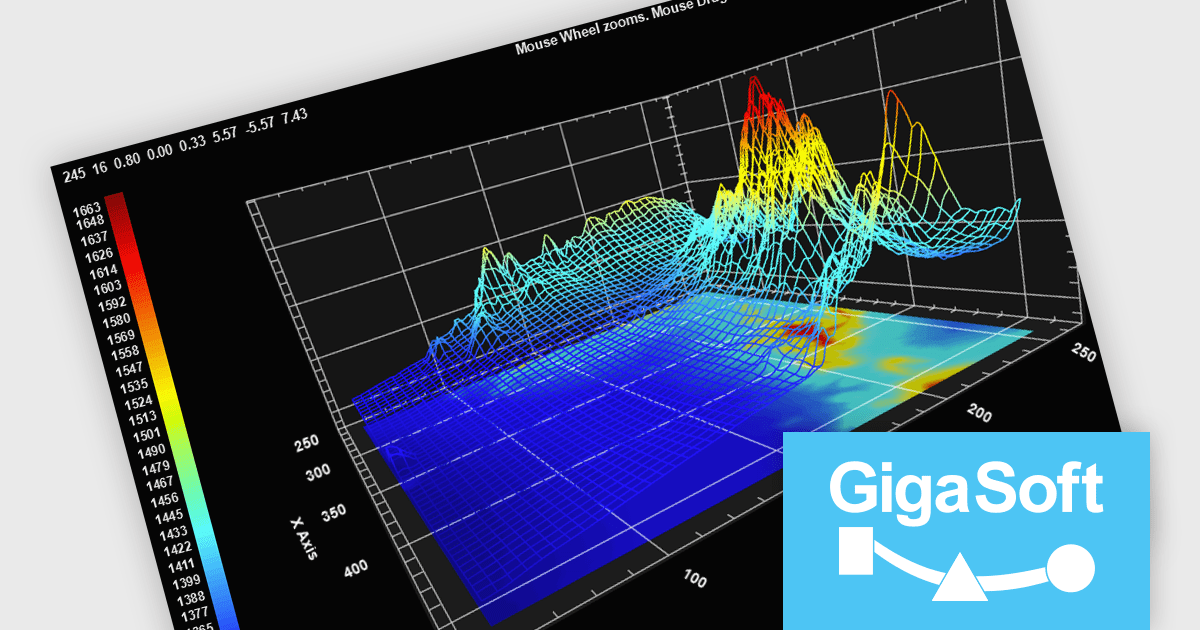
Gigasoft ProEssentials is a robust charting library for Windows development, providing a wide array of 2D and 3D chart types. The product offers a versatile suite of components, such as Graph, Scientific Graph, and 3D Scientific Graph, enabling the creation of sophisticated visualizations. It's extensive support for various platforms and development environments, including WPF, WinForm, and integration with popular IDEs like Visual Studio, enhances flexibility and empowers developers to efficiently visualize data within their applications.
Gigasoft ProEssentials enables developers to work more efficiently with its charting components by giving AI assistants direct, real-time access to validated API data, allowing them to generate accurate chart configurations, suggest correct property usage, and troubleshoot issues based on the actual capabilities of the library. By dynamically querying structured data rather than relying on static documentation, the feature ensures that responses reflect the current state of the API, reducing the likelihood of invalid property paths or unsupported configurations. This leads to more reliable code generation, faster resolution of integration challenges, and greater confidence when implementing or modifying charts within production applications across different environments.
Gigasoft ProEssentials is licensed per developer and is available as a perpetual license with free technical support and maintenance for the life of the version. See our Gigasoft ProEssentials licensing page for full details.
For more information, visit our Gigasoft ProEssentials product page.
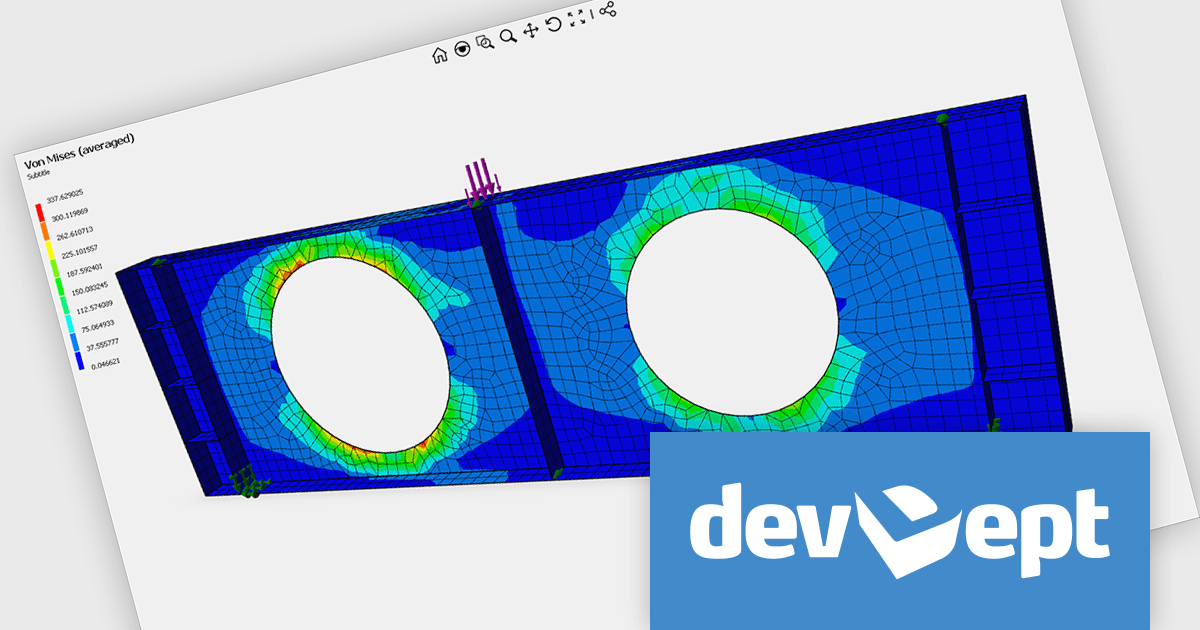
EyeShot by devDept is a comprehensive 3D graphics toolkit designed for .NET developers building engineering and CAD (Computer-Aided Design) applications. It offers a robust set of components for creating, editing, and rendering complex 2D and 3D geometry directly within Windows Forms and WPF environments. With support for advanced modeling features, viewport controls, and industry-standard file formats, EyeShot simplifies the integration of interactive graphics into technical software. It is well-suited for developers working in areas like mechanical design, architecture, and simulation who need high-performance rendering and precise modeling capabilities.
The EyeShot Fem 2026 update introduces support for 3D triangular and quadrangular FEM (Finite Element Method) shell elements, designed for analysing structures where one dimension is significantly smaller than the others. These specialized two-dimensional elements are widely used to simulate thin-to-moderately thick components such as plates, curved shells, and aerospace fuselage sections.
To see a full list of what's new in version 2026, see our release notes.
Eyeshot Fem is licensed per developer and is available as an annual license, with either Lite or Priority support. See our licensing pages for Eyeshot Fem for full details.
For more information, visit our Eyeshot Fem product page.
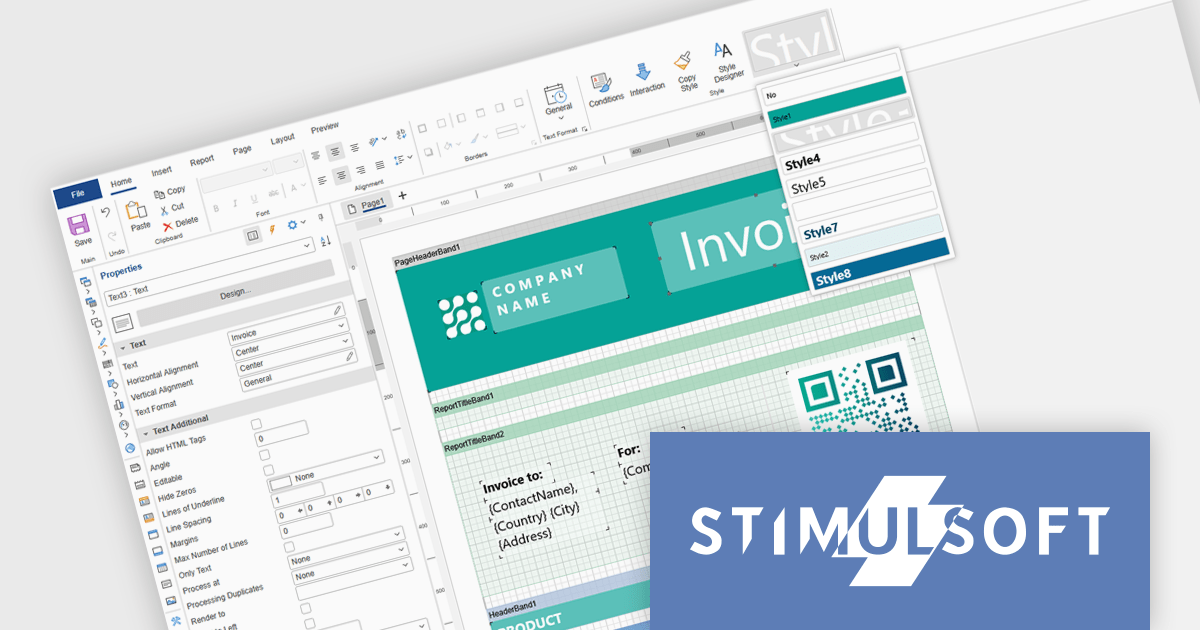
Stimulsoft Ultimate is a reporting and dashboard solution that provides a set of tools for building interactive reports and data visualizations across platforms, including WinForms, ASP.NET, .NET Core, Blazor, JavaScript, WPF, PHP, Java, and Avalonia. It enables developers and organizations to design, generate, and deploy professional reports and dashboards using visual designers, flexible styling options, rich charting and data visualization components, and extensive data connectivity. With support for multiple development environments and technologies, Stimulsoft Ultimate helps teams improve report creation, maintain consistent designs, and deliver clear, data-driven insights for business intelligence, analytics, operational reporting, and enterprise applications.
Stimulsoft Ultimate enables developers to apply centralized report styling that ensures consistent formatting across report elements while reducing the time required to design and maintain reports. By using reusable styles for fonts, colors, borders, and other visual properties, developers can standardize report layouts, quickly apply formatting to multiple components, and implement global design changes without editing each element individually. This approach improves development efficiency, simplifies maintenance, and helps teams deliver professional, visually consistent reports across applications and platforms.
Stimulsoft Ultimate is licensed per developer with Single, Team, Enterprise, and WorldWide options that support one to unlimited developers within an organization. Licenses include a 12 month subscription with updates, priority technical support, a royalty free runtime report designer and viewer, and a build server license for Team and higher tiers. See our Stimulsoft Ultimate licensing page for full details.
For more information, visit our Stimulsoft Ultimate product page.
聯繫電話: (888) 850 9911
傳真: +1 770 250 6199


