













官方供應商
我們作為官方授權經銷商,直接提供超過200家開發廠家所發行超過1000個的產品授權給您。
請參閱我們所有的品牌。
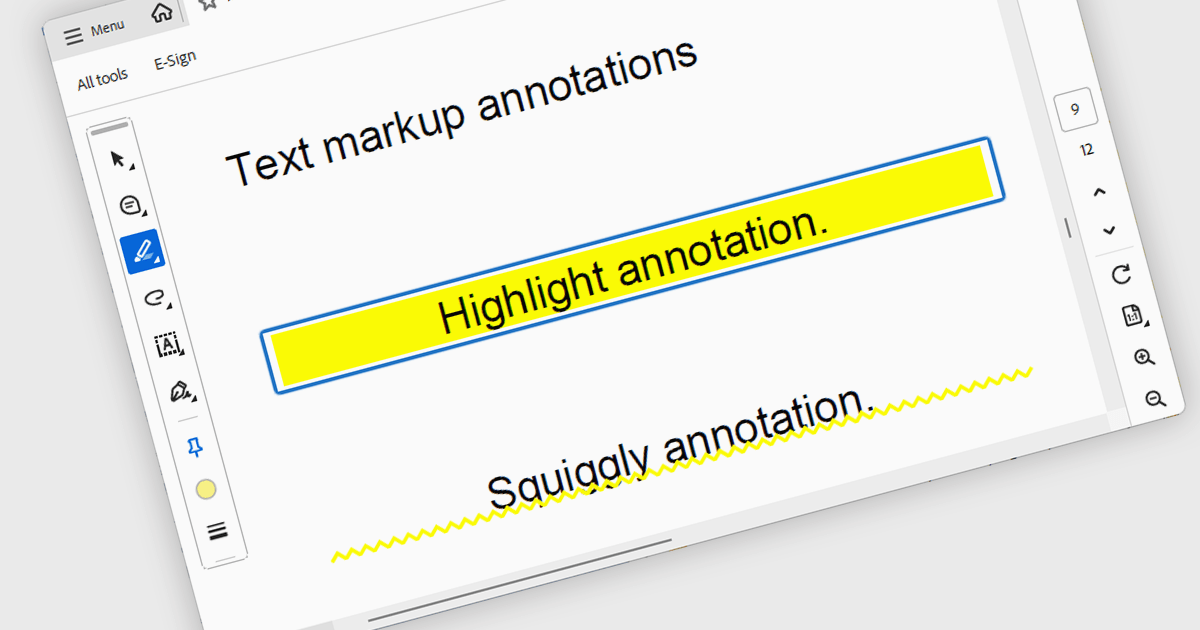
Highlight text annotation in PDF WPF .NET controls is a feature that visually marks text with a colored overlay to draw attention to important content without modifying the original document. For software developers, it helps deliver clearer document review experiences by making key passages easier to identify, supporting user feedback and content emphasis, and improving readability and interaction in PDF-based business applications.
Several .NET WPF PDF components offer highlight text annotation including:
For an in-depth analysis of features and price, visit our comparison of .NET WPF PDF components.
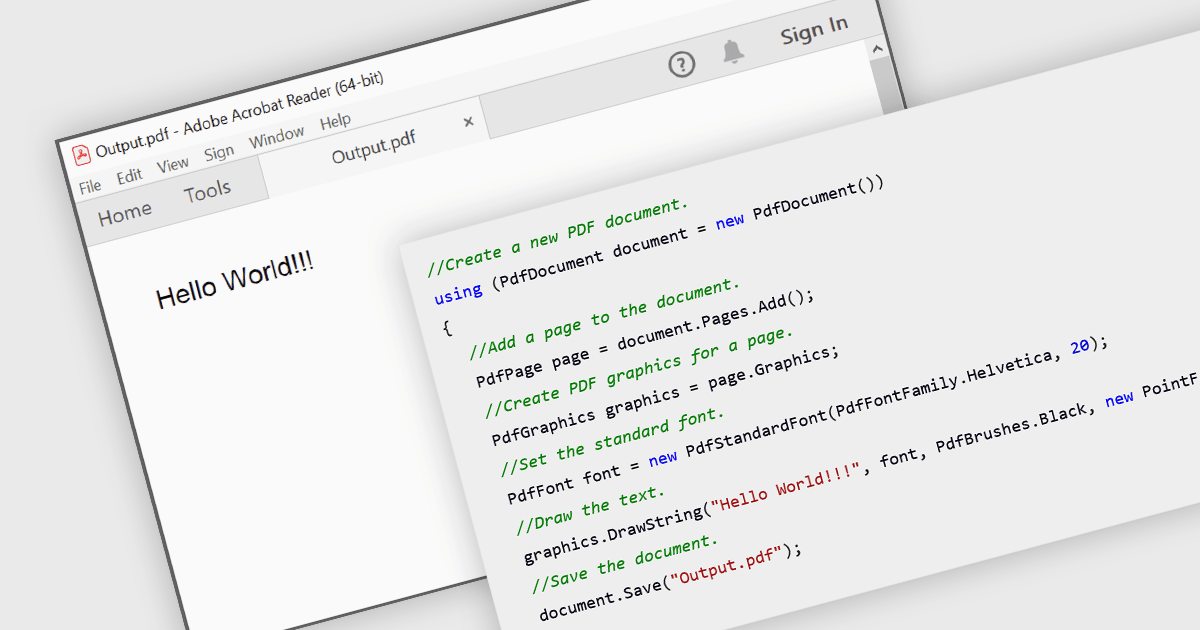
Creating PDFs programmatically involves generating Portable Document Format files from application data, user input, or existing content such as text, images, or HTML. Developers implementing this capability allow the production of consistent, platform-independent documents that preserve layout and formatting across devices. It is widely used for reporting, document archiving, invoicing, and content distribution, offering benefits such as precise control over document structure, automation of document workflows, and the ability to integrate document generation directly into applications.
Several WPF PDF components allow you to create PDFs, including:
For an in-depth analysis of features and price, visit our comparison of WPF PDF components.

The Syncfusion Essential Studio PDF Viewer SDK is a high performance solution that enables developers to integrate advanced PDF viewing capabilities into web, desktop, and mobile applications. It supports features such as document navigation, annotations, form filling, digital signatures, and collaborative review, allowing users to interact with PDF content efficiently. Designed for reliability and smooth rendering of complex documents, it provides a consistent experience across platforms.
The Syncfusion Essential Studio PDF Viewer SDK 2026 Volume 1 update introduces a document summarizer that enhances how developers deliver efficient document interaction by integrating AI-generated summaries and contextual question-answering directly within PDF viewing applications. This feature enables end users to quickly extract key information and insights from large or complex documents, reducing time spent navigating content and improving overall productivity.
To see a full list of what's new in Syncfusion Essential Studio PDF Viewer SDK 2026 Volume 1, see our release notes.
Syncfusion Essential Studio PDF Viewer SDK is licensed per developer on a one year timed subscription basis, with runtime royalty free redistribution included when the subscription is current, and includes one year of unlimited technical support and updates. See our Syncfusion Essential Studio Spreadsheet Editor SDK licensing page for full details.
Learn more on our Syncfusion Essential Studio PDF Viewer SDK product page.
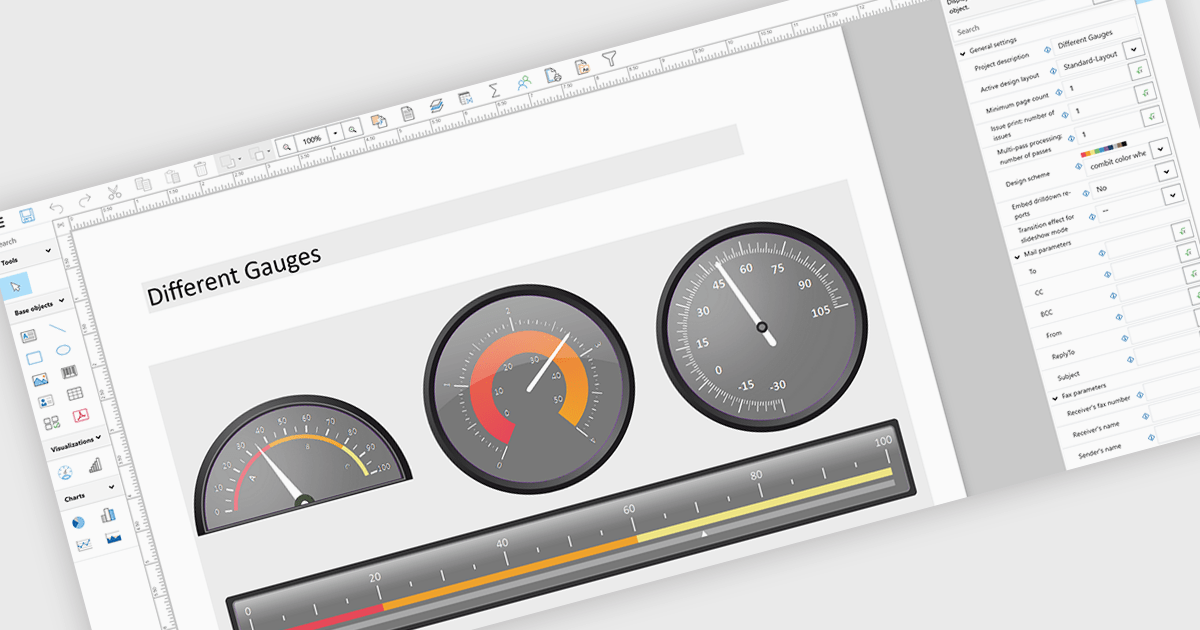
Adding gauges to reports means incorporating visual indicators such as dial or meter style graphics that display key metrics against defined ranges or targets, making performance instantly understandable at a glance. This approach enhances report clarity by transforming complex or dense data into intuitive visuals, helping users quickly assess whether values fall within acceptable, warning, or critical thresholds. As a result, gauges support faster, more informed decision making, improve stakeholder communication, and create more engaging, user friendly reports. Common use cases include tracking sales performance against quotas, monitoring system health or uptime, visualizing budget utilization, and displaying KPI progress in executive dashboards where quick insights are essential.
Several .NET WPF Reporting controls include Gauges including:
For an in-depth analysis of features and price, visit our comparison of .NET WPF Reporting Controls.
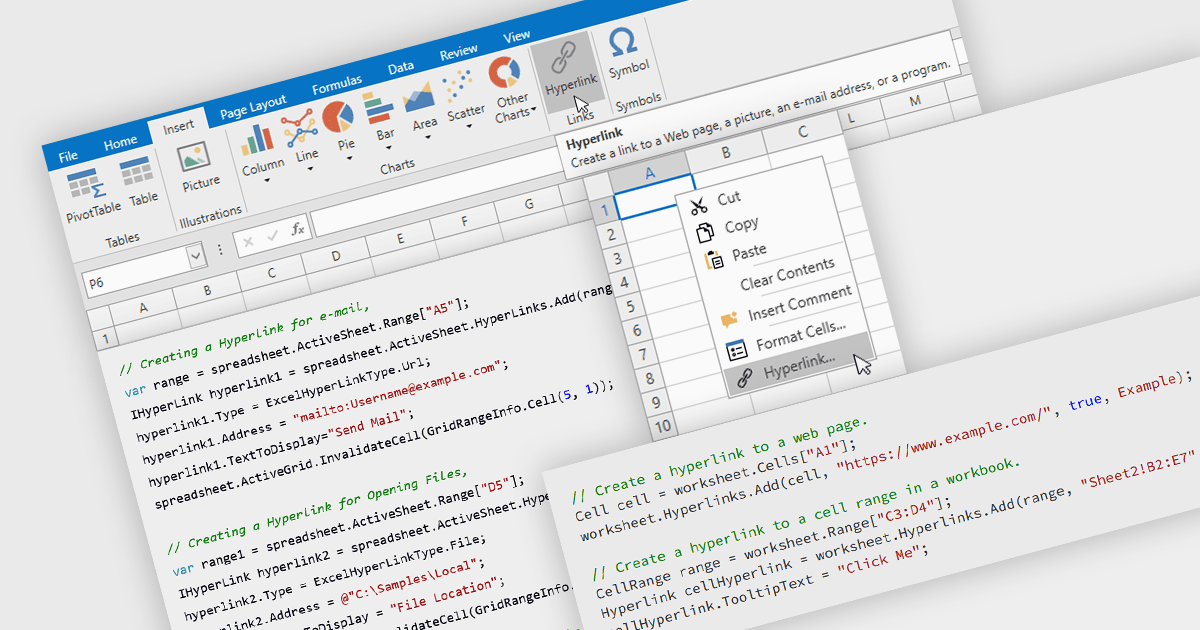
Hyperlink support in a spreadsheet allows a cell to reference an external resource, such as a web page, email address, file, or another location within the workbook. This capability enables users to connect data with relevant context, making it easier to navigate between related information and systems. By embedding links directly into cells, spreadsheets can serve not only as data stores but also as interactive interfaces, improving usability, reducing the need for manual lookup, and supporting more efficient processes across applications and datasets.
Several WPF spreadsheet components allow you to add hyperlinks within cells, including:
For an in-depth analysis of features and price, visit our comparison of WPF spreadsheet components.
聯繫電話: (888) 850 9911
傳真: +1 770 250 6199


