













官方供應商
我們作為官方授權經銷商,直接提供超過200家開發廠家所發行超過1000個的產品授權給您。
請參閱我們所有的品牌。
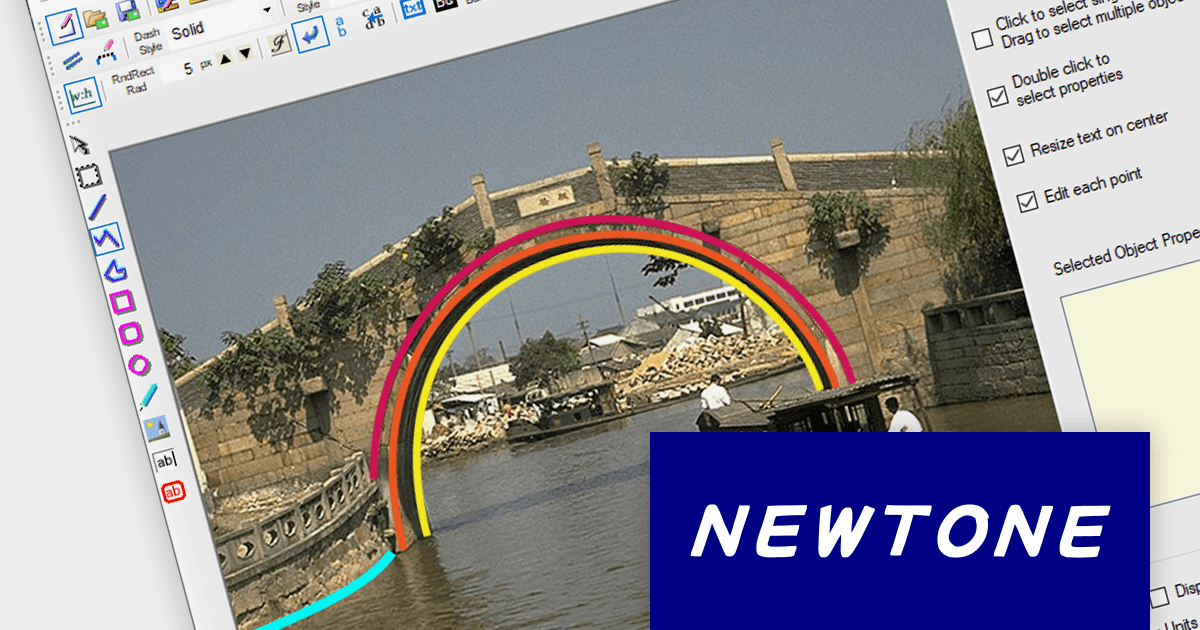
ImageKit.NET3 is a powerful image processing component that can be used to add a wide range of image processing functionality to .NET applications. It includes features for scanning, loading and saving images, applying filters and transformations to images, and displaying images. ImageKit.NET 3 is easy to use and includes a comprehensive set of documentation and examples.
ImageKit.NET3 v3.0.10704 adds the ability to draw curves using Polyline objects. Polylines can be used to create smooth curves of any shape, by using a series of connected line segments. This can be useful for creating a variety of different objects, such as roads, rivers, and other natural features. The ability to easily change the shape and size of Polyline Objects also makes them ideal for creating curves that need to be adjusted frequently, such as in design elements or animation paths.
To see a full list of what’s new in version 3.0.10704, see our release notes.
For more information, visit our ImageKit.NET3 product page.
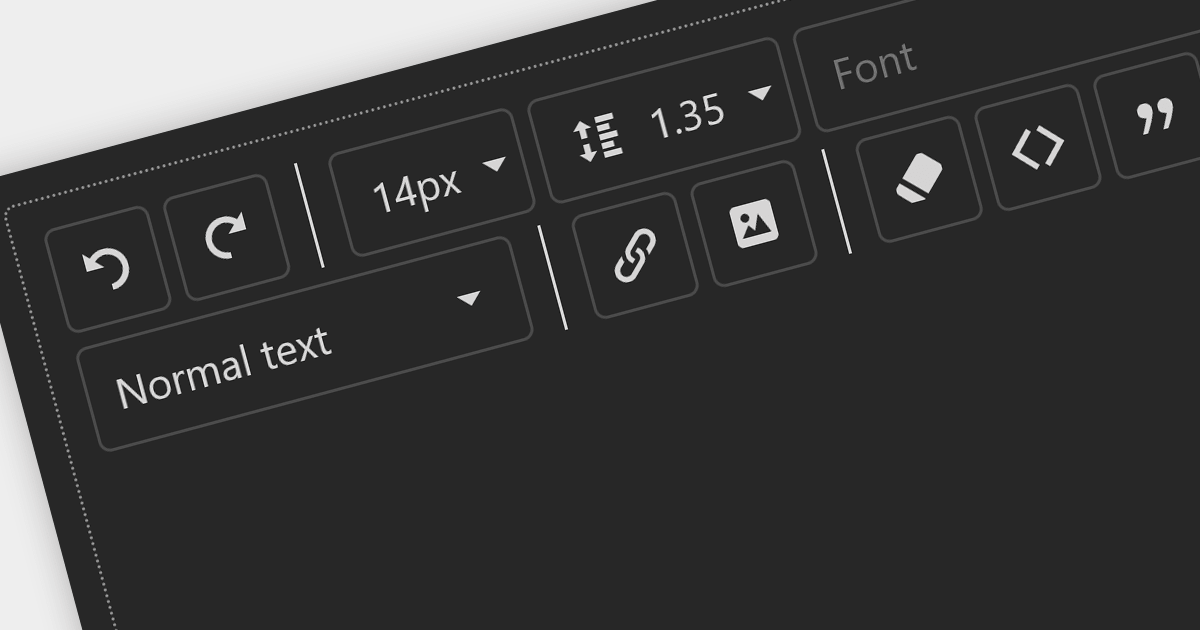
Toolbars are graphical user interface (GUI) elements that feature a curated selection of tools and functions that users commonly use. Adding a toolbar to your application allows users to speed up their workflow by providing all the tools they need in an easily accessible position within your application.
Here is a selection of ASP.NET UI suites that include toolbars:
For an in-depth analysis of features and price, visit our comparison of ASP.NET user interface suites.
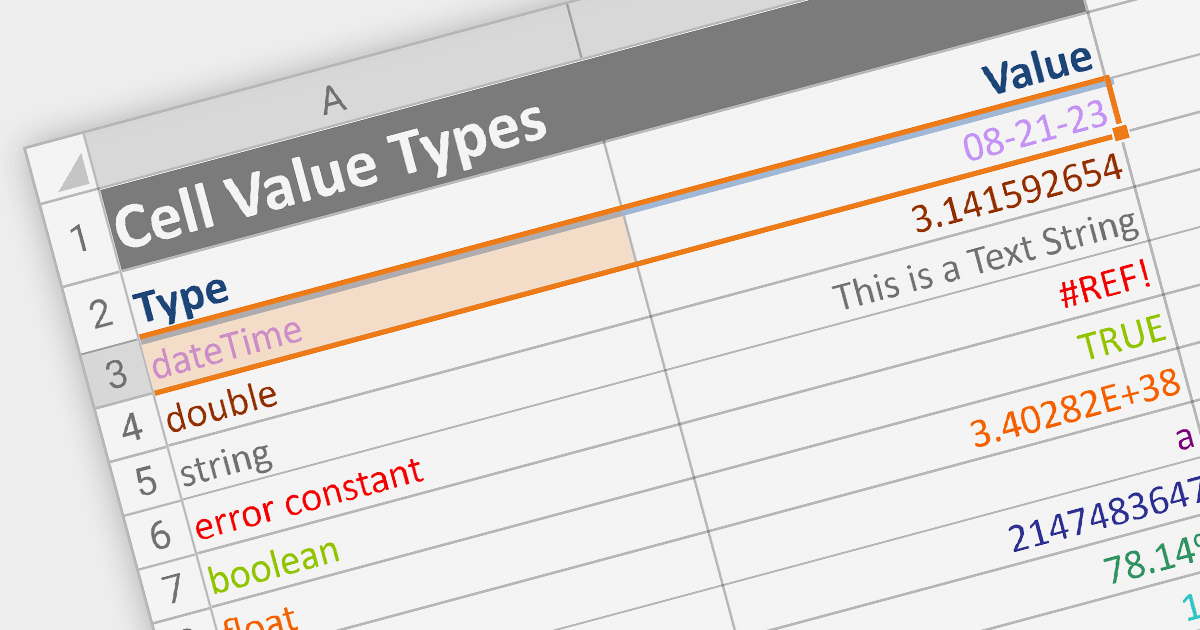
Cell types allow different data formats to be added to cells or ranges within a spreadsheet. Examples include text, number, date, formula, and sparkline. Cell types determine how data is displayed, validated, and interacted with in the spreadsheet. By using specific cell types, developers can customize the behavior and appearance of cells, allowing users to input and manipulate data accurately and efficiently in their applications.
Here are some ASP.NET Core spreadsheet controls that allow you to use multiple cell types:
For an in-depth analysis of features and price, visit our comparison of ASP.NET Core spreadsheets.
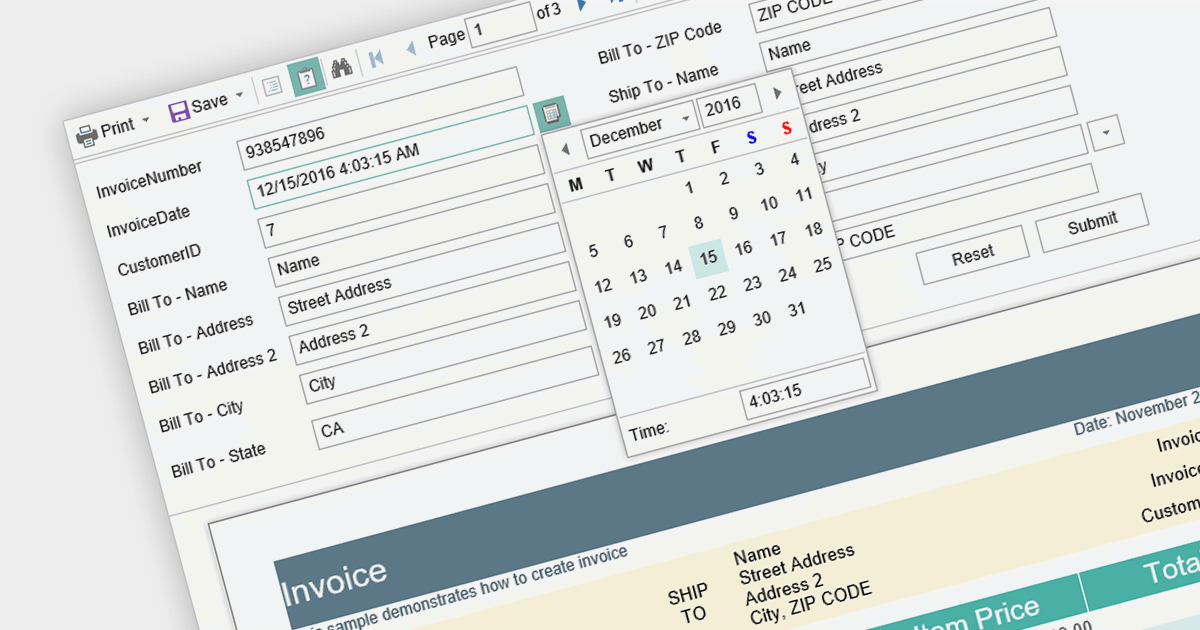
Report parameters are dynamic values that users can input or select when requesting a report. These parameters allow users to customize the report's content, appearance, and data filtering according to their specific needs. This helps to make reports more versatile, catering to various scenarios without requiring developers to create separate report templates.
Here is a selection of Blazor reporting controls that include support for parameters:
For an in-depth analysis of features and price, visit our comparison of Blazor reporting controls.
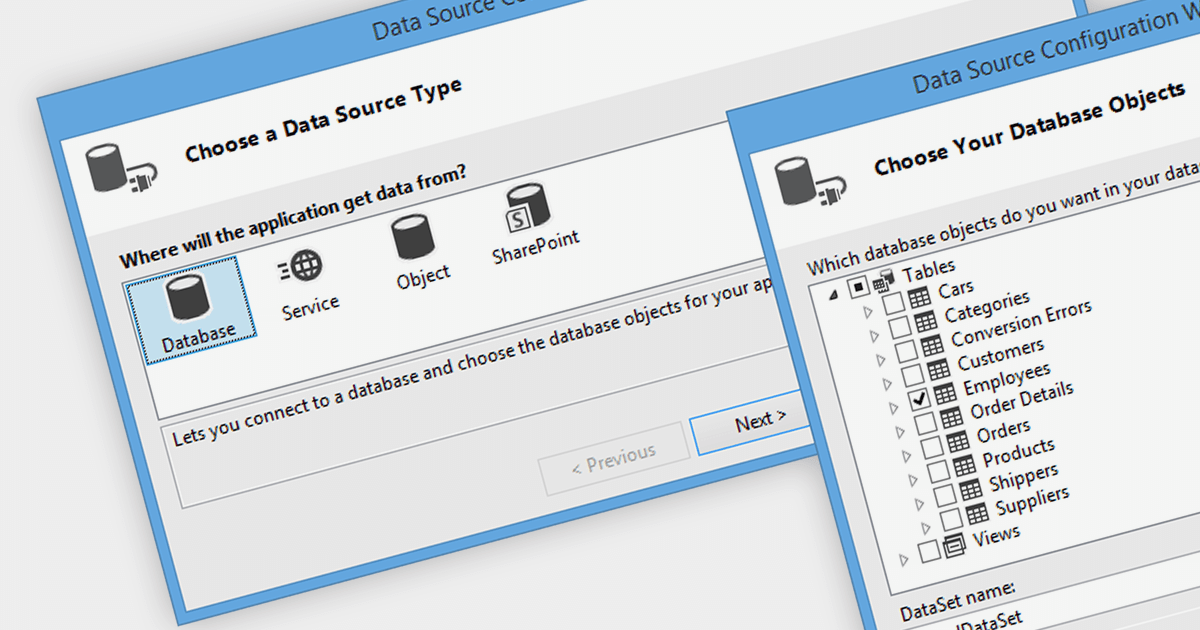
Data binding is a mechanism that connects data from a data source, such as a database or collection, to controls in a user interface such as a spreadsheet. It enables automatic synchronization of data between the source and the UI controls, allowing changes in one to be reflected in the other.
The following .NET 7 Windows Forms spreadsheet controls include support for data binding:
For an in-depth analysis of features and price, visit our comparison of .NET 7 spreadsheets.
聯繫電話: (888) 850 9911
傳真: +1 770 250 6199


