













官方供應商
我們作為官方授權經銷商,直接提供超過200家開發廠家所發行超過1000個的產品授權給您。
請參閱我們所有的品牌。
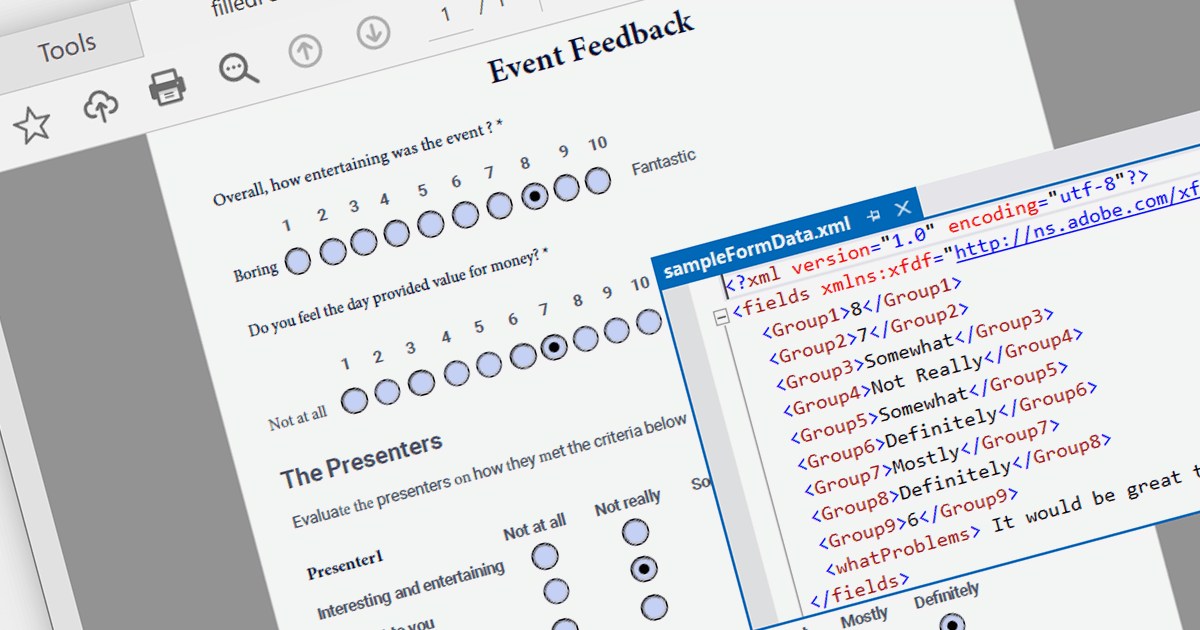
PDF data extraction is the process of programmatically extracting textual and visual information from PDF documents. It enables developers to parse files, extract text, images, and other elements, facilitating tasks like document indexing, and text mining.
Several .NET PDF components provide content extraction capabilities, including:
For an in-depth analysis of features and price, visit our comparison of .NET PDF components.

A ribbon control is a graphical user interface element that consists of a horizontal strip displaying various commands and functions organized into tabs and groups for easy access and navigation. Ribbons are designed to be easy to use and understand. Tools are grouped together in a logical way, making it easy for users to find the commands they need, even if they are not familiar with the application.
Here are some example WPF UI suites that offer a ribbon control:
For an in-depth analysis of features and price, visit our comparison of WPF UI suites.
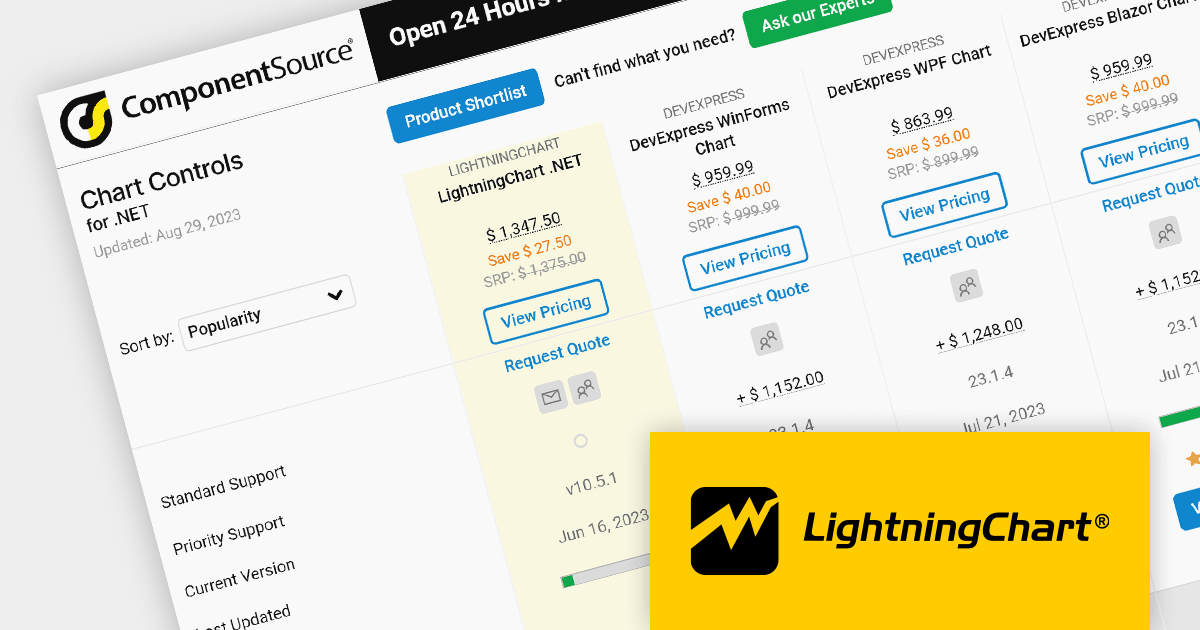
As the premier marketplace for software components and development tools, we are pleased to announce the addition of LightningChart by Arction Ltd to our .NET Charts Comparison. This latest inclusion further enriches the comparison tool's offerings, providing developers with a wider selection of high-performance charting components for their .NET projects.
LightningChart is renowned for its cutting-edge visualization capabilities, empowering developers to create stunning interactive charts, graphs, and dashboards with exceptional speed and responsiveness. With its extensive range of chart types, customization options, and real-time data streaming support, LightningChart offers flexibility and performance for data visualization in .NET applications.
Our updated .NET Charts Comparison enables developers to evaluate LightningChart with over 70 other popular charting components. It provides an in-depth analysis of each control's features, including supported chart types, data binding options, interactivity, styling, and .NET framework support, as well as pricing and community reviews. With extensive sorting and filtering options, our comparison makes it easy to shortlist products and find the best solutions for your specific needs.
By incorporating LightningChart into the comparison, we continue to ensure that developers have access to a comprehensive overview of the top charting components available in the market. This empowers developers to make informed decisions based on their specific requirements, ultimately saving time and effort in the selection process.
For an in-depth analysis of features and price, visit our comparison of .NET 7 charts.
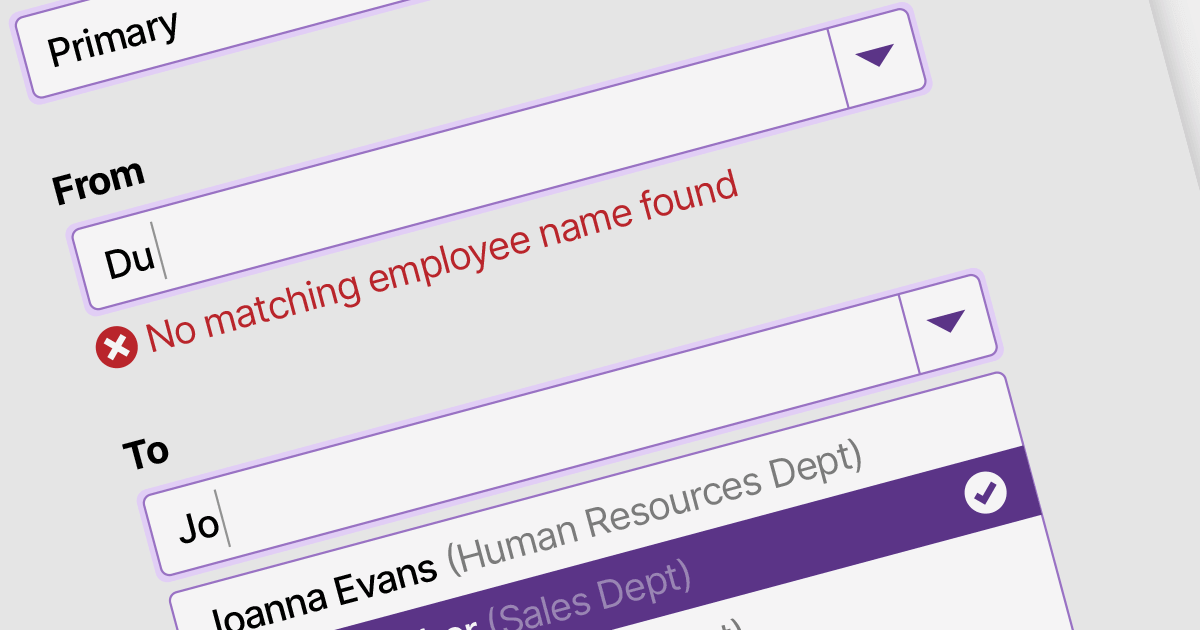
Data validation in ComboBox controls ensures the selected value meets specific criteria or constraints. It involves validating user input against predefined rules such as required selection, range checks, or custom validation logic. By validating the data, ComboBox editors help maintain data integrity and enhance the accuracy and reliability of user input.
Here are some examples of .NET 7 WinForms data editors collections that support data validation in combo boxes:
For an in-depth analysis of features and price, visit our comparison of .NET 7 WinForms data editors.
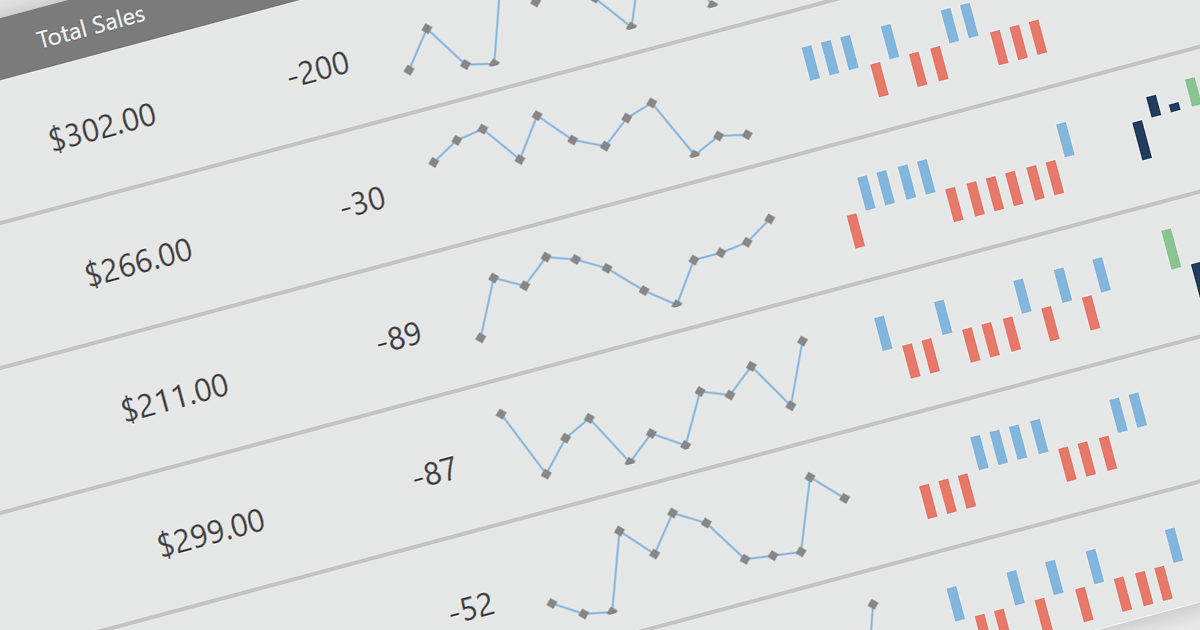
Sparklines are miniature line graphs designed to provide a visual representation of data trends within a compact space. They condense information into a single line or bar, often displayed alongside text or numbers. They allow for quick and intuitive understanding of patterns, making them useful for displaying data in tight spaces such as data tables, and providing visual summaries at a glance.
The following WPF reporting controls include support for sparklines:
For an in-depth analysis of features and price, visit our comparison of WPF reporting controls.
聯繫電話: (888) 850 9911
傳真: +1 770 250 6199


