













官方供應商
我們作為官方授權經銷商,直接提供超過200家開發廠家所發行超過1000個的產品授權給您。
請參閱我們所有的品牌。
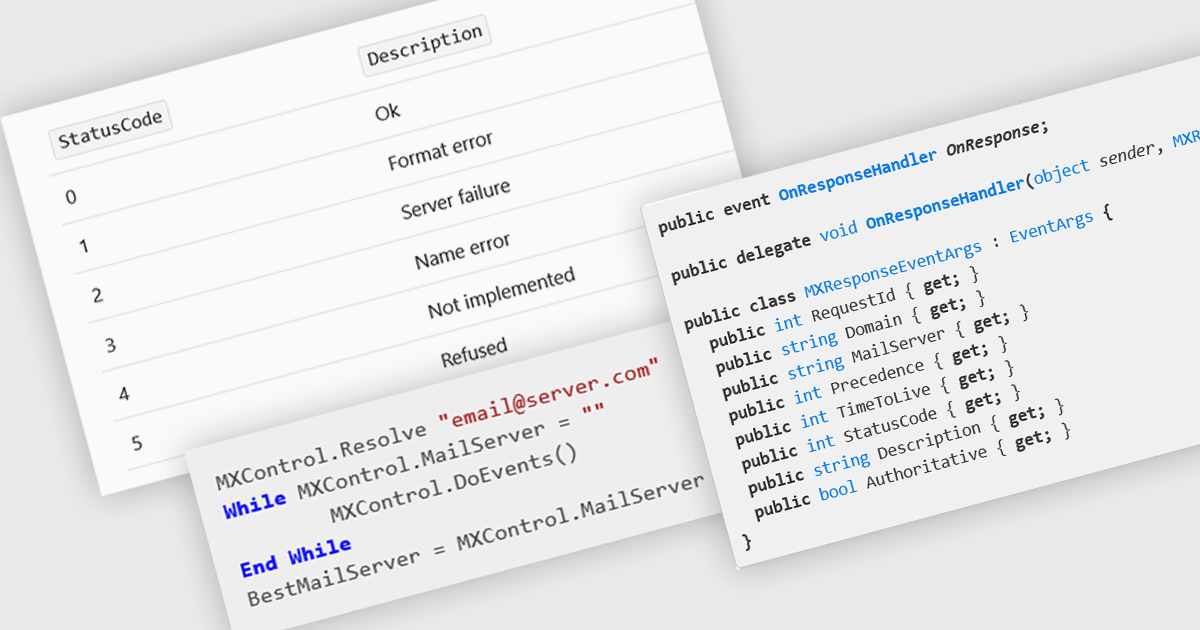
MX (Mail Exchange) record support enables applications to programmatically retrieve and interact with DNS records that define how email should be routed for a domain. This capability is essential for building features such as email validation, automated mail routing, or diagnostics tools that verify domain configurations. By integrating MX record handling directly into their app, developers can streamline workflows that depend on accurate mail server information, improve reliability of outbound email systems, and enhance application logic that requires verification of recipient domains.
Several .NET communications and messaging components offer MX record features including:
For an in-depth analysis of features and price, visit our comparison of .NET communications & messaging components.
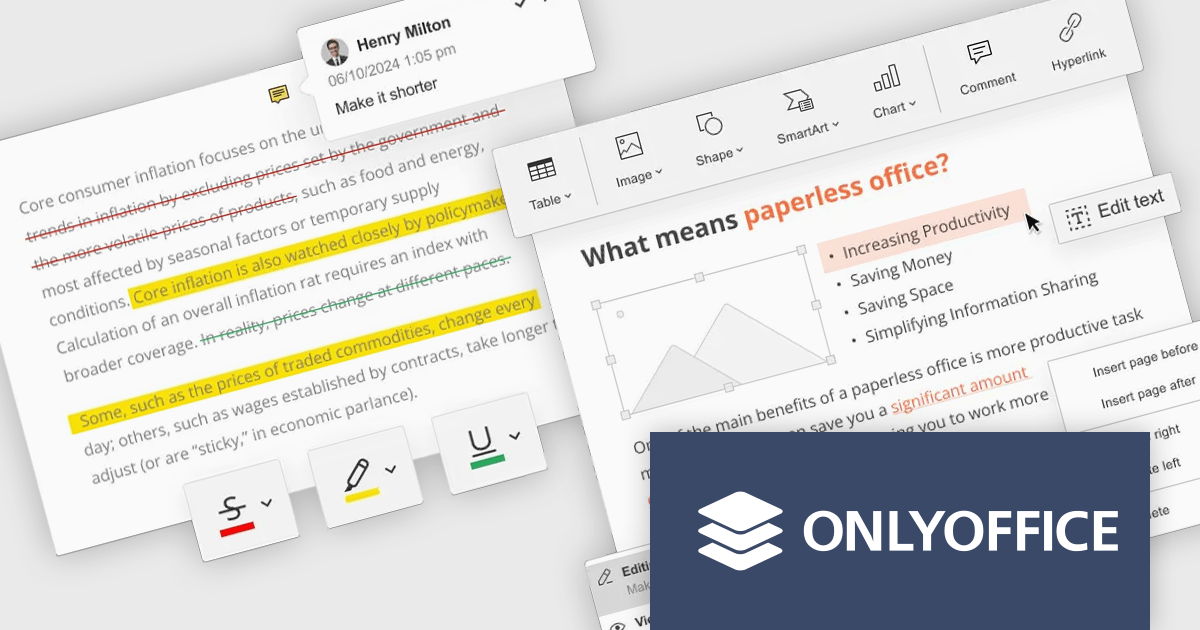
ONLYOFFICE Docs Enterprise Edition with Nuxeo Connector integrates online editing for Word, Excel, and PowerPoint directly within Nuxeo. Users can collaboratively create, edit, and co-author documents in real-time, utilizing ONLYOFFICE's formatting tools and broad format support, including OOXML. This in-browser editing and collaboration enhances productivity, streamlines workflows, and allows for potential re-branding and customization.
The ONLYOFFICE Docs Enterprise Edition with Nuxeo Connector v3.0 update introduces a fully functional PDF editor within the Nuxeo platform. This integration allows users to directly create, modify, and collaboratively author PDF documents, eliminating the need for external applications. Developers can leverage this expanded document handling capability within their Nuxeo-based solutions, offering end-users a more cohesive content management experience with features such as text editing, page manipulation, object insertion, annotation, and co-authoring functionalities.. This provides opportunities for custom workflow implementations and better development of applications focused on documents within Nuxeo.
To see a full list of what's new in v8.3.2 (3.0.0), see our release notes.
ONLYOFFICE Docs Enterprise Edition with Nuxeo Connector is licensed by the number of simultaneous document connections and is available as an annual license with 1 year support and upgrades. See our ONLYOFFICE Docs Enterprise Edition with Nuxeo Connector licensing page for full details.
For more information, see our ONLYOFFICE Docs Enterprise Edition with Nuxeo Connector product page.
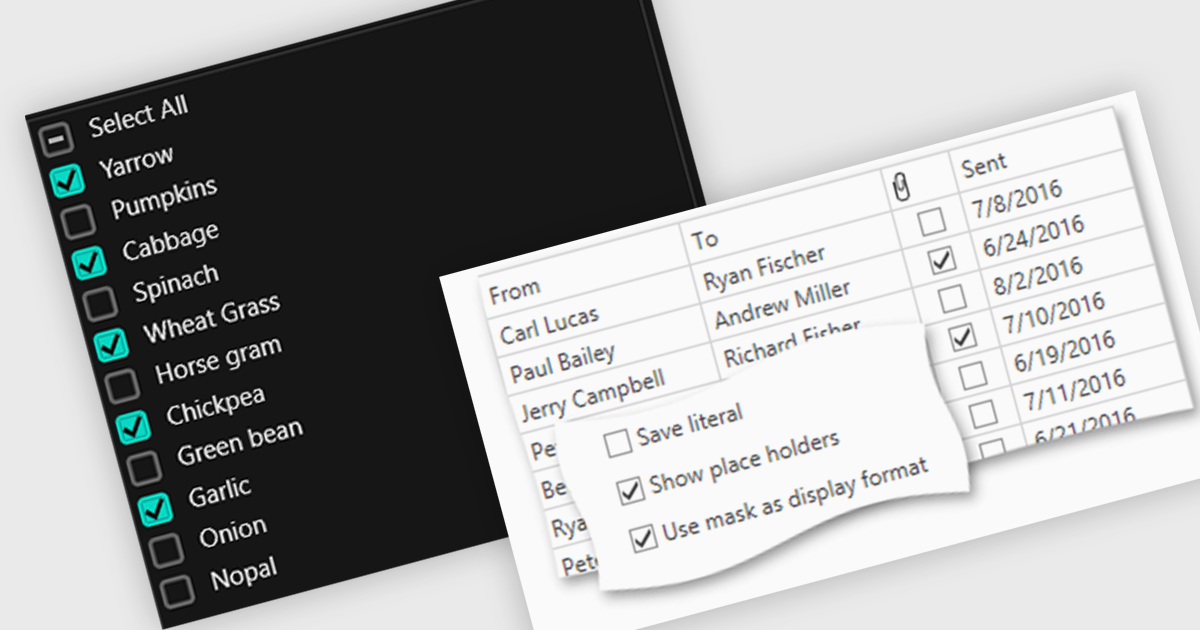
Checkboxes enable user manipulation of boolean values within a data interface. This feature improves user interactions by allowing quick toggling of options without the need for dropdowns or manual entry, reducing the risk of data entry errors. It is especially valuable in scenarios where multiple items need to be selected, enabled, or flagged, such as managing settings, permissions, or multi-select workflows.
Several .NET WPF components offer checkbox data editors, including:
For an in-depth analysis of features and price, visit our comparison of .NET WPF data editors.
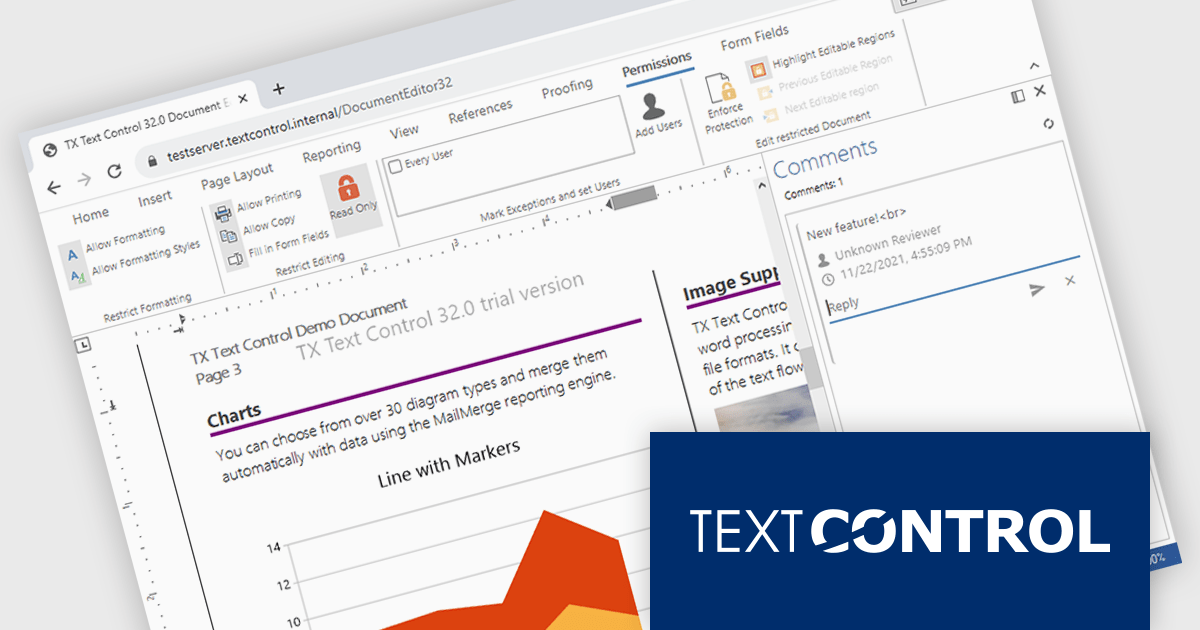
TX Text Control .NET Server for ASP.NET is a server-side component that equips your web applications with a powerful, Microsoft Word-compatible document editor. This allows you to develop applications that generate and edit various document formats (RTF, DOCX, PDF, etc.) on the fly, using data from databases or files. It also boasts features like PDF generation and a browser-based editor with a familiar MS Word-inspired interface, ultimately enhancing the document processing capabilities of your web applications.
The TX Text Control .NET Server for ASP.NET 33.0 release offers full support for Blazor, allowing developers to embed sophisticated document editing and viewing tools directly into their web applications. With this update, users can create and manage documents entirely within the browser - no plugins are required. By extending its document processing capabilities to the Blazor platform, this release supports the shift towards modern, interactive web technologies in the .NET ecosystem, streamlining the development of feature-rich enterprise applications.
For a full list of changes in TX Text Control .NET Server for ASP.NET 33.0, see our release notes.
TX Text Control .NET Server for ASP.NET is licensed per developer and is available as a Perpetual License with a 12 month support and maintenance subscription. Run time licenses are required for the deployment to production servers. See our TX Text Control .NET Server for ASP.NET licensing page for full details.
For more information, visit our TX Text Control .NET Server for ASP.NET product page.
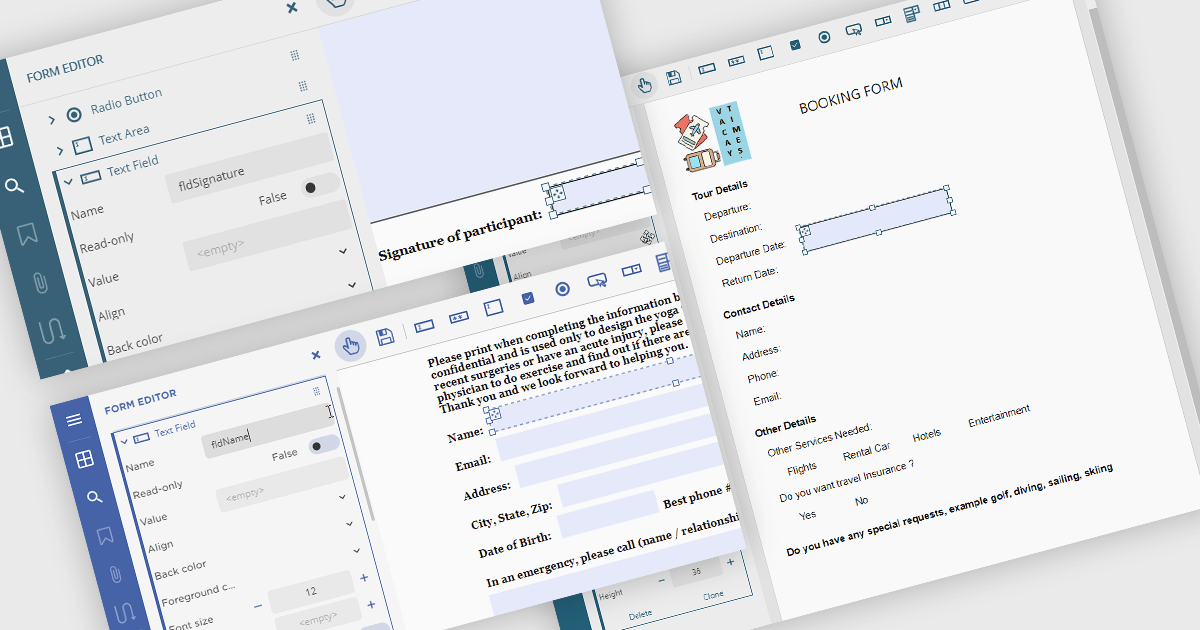
Creating PDF forms involves designing interactive documents that allow users to input data directly within the file, improving data collection and processing. This process typically entails embedding text fields, checkboxes, radio buttons, and dropdown menus into a digital document, making it easy for individuals to complete applications, surveys, or feedback forms electronically. Common use cases include online job applications, tax forms, registration documents for events or courses, and customer feedback surveys, all of which benefit from the secure and widely compatible nature of the PDF format.
Several .NET Winforms PDF components offer support for PDF form creation:
For an in-depth analysis of features and price, visit our .NET Winforms PDF components comparison.
聯繫電話: (888) 850 9911
傳真: +1 770 250 6199


