













官方供應商
我們作為官方授權經銷商,直接提供超過200家開發廠家所發行超過1000個的產品授權給您。
請參閱我們所有的品牌。
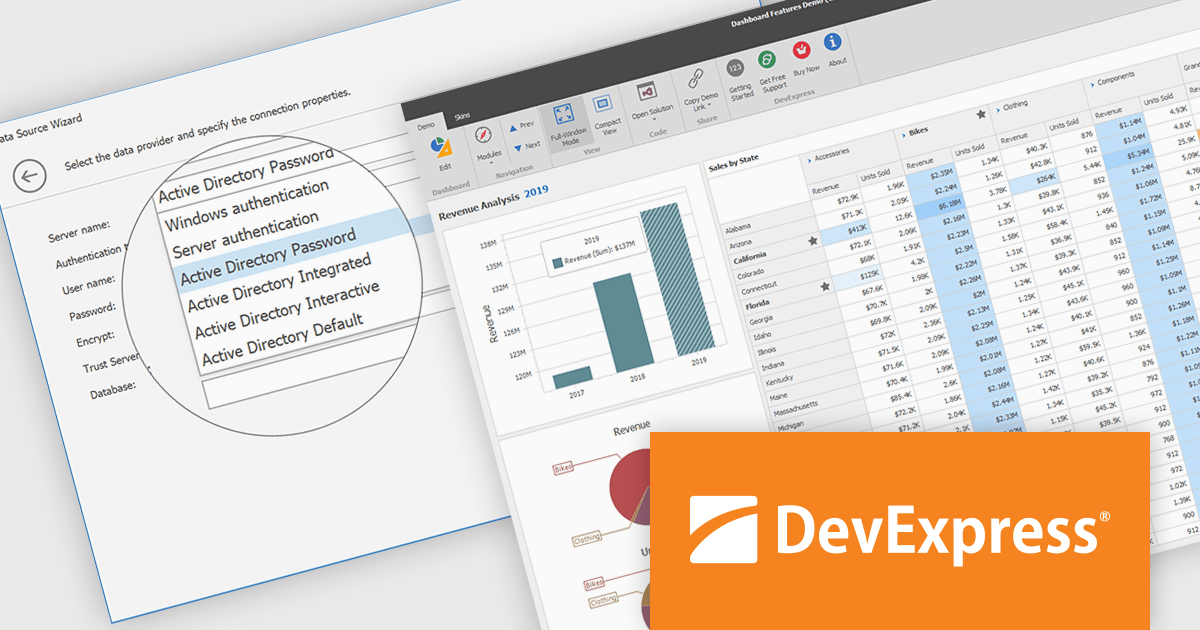
DevExpress BI Dashboard (part of DevExpress Universal) empowers you to craft interactive dashboards for desktop, web and mobile applications. It provides a visual designer for building dashboards without writing code, allowing you to drag-and-drop various data visualization widgets onto the canvas. These widgets connect to your data sources and update dynamically, offering real-time insights to end users. The tool also supports customization through properties and events, enabling you to tailor the look and feel of the dashboards to perfectly integrate with your application's design.
The DevExpress BI Dashboard 24.2 update enhances data security and simplifies connectivity by integrating Microsoft Entra authentication for Azure SQL databases. This update allows developers to use modern Active Directory-based authentication methods, such as ActiveDirectoryPassword, ActiveDirectoryIntegrated, ActiveDirectoryInteractive, and ActiveDirectoryDefault, ensuring that access to critical data is both secure and compliant with current enterprise standards.
To see a full list of what's new in version 24.2, see our release notes.
DevExpress BI Dashboard is included as part of DevExpress Universal which is licensed per developer and is available as a Perpetual License with a 12 month support and maintenance subscription. See our DevExpress Universal licensing page for full details.
DevExpress BI Dashboard is available in the following products:
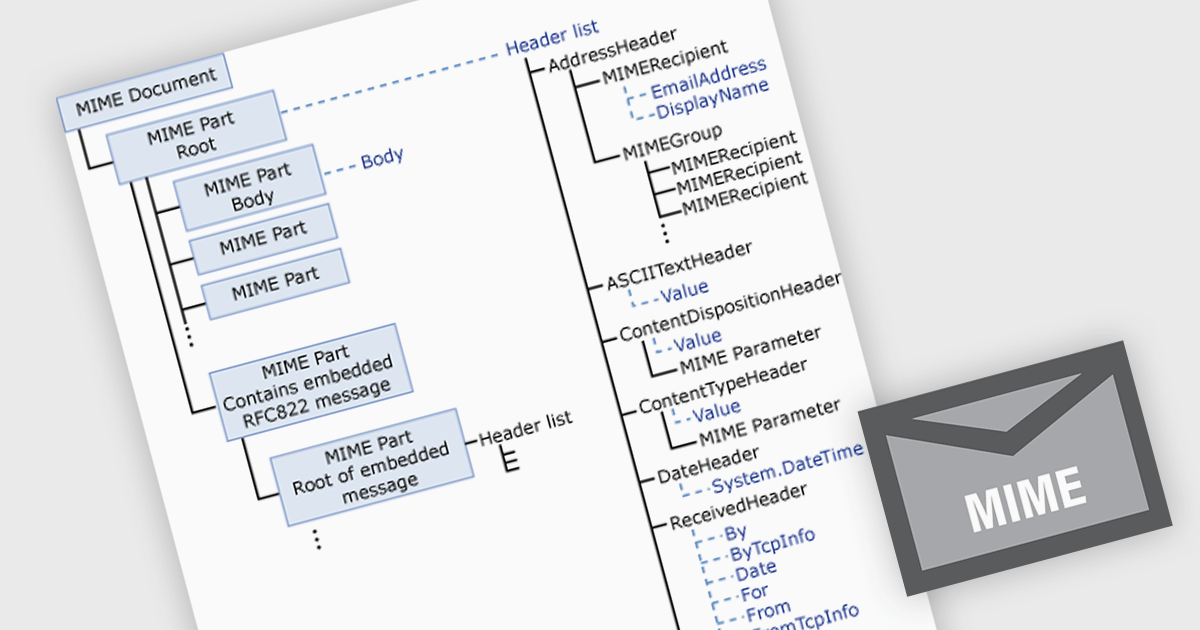
MIME (Multipurpose Internet Mail Extensions) in .NET communications and messaging components enables the structured creation and parsing of email messages with non-ASCII text and attachments such as images or files. It enhances interoperability, supports internationalization, and allows for rich content features like inline media and multipart formatting. Common use cases include sending automated reports with attachments or handling complex inbound messages in customer support systems.
Several .NET Comms & Messaging components offer MIME support including:
For an in-depth analysis of features and price, visit our comparison of .NET Comms & Messaging.
Syncfusion Essential Studio ASP.NET Core (available as part of Syncfusion Essential Studio Enterprise) empowers developers with a comprehensive suite of over 80 enterprise-grade UI components specifically designed for building modern and highly functional web applications. Leveraging the latest advancements in ASP.NET Core, it offers exceptional performance and scalability, streamlining development by eliminating the need for extensive custom coding. From data visualization tools like interactive charts and grids to sophisticated navigation elements and responsive layouts, Essential Studio equips developers with the building blocks to create rich user experiences, improve application efficiency, and accelerate time-to-market.
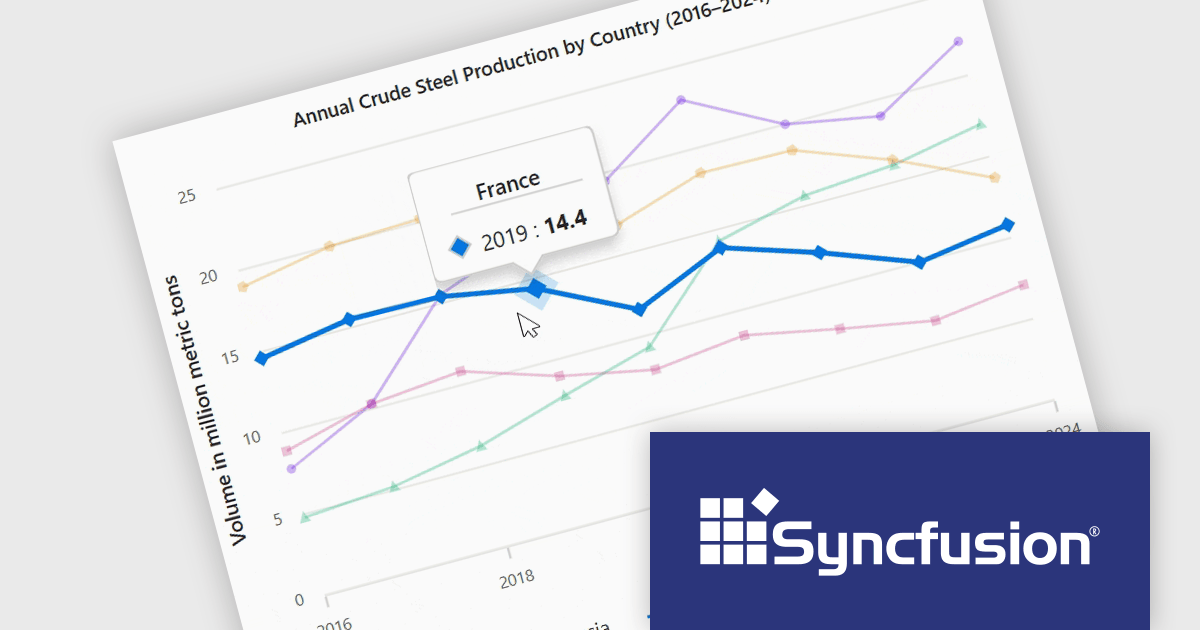
The Syncfusion Essential Studio ASP.NET Core 2025 Volume 1 release improves the chart component by adding tooltip functionality that displays information about the data point closest to the cursor. This feature allows users to quickly interpret complex datasets without needing to manually search for specific values, making interactions more intuitive and efficient. Especially in dense data plots or interactive dashboards, this real-time feedback enables deeper insight and more precise decision-making, which is critical in applications involving financial data, scientific analysis, or operational monitoring.
To see a full list of what's new in 2025 Volume 1, see our release notes.
Syncfusion Essential Studio ASP.NET Core is available as part of Syncfusion Essential Studio Enterprise which is licensed per developer starting with a Team License of up to five developers. It is available as a 12 Month Timed Subscription License which includes support and maintenance. See our Syncfusion Essential Studio Enterprise licensing page for full details.
Learn more on our Syncfusion Essential Studio ASP.NET Core product page.
EPPlus is a powerful and versatile .NET library for managing and manipulating Microsoft Excel files using the Office Open XML (OOXML) format. It is a lightweight and efficient library that is easy to use and can be integrated into a wide range of applications. It allows developers to create, read and modify spreadsheets without dependencies on any other library. Features include pivot tables, styling, VBA/Form controls, conditional formatting, charts, tables, formula calculation, data validation, pictures/shapes, and more.
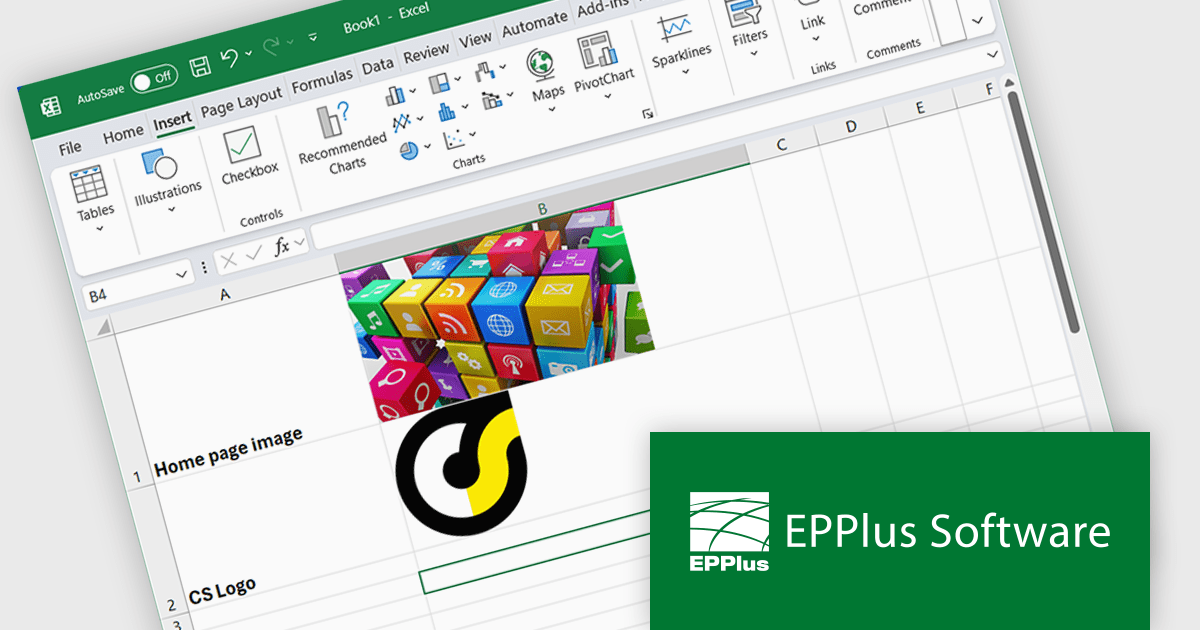
The EPPlus v8.0.1 update enhances the visualization of spreadsheet data by introducing the ability to insert images directly into individual worksheet cells. This feature is particularly beneficial for creating more informative and engaging spreadsheets, such as including product images in inventory lists or embedding charts alongside relevant data. The new functionality supports various image formats, such as PNG, JPG and GIF, and integrates with the IMAGE function, so you can add local images as well as download images from the web via URLs.
To see a full list of what's new in v8.0.1, see our release notes.
EPPlus is licensed per developer and is available as both perpetual licenses and subscription based licenses with periods of 1 year and 2 years, which include support and upgrades. See our EPPlus licensing page for full details.
For more information, see our EPPlus product page.
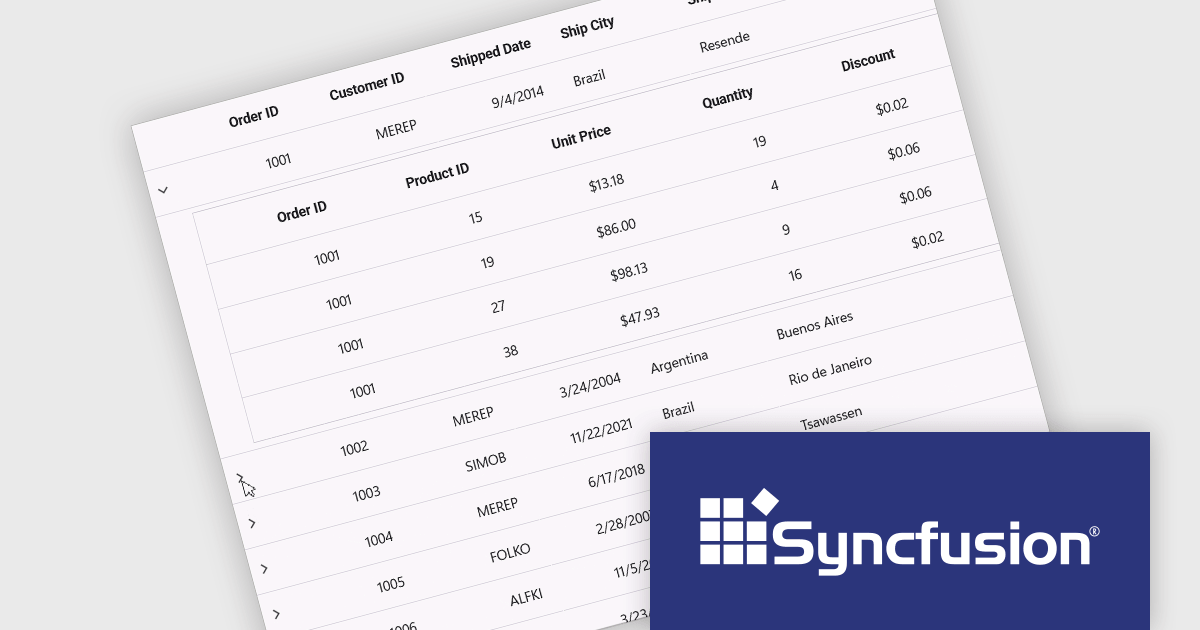
Syncfusion Essential Studio .NET MAUI (available as part of Syncfusion Essential Studio Enterprise) empowers developers with a comprehensive suite of native UI controls, data visualization tools, and performance optimizations for building modern, cross-platform mobile and desktop applications. This professional-grade toolkit leverages the power of C# and XAML, enabling rapid development of stunning and responsive experiences across diverse platforms.
The Syncfusion Essential Studio .NET MAUI 2025 Volume 1 release introduces a new Master-detail view in the DataGrid component. This feature allows users to expand individual rows to reveal additional contextual information, such as transaction history, customer profiles, or nested datasets, without navigating away from the primary grid. It significantly improves data readability and interaction efficiency, reducing the need for multiple views or pop-ups. For developers, it simplifies implementation of complex data relationships and contributes to a more seamless, user-friendly application design.
To see a full list of what's new in 2025 Volume 1, see our release notes.
Syncfusion Essential Studio .NET MAUI is available as part of Syncfusion Essential Studio Enterprise which is licensed per developer starting with a Team License of up to five developers. It is available as a 12 Month Timed Subscription License which includes support and maintenance. See our Syncfusion Essential Studio Enterprise licensing page for full details.
Learn more on our Syncfusion Essential Studio .NET MAUI product page.
聯繫電話: (888) 850 9911
傳真: +1 770 250 6199


