













官方供應商
我們作為官方授權經銷商,直接提供超過200家開發廠家所發行超過1000個的產品授權給您。
請參閱我們所有的品牌。

LightningChart JS Trader is a JavaScript/TypeScript library developed by LightningChart that specifically targets the creation of financial and trading applications. It provides high-performance, 2D, 3D, and real-time charting controls and a comprehensive suite of visualizations including candlestick, bar, line, and various technical indicators and drawing tools. This library enables software developers to craft interactive technical analysis tools without the need for server-side setup as it runs completely on the client device.
The LightningChart JS Trader v3 update introduces draggable splitter lines, enabling users to dynamically resize indicator segments and the main chart within a single view. This enhancement provides greater flexibility in data visualization, allowing developers to create a more customizable and user-friendly charting experience. By adjusting the layout interactively, users can allocate space efficiently based on analytical needs, improving readability and workflow efficiency. This update eliminates the need for separate charts, streamlining technical analysis and ensuring all relevant data remains accessible within a unified interface.
To see a full list of what's new in v3, see our release notes.
LightningChart JS Trader is licensed per developer and is available as an annual license with 1 year support. See our LightningChart JS Trader licensing page for full details.
For more information, see our LightningChart JS Trader product page.
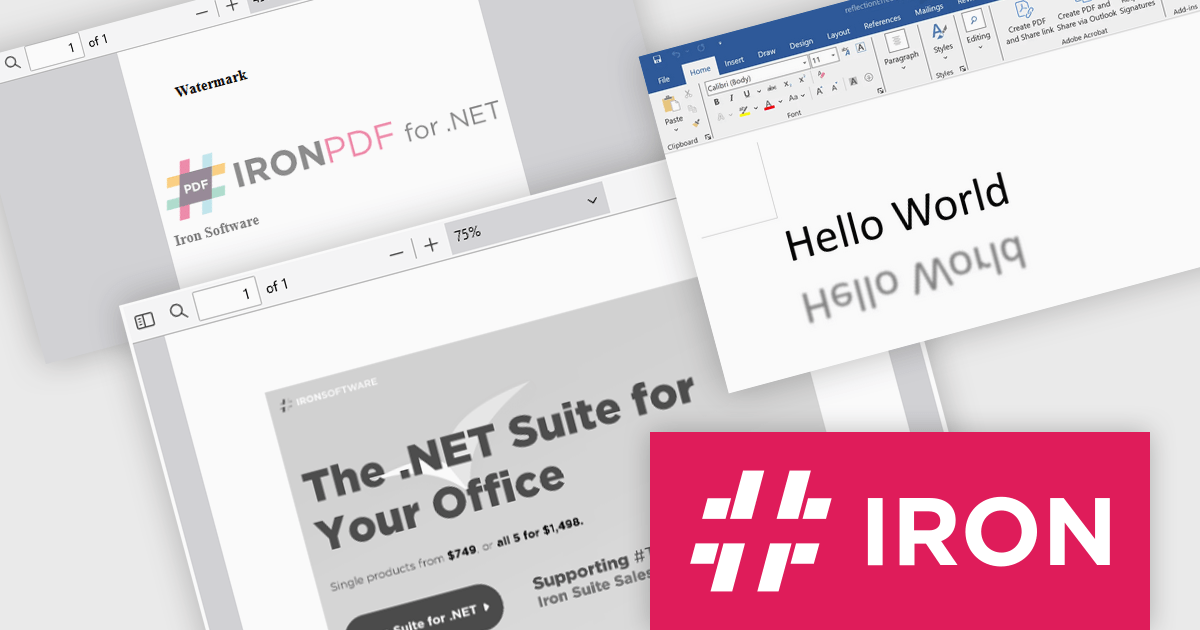
Iron Software offers a versatile suite of C# libraries specifically designed to enhance developer productivity. Its solutions empower developers to effortlessly tackle tasks like PDF manipulation, data extraction from websites and images (OCR), and seamless Excel automation, eliminating the need for external dependencies.
Iron Software products now support .NET 9, bringing enhanced performance, security, and efficiency to modern application development. This update ensures that Iron Suite for .NET remains a powerful solution for modern application development. Developers can benefit from faster execution speeds, reduced resource consumption, and improved cross-platform capabilities. With .NET 9’s enhanced features and optimizations, developers can build high-performance applications while maintaining compatibility with the evolving .NET ecosystem.
Iron Software products are licensed based on the number of developers, developer locations, and projects. They are available as perpetual licenses with 1 year of support and product updates. See our Iron Suite for .NET licensing page for full details.
For more information, visit our Iron Software product pages:
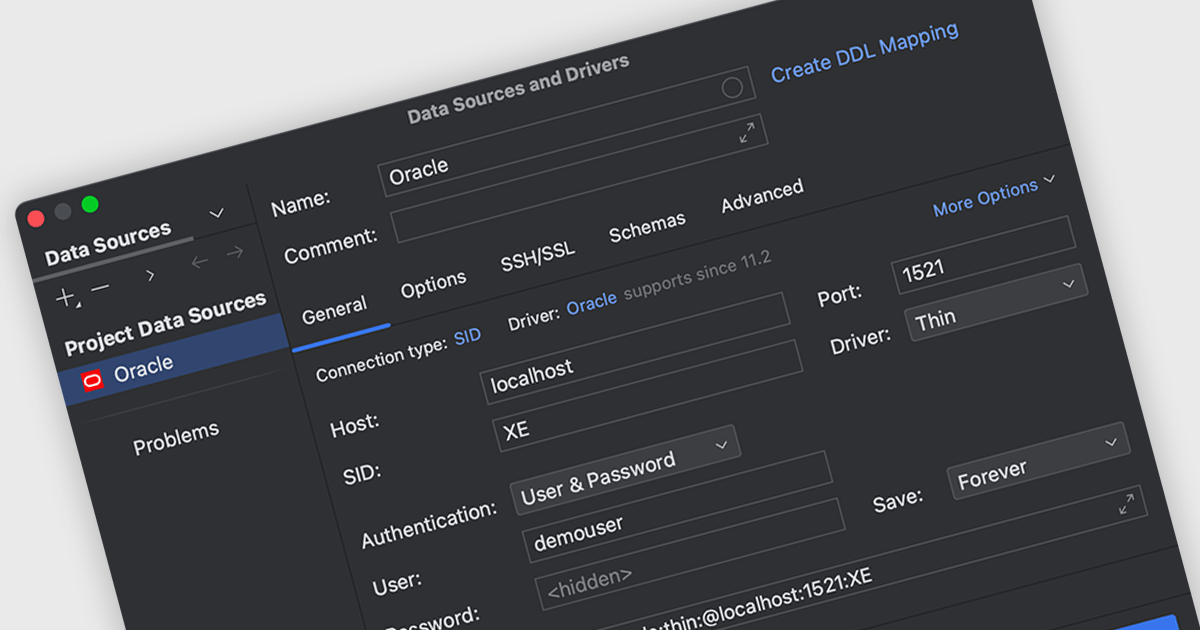
Oracle connectivity allows an Integrated Development Environment (IDE) to seamlessly interact with Oracle databases, making it a central hub for database-related tasks. Developers can connect directly to databases within the IDE to execute SQL queries, browse objects, debug stored procedures, and more, all without switching to a separate database client. This streamlined integration enhances productivity and reduces the likelihood of errors by keeping workflows consistent and efficient.
Several integrated development environments (IDEs) offer Oracle connectivity including:
For an in-depth analysis of features and price, visit our comparison of IDEs.
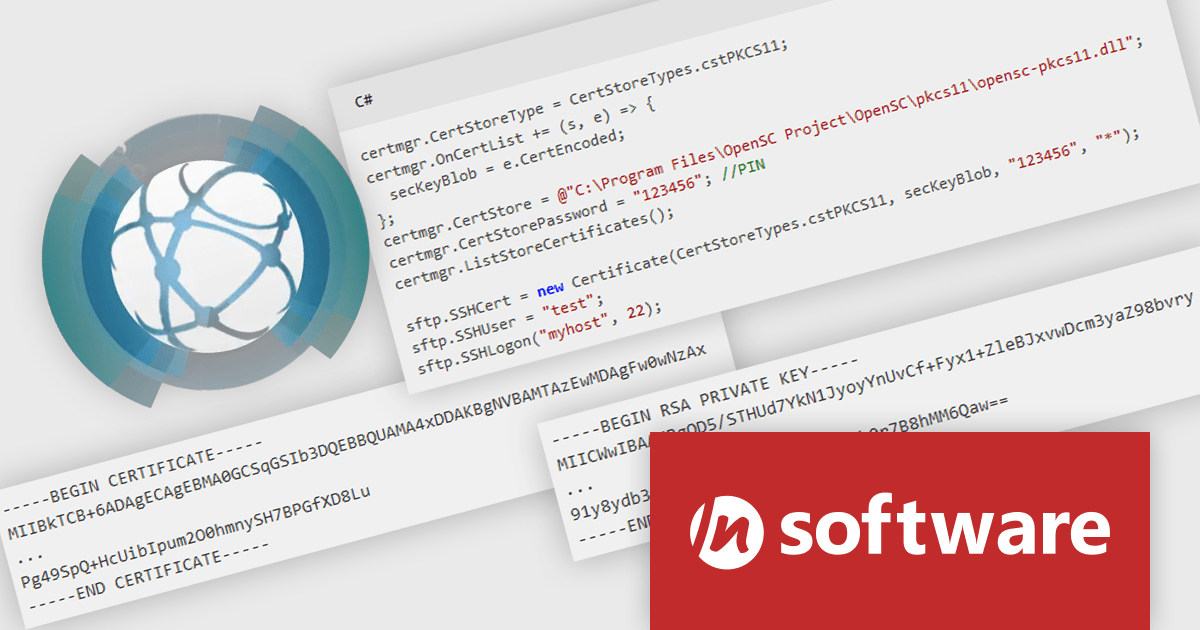
IPWorks by /n software is a comprehensive development library designed to streamline your creation of internet-enabled applications. It offers pre-built, secure components for common functionalities like sending emails, transferring files, and consuming web services. This allows you to focus on your application's core logic while leveraging pre-tested, robust tools for essential internet interactions.
IPWorks enhances security by providing developers with advanced tools for certificate validation, ensuring that only trusted and verified certificates are used in applications. With support for Certificate Revocation Lists (CRL) and Online Certificate Status Protocol (OCSP) methods, IPWorks enables real-time checks to confirm the validity of certificates and detect revocations, reducing the risk of compromised or untrustworthy communication endpoints. This robust validation mechanism helps protect sensitive data, prevent man-in-the-middle attacks, and maintain secure connections, making it an essential component for building reliable and secure software solutions.
IPWorks is licensed per developer and is available as a Perpetual License with a 12 month support and maintenance subscription. See our IPWorks licensing page for full details.
IPWorks is available to buy in the following products:
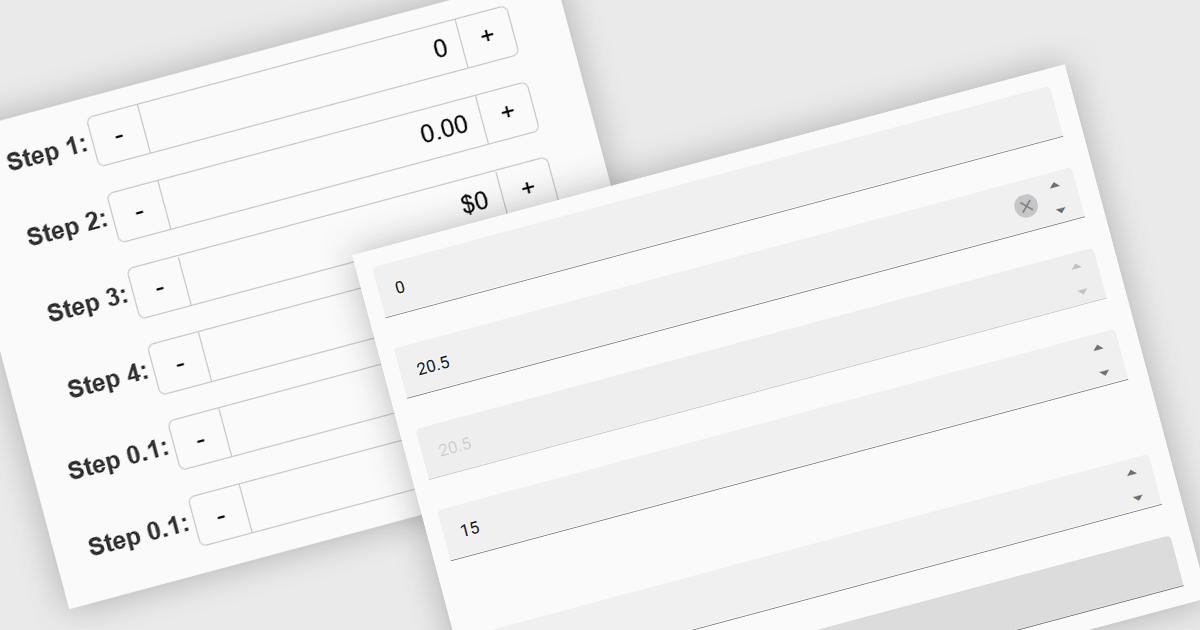
Numeric Spin data editor controls are intended for the efficient and precise input of numerical values. By combining an edit box with up/down spin buttons, users may either type to input directly or utilize the spin buttons to increase or decrease the value. This method promotes faster and less error-prone data entry than manual typing, particularly for large quantities or recurrent value revisions. Many spin editors include built-in validation, range limitations, data type selection, and formatting choices, which further improve data accuracy.
Several Vue.js data editor collections contain numeric spin components including:
For an in-depth analysis of features and price, visit our Vue.js data editors comparison.
聯繫電話: (888) 850 9911
傳真: +1 770 250 6199


