













官方供應商
我們作為官方授權經銷商,直接提供超過200家開發廠家所發行超過1000個的產品授權給您。
請參閱我們所有的品牌。
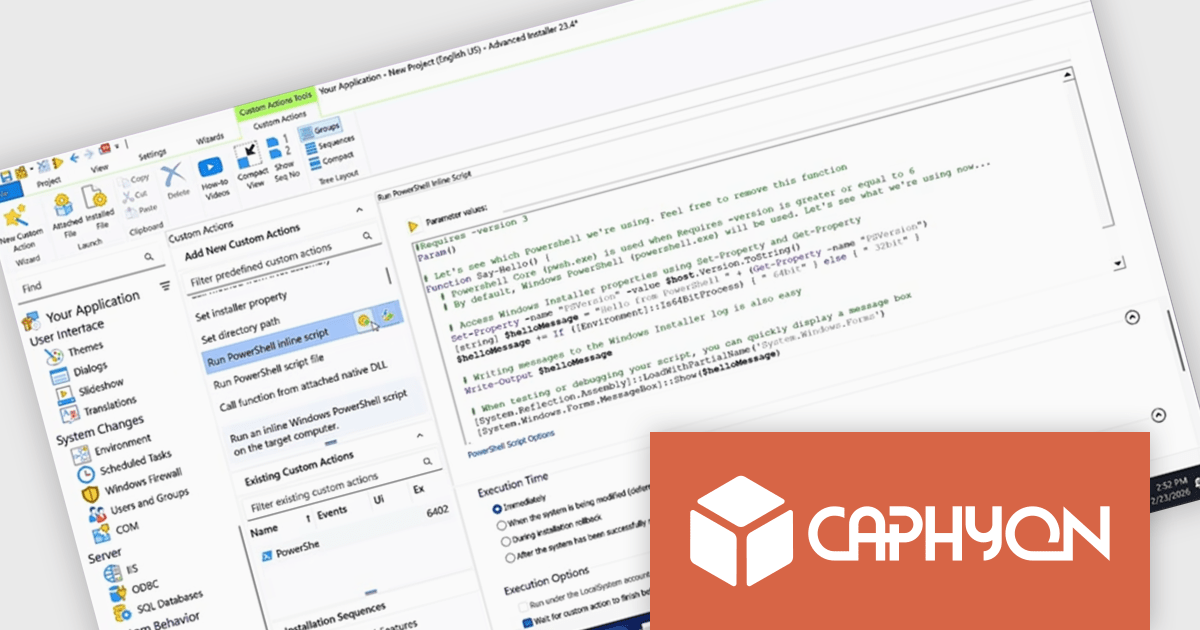
Advanced Installer by Caphyon is a versatile software packaging tool used by developers, IT administrators, and software vendors to create reliable, professional-grade installation packages. It simplifies the deployment process for applications across various platforms, offering features like built-in compliance checks, configuration of server roles, and seamless integration with development frameworks. By automating complex tasks, it helps teams save time and reduce errors, making it an indispensable tool for deploying enterprise applications, client-server solutions, and cloud-connected software.
The Advanced Installer 23.5 update adds a new security enhancement that protects the integrity of PowerShell custom actions within installation packages. Before any script runs during setup, Advanced Installer now verifies that the script’s contents match the version originally included in the package. If the script has been modified in any way, execution is blocked, even when the file is marked as signed. This capability helps maintain trust in installer behavior and reduces the risk of compromised scripts affecting application deployment.
To see a full list of what's new in version V23.5, see our release notes.
Advanced Installer is licensed per user and is available as an annual or perpetual license with 1 year support and maintenance. See our Advanced Installer licensing page for full details.
For more information, visit our Advanced Installer product pages:
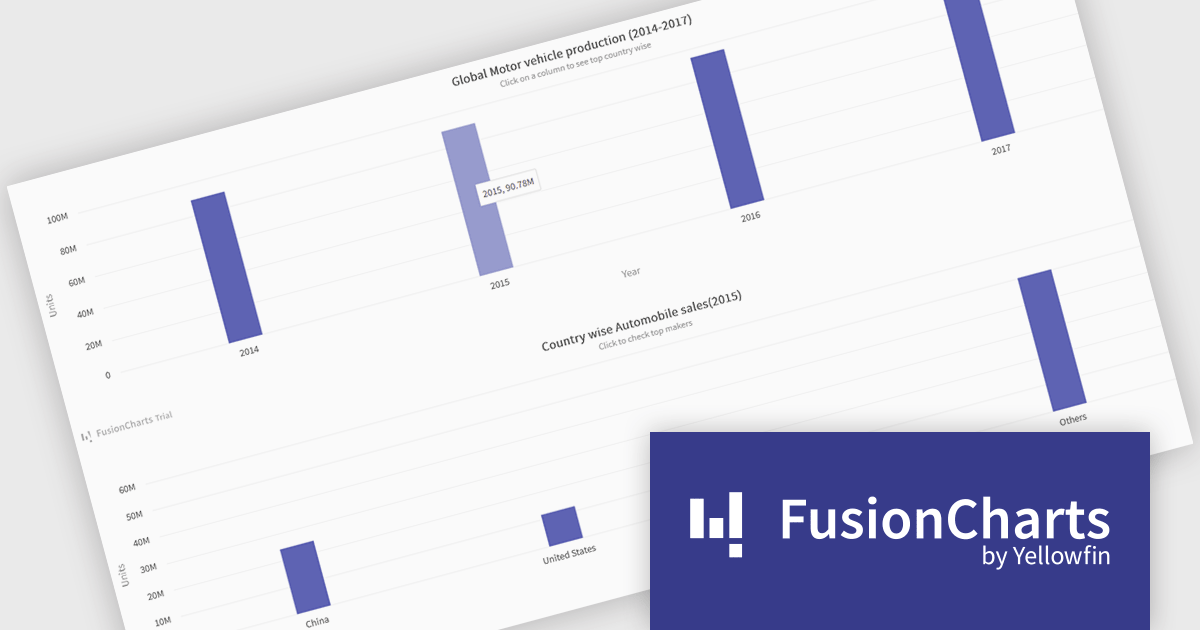
FusionCharts Suite XT is a collection of charting and mapping tools that helps developers create interactive and data-driven dashboards for their web and mobile applications. It provides a wide range of features, including over 100 chart types, data-driven maps, and a variety of customization options. FusionCharts Suite XT helps you visualize and present data in a clear and engaging way.
FusionCharts Suite XT allows developers to implement drill down charts that let users click individual data points to view related charts with more detailed information. This functionality helps developers present large or complex datasets in a structured way, allowing applications to display high level summaries while providing access to deeper data when required. By supporting multiple levels of drill down across most chart types, it supports scalable and interactive data exploration without overloading the initial visualization.
FusionCharts Suite XT is licensed through tiered plans, including Basic, Pro, Enterprise, and Enterprise+, available as annual or perpetual licenses for different developer and deployment needs. See our FusionCharts Suite XT licensing page for full details.
For more information, visit our FusionCharts Suite product page.
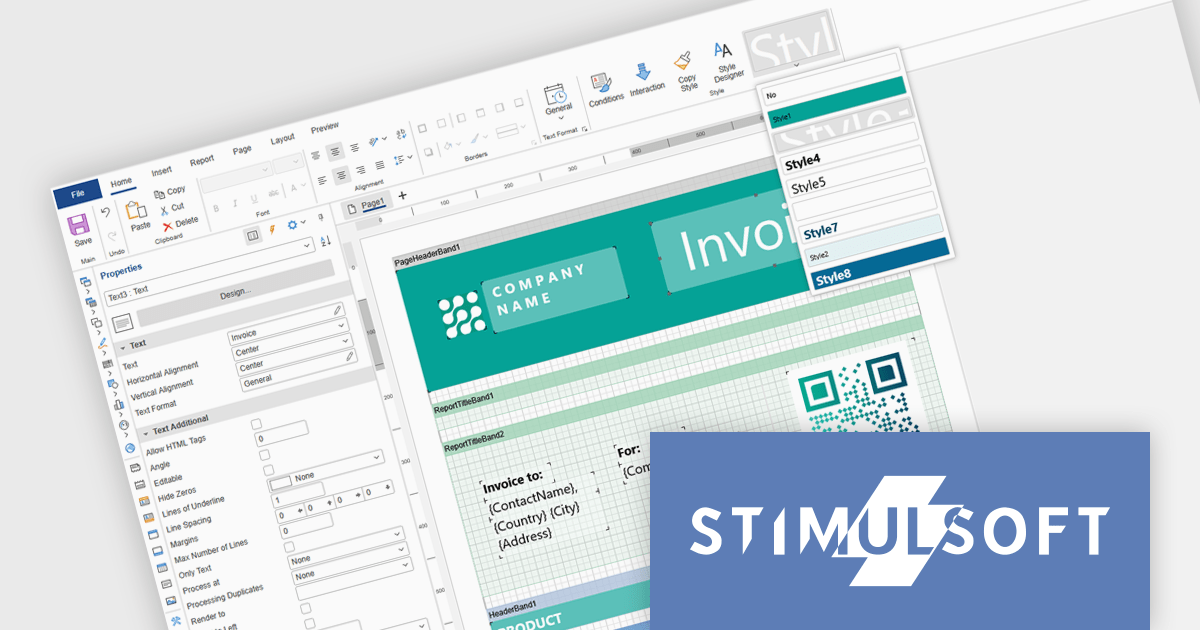
Stimulsoft Ultimate is a reporting and dashboard solution that provides a set of tools for building interactive reports and data visualizations across platforms, including WinForms, ASP.NET, .NET Core, Blazor, JavaScript, WPF, PHP, Java, and Avalonia. It enables developers and organizations to design, generate, and deploy professional reports and dashboards using visual designers, flexible styling options, rich charting and data visualization components, and extensive data connectivity. With support for multiple development environments and technologies, Stimulsoft Ultimate helps teams improve report creation, maintain consistent designs, and deliver clear, data-driven insights for business intelligence, analytics, operational reporting, and enterprise applications.
Stimulsoft Ultimate enables developers to apply centralized report styling that ensures consistent formatting across report elements while reducing the time required to design and maintain reports. By using reusable styles for fonts, colors, borders, and other visual properties, developers can standardize report layouts, quickly apply formatting to multiple components, and implement global design changes without editing each element individually. This approach improves development efficiency, simplifies maintenance, and helps teams deliver professional, visually consistent reports across applications and platforms.
Stimulsoft Ultimate is licensed per developer with Single, Team, Enterprise, and WorldWide options that support one to unlimited developers within an organization. Licenses include a 12 month subscription with updates, priority technical support, a royalty free runtime report designer and viewer, and a build server license for Team and higher tiers. See our Stimulsoft Ultimate licensing page for full details.
For more information, visit our Stimulsoft Ultimate product page.
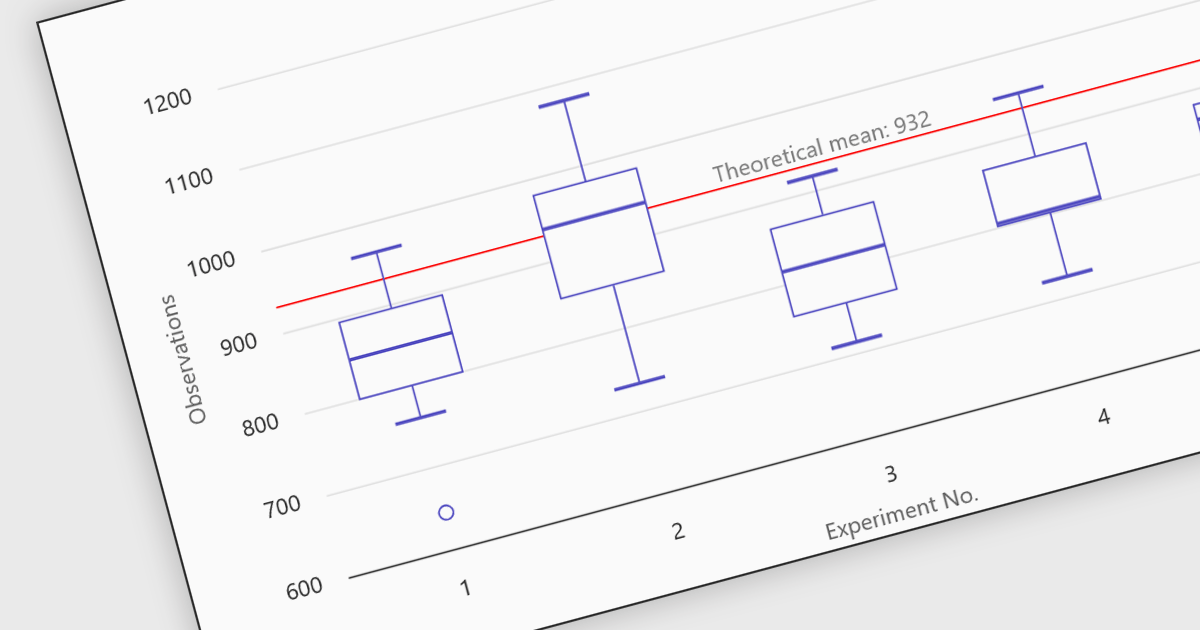
Box plots in React chart controls are statistical visualizations used to present the distribution of a dataset by highlighting key summary values, including the minimum, first quartile (Q1), median, third quartile (Q3), and maximum. In React applications, chart components render this information as a rectangular box representing the interquartile range, with lines known as whiskers extending to the minimum and maximum values, and optional markers indicating outliers. This visualization allows developers and analysts to quickly understand data spread, central tendency, and variability within a dataset. Box plots are commonly used in analytical dashboards, financial analysis tools, and scientific applications built with React, where comparing distributions and identifying anomalies across multiple data groups is important.
Many React chart controls support box plots including:
For an in-depth analysis of features and price, visit our comparison of React chart controls.
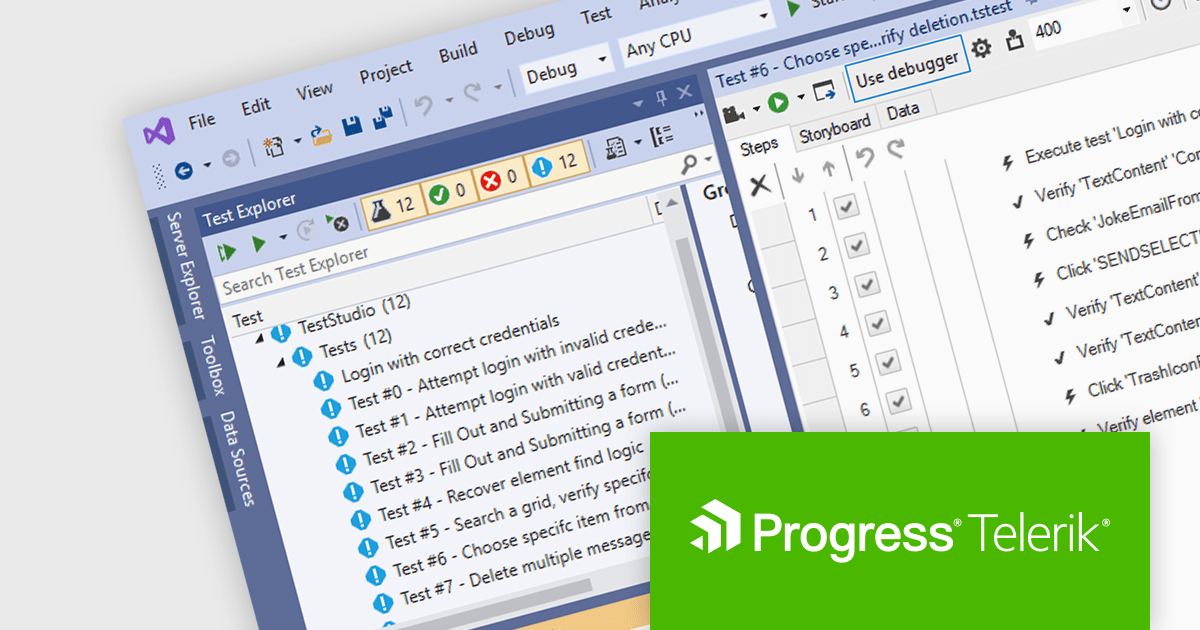
Telerik Test Studio is an automated testing platform that enables development and QA teams to create, manage, and execute tests for web, desktop, and responsive applications, supporting functional user interface (UI), load and performance, and RESTful application programming interface (API) testing through both visual test recording and code-based automation, while integrating with tools such as Microsoft Visual Studio and continuous integration pipelines to help ensure application quality throughout the software development lifecycle.
The Telerik Test Studio 2026 Q1 update adds support for Microsoft Visual Studio 2026 allowing developers and QA teams to create, manage, and execute automated tests directly within the latest version of Microsoft’s integrated development environment (IDE). This compatibility ensures that teams adopting Visual Studio 2026 can continue using Test Studio without disruptions, while benefiting from the IDE's modern tooling, improved performance, and updated platform integrations. By aligning with the newest Visual Studio environment, Test Studio enables testers to maintain a consistent development and testing pipeline, integrate automated tests more easily into existing projects, and take advantage of the latest capabilities in the Visual Studio ecosystem for building and maintaining reliable test automation.
To see a full list of what's new in 2026 Q1, see our release notes.
Test Studio is licensed per machine using a floating user license that allows activation on one machine at a time, with one user able to build, modify, and execute tests on the licensed machine. Each license includes a one year maintenance subscription with priority support. See our Telerik Test Studio licensing page for full details.
Test Studio is available in two editions, learn more on our product pages:
聯繫電話: (888) 850 9911
傳真: +1 770 250 6199


