













官方供應商
我們作為官方授權經銷商,直接提供超過200家開發廠家所發行超過1000個的產品授權給您。
請參閱我們所有的品牌。
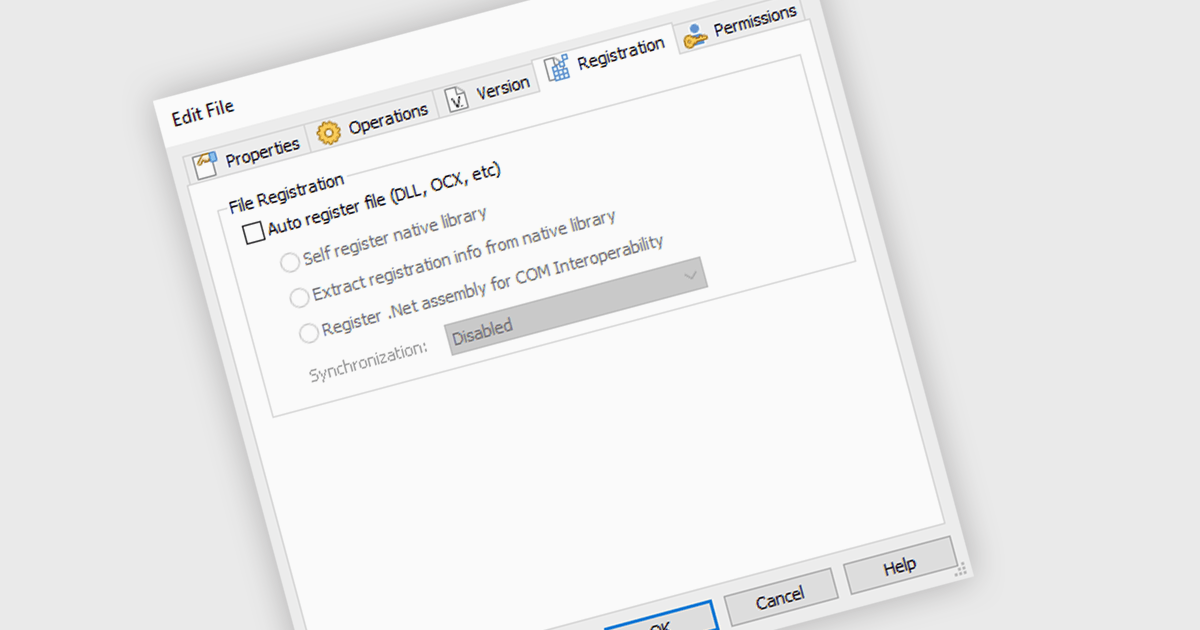
Automatically registering files during installation ensures that the operating system can locate and access the installed files without manual intervention, streamlining user experience and preventing potential errors. By automating file registration, installation tools eliminate the need for users to manually configure system settings or paths, saving time and reducing the likelihood of configuration mistakes. This feature is particularly valuable for applications that integrate with other software or require specific file associations, as it guarantees seamless compatibility and functionality upon installation.
Several installation tools offer the ability to automatically register files including:
For an in-depth analysis of features and price, visit our installation tools comparison.
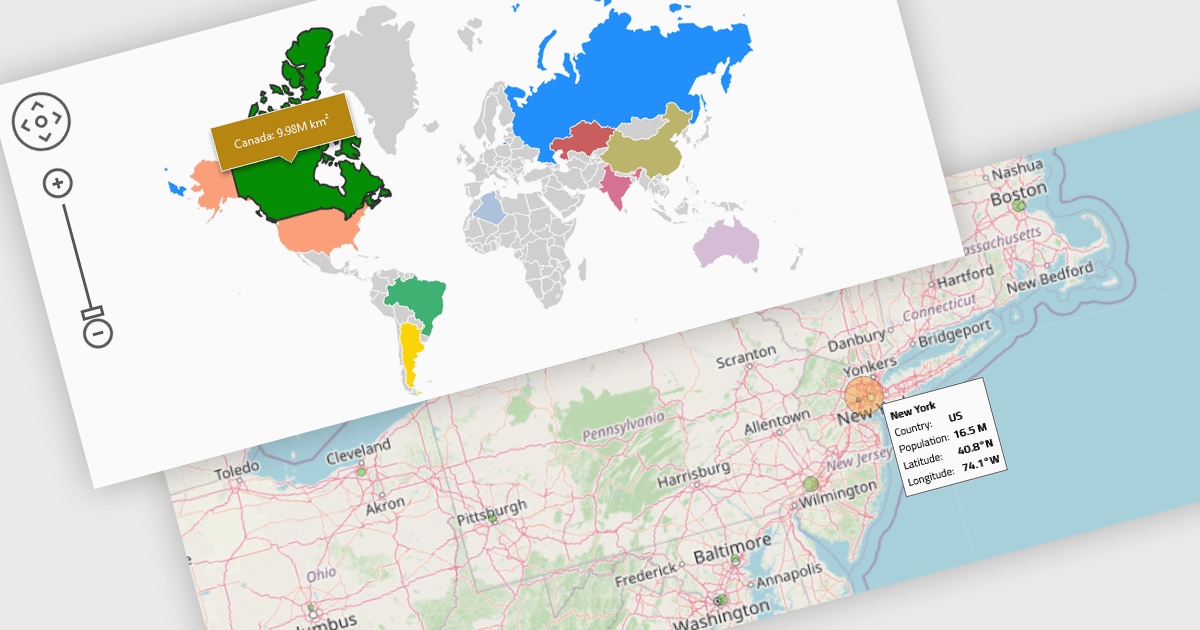
Map components enable the integration of dynamic maps within applications, often enabling features such as zooming, markers, and layers. These maps enhance user experience by displaying geospatial data in real time and across devices. Benefits include responsiveness and high performance, with common use cases such as tracking deliveries, visualizing demographic data, or displaying store locations interactively.
Several React UI suites provide map controls including:
For an in-depth analysis of features and price, visit our React chart controls comparison.

ComponentSource and soft Xpansion have had a successful five year partnership focused on delivering high-quality software solutions to the global developer community. This long-standing cooperation demonstrates a shared commitment to providing developers with tools that simplify and elevate the development process.
Soft Xpansion is a leading software provider specializing in PDF technology, document management systems, and database management solutions. Known for its expertise in creating both business-to-consumer (B2C) software products and individual programming solutions, it offers IT professionals and developers a range of benefits by simplifying complex tasks and enhancing productivity. Comprehensive support, detailed documentation, and a robust portfolio of proven solutions ensure that developers can quickly deliver high-quality, feature-rich applications across various industries.
ComponentSource, a leading distributor of software components and development tools, has played a crucial role in expanding the reach of soft Xpansion's products. Through this partnership, ComponentSource has helped make PDF Xpansion SDK - HTML to PDF Converter and PDF Xpansion SDK - PDF to Image Converter accessible to a broader audience of developers.
The cooperation between ComponentSource and soft Xpansion has had a long-term, beneficial influence on the developer community, making Document Management Systems (DMS), PDF Libraries and Custom Programming tools more accessible and easier to implement. As we celebrate this five year anniversary, we look forward to extending the relationship by providing developers worldwide with dependable, creative software components that improve their applications.
Learn more about soft Xpansion.

Support for JSON as a data source in .NET Blazor Grid controls allows developers to efficiently populate grid components with structured data, leveraging JSON's lightweight and easy-to-parse format. This approach enhances flexibility and scalability, as JSON is widely used for data interchange in web applications and can seamlessly integrate with various back-end services and APIs. By utilizing JSON, developers can dynamically bind data to the grid, enabling real-time updates and responsive user interactions. Moreover, JSON's hierarchical structure supports complex data representations, which simplifies the manipulation of nested objects and arrays, ultimately improving data handling within the Blazor framework.
Several .NET Blazor Grid controls offer JSON data source support including:
For an in-depth analysis of features and price, visit our comparison of NET Blazor Grid controls.

Data filtering and grouping allow spreadsheet users to efficiently organize and analyze information by categorizing and refining it. Filtering allows users to display only the data that meets specific criteria, reducing irrelevant information and focusing on key data points. Grouping, on the other hand, consolidates related rows or columns, facilitating hierarchical data organization and summarization. Together, these features enhance data manipulation capabilities by simplifying complex datasets, improving readability, and allowing for more efficient data analysis. This functionality supports productivity by providing a more structured view of data, making it easier for developers to interpret and work with extensive datasets.
Many .NET 8 WinForms spreadsheet controls contain data filtering and grouping including:
For an in-depth analysis of features and price, visit our comparison of .NET 8 WinForms spreadsheet controls.
聯繫電話: (888) 850 9911
傳真: +1 770 250 6199


