













官方供應商
我們作為官方授權經銷商,直接提供超過200家開發廠家所發行超過1000個的產品授權給您。
請參閱我們所有的品牌。
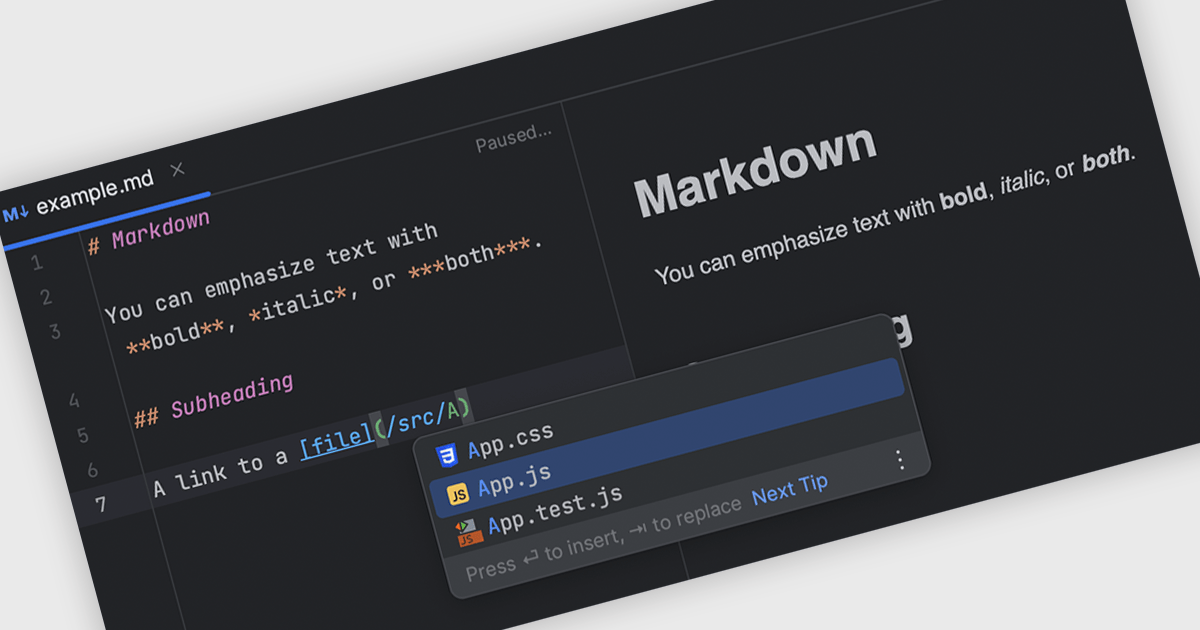
Markdown support allows an IDE (integrated development environment) to recognize, interpret, and render Markdown syntax. This enables developers to write and preview formatted text directly within their code editor, saving time and effort compared to using external tools. By integrating Markdown support, IDEs provide a seamless workflow for creating documentation, README files, and other textual content within the same environment where they develop their code. This improves efficiency, consistency, and overall project organization.
Several IDEs offer support for Markdown including:
For an in-depth analysis of features and price, visit our IDEs comparison.
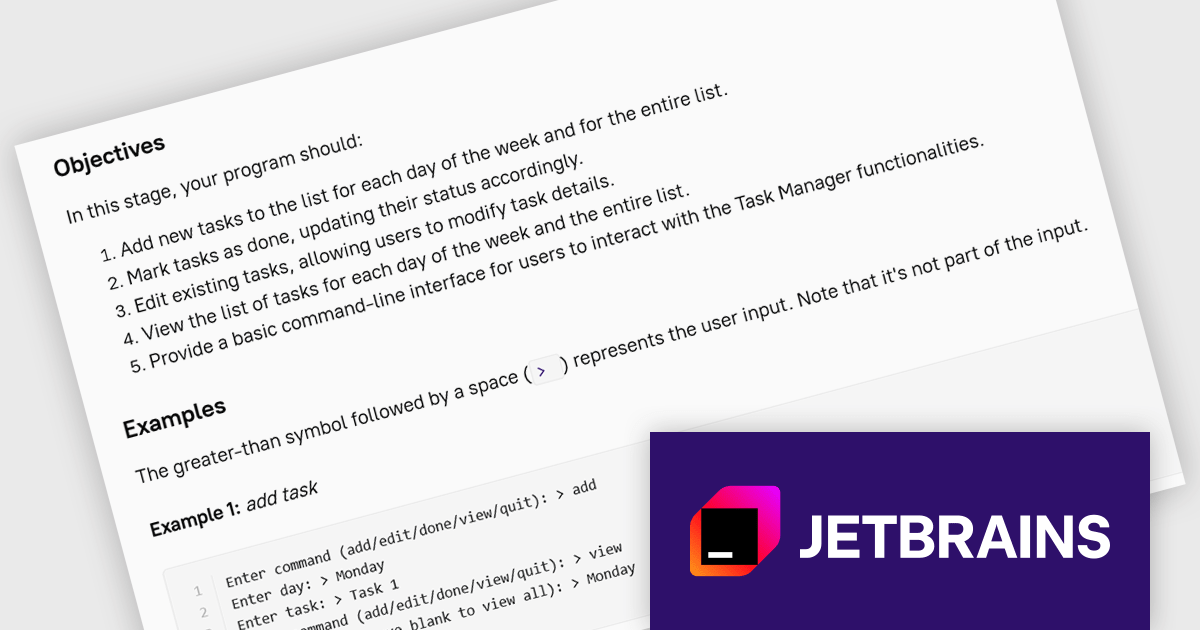
JetBrains Academy is an online educational platform designed to help developers advance their programming skills. It provides a holistic approach to learning in which users study the theory and immediately put it into practice by building working applications. The project-based learning environment is integrated with JetBrains IDEs, and allows developers to learn Java, Python, and other programming languages with ease.
The JetBrains Academy September 2024 update adds a new project that offers an opportunity to explore the potential of artificial intelligence in software development. By leveraging AI tools, you'll embark on a journey to seamlessly convert a command-line task manager from Python to JavaScript (or vice versa). As you navigate this translation process, you'll gain invaluable insights into AI-driven code generation, debugging, and completion. Additionally, you'll delve into the realm of AI-powered code translation and documentation, witnessing firsthand how these tools can streamline and enhance the development process. This project will not only equip you with practical skills but also provide a glimpse into the future of software engineering, where AI will play an increasingly pivotal role.
To see a full list of what's new, see our release notes.
JetBrains Academy is licensed per user as a commercial annual subscription. See our JetBrains Academy for Organizations licensing page for full details.
For more information, visit our JetBrains Academy for Organizations product page.
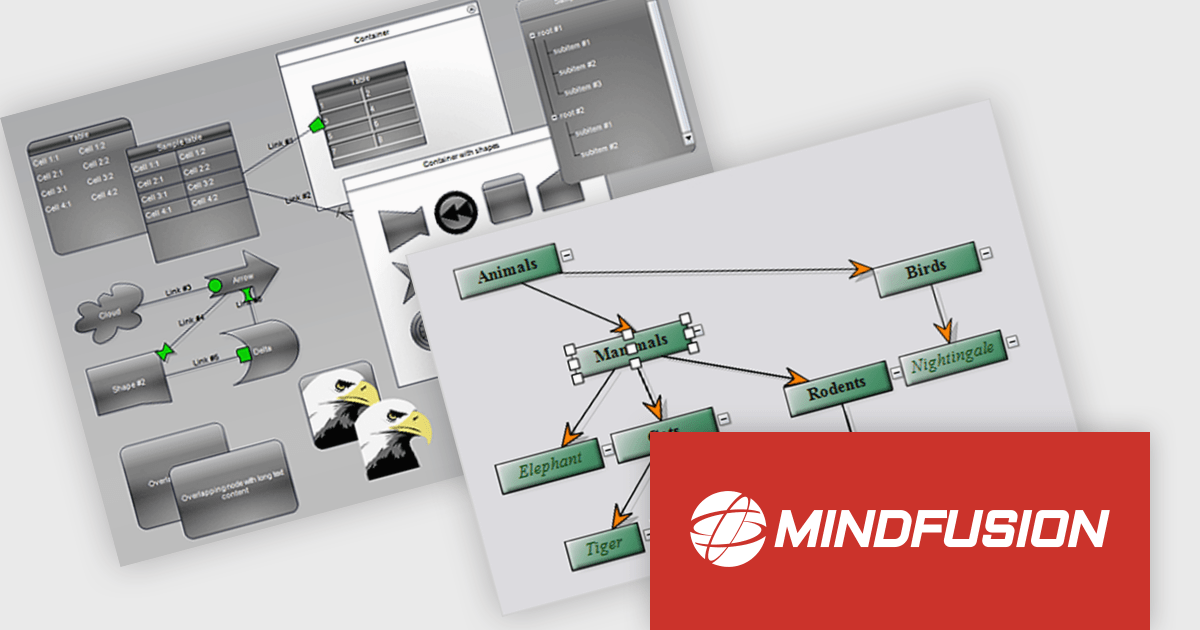
MindFusion.Diagramming for WinUI is a comprehensive diagramming library designed to empower developers to create visually stunning and interactive diagrams within their WinUI applications. This versatile tool offers a rich set of features, including support for various diagram types and several customization options. With MindFusion.Diagramming, developers can effortlessly incorporate diagrams into their applications to enhance user engagement and improve data visualization.
MindFusion.Diagramming for WinUI can be used to create a wide range of diagrams, such as flowcharts, UML diagrams, organizational charts, and network diagrams. The library's extensive customization capabilities allow developers to tailor diagrams to their specific needs, ensuring that they align with the application's overall design and branding. MindFusion.Diagramming integrates seamlessly with other WinUI components, enabling developers to create complex and interactive user interfaces with ease. Whether you're building business applications, educational tools, or creative software, MindFusion.Diagramming offers a powerful and flexible solution for incorporating diagramming functionality into your WinUI projects.
MindFusion.Diagramming for WinUI is licensed per developer and is available as a perpetual license with 1 year subscription and support. See our MindFusion.Diagramming for WinUI licensing page for full details.
For more information, visit our MindFusion.Diagramming for WinUI product page.
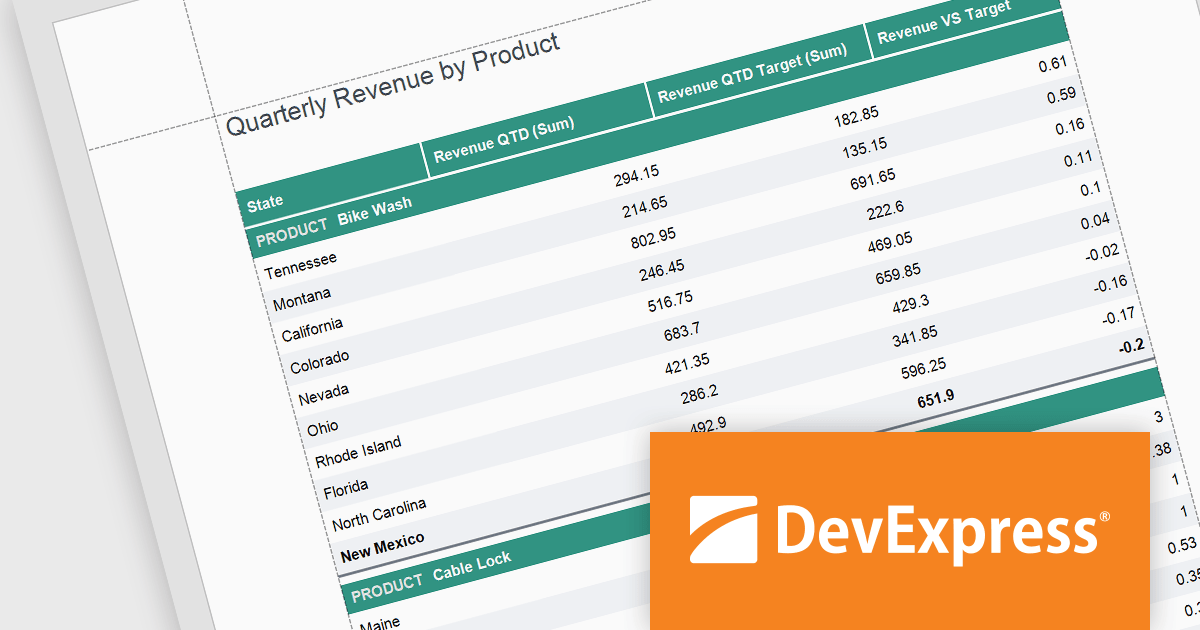
DevExpress Reporting is a comprehensive suite of reporting tools that empowers developers to create visually stunning and highly customizable reports for various applications. With its rich feature set, including data binding, layout design, printing, and exporting capabilities, DevExpress Reporting enables the efficient creation of reports that meet the most demanding business requirements.
The DevExpress Reporting v24.1 release introduced several functions that allow you to obtain indexes for group elements. In this blog post, the DevExpress Reporting Team demonstrates these new expression functions and takes you through several usage scenarios, including:
Read the complete blog and get started using these new functions in DevExpress Reporting.
DevExpress Reporting is licensed per developer and is available as a Perpetual License with a 12 month support and maintenance subscription. See our DevExpress Reporting licensing page for full details.
DevExpress Reporting is available to buy in the following products:
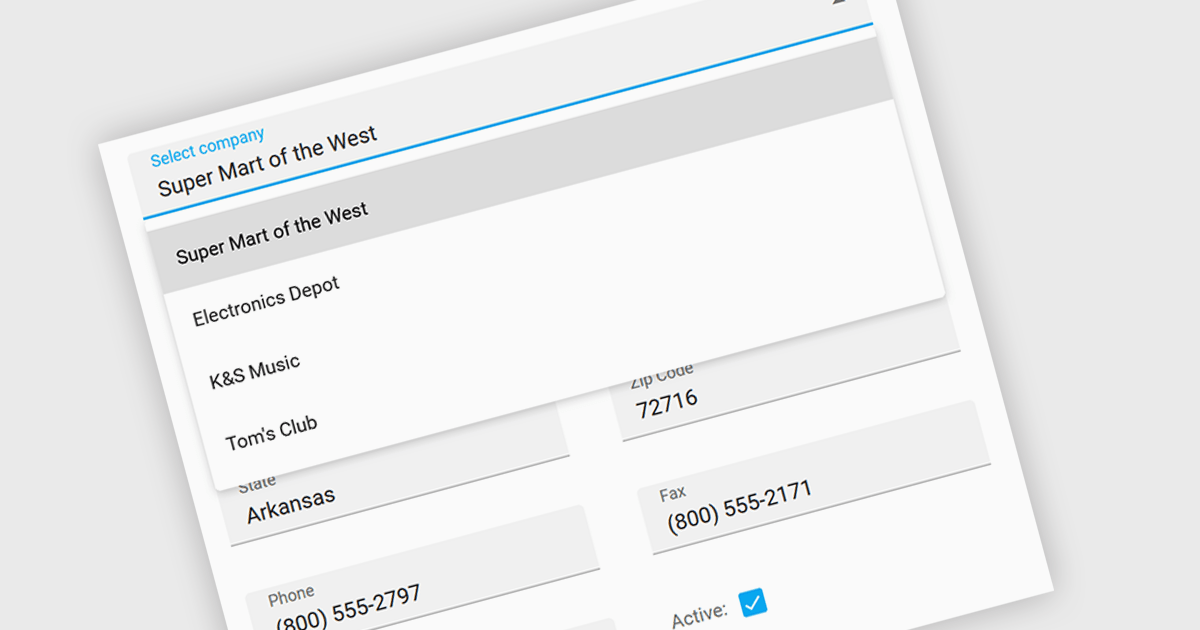
Listboxes are graphical user interface elements that display a list of items from which a user can select one or more. They are commonly used to present options, choices, or data in a compact and organized manner. Their utility lies in their ability to simplify user interaction by providing a clear and visually appealing way to navigate and choose from a predefined set of items, making them essential components in various applications, from simple forms to complex data management systems.
Several jQuery data editor collections can provide you with a listbox including:
For an in-depth analysis of features and price, visit our jQuery data editors comparison.
聯繫電話: (888) 850 9911
傳真: +1 770 250 6199


