













官方供應商
我們作為官方授權經銷商,直接提供超過200家開發廠家所發行超過1000個的產品授權給您。
請參閱我們所有的品牌。
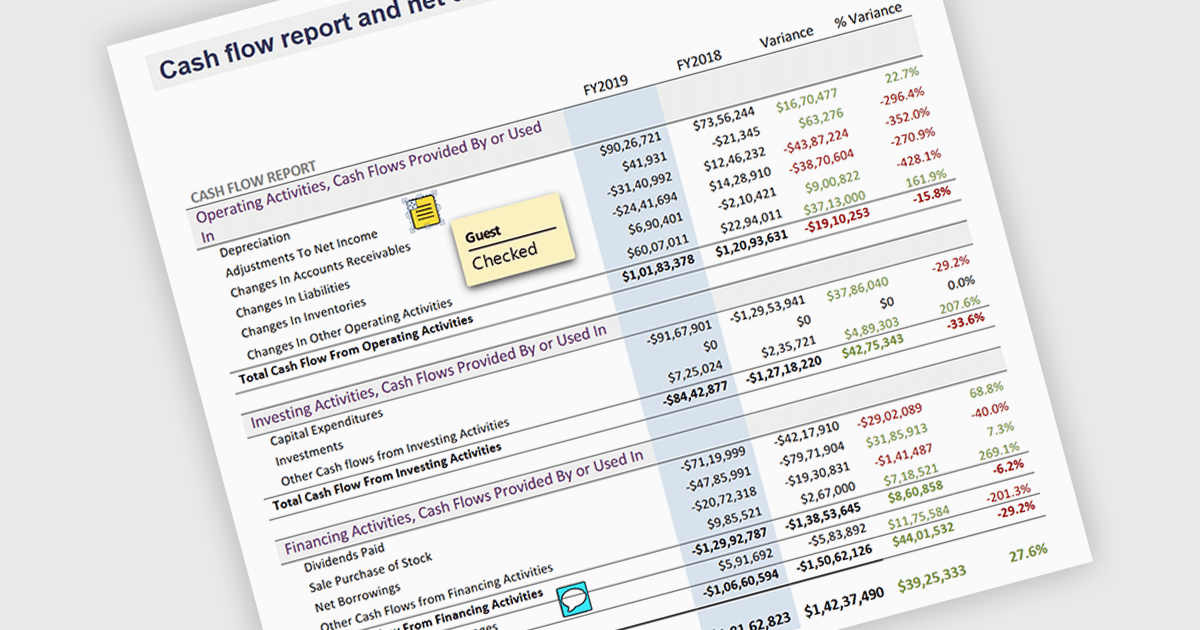
Sticky note annotations are digital notes that can be attached to specific parts of a document or webpage. They allow users to highlight text, add comments, or ask questions directly on the content they are viewing. This feature is particularly useful for collaboration, as it enables multiple people to contribute to the same document and easily see each other's thoughts and insights. Sticky note annotations can also be used for personal reference, helping users to remember important points or track their progress through a document.
Several ASP.NET Core PDF viewer controls offer support for sticky note annotations including:
For an in-depth analysis of features and price, visit our ASP.NET Core PDF viewer controls comparison.
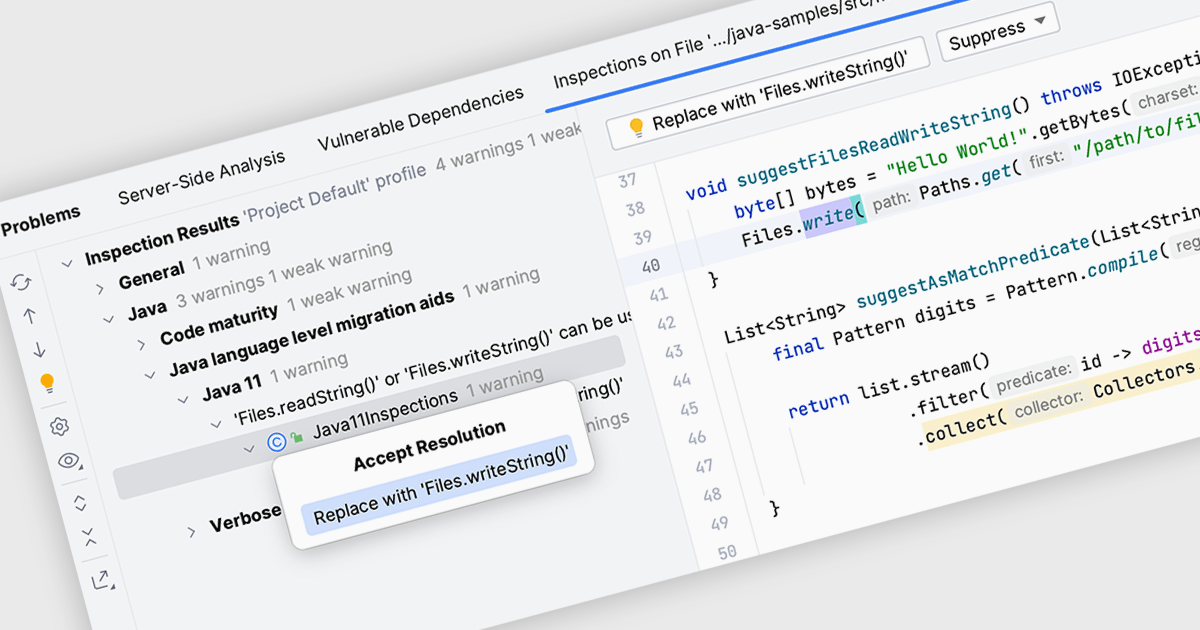
Code inspection is a static analysis tool that examines source code for potential errors, inconsistencies, or stylistic deviations. It automatically identifies issues like syntax errors, undefined variables, unused code, and violations of coding standards. By detecting these problems early in the development process, the inspection of code helps developers improve code quality, maintainability, and readability. This ultimately leads to more efficient development, reduced debugging time, and fewer software defects.
Several IDEs offer support for code inspection including:
For an in-depth analysis of features and price, visit our IDEs comparison.
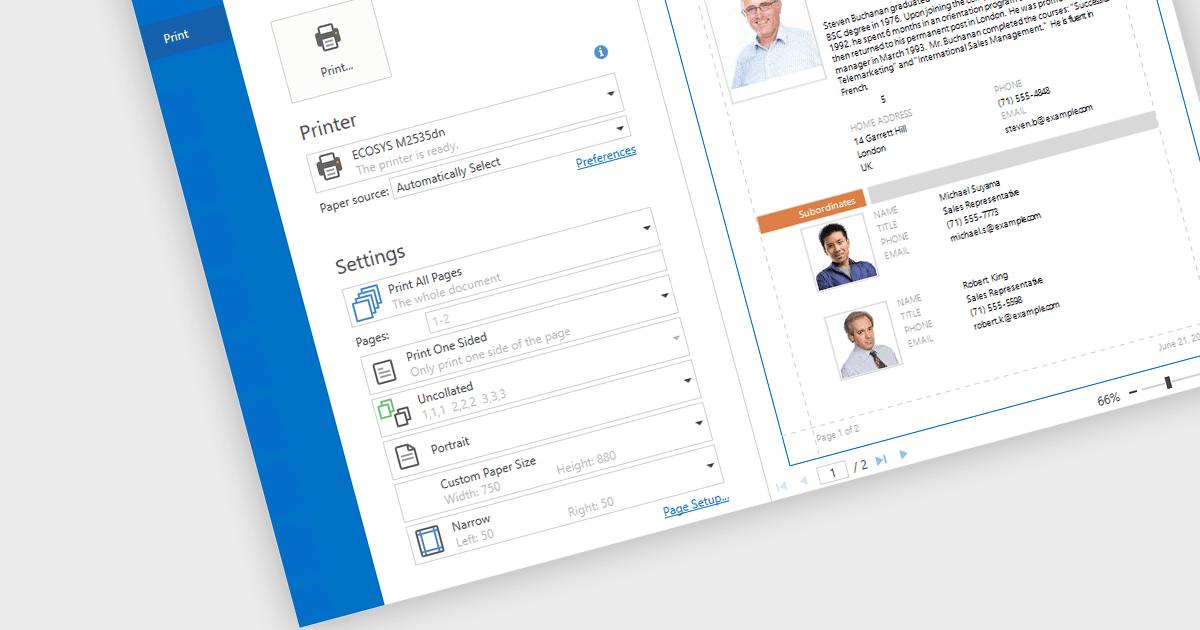
Print & Preview .NET WPF controls provide a comprehensive solution for printing and previewing content within your WPF applications. These controls offer a user-friendly interface for users to review their content before committing to printing, ensuring accuracy and preventing costly errors. Additionally, they support various printing options, including page orientation, margins, and scaling, allowing developers to customize the printing experience to meet specific requirements.
Many .NET WPF UI Suites contain Print & Preview controls including:
For an in-depth analysis of features and price, visit our comparison of .NET WPF UI Suites.
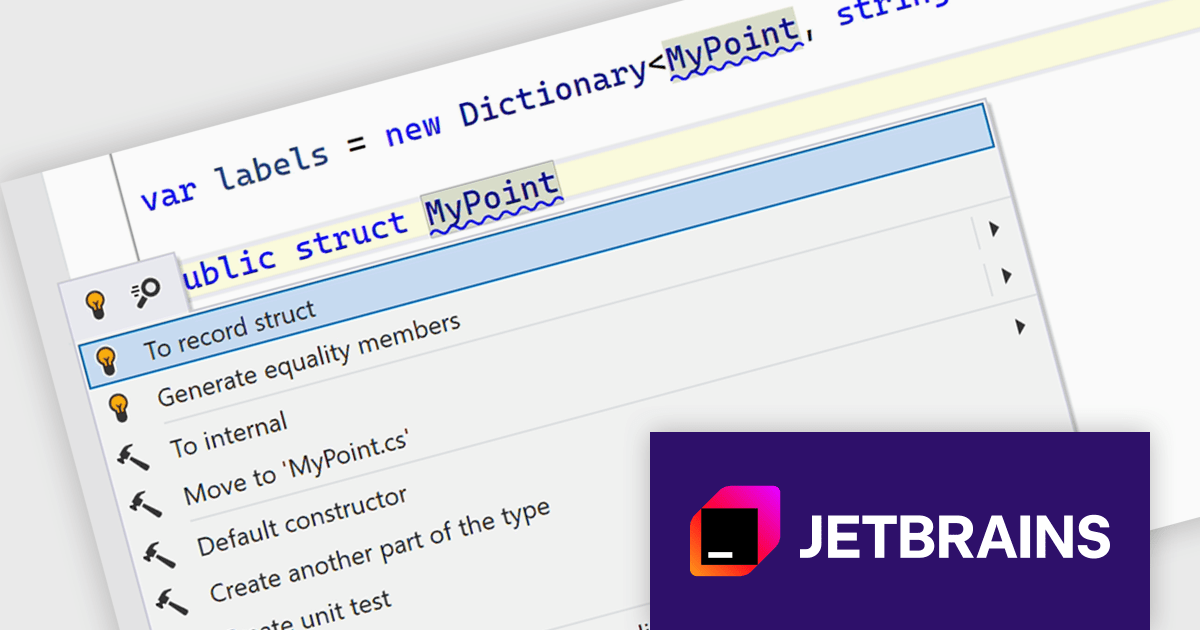
ReSharper is a productivity and code quality plugin for Visual Studio, developed by JetBrains. It helps .NET developers write cleaner, more efficient code. By analyzing code on-the-fly, ReSharper identifies potential errors and suggests fixes. It also automates code refactoring, allowing developers to safely restructure their codebase. These features improve developer productivity and maintainability of the code, making ReSharper a valuable tool for both individual developers and development teams.
The ReSharper 2024.2 release significantly enhances its C# support by providing comprehensive coverage for C# 12 features. Primary constructors, enhanced collection expressions, and improved context actions are now seamlessly integrated into ReSharper's code analysis and completion features. Moreover C# 13 support is improved with ref struct interface implementation. These advancements empower C# developers to write cleaner, more concise, and efficient code with greater ease and productivity.
To see a full list of what's new in version 2024.2, see our release notes.
ReSharper is licensed per user, and is available as a commercial annual subscription license. We can supply new subscriptions, subscription renewals (including continuity discounts), lapsed renewals, and additional user licenses. See our ReSharper licensing page for full details.
ReSharper is available to buy in the following products:
Skyvia Connect is a cloud-based integration platform that enables developers to connect and synchronize data between various applications and databases. It offers a flexible and scalable solution for building data pipelines and automating data workflows, supporting a wide range of data sources and formats. By providing a user-friendly interface and pre-built connectors, Skyvia Connect simplifies the process of integrating data systems, allowing developers to focus on core application development and data management tasks.
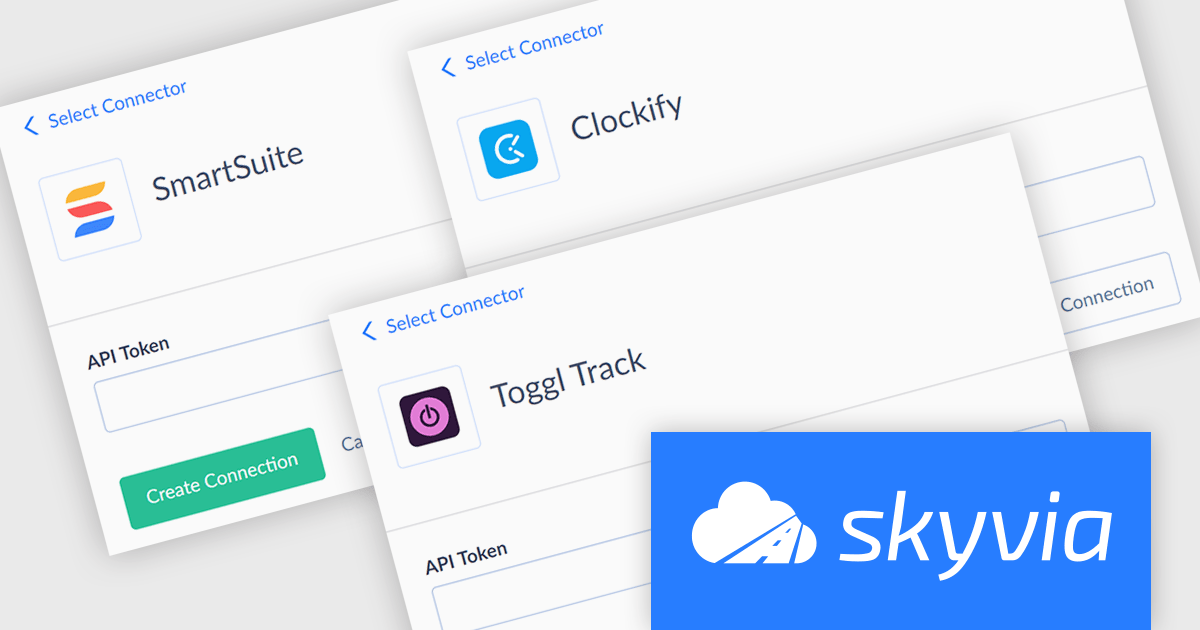
The latest release of Skyvia Connect adds new connectors for Clockify, SmartSuite and Toggl Track. This enhancement enables developers to seamlessly integrate time tracking and project management data from these popular platforms into their applications. By providing connections to these tools, Skyvia Connect empowers users to streamline workflows and automate data-driven processes across various domains.
To see a full list of what’s new, see our release notes.
Skyvia Connect is licensed based on volume of traffic per month and is available as an Annual License. See our Skyvia Connect licensing page for full details.
For more information, visit our Skyvia Connect product page.
聯繫電話: (888) 850 9911
傳真: +1 770 250 6199


