













官方供應商
我們作為官方授權經銷商,直接提供超過200家開發廠家所發行超過1000個的產品授權給您。
請參閱我們所有的品牌。

DevExpress .NET MAUI is a UI component library specifically designed to enhance the development of native mobile applications for iOS and Android using .NET MAUI and C#. It offers a rich set of pre-built controls like data grids, charts, schedulers, and various data editors, allowing developers to focus on application logic and deliver feature-rich mobile experiences with a faster development cycle.
In this blog post, DevExpress technical writer Anthony Sameishchev shows you how to use DevExpress .NET MAUI to implement Material Design 3 themes in your mobile applications. Detailed sample code is included, demonstrating how to:
Material Design 3 principles help you deliver mobile solutions with a consistent and modern appearance. The 10 built-in Material Design 3 color themes included in DevExpress .NET MAUI enable you to easily support these themes in applications using DevExpress or standard MAUI controls.
Read the complete blog and learn how to create stunning UIs with balanced colors and enhanced usability.
DevExpress .NET MAUI is included as part of DevExpress Universal which is licensed per developer and is available as a Perpetual License with a 12 month support and maintenance subscription. See our DevExpress Universal licensing page for full details.
For more information, visit our DevExpress .NET MAUI product page.
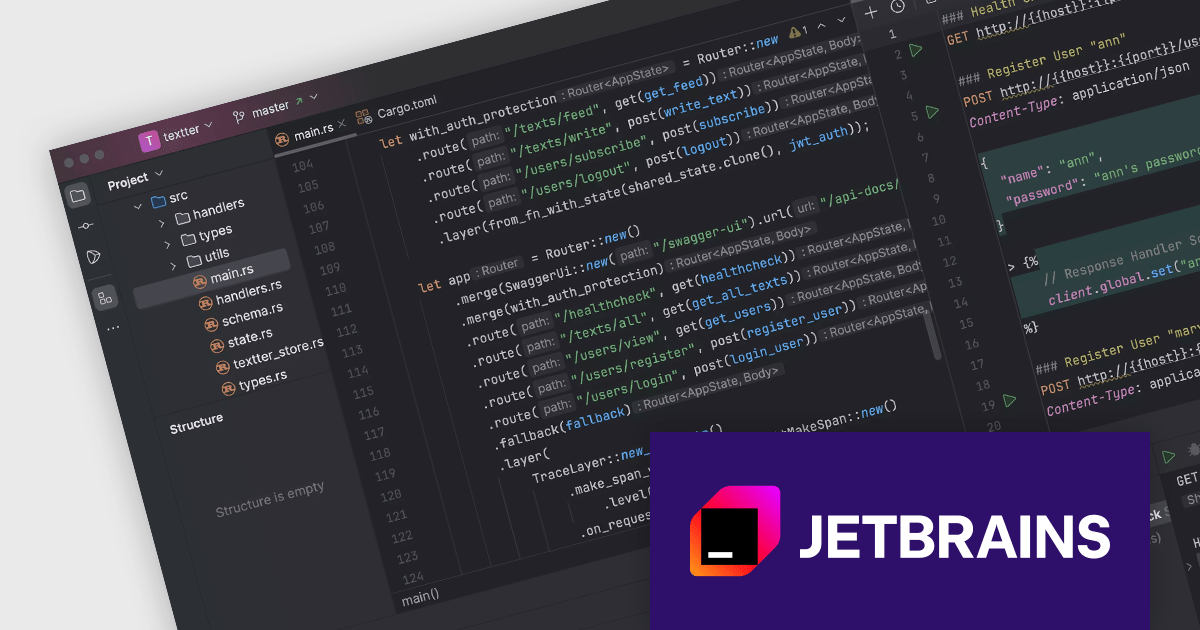
RustRover by JetBrains is a new Integrated Development Environment designed specifically for the Rust programming language. It provides a comprehensive set of tools for writing and editing Rust code, all within a single program. RustRover offers advanced features tailored to Rust development, making it a powerful tool for both beginners and experienced Rust programmers.
RustRover boasts a range of features that enhance the development experience. These include intelligent code completion, syntax highlighting, and error checking, all specifically tailored to the Rust language. RustRover integrates seamlessly with popular version control systems like Git, allowing developers to manage their codebase efficiently. These features combine to make RustRover a valuable asset for anyone working with Rust, from individual programmers to large development teams working on complex projects.
RustRover is licensed per user, and is available as a commercial annual subscription license. We can supply new subscriptions, subscription renewals (including continuity discounts), lapsed renewals, and additional user licenses. See our RustRover licensing page for full details.
RustRover is available to buy in the following products:
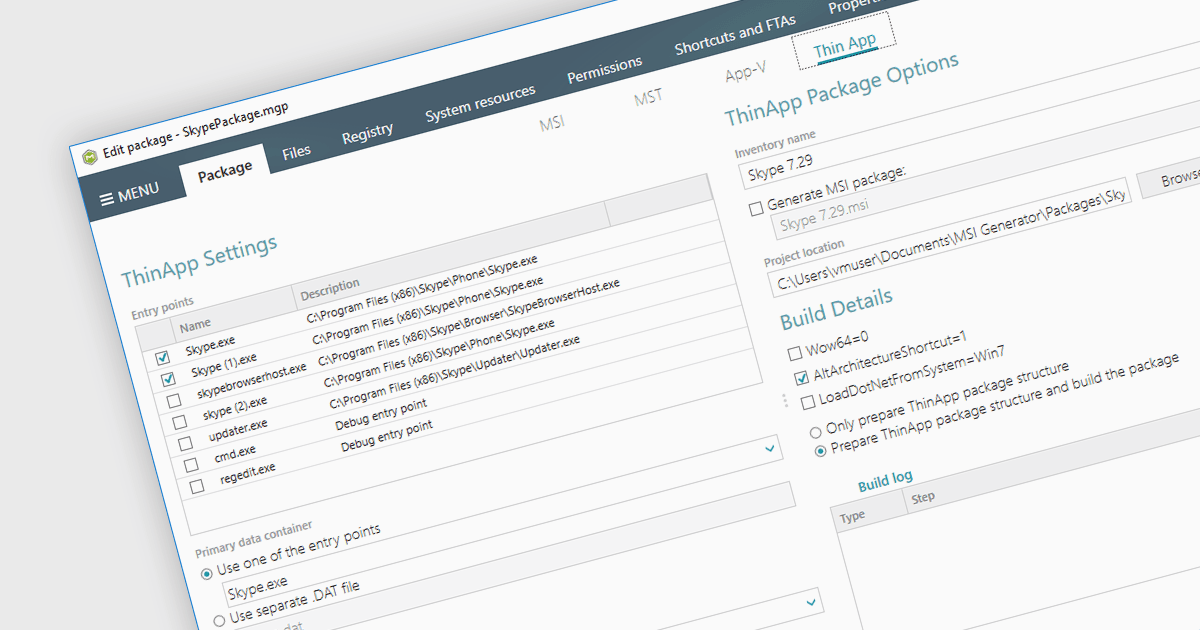
VMware ThinApp is an application virtualization solution designed to enable IT administrators to create portable and isolated versions of applications. It encapsulates applications along with their configurations and dependencies into a single executable file that can run independently from the underlying operating system. With support for ThinApp, an installation tool can be used to create and edit ThinApp packages directly within the authoring environment. Such an integration provides developers with a centralized management hub to streamline the deployment process of virtualized applications.
Several installation tools offer support for VMware ThinApp, including:
For an in-depth analysis of features and price, visit our comparison of installation tools.
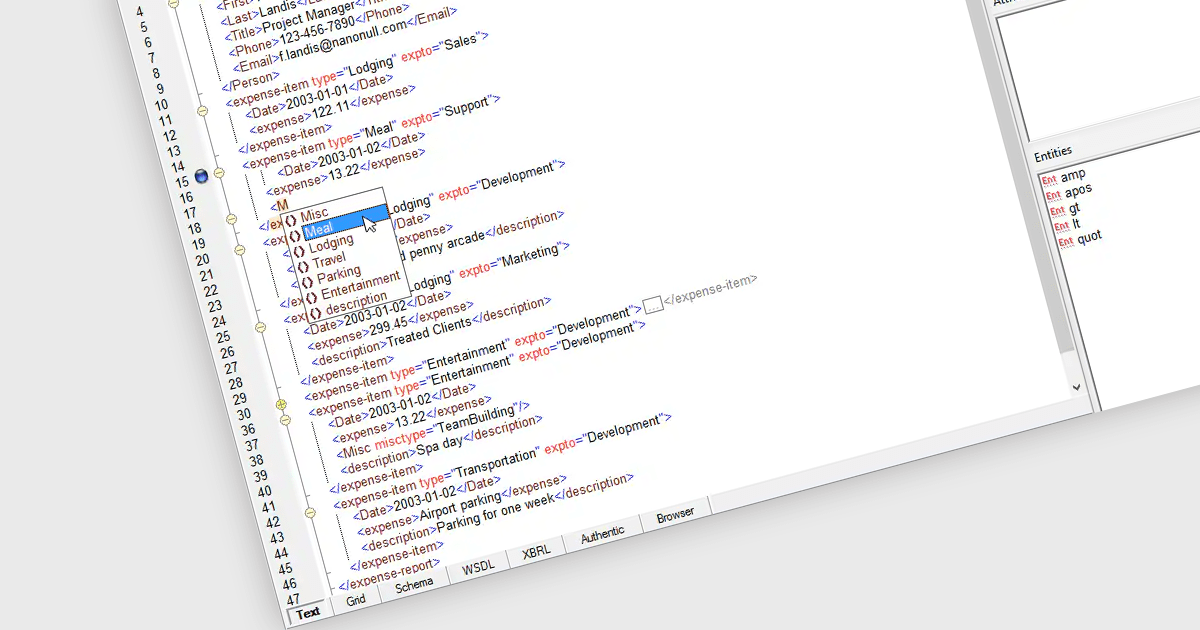
XML support in a structured document tool allows developers to create, edit, and manipulate data using the Extensible Markup Language (XML). This enables the creation of well-defined, hierarchical documents that are machine-readable and easily interchangeable with other systems. XML's inherent structure facilitates content reusability across documents, streamlines updates, and enables easier collaboration, making it a cornerstone for technical documentation, content management systems, and data exchange.
Several structured document tools offer XML support including:
For an in-depth analysis of features and price, visit our structured document tools comparison.
Visual Integrity pdf2cad is a software solution designed to streamline workflows for professionals working with drawings and schematics. It converts PDF files into editable DWG, DXF, and HPGL formats. This eliminates the time-consuming task of manual redrawing and ensures accuracy. pdf2cad is ideal for architects, engineers, and designers who need to import existing PDF drawings into their CAD software for editing and modification.
The pdf2cad v14.2024 release significantly enhances the user experience for Mac users. Benefiting from native macOS compatibility, pdf2cad now offers a seamless and intuitive workflow for converting PDF drawings into editable CAD formats directly on Mac. Comprehensive optimization for macOS Catalina and later versions ensures continued compatibility with the latest macOS features and technological advancements.
To see a full list of what's new in v14.2024, see our release notes.
pdf2cad is licensed per user. It is available as an Annual or Perpetual license and can be purchased with or without 1 year support and maintenance. See our pdf2cad licensing page for full details.
Learn more on our pdf2cad product page.
聯繫電話: (888) 850 9911
傳真: +1 770 250 6199


