













官方供應商
我們作為官方授權經銷商,直接提供超過200家開發廠家所發行超過1000個的產品授權給您。
請參閱我們所有的品牌。
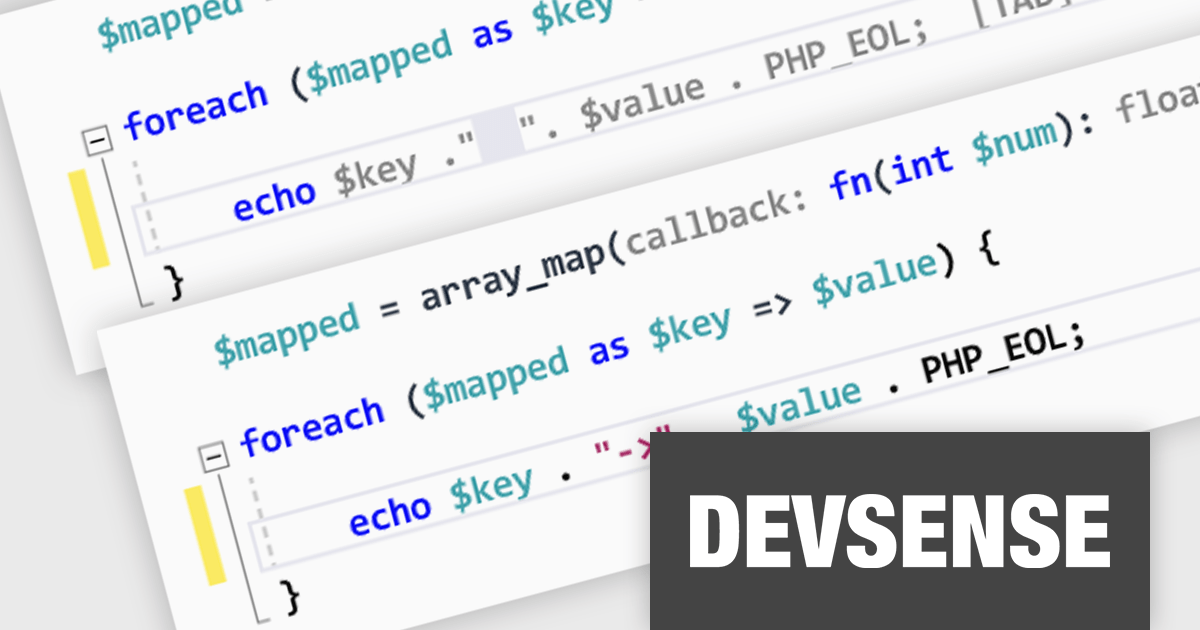
PHP Tools for Visual Studio converts Microsoft's IDE into a complete PHP development environment, increasing productivity with features such as smart code analysis, preemptive code completion, integrated debugging, and project management. This single package combines Visual Studio's familiar interface with industry-standard capabilities, allowing you to easily develop PHP applications and websites.
The PHP Tools for Visual Studio V1.79 release adds support for AI smart snippets. With this new feature, the editor automatically suggests relevant code snippets based on your current code, saving you time from manually searching or writing them from scratch. These smart snippets can help to ensure consistent coding style and formatting within your project, making the code easier to read and maintain for you and your team.
To see a full list of what's new in v1.79.19431, see our release notes.
PHP Tools for Visual Studio is licensed per developer and is available as a perpetual license with 1 year of upgrades and support. See our PHP Tools for Visual Studio licensing page for full details.
For more information, see our PHP Tools for Visual Studio product page.
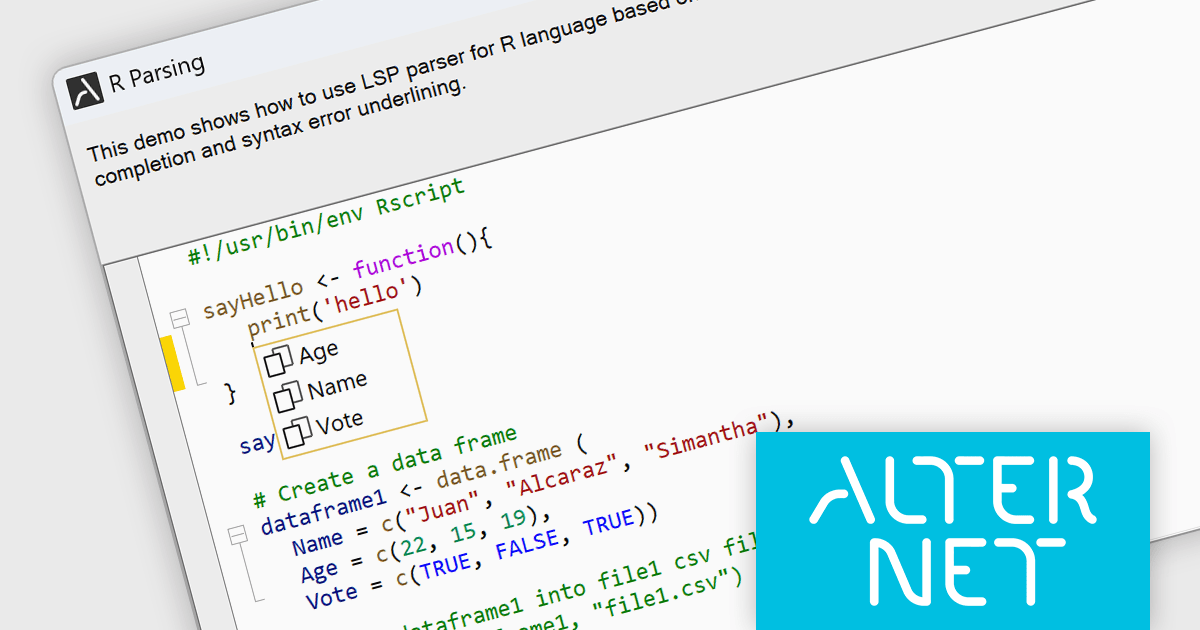
AlterNET Studio is a development toolkit designed specifically for .NET developers building Windows Forms or WPF applications. It provides a suite of components that integrate seamlessly into your applications, offering functionalities like advanced code editing with features akin to Microsoft Visual Studio, scripting capabilities in various languages for extending application logic, and a visual form designer for crafting user interfaces.
The AlterNET Studio v9.5.2 update brings a significant improvement for developers working with C/C++, Java, Lua, PowerShell, and R code with the introduction of smart indentation support for their respective LSP parsers. This new feature ensures that indentation is automatically adjusted based on the code structure, enhancing readability and maintainability. By automating indentation, developers can focus on writing logic and functionality rather than manually managing indentation levels, which can be especially time-consuming and error-prone in complex codebases.
To see a full list of what's new in v9.5.2, see our release notes.
AlterNET Studio is licensed per developer. A license is only required when developing and compiling applications that use AlterNET Studio; end-users or testers of compiled applications do not require a license. The perpetual license includes a one-year subscription which entitles you to free updates to all new versions during the subscription period. See our AlterNET Studio licensing page for full details.
Learn more on our AlterNET Studio product page.

SQL Compliance Manager by IDERA is a comprehensive auditing solution that simplifies regulatory compliance for SQL Servers. It offers real-time monitoring, alerting, and reporting on all database activity, including data access, modifications, and permission changes. By providing detailed insights into "who, what, when, and where" for user actions, SQL Compliance Manager empowers DBAs to ensure data security and streamline compliance with industry standards like PCI DSS and HIPAA.
The SQL Compliance Manager v6.2 release empowers you to automate and streamline database audit data management. Leverage the intuitive command line interface to register servers, perform grooming and archiving tasks, and verify audit data integrity. Effortlessly enable or disable auditing on servers directly through the CLI. This enhanced functionality eliminates manual intervention, saving you valuable time and boosting overall productivity.
To see a full list of what's new in v6.2, see our release notes.
SQL Compliance Manager is licensed per instance and is available as a Perpetual License or Annual Subscription License. See our SQL Compliance Manager licensing page for full details.
Learn more on our SQL Compliance Manager product page.
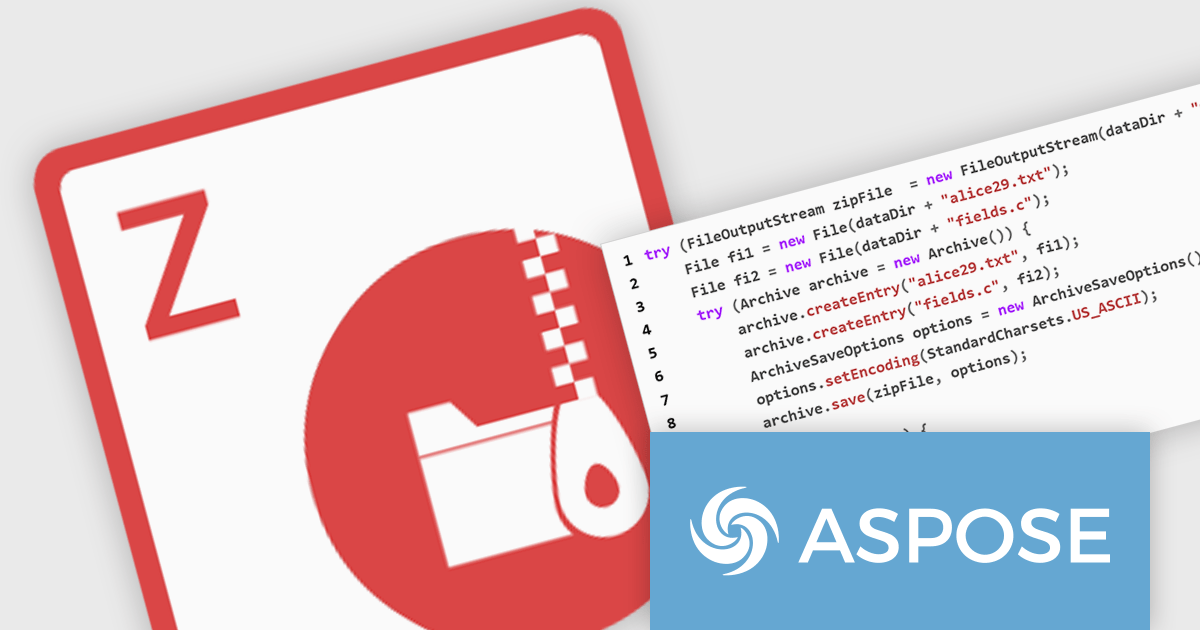
Aspose.ZIP for Java is a library that simplifies working with ZIP archives in your Java applications. It allows you to compress and decompress files and folders, create and manipulate archives, and encrypt them for security. With Aspose.ZIP, you can avoid writing complex compression algorithms or dealing with the intricacies of archive formats, letting you focus on the core functionality of your program.
The Aspose.ZIP for Java V24.2 release adds support for Gzip and Tar files. Applications can now process and interact with a broader range of compressed data formats commonly used for distribution and storage. This makes Aspose.ZIP for Java an even more comprehensive and user-friendly solution for Java developers dealing with compressed archives.
To see a full list of what's new in version 24.2, see our release notes.
Aspose.ZIP for Java is offered as Developer Small Business, Developer OEM, Developer SDK, Site Small Business, Site OEM, and Site SDK licenses catering to a range of business needs. Licenses are perpetual, and include 1 year of support and maintenance. Subscription renewals are also available. See our Aspose.ZIP for Java licensing for full details.
Aspose.ZIP for Java is available in the following products:
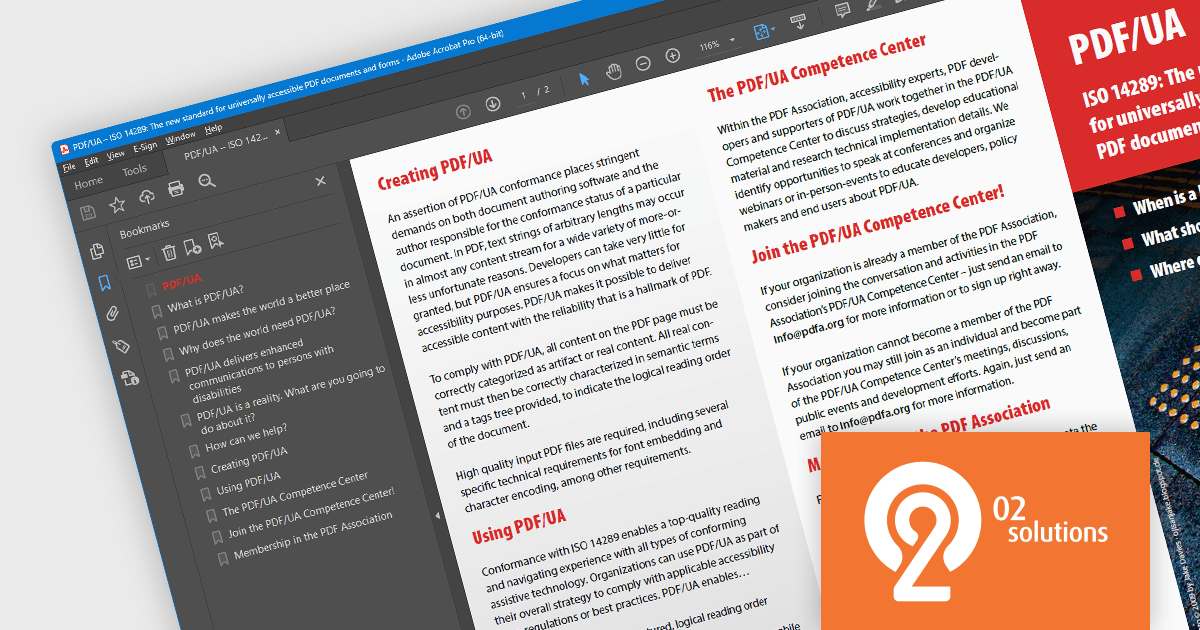
PDF4NET is a .NET library for generating, importing, and manipulating PDF documents on the fly from any .NET application. It does not rely on any Adobe products for creating or importing PDF files. PDF4NET hides the complex structure of PDF files behind a simple object model that allows creation of complex PDF files with a few lines of code.
PDF4NET 14 adds support for PDF structure compression when saving PDF/UA files. Portable Document Format/Universal Accessibility (ISO 14289) is an international standard that addresses accessibility concerns in Portable Document Format (PDF) files. It ensures that PDFs can be readily understood and utilized by individuals with disabilities who rely on assistive technologies like screen readers. Compressing the structure leads to smaller file sizes, boosting upload and download speeds, and reducing required disk space.
To see a full list of what's new in version 14, see our release notes.
PDF4NET is licensed per developer. All licenses include a 12 month subscription which provides all major and minor product updates and technical support. See our PDF4NET licensing page for full details.
PDF4NET is available in the following products:
聯繫電話: (888) 850 9911
傳真: +1 770 250 6199


