













官方供應商
我們作為官方授權經銷商,直接提供超過200家開發廠家所發行超過1000個的產品授權給您。
請參閱我們所有的品牌。

Sencha Ext JS is a comprehensive JavaScript framework for building data-intensive, cross-platform web and mobile applications for any modern device. Ext JS includes 140+ pre-integrated and tested high-performance UI components such as HTML5 calendar, grids, pivot grid, D3 adapter, trees, lists, forms, menus, toolbars, panels, windows, and much more.
In this blog post by Sencha Sales Engineer Andres Villalba you will learn the steps to use the power of ChatGPT to unlock your Ext JS potential. This includes:
The article also links to a recording of Andres's full session at JS Days, so you can watch as he takes you through the process, step by step.
Read the complete blog and find out how to save development time when building your next Ext JS JavaScript with ChatGPT.
Sencha Ext JS is available in Pro, Enterprise and Ultimate editions, as Annual Subscription or Perpetual Licenses. See our Sencha Ext JS licensing page for full details.
For more information, see our Sencha Ext JS product page.
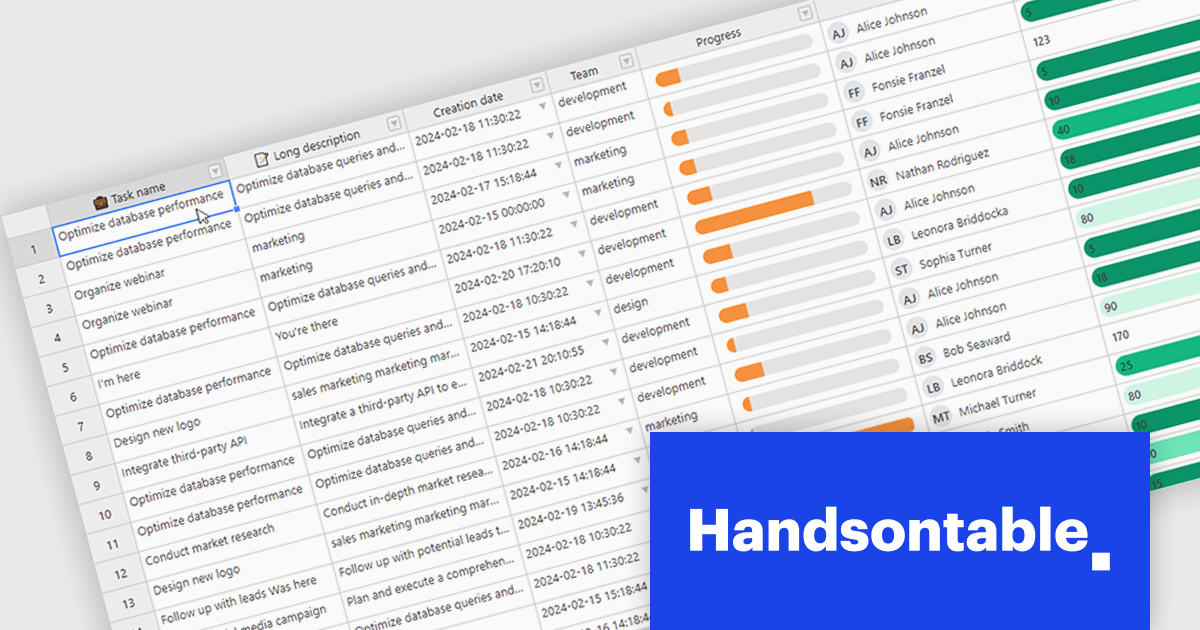
Handsontable is a JavaScript library designed to help developers build interactive data grids into their web applications. Offering a familiar spreadsheet-like interface, it allows users to edit, sort, and filter data with ease. Highly customizable and compatible with popular frameworks like React and Angular, Handsontable empowers developers to build robust data manipulation features into their web applications.
Handsontable 14.2.0 improves cell re-rendering using the React wrapper. The wrapper now uses memoization to optimize performance during user interactions like cell editing or scrolling in the grid, allowing the wrapper to remember the previous state and only update the elements that have actually changed. This smarter approach results in a smoother and more stable experience in your Handsontable apps, especially for complex custom cell types.
To see a full list of what's new in version 14.2.0, see our release notes.
Handsontable is licensed per developer and is available as an Annual or Perpetual license with 1 year support and maintenance. See our Handsontable licensing page for full details.
For more information, visit our Handsontable product page.
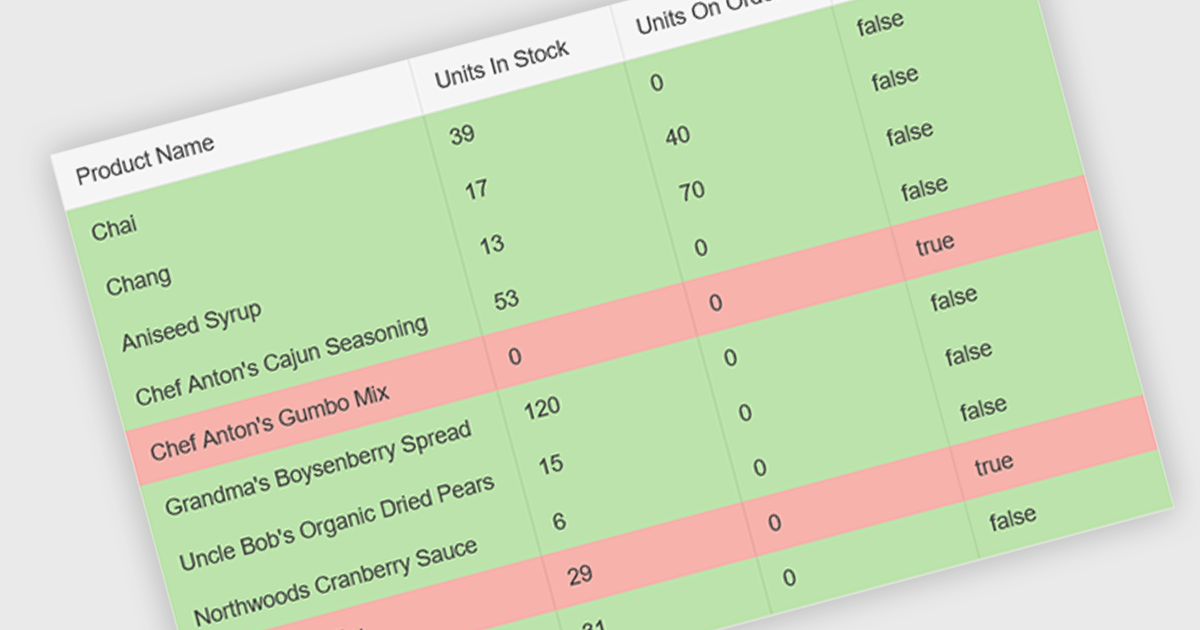
Conditional formatting in a grid allows you to dynamically alter the visual style of cells based on specific criteria within your data. This functionality enhances readability and user experience by highlighting important information. For instance, negative values can be displayed in red, exceeding values in bold, and empty cells with a light gray background, all within the grid itself. This reduces the need for users to manually scan through data and immediately draws attention to critical elements.
Several React grid controls offer conditional formatting, including:
For an in-depth analysis of features and price, visit our comparison of React Grid controls.
Wijmo is a complete collection of extensible, fast, flexible JavaScript UI components written in TypeScript. The framework-agnostic Wijmo components include first-class support for top frameworks including Angular, React, Vue and Web Components. Wijmo Enterprise has over 100 dynamic JavaScript UI components to help cut your development time in half, allowing you to build lightweight, high-performance JavaScript applications using your favorite JavaScript framework.
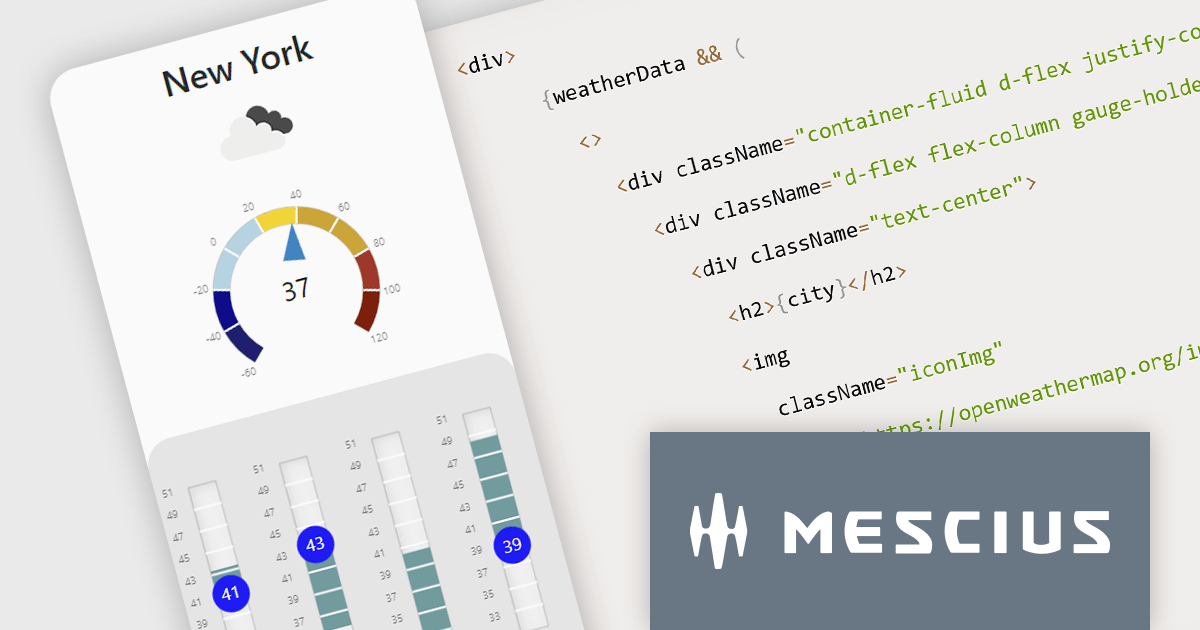
In this blog post, MESCIUS Technical Engagement Engineer Andrew Peterson shows you how to utilize the Wijmo Gauges - along with the OpenWeatherMap API - to build a React app to display the current weather. Steps include:
Read the complete blog to explore this powerful and rich capability.
Wijmo is licensed per developer. Developer Licenses are perpetual and include 1 year Subscription which provides upgrades, including bug fixes and new features. See our Wijmo licensing page for full details.
For more information, visit our Wijmo product page.
Stimulsoft Dashboards is a versatile suite of tools for crafting interactive data visualizations for web and desktop applications. It empowers developers to embed intuitive dashboards across various platforms, using the platform-specific components or a centralized cloud designer. With rich data analysis elements, extensive customization options, and pre-built templates, Stimulsoft Dashboards helps you transform complex data into clear, actionable insights for any audience.
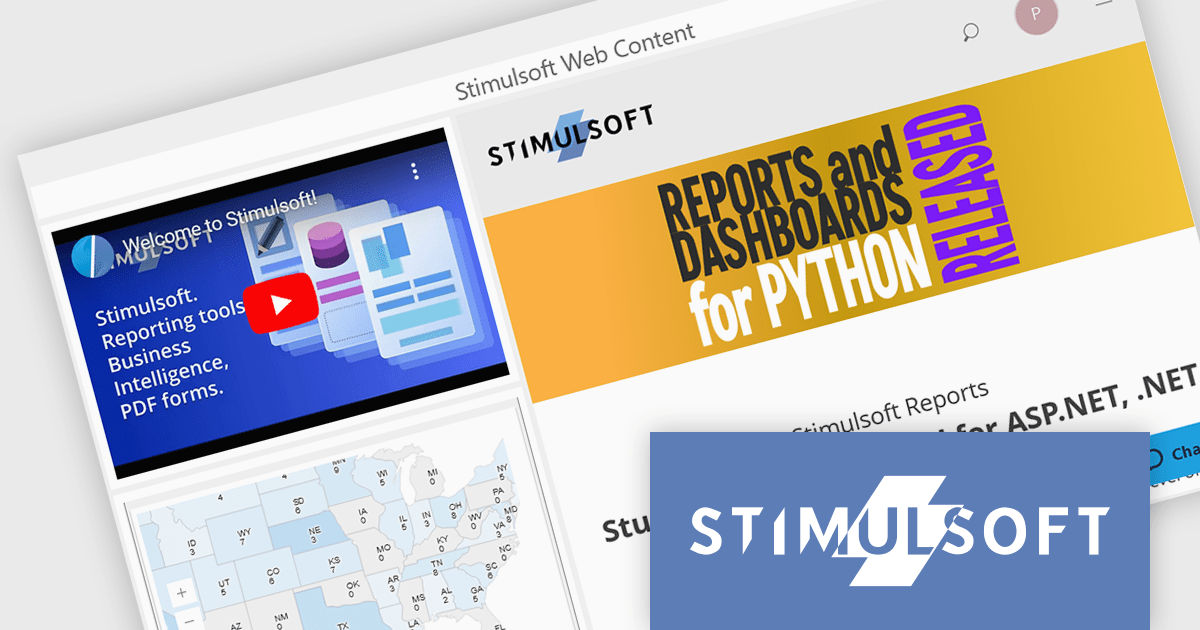
The Stimulsoft Dashboards.WEB 2024.2 update adds a new Web Content element which can be used to seamlessly integrate multimedia content using links and embed codes. This allows you to incorporate videos, webpages, and other interactive elements, keeping users engaged and informed.
To see a full list of what's new in version 2024.2, see our release notes.
Stimulsoft Dashboards.WEB is licensed per developer and is available as a Perpetual license with 1 year support and maintenance. See our Stimulsoft Dashboards.WEB licensing page for full details.
Stimulsoft Dashboards.WEB is available to buy in the following products:
聯繫電話: (888) 850 9911
傳真: +1 770 250 6199


