













官方供應商
我們作為官方授權經銷商,直接提供超過200家開發廠家所發行超過1000個的產品授權給您。
請參閱我們所有的品牌。
Iron Software offers a versatile suite of C# libraries specifically designed to enhance developer productivity. Its solutions empower developers to effortlessly tackle tasks like PDF manipulation, data extraction from websites and images (OCR), and seamless Excel automation, eliminating the need for external dependencies.
Iron Software products now support .NET 8, offering developers a seamless transition to the latest advancements in .NET. With this support, Iron Suite for .NET continues to be a comprehensive solution for modern application development. As an LTS release, .NET 8 offers long-term stability and security for mission-critical applications, receiving guaranteed support and patches from Microsoft until November 2026.
Iron Software products are licensed based on the number of developers, developer locations, and projects. They are available as perpetual licenses with 1 year of support and product updates. See our Iron Suite for .NET licensing page for full details.
For more information, visit our Iron Software product pages:
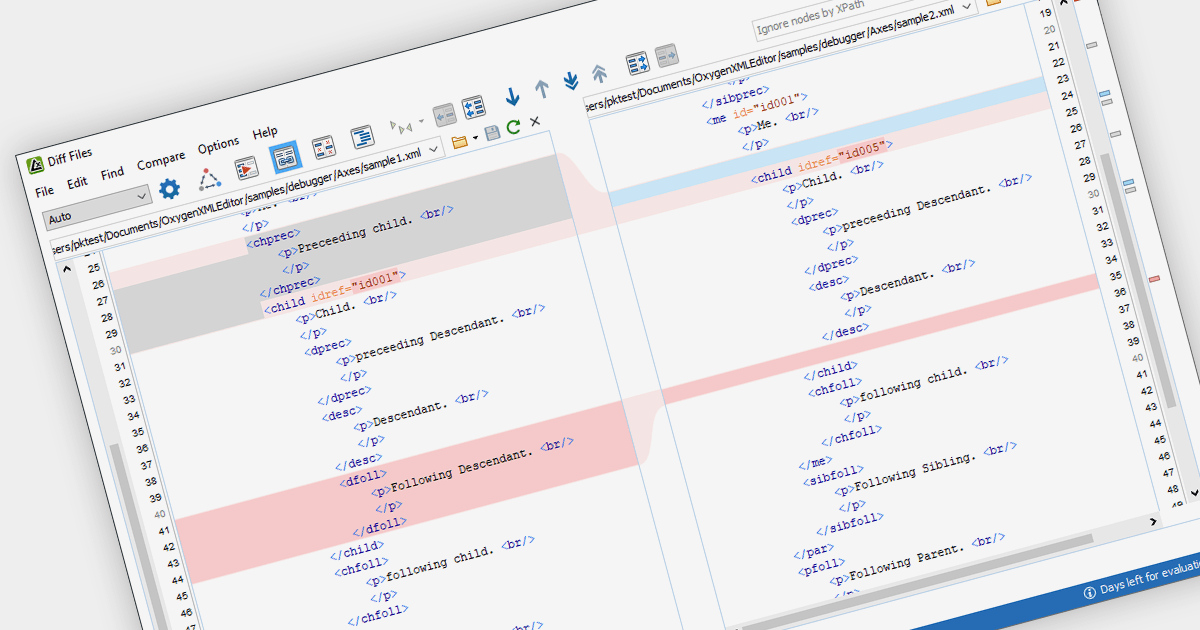
XML tools that support document differencing allow you to compare two or more XML files, highlighting any changes made between versions. This empowers developers by pinpointing exact modifications at a glance, including insertions, deletions and alterations to elements, attributes and text content. This helps save development time and fosters efficient code management.
Several structured document tools offer document differencing features, including:
For an in-depth analysis of features and price, visit our Structured Document Tools comparison.
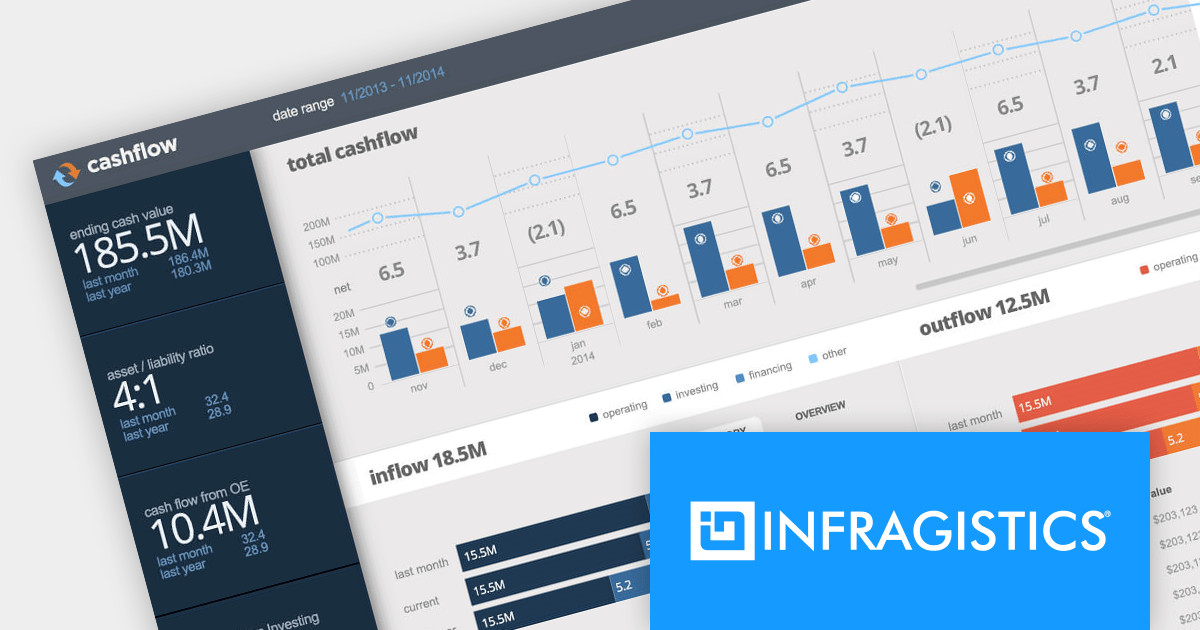
Infragistics Ultimate is a comprehensive toolkit designed to streamline UX/UI creation and development across desktop, web, and mobile platforms. It offers hundreds of pre-built, high-performance UI components like grids and charts, alongside design-to-code tools for rapid prototyping, user testing, and even code generation. This enables developers and designers to create visually appealing and interactive applications faster, while its support for various frameworks and platforms ensures flexibility.
Infragistics Ultimate UI for Windows Forms, Ultimate UI for WPF and Ignite UI for Blazor now support .NET 8. This allows developers to benefit from the performance improvements, cross-platform compatibility, and new APIs in the latest version of Microsoft's leading development framework.
Infragistics Ultimate UI for Windows Forms, Ultimate UI for WPF and Ignite UI for Blazor are licensed per developer and are available as a Perpetual License with 1, 2 or 3 year support and maintenance subscription. See our Infragistics Ultimate UI for Windows Forms, Ultimate UI for WPF and Ignite UI for Blazor licensing pages for full details.
For more information please visit our product pages:
The following product suites also include Infragistics Windows Forms, WPF and Ignite UI:
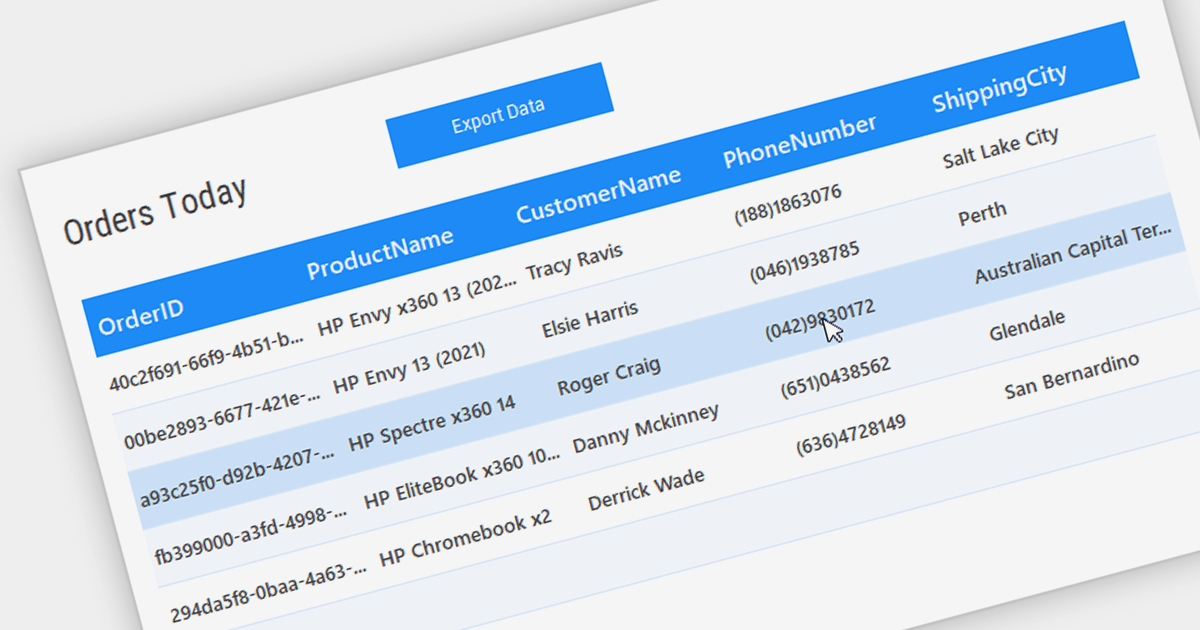
Grid controls with Bound Data Display provide a structured and efficient means of presenting and managing data in software applications. By binding the grid to a data source, such as a database or a collection of objects, developers can ensure real-time synchronization between the data and the grid, eliminating the need for manual updates. This seamless integration enhances data accuracy and consistency, allowing users to view, edit, and manipulate information in a centralized and organized format. The bound data display simplifies data management and enhances user productivity by providing a dynamic and responsive interface that reflects changes in the underlying data source.
Several .NET WinForms Grids support bound data display including:
For an in-depth analysis of features and price, visit our comparison of .NET WinForms Grids.

ONLYOFFICE Docs is a comprehensive online editor, allowing users to create text documents, spreadsheets, presentations, and forms. It enables your users to edit, share, and collaborate on documents online in their preferred browser, within your own application. It's fully compatible with OOXML (Office Open XML) formats and supports popular Microsoft Office and other document formats such as CSV, DOC, DOCX, EPUB, HTML, ODP, ODS, ODT, PDF, PPT, PPTX, RTF, TXT, XLS, and XLSX.
The ONLYOFFICE Docs v8.0 update gives developers the ability to create complex, flexible forms with diverse field types and rich formatting options directly in familiar DOCXF templates. Collaborate seamlessly with colleagues and easily fill out forms from other applications, all within desktop and mobile apps. This major update caters to user feedback, promoting cross-platform compatibility and streamlined form integration for developers. Existing OFORM forms automatically convert to PDF upon opening in version 8.0.
To see a full list of what's new in v8.0.0, see our release notes.
ONLYOFFICE Docs is licensed by the number of simultaneous document connections and is available as an annual license with 1 year support and upgrades. See our ONLYOFFICE Docs licensing page for full details.
For more information, see our ONLYOFFICE Docs product page.
聯繫電話: (888) 850 9911
傳真: +1 770 250 6199


