













官方供應商
我們作為官方授權經銷商,直接提供超過200家開發廠家所發行超過1000個的產品授權給您。
請參閱我們所有的品牌。
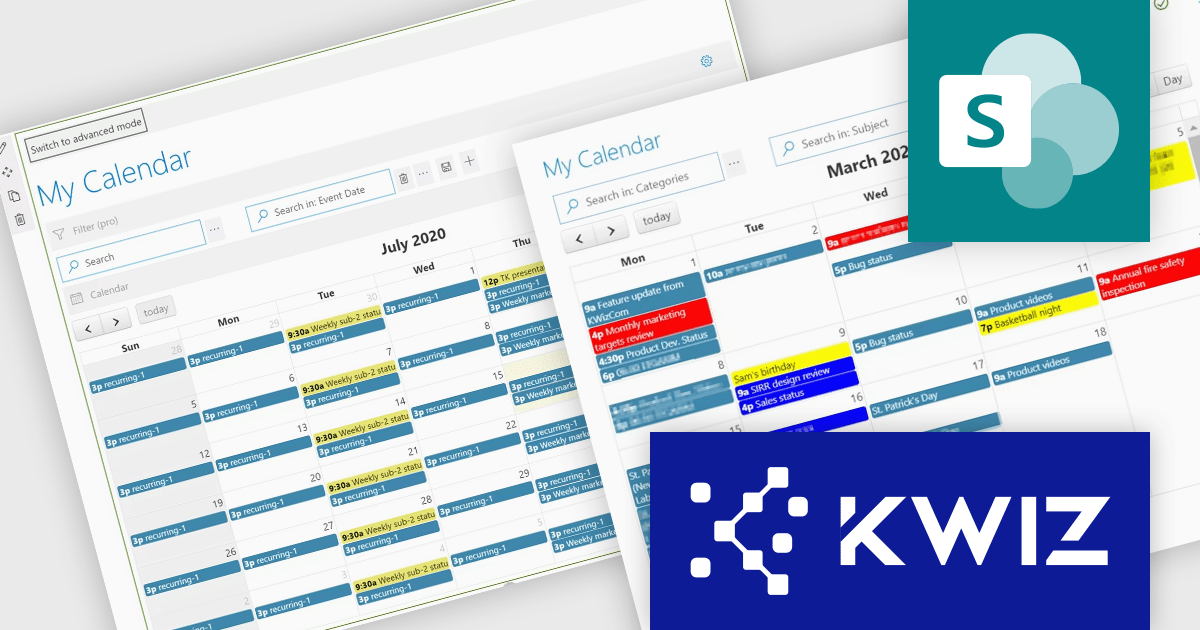
KWIZ Calendar Plus is a powerful tool for managing events and schedules within SharePoint and Microsoft Teams. It integrates seamlessly with multiple data sources, including SharePoint lists, Microsoft Graph API, Exchange Online, and Excel files, consolidating information into a single, dynamic calendar view. With features like real-time updates, customizable views, and conditional formatting, it enhances productivity, simplifies workflows, and supports global teams with time zone flexibility. Ideal for project planning, resource management, and event scheduling, KWIZ Calendar Plus streamlines collaboration and keeps teams aligned.
The Multiple Data Source Integration feature in KWIZ Calendar Plus allows users to seamlessly connect and aggregate information from diverse platforms, including local and remote SharePoint lists, Microsoft Graph API, Exchange Online, Microsoft Planner, SharePoint Search API, and Excel files stored in SharePoint libraries. This powerful capability consolidates data into a single, unified calendar view, eliminating the need to toggle between systems and ensuring real-time updates across all sources. By offering customizable views and filtering options, the feature enables users to organize events effectively. Ideal for organizations managing complex schedules or cross-functional teams, this integration simplifies workflows, enhances collaboration, and provides a centralized solution for streamlined event management.
KWIZ Calendar Plus is licensed on an annual basis, requiring each user in your organization to be covered by an Annual Subscription license. Different levels are available to cater for different numbers of users. See our KWIZ Calendar Plus licensing page for full details.
KWIZ Calendar Plus is also available for purchase as part of the KWIZ Dataview Plus product.
For more information, visit our KWIZ Calendar Plus product page.
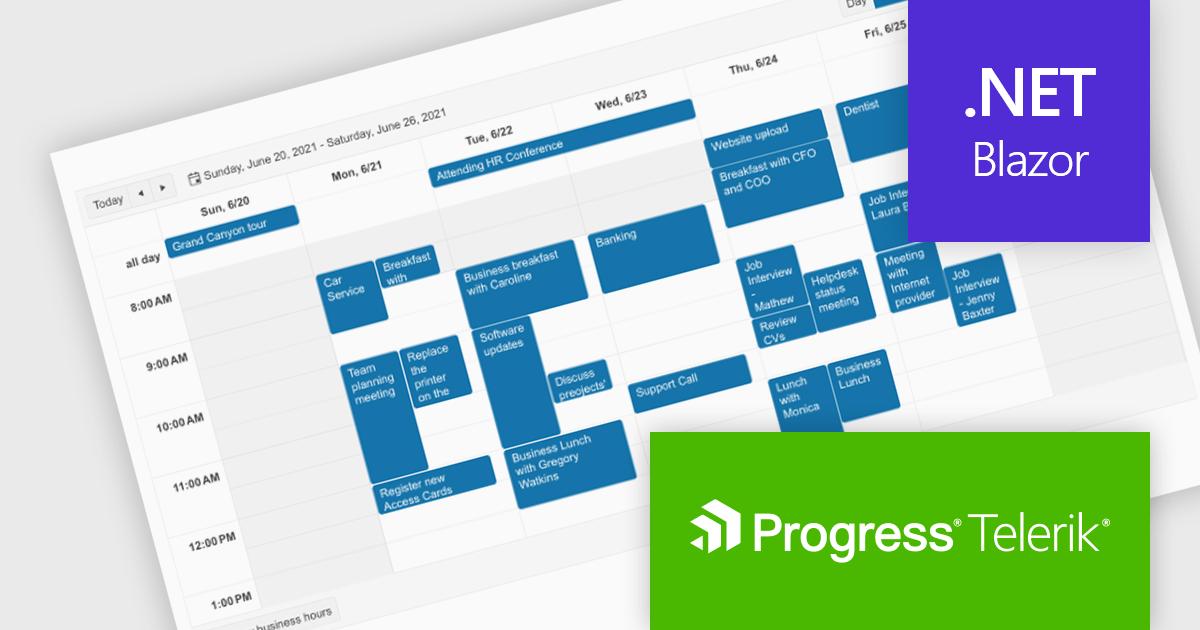
Telerik UI for Blazor is a comprehensive UI library that provides over 110 native and customizable Blazor components for building modern and feature-rich web applications. This professional-grade solution offers a complete set of components to satisfy all user interface requirements, saving time and effort in UI design.
The Telerik UI for Blazor v7.0.0 update (part of the 2024 Q4 release) makes customization even easier with a number of enhancements to the Scheduler component. The Agenda View provides a concise, scrollable list of scheduled events. The ToolbarTemplate allows for custom toolbar configurations, while the Resource Grouping Template enables tailored resource-based layouts. Additionally, the option to hide the "All Day" panel creates a more streamlined display. These features enable developers to deliver highly customizable and user-centric scheduling solutions, improving clarity, usability, and adaptability in applications.
To see a full list of what's new in 2024 Q4 (v7.0.0), see our release notes.
Telerik UI for Blazor is licensed per developer and is available as a perpetual license with a one year support subscription, which is available in three tiers: Lite, Priority or Ultimate. See our Telerik UI for Blazor licensing page for full details.
Telerik UI for Blazor is available individually or as part of the following products:
ComponentOne Studio Enterprise is a comprehensive toolkit for .NET developers, offering a vast collection of pre-built UI controls for desktop (WinForms, WPF, WinUI, UWP), web (ASP.NET MVC, ASP.NET Core, MVC, Blazor), and mobile (.NET MAUI, Xamarin) applications. It extends functionality beyond UI with data visualization tools, data grids, reporting components, and JavaScript controls through Wijmo Enterprise. This all-in-one solution streamlines development by providing pre-designed elements and functionalities, allowing developers to focus on core application logic and deliver feature-rich applications faster.
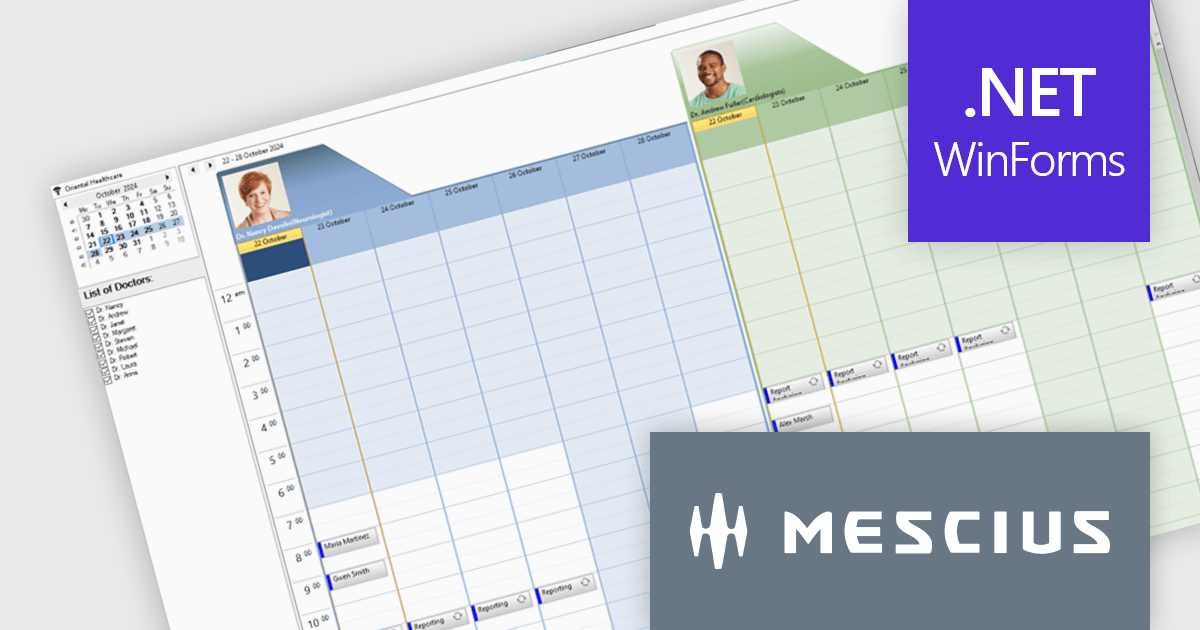
MESCIUS has introduced the ComponentOne C1Scheduler control, designed to enhance appointment management within .NET desktop applications. This powerful tool offers a fully functional, Outlook-style schedule, enabling users to add, edit, group, and manage appointments seamlessly.
In this blog post, MESCIUS Associate Software Engineer Nitin Sharma demonstrates how to create a Doctors Scheduler Windows app using the C1Scheduler control. This sample application is specifically tailored to meet the needs of healthcare providers, but can easily be adapted to cover a wide range of scheduling scenarios. Steps include:
Read the complete blog to get started building Windows applications with powerful scheduling functionality.
ComponentOne Studio Enterprise is licensed per developer on a perpetual basis and includes a 12 month subscription. Priority Support is also available. See our ComponentOne Studio Enterprise licensing page for full details.
Learn more on our ComponentOne Studio Enterprise product page.

A calendar view in a scheduling component provides users with versatile tools for managing time across various scales. With options like Day, Week, Month, Agenda, and Year views, users can easily switch between detailed daily scheduling and long-term planning. These views offer tailored insights to meet immediate priorities, track events, and plan strategically, making them ideal for professionals, teams, and organizations needing both precision and big-picture control. The flexibility of these views helps optimize productivity, ensuring tasks are completed on time while aligning with broader goals.
Several .NET products offer scheduling components with calendar view support including:
Explore our range of .NET calendar and scheduling components.
Need help to find the right software license, upgrade or renewal? Call, Email, or Live Chat with our experts.
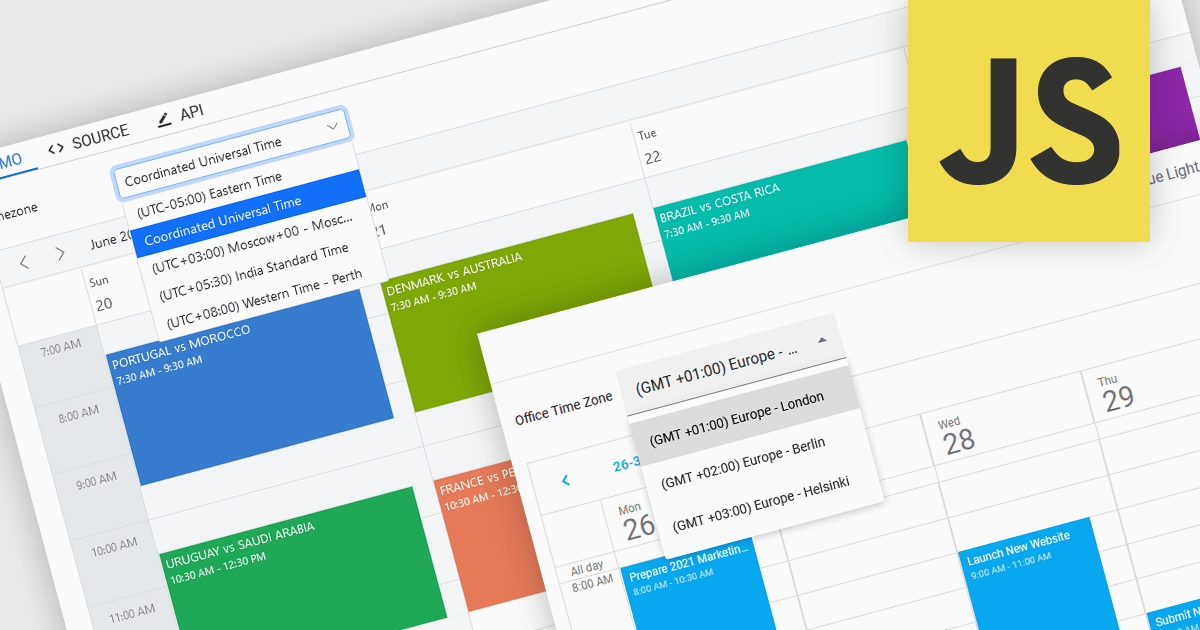
Time zone support in a scheduling component enables users to create, view, and manage events across different regions without manual time conversion. It automatically adjusts appointments based on the user’s local time zone and accounts for daylight saving time (DST) changes, ensuring accurate scheduling. This feature is particularly beneficial for global teams, remote workers, and businesses coordinating across multiple time zones. For example, an international company can schedule a meeting for participants in New York, London, and Tokyo, and each attendee will see the event in their local time. Time zone support eliminates confusion, reduces scheduling errors, and improves efficiency in cross-border collaboration.
Several JavaScript products offer scheduling components with time zone support including:
Explore our range of JavaScript scheduling components.
Need help to find the right software license, upgrade or renewal? Call, Email, or Live Chat with our experts.
聯繫電話: (888) 850 9911
傳真: +1 770 250 6199


