













官方供應商
我們作為官方授權經銷商,直接提供超過200家開發廠家所發行超過1000個的產品授權給您。
請參閱我們所有的品牌。
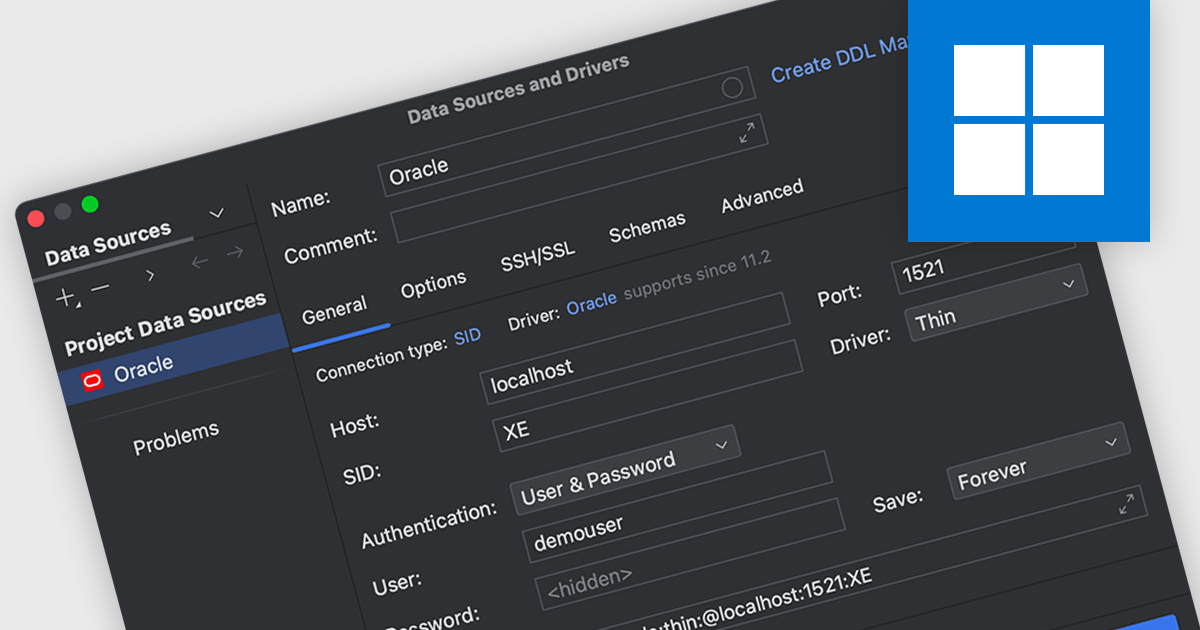
Oracle connectivity allows an Integrated Development Environment (IDE) to seamlessly interact with Oracle databases, making it a central hub for database-related tasks. Developers can connect directly to databases within the IDE to execute SQL queries, browse objects, debug stored procedures, and more, all without switching to a separate database client. This streamlined integration enhances productivity and reduces the likelihood of errors by keeping workflows consistent and efficient.
Several integrated development environments (IDEs) offer Oracle connectivity including:
For an in-depth analysis of features and price, visit our comparison of IDEs.
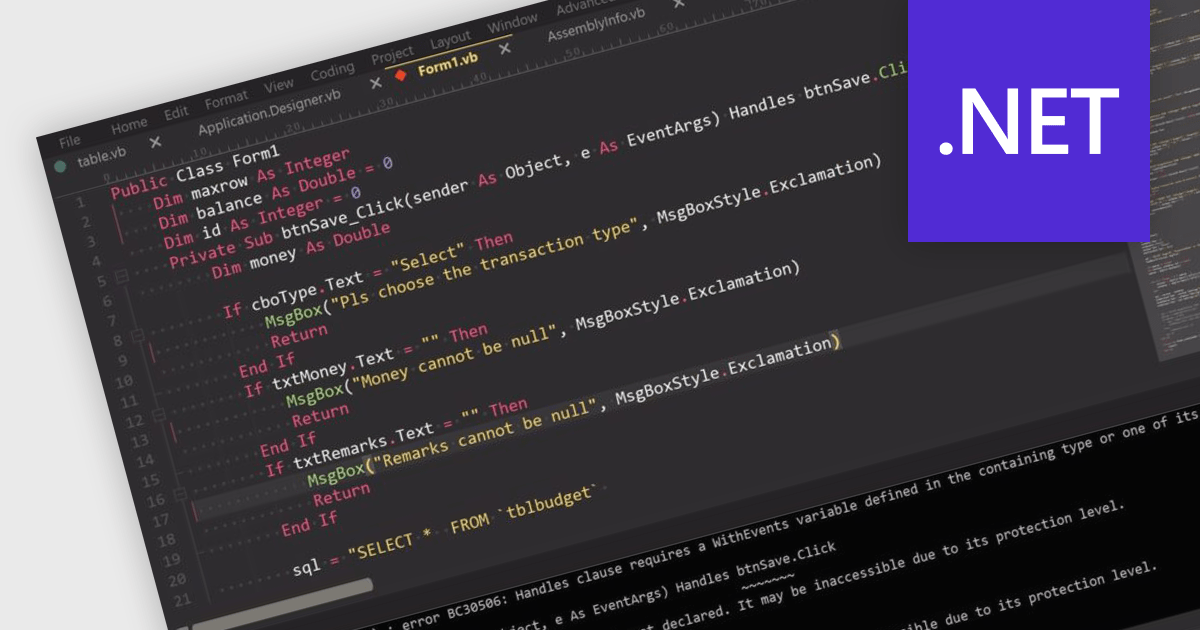
Visual Basic .NET (VB.NET) is a versatile programming language supported by popular Integrated Development Environments (IDEs) that enhance productivity with features like syntax highlighting, IntelliSense, debugging, and version control. Seamlessly integrated with the .NET framework, VB.NET is ideal for developing desktop software, web services, and cloud solutions. While less popular than modern languages like C#, Python, or JavaScript, it remains valuable in niches such as legacy application maintenance and in organizations invested in the .NET ecosystem. Its simplicity and ease of learning make it appealing for rapid prototyping and for developers transitioning from older Visual Basic versions. Migrating Visual Basic (VB) applications to VB.NET modernizes codebases, adding object-oriented capabilities, improved error handling, and access to advanced .NET libraries. This enhances performance, security, scalability, and compatibility with modern systems. Typical use cases include updating enterprise software, modernizing desktop applications with Windows Forms or WPF, and integrating legacy systems with web or cloud services, ensuring applications remain functional and future-ready.
Several integrated development environments (IDEs) offer Visual Basic .NET support, including:
For an in-depth analysis of features and price, visit our comparison of IDEs.
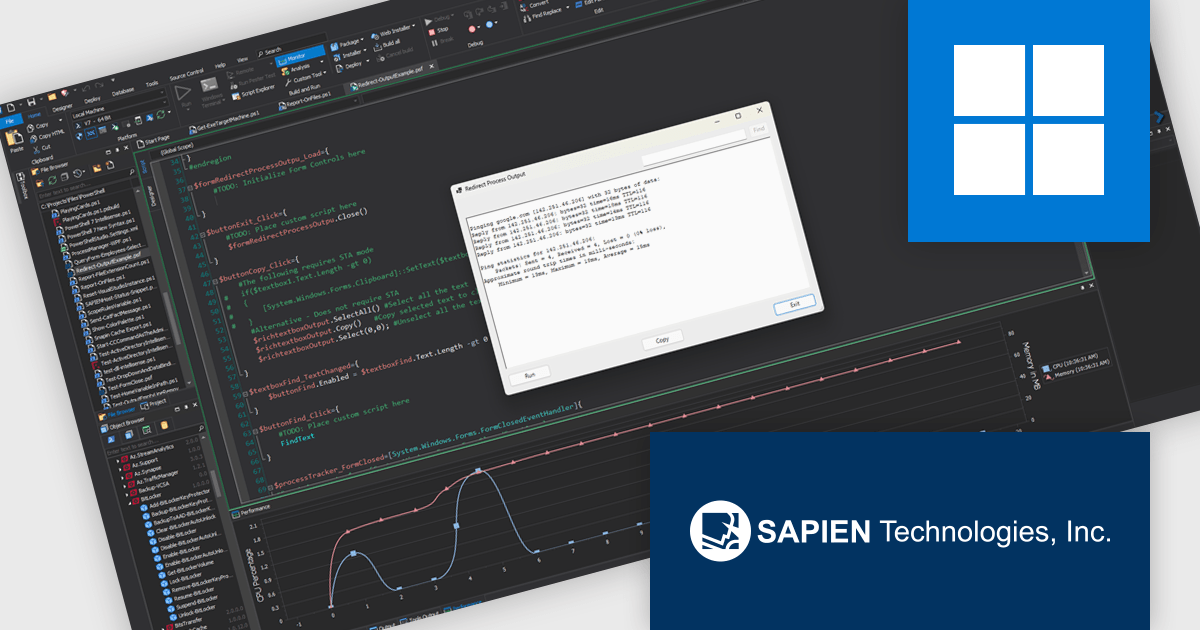
PowerShell Studio by SAPIEN Technologies is an Integrated Scripting Environment (ISE) designed specifically for PowerShell development. It offers a comprehensive editing experience with features like syntax coloring, code completion, and debugging. Beyond editing, PowerShell Studio allows you to visually design GUIs for your scripts, convert them into executables, and create modules and Windows services. This comprehensive toolset caters to developers who want to streamline PowerShell scripting and extend its functionality.
The Performance Monitor in PowerShell Studio provides software developers with an efficient way to evaluate script performance by offering real-time insights into memory and CPU usage. It enables developers to identify resource-intensive processes quickly and assess their impact on overall performance. By displaying performance metrics from the last three sessions side-by-side, it facilitates easy comparison, helping developers track improvements, detect regressions, and refine their scripts for optimal efficiency. This feature streamlines the debugging and optimization process, empowering developers to deliver high-quality solutions.
PowerShell Studio is licensed per user and includes 1 year of product maintenance which may be renewed each year thereafter to continue to receive the latest updates. See our PowerShell Studio licensing page for full details.
Learn more on our PowerShell Studio product page.
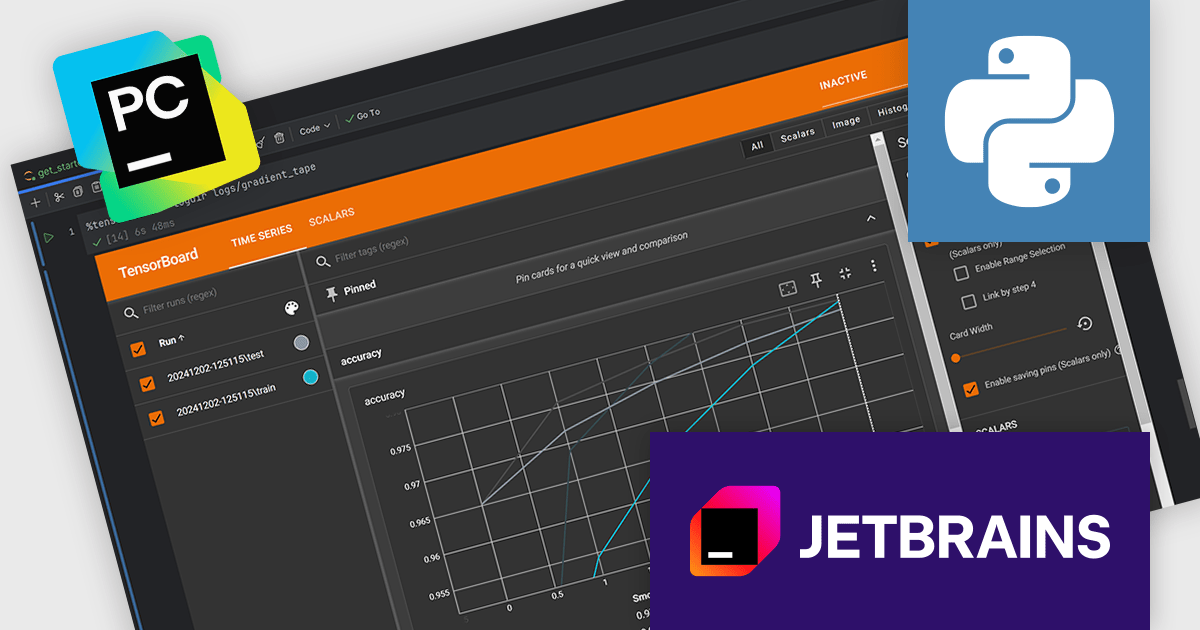
PyCharm by JetBrains is a comprehensive Integrated Development Environment (IDE) specifically designed for Python programming. It offers a range of features to enhance productivity, including code analysis for error detection, a visual debugger for troubleshooting, integrated unit testing for code verification, and support for version control systems to manage code changes. PyCharm also caters to web development using frameworks like Django, making it a powerful tool for both experienced developers and beginners in the Python world.
The PyCharm 2024.3.1 release seamlessly integrates TensorBoards directly within Jupyter Notebooks, revolutionizing your machine learning workflows. This powerful integration allows for real-time visualization and analysis of your experiments, helping you effortlessly track and monitor essential metrics like loss and accuracy, gaining valuable insights into your model's performance. All these capabilities are conveniently accessible within the familiar and user-friendly PyCharm environment, streamlining your machine learning research and development.
To see a full list of what's new in version 2024.3.1, see our release notes.
PyCharm is licensed per user, and is available as a commercial annual subscription license. We can supply new subscriptions, subscription renewals (including continuity discounts), lapsed renewals, and additional user licenses. See our PyCharm licensing page for full details.
PyCharm is available to buy in the following products:

Integrated Development Environments (IDEs) are comprehensive software applications designed to streamline and enhance the coding process by providing a range of powerful tools and features. These coding features assist developers in writing, organizing, and managing code more efficiently through features like intelligent suggestions, automated formatting, and visual aids. They reduce repetitive tasks with templating, improve code clarity with syntax highlighting, and enable swift navigation and editing within large projects. Advanced capabilities like refactoring ensure clean and maintainable code structures, while remote development fosters collaboration and flexibility. Together, these features minimize errors and save time, enabling developers to write high-quality and efficient code more easily.
Common coding features include:
For an in-depth analysis of features and price, visit our Integrated Development Environments (IDEs) comparison.
聯繫電話: (888) 850 9911
傳真: +1 770 250 6199


