













官方供應商
我們作為官方授權經銷商,直接提供超過200家開發廠家所發行超過1000個的產品授權給您。
請參閱我們所有的品牌。
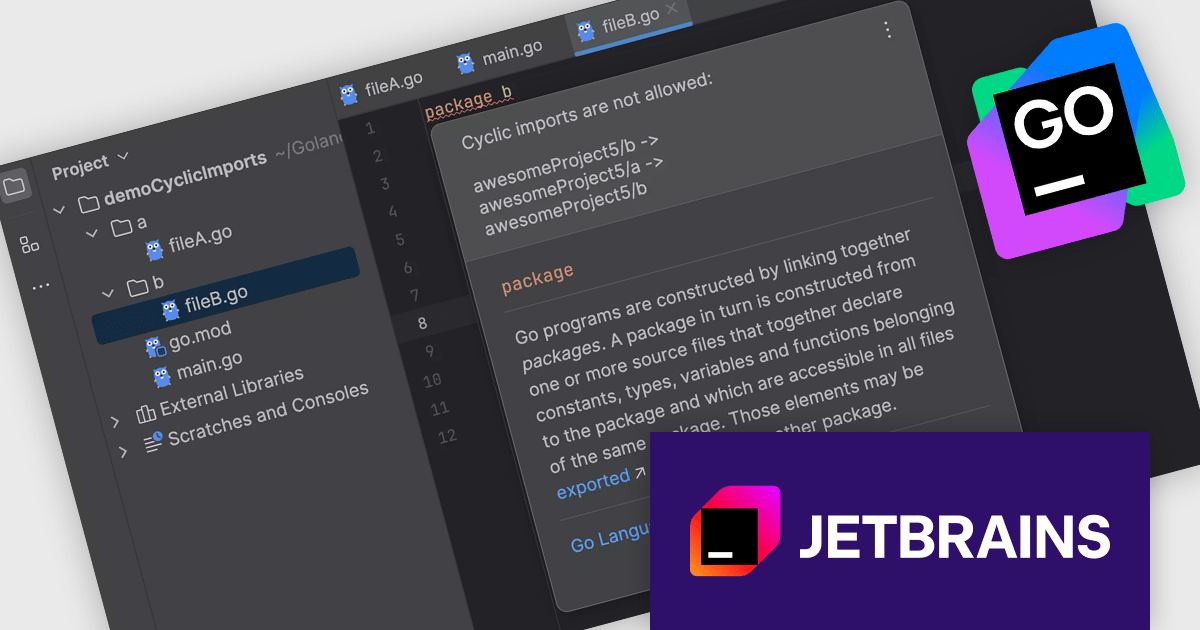
JetBrains GoLand is a dedicated integrated development environment (IDE) designed for Go programmers. It offers comprehensive features like intelligent code completion, advanced debugging tools, built-in testing frameworks, and code navigation aids for both individual and collaborative development. GoLand's focus on efficiency and productivity, along with its seamless integration with other JetBrains tools, makes it a powerful choice for professional Golang development.
The JetBrains GoLand 2024.3 release introduces a new inspection feature designed to detect cyclic imports, a common source of confusion and build errors in complex projects. By analyzing dependencies and identifying circular imports before running go build, this tool helps developers streamline their workflow, maintain cleaner and more readable code, and prevent time-consuming debugging. Ideal for projects with intricate module dependencies, this update ensures smoother development and more efficient problem resolution, empowering developers to focus on building high-quality Go applications.
To see a full list of what's new in version 2024.3, see our release notes.
GoLand is licensed per user, and is available as a commercial annual subscription license. We can supply new subscriptions, subscription renewals (including continuity discounts), lapsed renewals, and additional user licenses. See our GoLand licensing page for full details.
GoLand is available to buy in the following products:
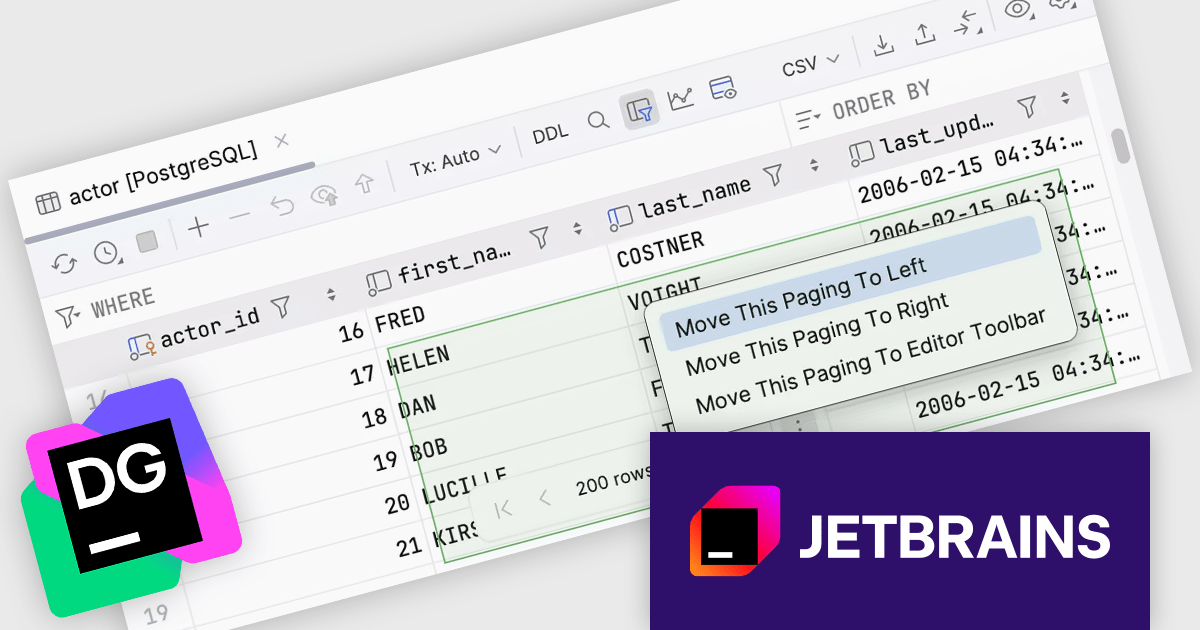
DataGrip is a multi-engine database environment that supports MySQL, PostgreSQL, Microsoft SQL Server, Oracle, Sybase, DB2, SQLite, HyperSQL, Apache Derby and H2. It includes an editor that provides intelligent coding assistance such as auto-completion, analysis and navigation. It also features a query console for running and profiling queries.
The JetBrains DataGrip 2024.3 release introduces a floating pagination toolbar, enhancing data navigation by repositioning the pagination controls to the bottom center of the data editor, making grid paging more visible and intuitive. This update improves workflow efficiency, especially when working with large datasets, by providing quick and centralized access to pagination. For users preferring traditional layouts, the control remains customizable, allowing it to be moved back to the toolbar through the IDE's settings. Ideal for database professionals who frequently manage extensive data grids, this feature ensures greater flexibility and a smoother user experience tailored to individual preferences.
To see a full list of what's new in version 2024.3, see our release notes.
DataGrip is licensed per user, and is available as a commercial annual subscription license. We can supply new subscriptions, subscription renewals (including continuity discounts), lapsed renewals, and additional user licenses. See our DataGrip licensing page for full details.
DataGrip is available to buy in the following products:
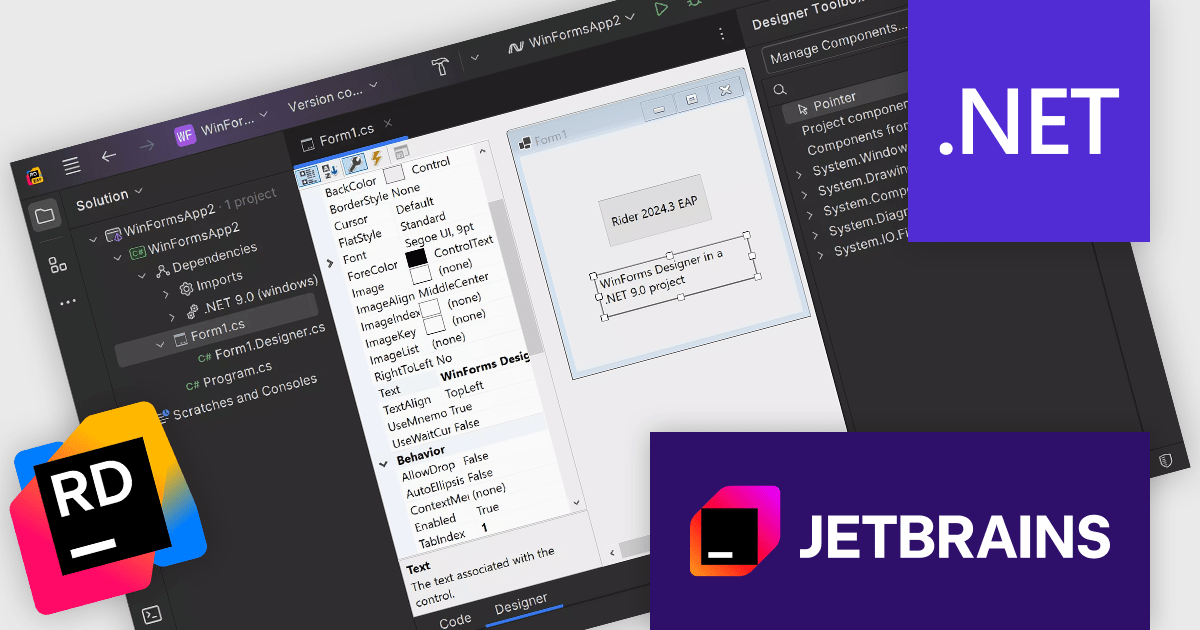
Rider is a professional Integrated Development Environment (IDE) specifically designed for building .NET applications. Developed by JetBrains, Rider combines robust functionality with a sleek interface to offer a superior coding experience. Rider supports C#, F#, JavaScript, and TypeScript, making it a versatile tool for modern .NET development. Powerful features like advanced code completion, integrated unit testing, built-in debugging tools, and seamless cross-platform support (Windows, macOS, Linux) streamline the development process. Rider seamlessly integrates with popular version control systems and databases, enhancing project management and code collaboration.
Rider 2024.3 introduces enhanced Windows Forms Designer support for .NET 6.0 and newer, allowing developers to create, view, and modify the UI of their Windows Forms applications with ease. This new feature offers functionality similar to the classic .NET Framework designer, making it easier to transition projects to modern .NET versions while maintaining familiar workflows. Supporting most DevExpress controls, this update empowers developers to build and refine user interfaces more effectively, particularly in applications that require frequent UI customization or advanced design elements. Rider’s designer tools streamline UI development, boosting productivity and enabling a polished user experience in .NET applications.
To see a full list of what's new in version 2024.3, see our release notes.
Rider is licensed per user, and is available as a commercial annual subscription license. We can supply new subscriptions, subscription renewals (including continuity discounts), lapsed renewals, and additional user licenses. See our Rider licensing page for full details.
Rider is available to purchase in the following products:
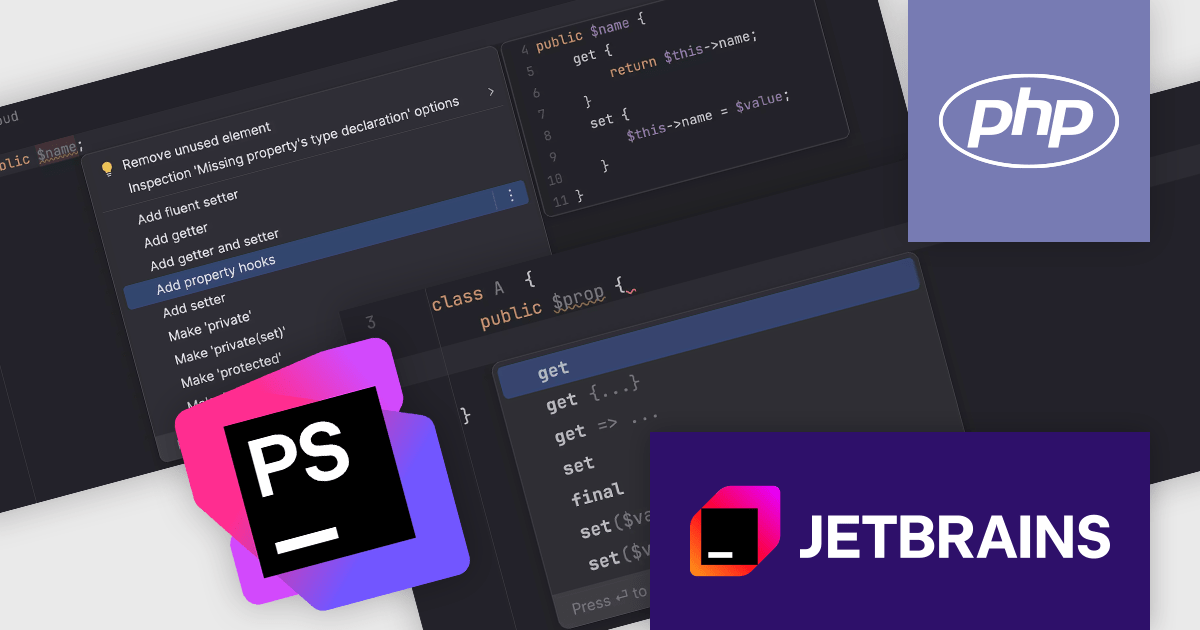
PhpStorm by JetBrains is a sophisticated Integrated Development Environment (IDE) specifically designed for PHP and web development. It offers a range of features to enhance your coding experience, including syntax highlighting, intelligent code completion, on-the-fly error detection, built-in debugging tools, and advanced code refactoring capabilities. It also supports various web technologies like HTML, CSS, and JavaScript, making it a versatile tool for building complete web applications.
The JetBrains PhpStorm version 2024.3 release introduces property hooks, a transformative feature in modern PHP that eliminates the need for boilerplate getters and setters by enabling get and set hooks directly on properties, including promoted properties. This update streamlines coding workflows with tools like quick-fixes for replacing existing methods, automatic shorthand conversion, and code completion for hook syntax. By ensuring proper usage through syntax checks and offering efficient generation actions, PhpStorm empowers developers to write cleaner code. Ideal for modern PHP projects, this feature enhances productivity, simplifies property management, and supports the latest advancements in the PHP ecosystem.
To see a full list of what's new in version 2024.3, see our release notes.
PhpStorm is licensed per user, and is available as a commercial annual subscription license. We can supply new subscriptions, subscription renewals (including continuity discounts), lapsed renewals, and additional user licenses. See our PhpStorm licensing page for full details.
PhpStorm is available to buy in the following products:
JetBrains IntelliJ IDEA is a feature-rich Java IDE that empowers developers with a comprehensive set of tools for intelligent coding assistance, effortless navigation and search, seamless refactorings, in-depth code analysis, comprehensive Web and Enterprise development support, robust unit testing capabilities, and streamlined team collaboration features.
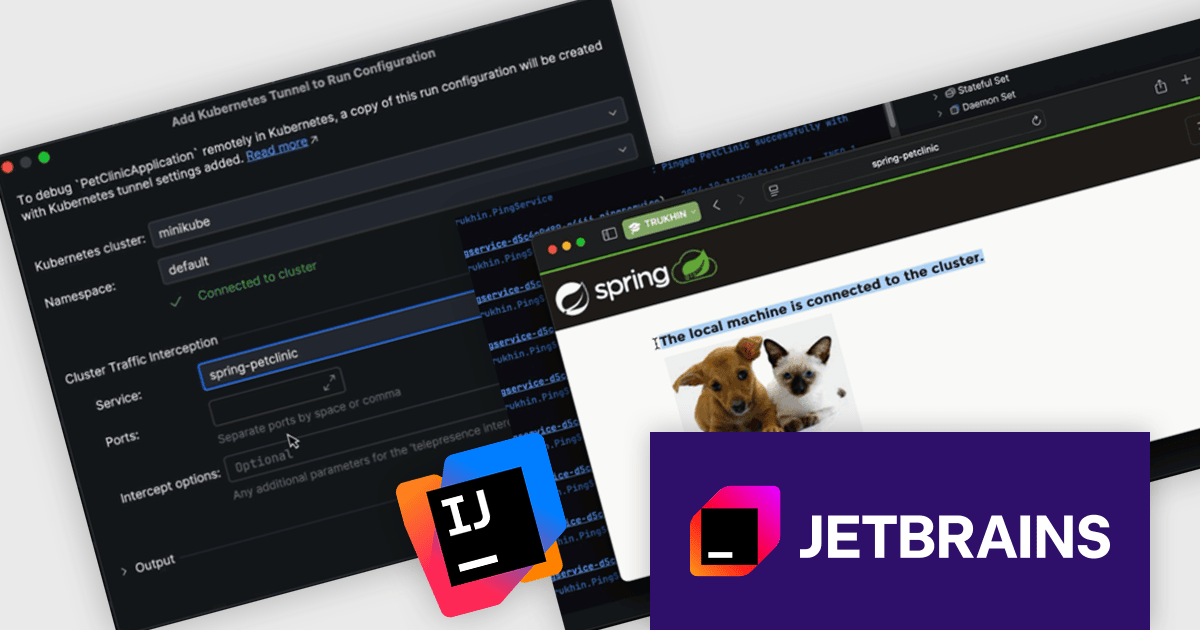
The IntelliJ IDEA 2024.3 update enhances Kubernetes application debugging by streamlining the process of diagnosing and resolving issues in microservices. With its improved debugging experience, developers can easily establish tunnel debugging to seamlessly integrate their local workstation into a Kubernetes cluster. This allows direct interaction with microservices as if they were running within the cluster, while maintaining network access to other services. The update also introduces a Forward Ports section in the Kubernetes UI, simplifying port-forwarding configurations to improve accessibility and workflow efficiency. These enhancements enable developers to debug Kubernetes applications more effectively, leveraging familiar tools without additional complexity, and ultimately reducing development time.
To see a full list of what's new in version 2024.3 see our release notes.
IntelliJ IDEA is licensed per user as a commercial annual subscription. We can supply New Subscriptions, Subscription Renewals, Lapsed Subscription Renewals, and Additional Developer Licenses. See our IntelliJ IDEA licensing page for full details.
IntelliJ IDEA is available to buy in the following products:
聯繫電話: (888) 850 9911
傳真: +1 770 250 6199


