













官方供應商
我們作為官方授權經銷商,直接提供超過200家開發廠家所發行超過1000個的產品授權給您。
請參閱我們所有的品牌。
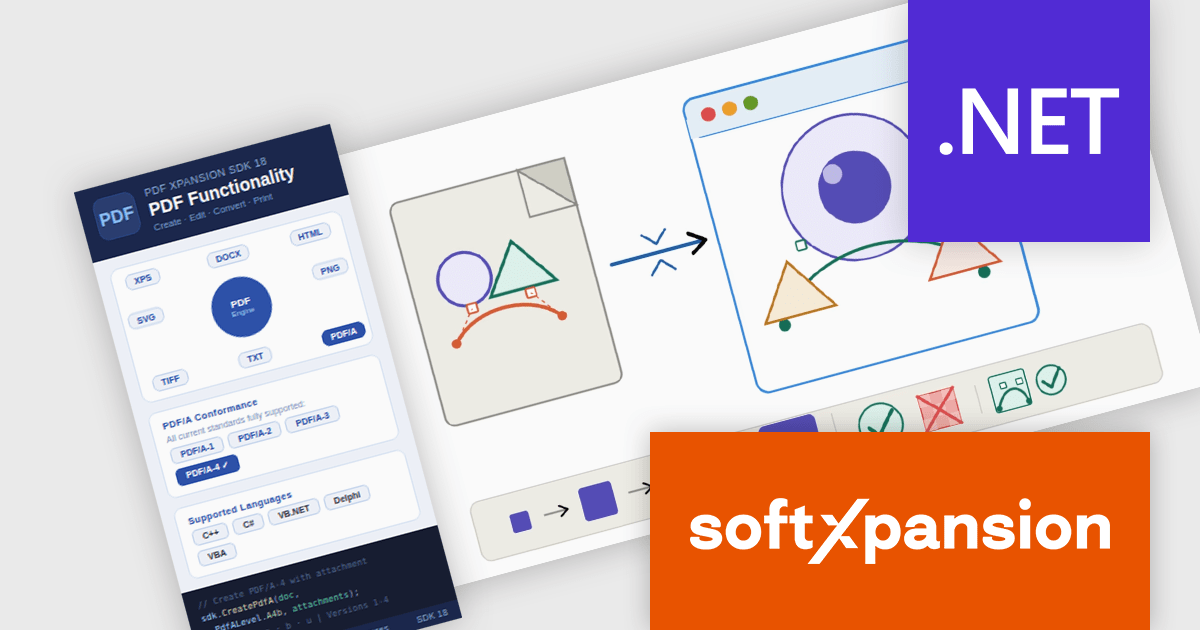
PDF Xpansion SDK by soft Xpansion is a modular software development kit for Windows applications that provides a broad set of APIs and components for creating, editing, viewing, converting, validating, and processing PDF, PDF/A, and XPS documents, alongside support for modern electronic invoicing standards such as XRechnung, ZUGFeRD, Factur-X, and EN 16931. The SDK includes specialized modules for PDF viewing, document combination and splitting, PDF/A compliance, and e-invoicing creation and receipt workflows, enabling developers to integrate document management, archiving, compliance, and business process functionality directly into desktop and enterprise applications. It also supports advanced capabilities such as PDF/UA accessibility, embedded XML data, document conversion, structured invoice validation, and customizable viewing interfaces, allowing developers to build solutions for document-centric workflows, digital archiving, regulatory compliance, document viewing, and automated invoice processing using a common set of PDF and e-invoicing development components.
The PDF Xpansion SDK 18.0.2 update introduces full SVG import capability, allowing developers to embed complete SVG files directly into PDF documents rather than being limited to basic SVG elements. This enhancement improves fidelity when working with vector graphics by preserving complex shapes, gradients, paths, and other advanced SVG features during PDF generation. As a result, applications can produce more accurate and visually consistent PDF output from modern SVG-based assets, reducing the need for graphic simplification, conversion workarounds, or manual adjustments while supporting a broader range of design and reporting scenarios. Note: This feature is not included in the license and requires an additional purchase - details and pricing available upon request.
To see a full list of what's new in 18.0.2, see our release notes.
PDF Xpansion SDK products are licensed on a per-location basis, with a separate license required for each company location where developers use the SDKs. An annual maintenance subscription is also available, providing product updates and 12 man-hours of support for one year. Optional add-ons are available, and certain features not included in the standard license may be licensed separately for an additional fee.
See the product license pages for full details:
Learn more about PDF Xpansion SDK on our product pages:
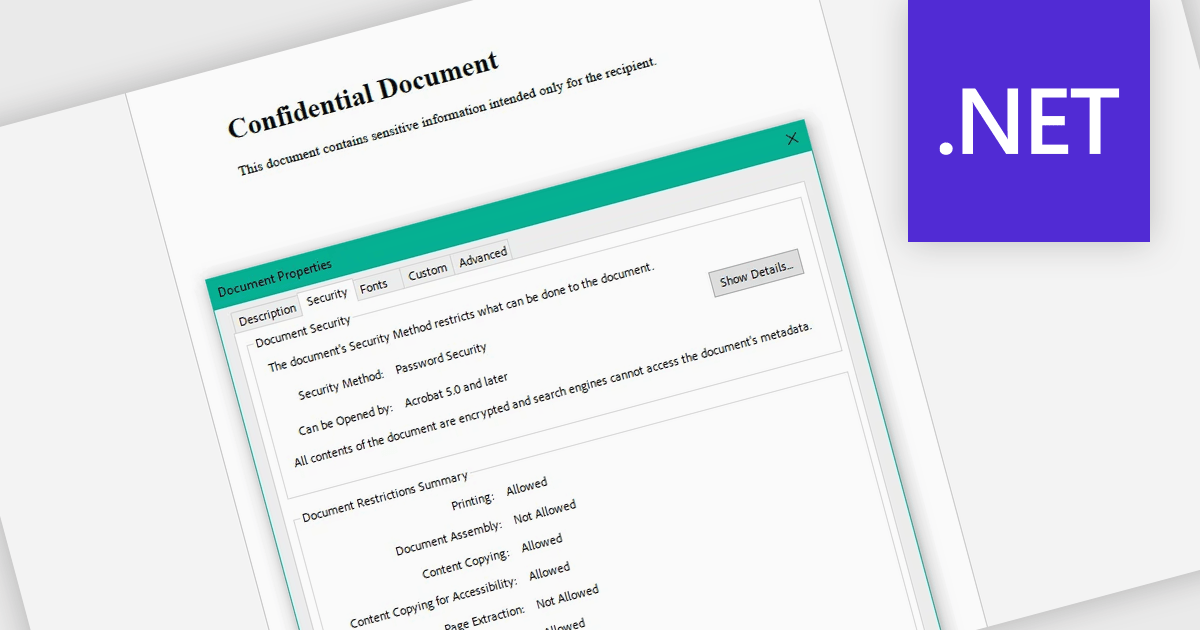
Encrypting and decrypting PDF files allows developers to secure sensitive documents with strong encryption while enabling authorized users to safely access protected content when needed. By applying password protection and access controls, organizations can prevent unauthorized viewing or sharing of confidential information such as legal contracts, financial reports, healthcare records, and proprietary research while supporting secure document workflows and compliance requirements.
Several .NET PDF controls offer encryption and decryption support including:
For an in-depth analysis of features and price, visit our .NET PDF controls comparison.
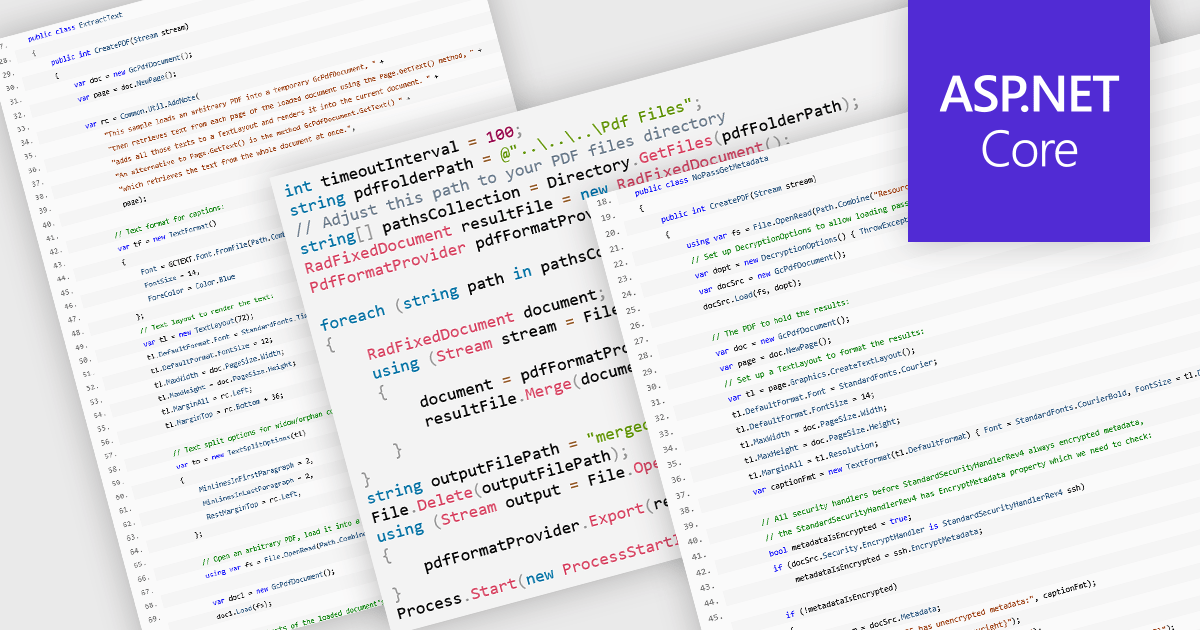
PDF manipulation allow applications to create, modify, and manage PDF documents programmatically or through integrated user interfaces. These features support a wide range of document workflows, from reorganizing pages to extracting information and optimizing file sizes. By incorporating PDF manipulation tools directly into applications, developers can support more efficient document processing without relying on external software.
Common features include:
For an in-depth analysis of features and price, visit our ASP.NET Core PDF components comparison.
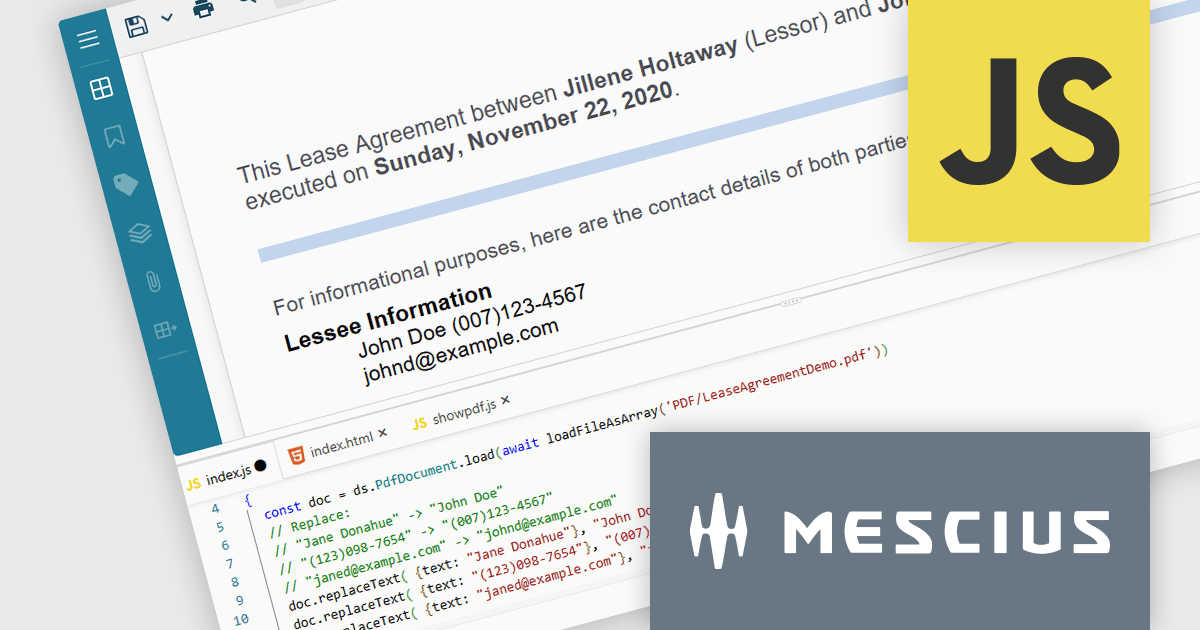
Document Solutions for PDF JS by MESCIUS is a JavaScript PDF API that enables software teams to add PDF functionality to web applications. It supports use cases such as generating documents, modifying existing files, rendering pages, handling forms, converting content, and automating PDF-related processes across browser-based and server-side JavaScript environments.
Beyond core document processing, the product provides tools for creating richer document workflows within custom applications. Its WebAssembly-based engine is designed for efficient performance, while the optional viewer component supports interactive scenarios such as annotation, review, and form filling. This gives teams more control over how PDFs are handled and helps reduce reliance on separate PDF software in reporting, compliance, data collection, and collaboration scenarios.
Document Solutions for PDF JS is licensed per developer and is available in several license options for differing distribution needs. Team licenses are also available for multiple developers within the same organization. See our Document Solutions for PDF JS licensing page for full details.
Learn more on our Document Solutions for PDF JS product page.
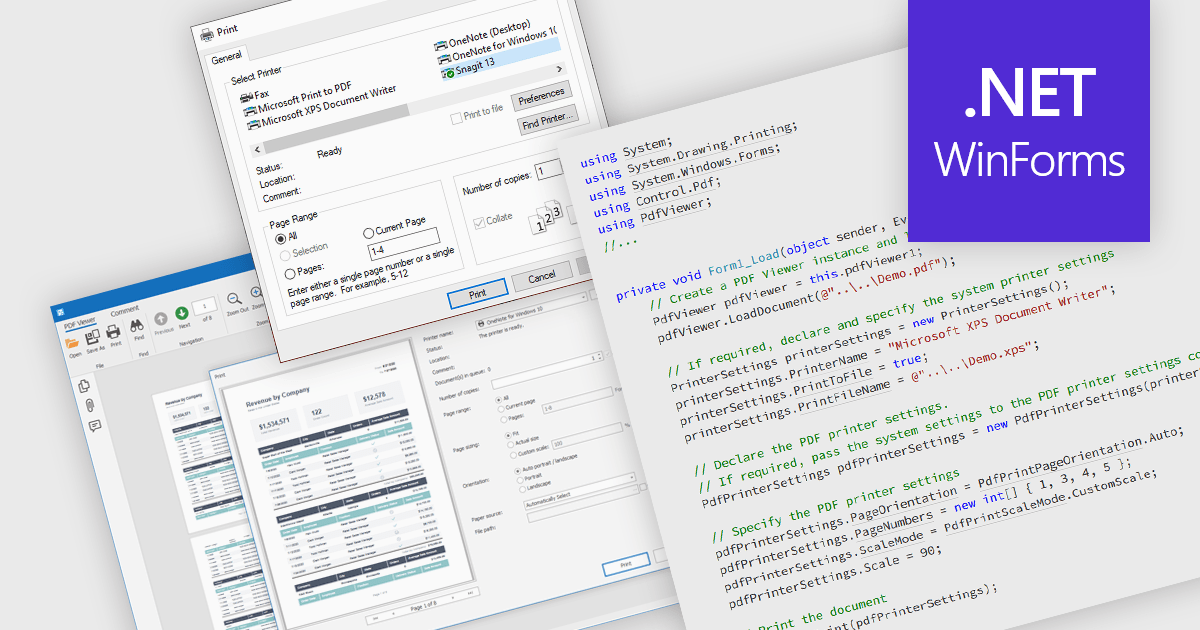
Printing PDFs to a printer is the process of sending a Portable Document Format (PDF) file from an application to a physical or virtual printer while preserving its layout, fonts, and graphical fidelity. A PDF viewer control typically handles rendering and pagination, ensuring consistent output across devices and print environments. The main benefit is predictable, high-quality output, which is especially important for documents that require precise formatting. Modern PDF viewer components support printing either directly through built-in user interface elements such as a toolbar or print dialog, or programmatically through application code using API methods, giving developers flexibility in how printing capabilities are exposed and controlled within an application.
Several WinForms PDF Viewer components allow you to print PDFs to a printer, including:
For an in-depth analysis of features and price, visit our comparison of WinForms PDF Viewer components.
聯繫電話: (888) 850 9911
傳真: +1 770 250 6199


