













官方供應商
我們作為官方授權經銷商,直接提供超過200家開發廠家所發行超過1000個的產品授權給您。
請參閱我們所有的品牌。

The ability to move and arrange pages in a PDF viewer allows users to reorder individual pages within a PDF document directly through the interface. For software developers, this feature supports more dynamic document processes, especially in applications involving content assembly, form management, or automated report generation. It reduces the need for external tools or manual editing, which simplifies integration and enhances user experience when managing complex or multi-page documents.
Several WPF (Windows Presentation Foundation) PDF viewer components allow you to move and arrange pages in a PDF, including:
For an in-depth analysis of features and price, visit our WPF PDF viewer comparison.
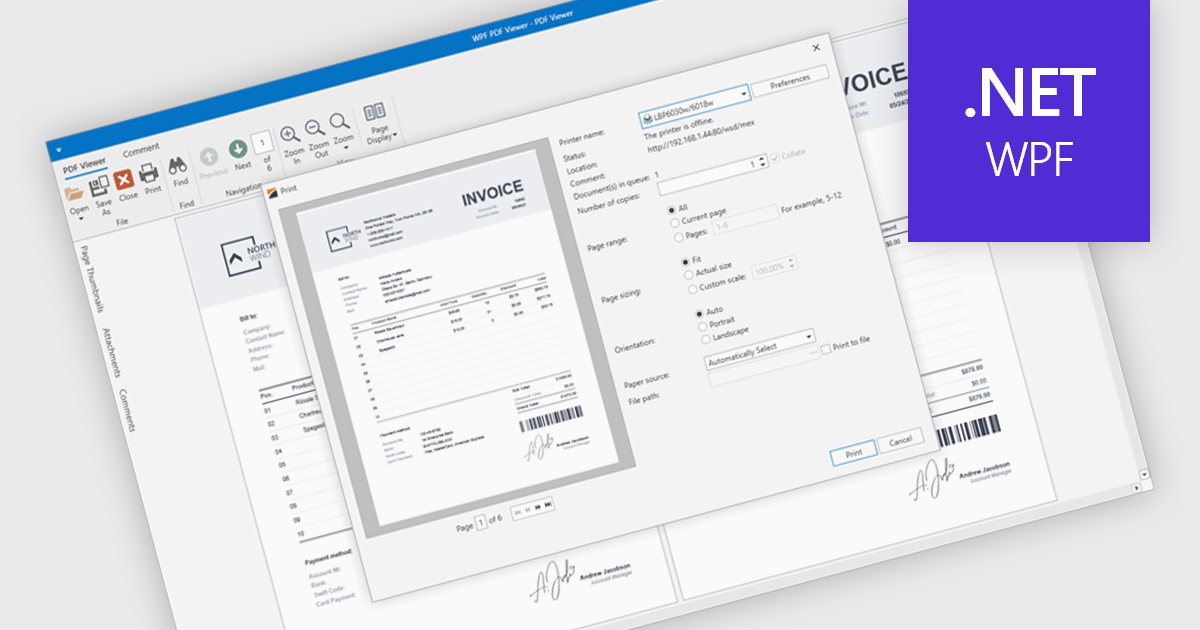
PDF printing within a PDF Viewer allows users to print documents directly from the viewing interface without needing to open external applications. This built-in functionality provides quick access to print options such as paper size, orientation, and scaling while maintaining the document’s original layout, fonts, and graphics. It ensures professional, high-quality output and a consistent user experience across different printers and devices. Common use cases include printing invoices, reports, forms, and technical documentation directly from desktop or embedded applications, helping users save time, reduce complexity, and improve productivity in document-heavy environments.
Several .NET WPF PDF viewer components include support for printing, including:
For an in-depth analysis of features and price, visit our comparison of .NET WPF PDF viewer components.
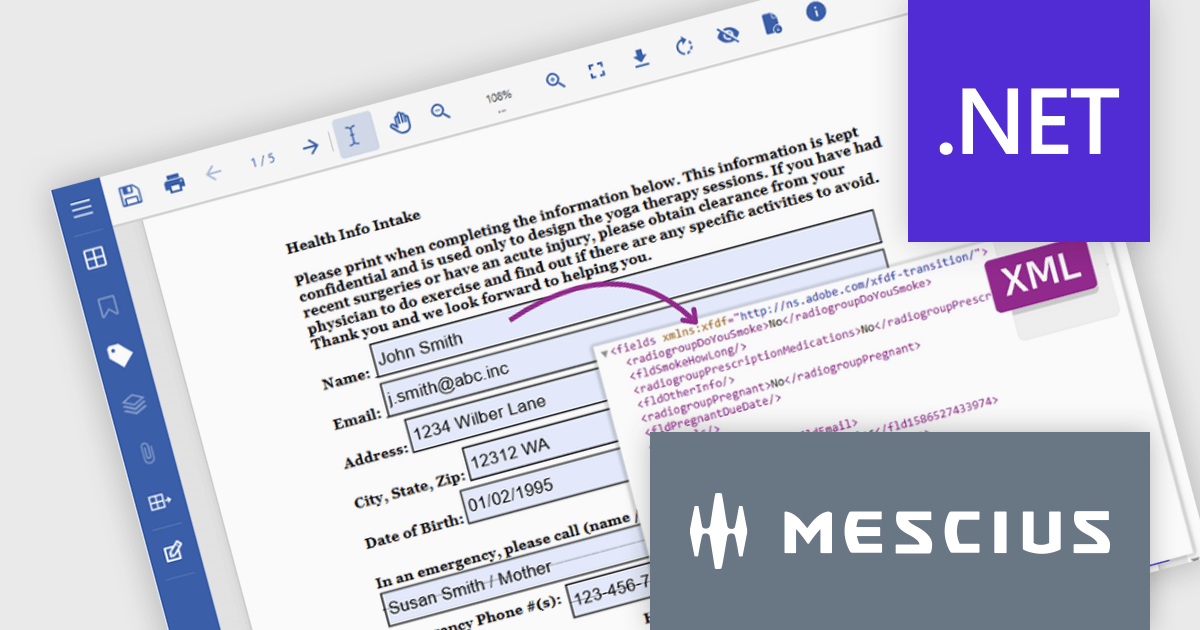
Document Solutions for PDF (DsPdf, formerly GcPdf) is a high-speed, feature-rich, server-side PDF API Library for .NET with no dependencies on Adobe Acrobat. DsPdf allows developers to programmatically create, manipulate, import/export, and deploy PDF documents, including AcroForms, across desktop and web applications at scale. With full .NET support, you can generate, load, modify, and convert PDFs in your app for .NET, Mono, Xamarin.iOS, and Xamarin.Android.
In this blog post, MESCIUS Product Marketing Specialist Mackenzie Albitz demonstrates how to use Document Solutions for PDF to extract and convert PDF Form data using just a few lines of code. The steps include:
Detailed source code and examples are included to get you started.
Read the complete blog to learn how to automate the processing and storage of PDF Form data.
Document Solutions for PDF is licensed per developer and is available in several license options for differing distribution needs. Team licenses are also available for multiple developers within the same organization. See our Document Solutions for PDF licensing page for full details.
Document Solutions for PDF is available to buy individually or as part of Document Solutions .NET Bundle.
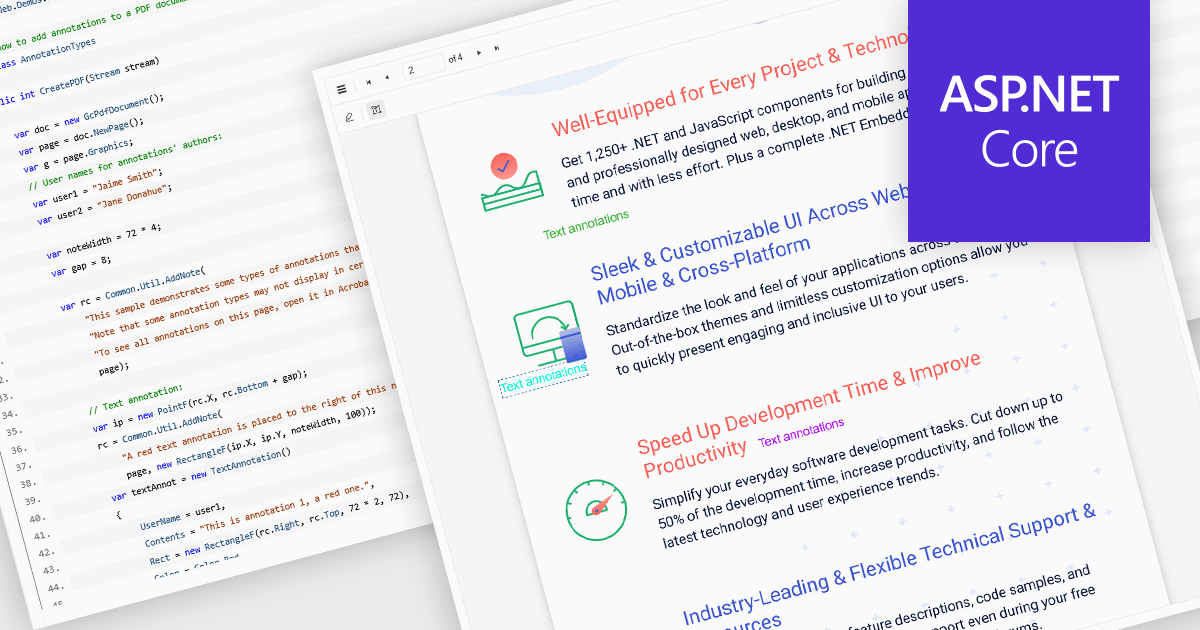
Free text annotations in PDF-processing components enable users to place editable text directly onto document pages, enhancing notes, comments, or briefing elements without relying on external tools. This feature supports adding visible text blocks (rather than hidden pop-ups) that remain part of the document's content layer, allowing for richer, in-context feedback and markup across workflows such as review, auditing, or collaborative editing.
Several ASP.NET Core PDF controls offer support for free text annotations including:
For an in-depth analysis of features and price, visit our ASP.NET Core PDF controls comparison.
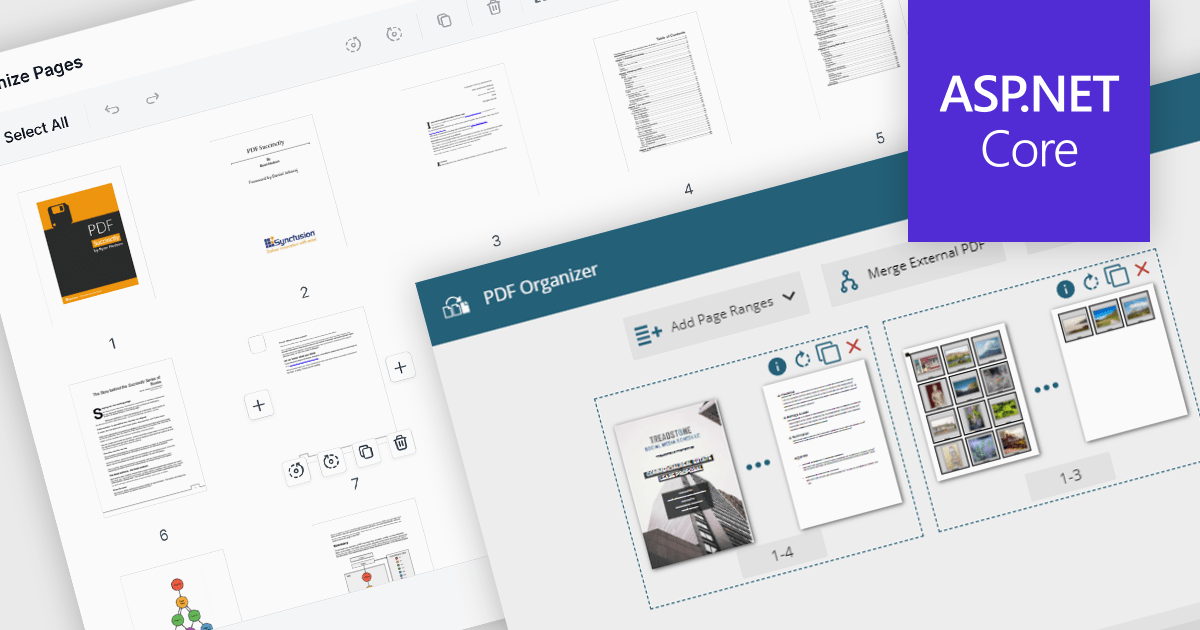
PDF manipulation features in viewer components extend the user experience beyond reading by enabling real-time structural changes to documents. These capabilities are particularly valuable in document-heavy workflows, where users need to rearrange, combine, or refine content without switching between multiple tools. Whether integrated into web portals, business systems, or productivity applications, built-in manipulation functions make PDF viewers more interactive and practical for day-to-day tasks such as document assembly, editing, and cleanup.
Common features include:
For an in-depth analysis of features and price, visit our ASP.NET Core PDF viewer components comparison.
聯繫電話: (888) 850 9911
傳真: +1 770 250 6199


