













官方供應商
我們作為官方授權經銷商,直接提供超過200家開發廠家所發行超過1000個的產品授權給您。
請參閱我們所有的品牌。
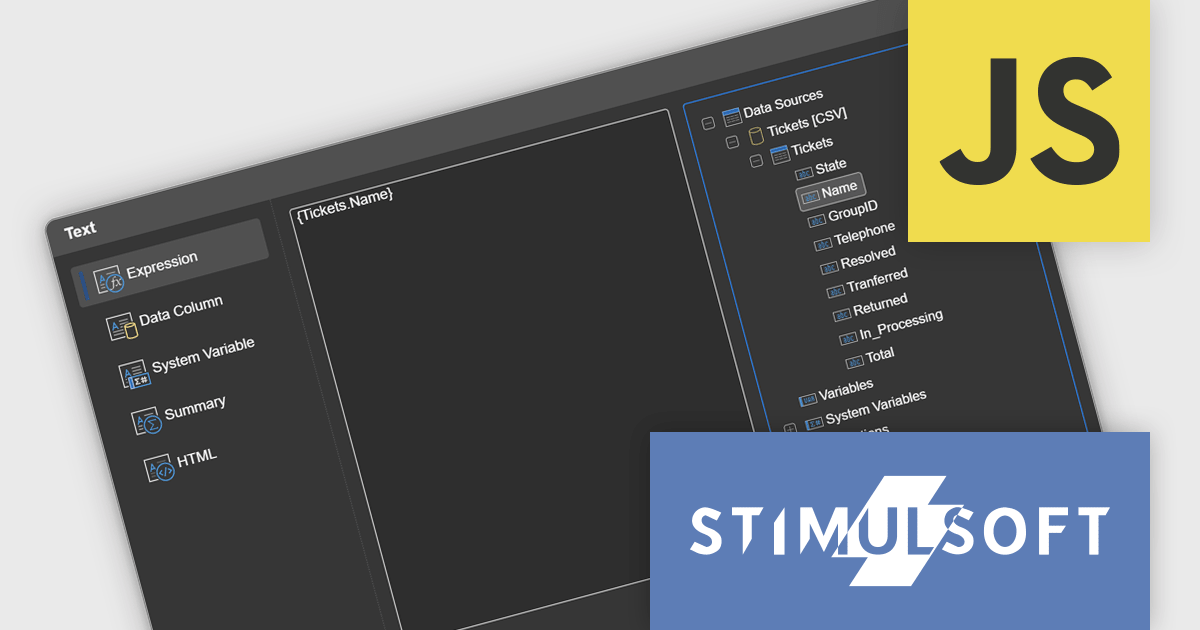
Stimulsoft Reports.JS provides a robust reporting toolkit designed specifically for JavaScript applications. This library leverages a client-side architecture, offering a pure JavaScript report engine for efficient report rendering directly within web browsers. The solution includes a user-friendly report designer for building reports with various data sources and visualizations, along with a report viewer for seamless integration and display within your JavaScript applications. This eliminates the need for server-side dependencies or browser plugins, simplifying the development process for embedding powerful reporting functionalities into your web projects.
The Stimulsoft Reports.JS 2025.1.1 update introduces integrated access to the data dictionary within component editors, enhancing the efficiency and precision of report design. This improvement enables developers to quickly reference and utilize data dictionary elements without switching contexts, simplifying the process of configuring and editing report components. By streamlining access to structured data, the update reduces the risk of errors, promotes consistency across reports, and accelerates the overall workflow, making it an essential enhancement for developers focused on creating complex and data-driven reports.
To see a full list of what's new in 2025.1.1, see our release notes.
Stimulsoft Reports.JS is licensed per developer and is available as a Perpetual license with 1 year support and maintenance. See our Stimulsoft Reports.JS licensing page for full details.
Stimulsoft Reports.JS is available individually or as part of Stimulsoft Ultimate.

Stimulsoft Reports.PHP is a reporting tool designed to be embedded within PHP applications. It offers a client-server architecture for generating, viewing, printing, and exporting reports online. The solution includes a JavaScript report engine for fast execution, a native JavaScript report designer for building reports with various data sources and visualizations, and a PHP server-side component for data processing. This integration allows developers to seamlessly add robust reporting functionality to their PHP applications.
The Stimulsoft Reports.PHP 2025.1.1 update introduces a Swap control in the Chart editor, providing developers with a quick and efficient way to switch columns between Arguments and Values. This addition simplifies the process of customizing charts, allowing for faster experimentation and more flexible data visualization. By minimizing manual adjustments, the Swap control enhances productivity and helps developers focus on creating meaningful insights. Furthermore, the feature is designed with precision in mind, automatically disabling the Swap option for chart types with multiple value fields to ensure consistent configurations.
To see a full list of what's new in 2025.1.1, see our release notes.
Stimulsoft Reports.PHP is licensed per developer and is available as a Perpetual license with 1 year support and maintenance. See our Stimulsoft Reports.PHP licensing page for full details.
Stimulsoft Reports.PHP is available individually or as part of Stimulsoft Ultimate.
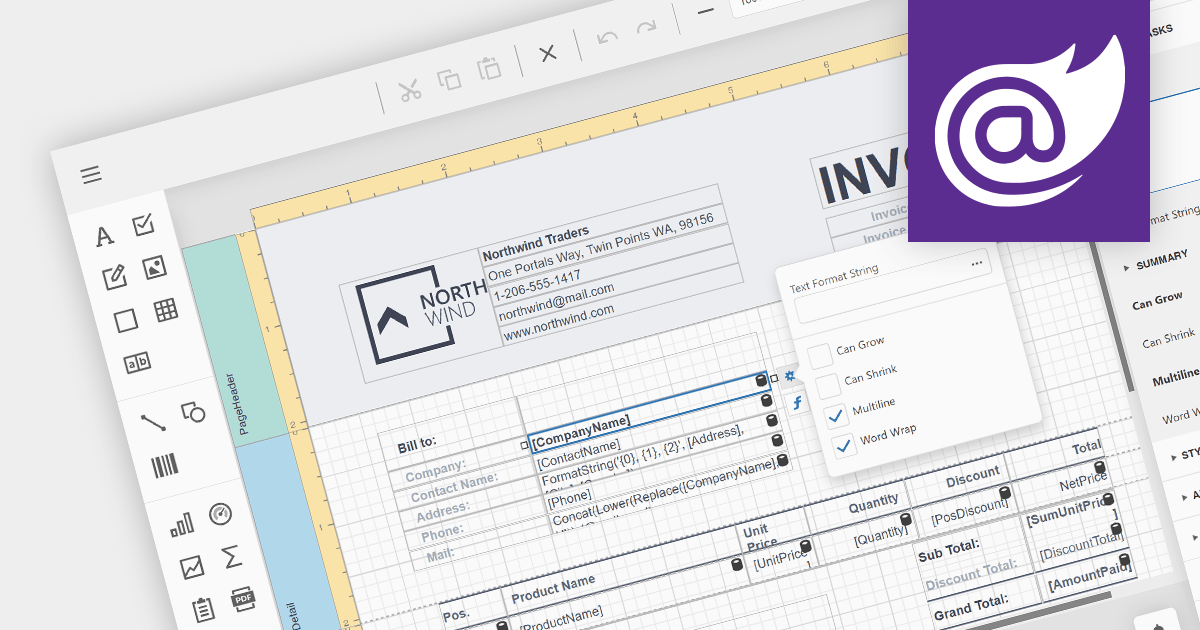
A visual report designer is a component of reporting software that provides a graphical interface for creating reports. It allows users to place and format report elements visually, such as charts, tables, and text fields. This design approach is more intuitive compared to manually coding report layouts, significantly reducing the time and effort required to produce complex reports. A visual designer often includes tools for previewing reports, making iterative design easier. Adding a visual report designer to your application empowers users of all technical levels to craft data-driven insights with ease.
Several Blazor reporting components offer visual report designers including:
For an in-depth analysis of features and price, visit our Blazor reporting comparison.
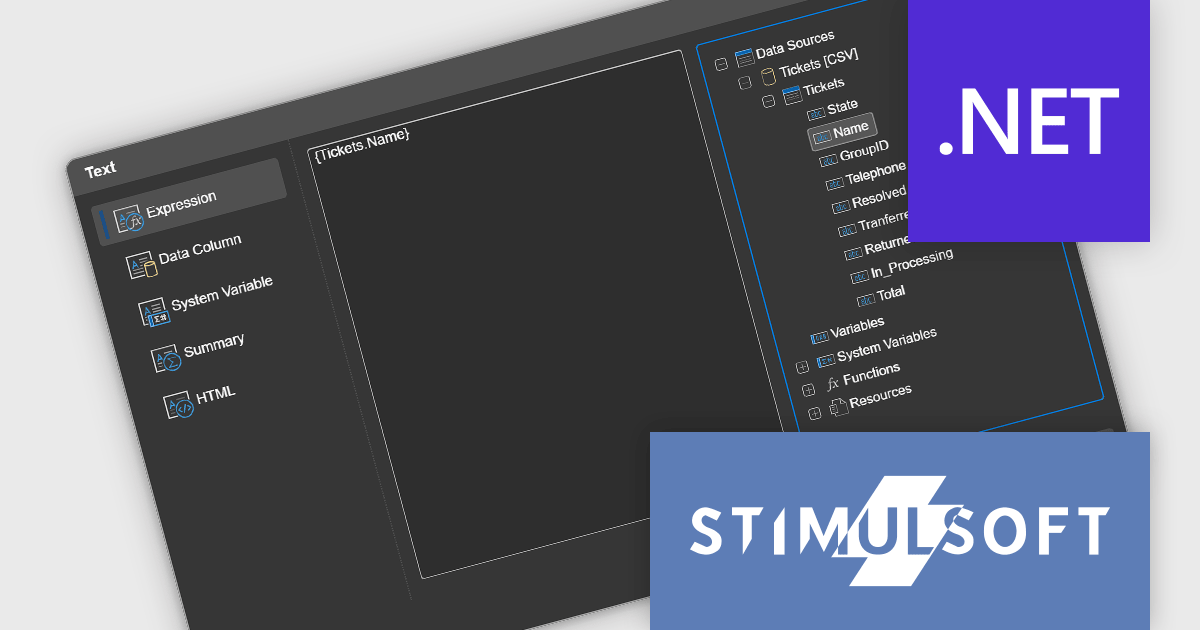
Stimulsoft Reports.WEB is a cross-platform reporting solution designed for integration within web applications. It leverages a client-server architecture for report generation, viewing, printing, and exporting directly in web browsers. Its powerful .NET report engine offers efficient report processing, a user-friendly HTML5 report designer for building reports with various data sources and visualizations, and an interactive HTML5 viewer for seamless report display within web applications. This integration allows developers to implement robust reporting functionalities without browser plugins or additional client-side dependencies.
The Stimulsoft Reports.WEB 2025.1.1 release adds a data dictionary to various component editors in the Web report designer, making it easier to access data dictionary elements when editing report components. This enhancement simplifies the report creation process, making it more intuitive and efficient for users.
To see a full list of what's new in 2025.1.1, see our release notes.
Stimulsoft Reports.WEB is licensed per developer and is available as a perpetual license with 1 year support and maintenance. See our Stimulsoft Reports.WEB licensing page for full details.
Stimulsoft Reports.WEB is available individually or as part of Stimulsoft Ultimate.
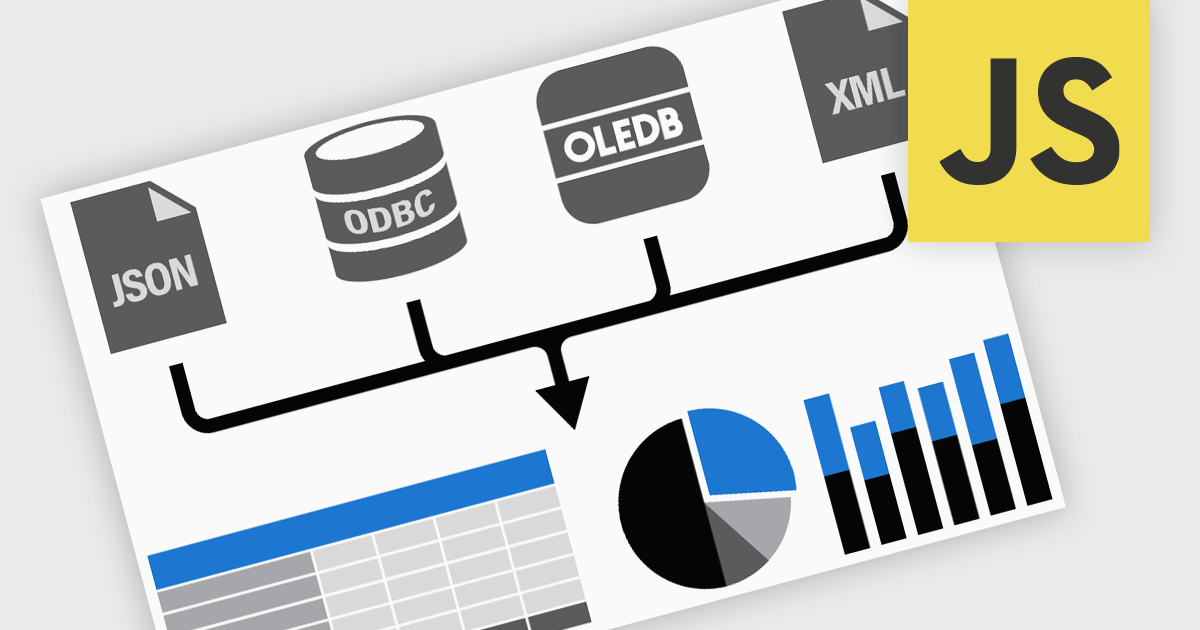
Data connectivity options allow reporting components to integrate with various data sources to retrieve, process, and display data in reports. It typically involves connecting to databases, APIs, web services, or in-memory data structures to fetch real-time or static data. This connectivity is often achieved through frameworks, libraries, or built-in support for data binding and querying mechanisms, such as RESTful APIs, GraphQL, or direct database connections via server-side proxies. Reliable data connectivity enables reporting components to efficiently manage large datasets, perform transformations, and dynamically refresh reports, delivering interactive and precise insights to end-users.
JavaScript reporting components support various data connections including:
聯繫電話: (888) 850 9911
傳真: +1 770 250 6199


