













官方供應商
我們作為官方授權經銷商,直接提供超過200家開發廠家所發行超過1000個的產品授權給您。
請參閱我們所有的品牌。
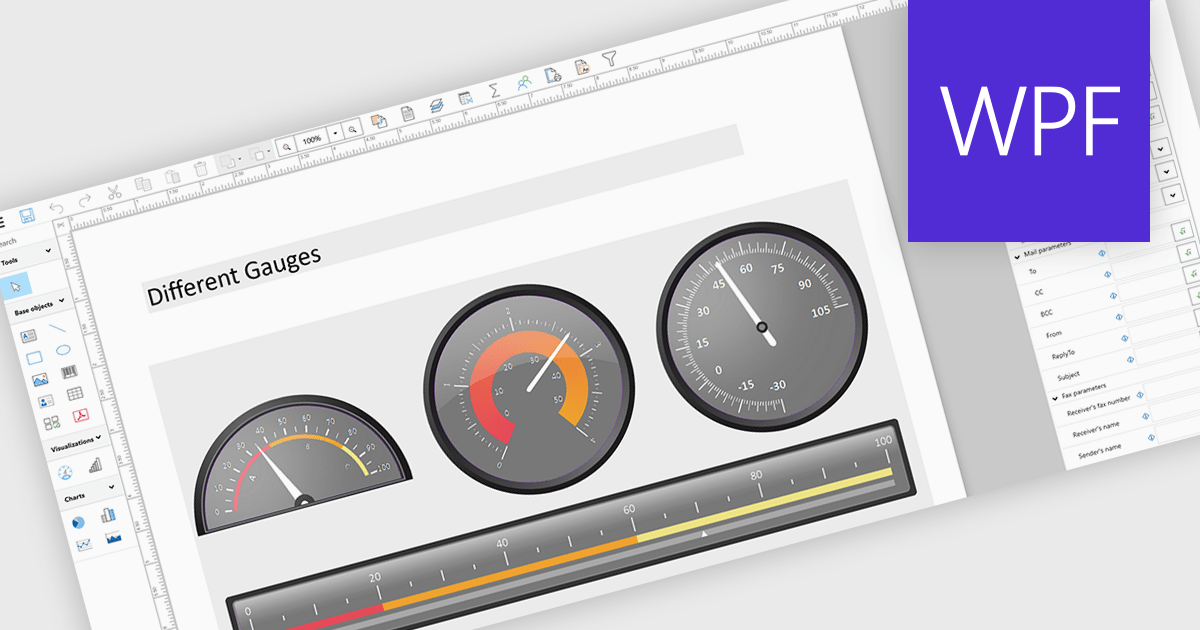
Adding gauges to reports means incorporating visual indicators such as dial or meter style graphics that display key metrics against defined ranges or targets, making performance instantly understandable at a glance. This approach enhances report clarity by transforming complex or dense data into intuitive visuals, helping users quickly assess whether values fall within acceptable, warning, or critical thresholds. As a result, gauges support faster, more informed decision making, improve stakeholder communication, and create more engaging, user friendly reports. Common use cases include tracking sales performance against quotas, monitoring system health or uptime, visualizing budget utilization, and displaying KPI progress in executive dashboards where quick insights are essential.
Several .NET WPF Reporting controls include Gauges including:
For an in-depth analysis of features and price, visit our comparison of .NET WPF Reporting Controls.
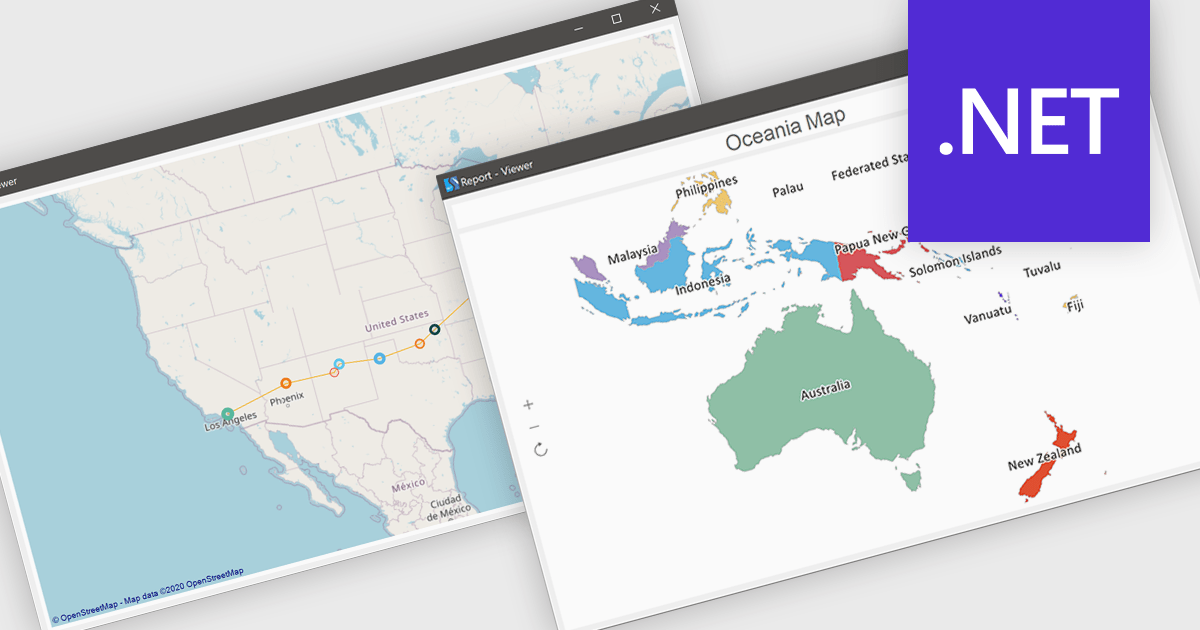
Maps in reports enable data to be visualized geographically, allowing information to be presented in the context of location rather than in traditional tables or charts. By transforming complex datasets into intuitive map-based visuals, this feature makes it easier to identify regional trends, compare performance across territories, and uncover patterns that might otherwise go unnoticed. It enhances data storytelling by providing a clear and engaging way to communicate insights, while also supporting faster, more informed decision-making. Common use cases include analyzing sales performance by region, tracking customer demographics, monitoring delivery logistics, and evaluating market opportunities across different areas.
Several .NET reporting controls offer maps, including:
For an in-depth analysis of features and price, visit our comparison of .NET reporting controls.
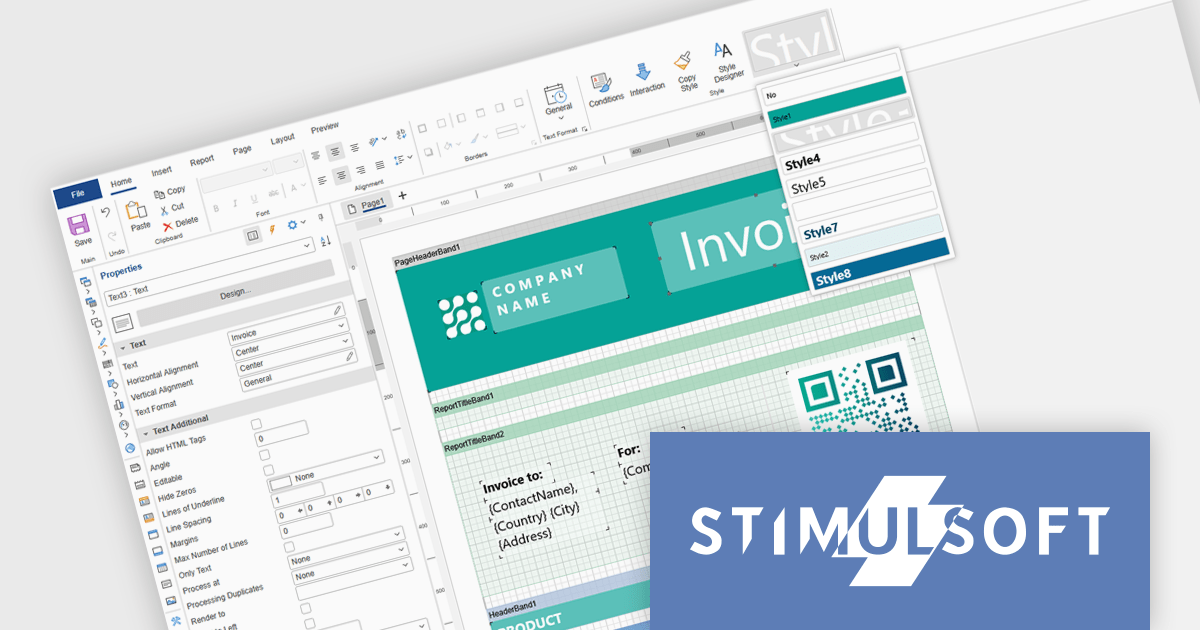
Stimulsoft Ultimate is a reporting and dashboard solution that provides a set of tools for building interactive reports and data visualizations across platforms, including WinForms, ASP.NET, .NET Core, Blazor, JavaScript, WPF, PHP, Java, and Avalonia. It enables developers and organizations to design, generate, and deploy professional reports and dashboards using visual designers, flexible styling options, rich charting and data visualization components, and extensive data connectivity. With support for multiple development environments and technologies, Stimulsoft Ultimate helps teams improve report creation, maintain consistent designs, and deliver clear, data-driven insights for business intelligence, analytics, operational reporting, and enterprise applications.
Stimulsoft Ultimate enables developers to apply centralized report styling that ensures consistent formatting across report elements while reducing the time required to design and maintain reports. By using reusable styles for fonts, colors, borders, and other visual properties, developers can standardize report layouts, quickly apply formatting to multiple components, and implement global design changes without editing each element individually. This approach improves development efficiency, simplifies maintenance, and helps teams deliver professional, visually consistent reports across applications and platforms.
Stimulsoft Ultimate is licensed per developer with Single, Team, Enterprise, and WorldWide options that support one to unlimited developers within an organization. Licenses include a 12 month subscription with updates, priority technical support, a royalty free runtime report designer and viewer, and a build server license for Team and higher tiers. See our Stimulsoft Ultimate licensing page for full details.
For more information, visit our Stimulsoft Ultimate product page.
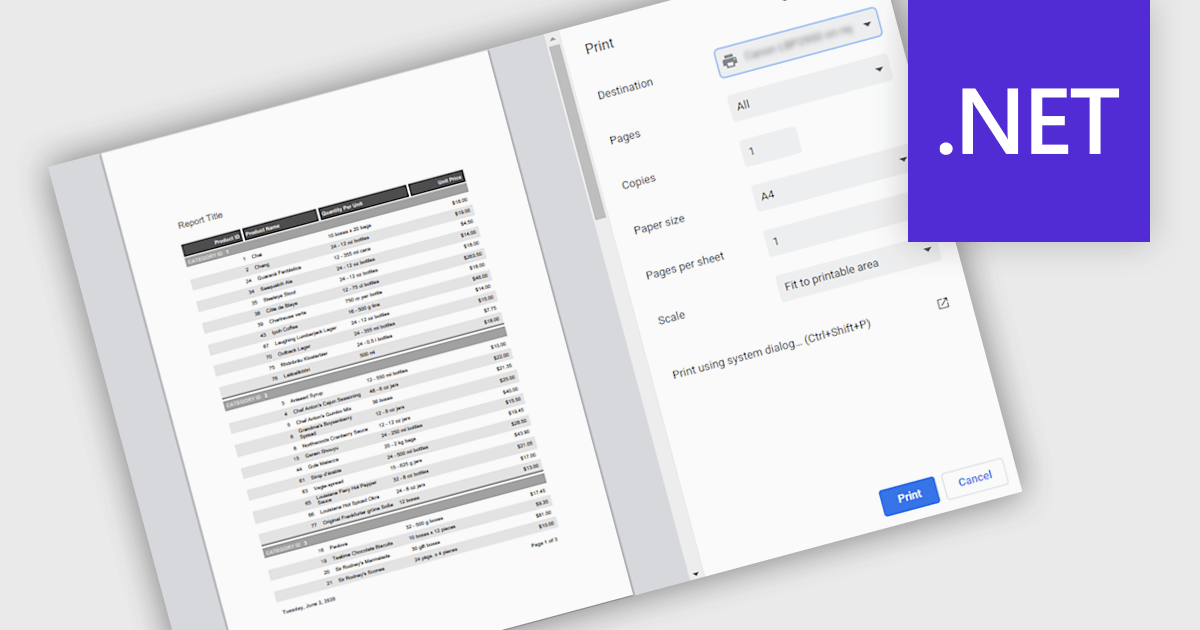
Printing reports allows users to generate physical copies of structured data, summaries, or analysis directly from an application. By converting digital information into printed documents, users can easily review content offline, share insights in meetings, and maintain clear records for documentation or compliance. Printed reports provide a consistent layout that improves readability and makes complex information easier to present to stakeholders who may prefer or require hard copies. Common use cases include distributing reports during team meetings, preparing documentation for audits or regulatory requirements, archiving important records, and sharing key findings with clients or decision-makers in a clear and professional format.
Several .NET reporting components support printing including:
For an in-depth analysis of features and price, visit our .NET reporting comparison.
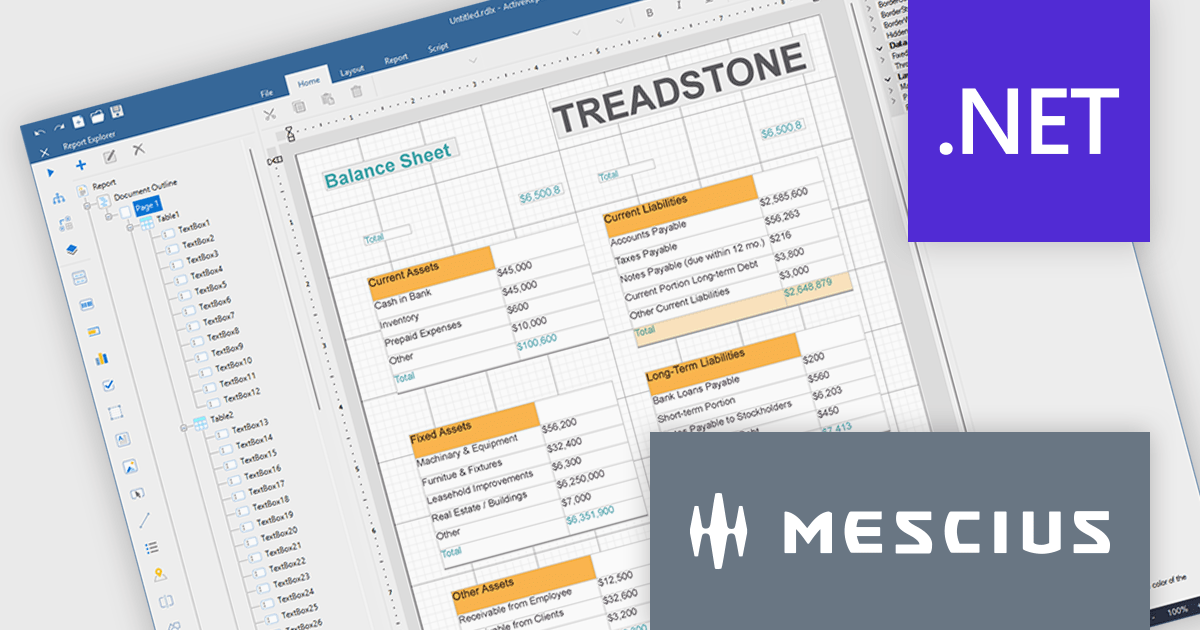
ActiveReports.NET helps you deliver beautiful reports with intuitive Visual Studio integrated report designers and rich controls. ActiveReports provides code-based cross-platform reporting, easy-to-use designers, and a flexible API. MESCIUS recently released ActiveReports.NET v20, which includes the powerful AI Image to report feature.
In this blog post, MESCIUS Product Manager Alec Gall presents a detailed walkthrough for creating a report from an image in the Designer. Steps include:
Read the full blog to learn how to turn screenshots, scans, and even photographs of reports into editable .NET RDL reports.
ActiveReports.NET is licensed per developer. Dependent on geographic location it is available as either an Annual (Timed) Subscription License or as a Perpetual Developer License which comes with 1 year of software updates and support. Each developer requires a license to design, develop, or maintain applications. The Annual Subscription License must be renewed each year to continue to work with the software. Published applications are royalty free and do not expire. Optional pipeline licenses available for CI/CD build servers. See our ActiveReports.NET licensing page for full details.
Learn more on our ActiveReports.NET product page.
聯繫電話: (888) 850 9911
傳真: +1 770 250 6199


