













官方供應商
我們作為官方授權經銷商,直接提供超過200家開發廠家所發行超過1000個的產品授權給您。
請參閱我們所有的品牌。
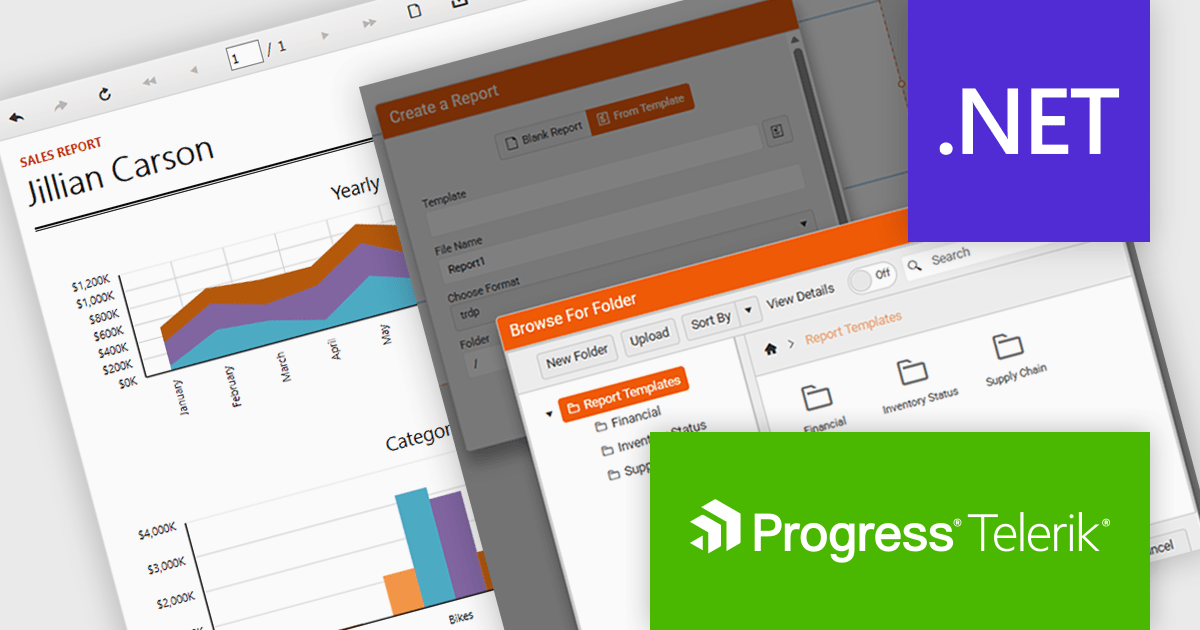
Telerik Reporting is a comprehensive and lightweight embedded reporting tool for .NET web and desktop applications. It enables developers and reporting users to create, design, and export visually appealing, interactive, and reusable reports to effectively present analytical and business data. It supports various technologies, including ASP.NET Core, Blazor, ASP.NET MVC, ASP.NET AJAX, HTML5/JS, Angular, WPF, WinForms, and WinUI.
The Telerik Reporting 2025 Q4 update introduces customizable report templates in the Web Report Designer, giving developers a faster and more controlled way to produce consistent, production-ready reports. By allowing teams to define, save and reuse templates that include predefined layout structures, styling rules and data components, the feature reduces repetitive setup work, maintains uniform design standards across projects and ensures every new report begins with a reliable, compliant foundation.
To see a full list of what's new in 2025 Q4 (19.3.25.1111), see our release notes.
Telerik Reporting is licensed per developer and is available as a perpetual license with a one year support subscription, which is offered in three tiers: Lite, Priority or Ultimate. See our Telerik Reporting licensing page for full details.
Telerik Reporting is available to buy in the following products:
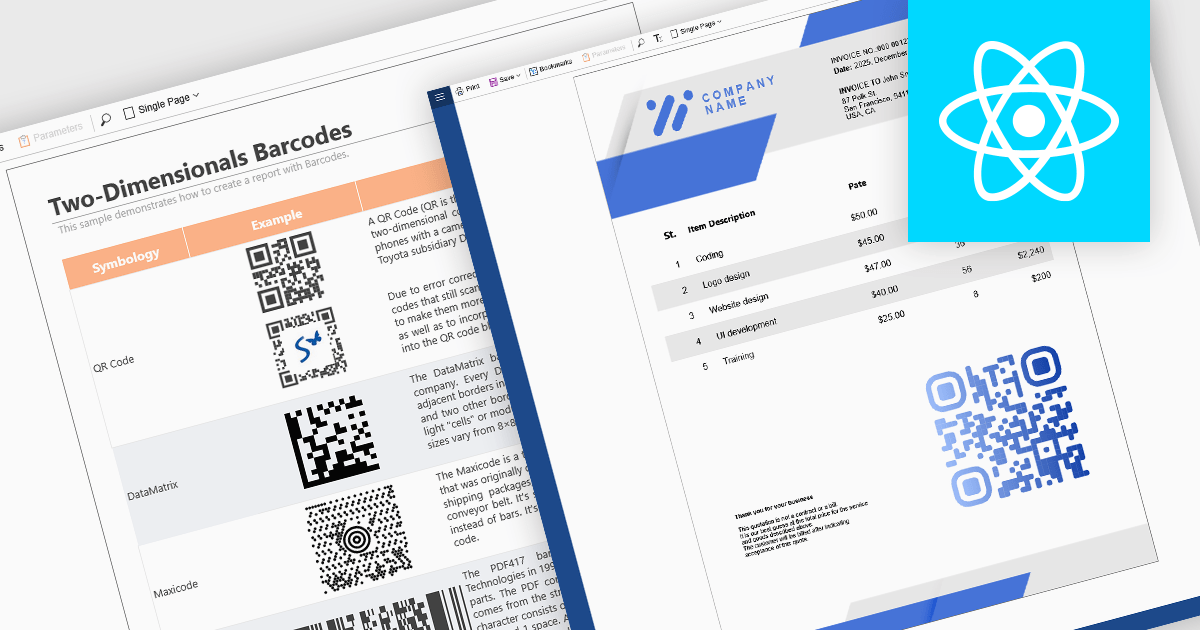
Barcode support in reporting components enables developers to embed machine-readable codes (barcodes, QR codes, DataMatrix, etc.) directly into reports. This feature is especially useful when printed or digital reports need to integrate with scanning systems, for example, in inventory management, shipping labels, product catalogs, or document tracking. By using a barcode component within a report template, reports can dynamically encode data fields (such as item IDs, order numbers, or URLs), ensuring that each generated report contains a barcode that corresponds to its data. This promotes automation, reduces manual errors, and improves interoperability with external scanning or inventory systems.
Several React reporting controls offer barcode support including:
For an in-depth analysis of features and price, visit our React reporting controls comparison.
Telerik Report Server is a comprehensive and flexible end-to-end solution for managing reports. Built with the Telerik Reporting library, it is a server-based Windows web application that provides centralized storage, organization, and previewing of reports, along with features for scheduling, delivery, and user management. Report Server can act as a standalone solution or be integrated within an application, allowing developers to create, manage, and distribute reports across multiple platforms including Blazor, Angular and Windows Forms.
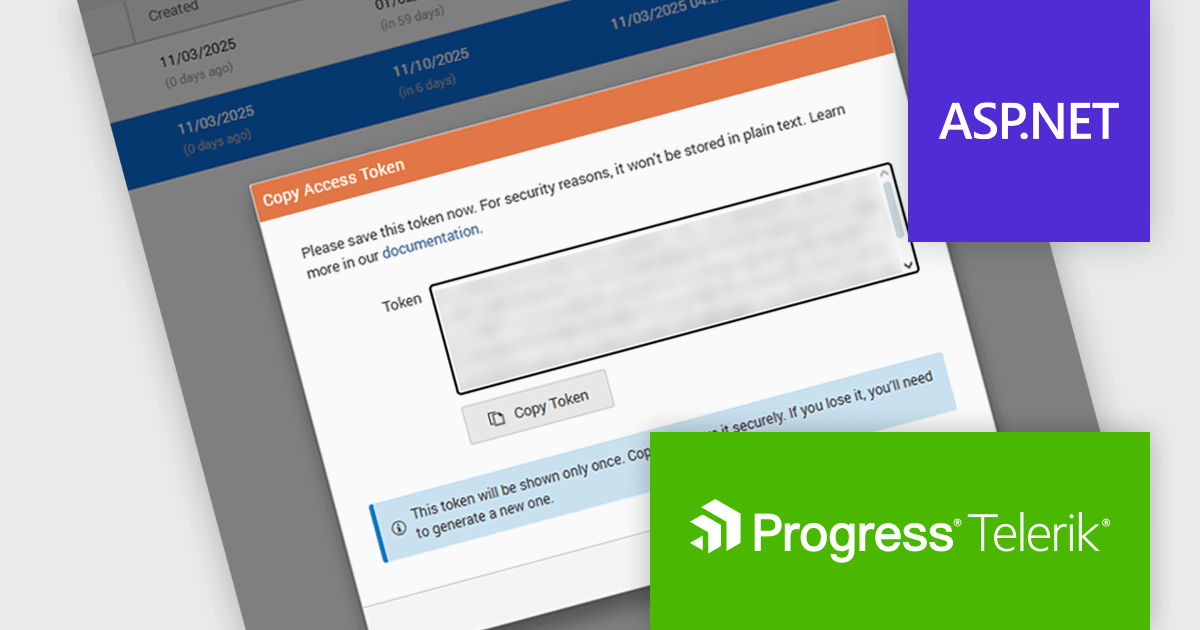
The Telerik Report Server 2025 Q4 update introduces Access Token Provisioning directly in the RS.NET UI, giving developers a more efficient and controlled way to authenticate applications and services without relying on external scripts or manual API calls. This enhancement centralizes token management by allowing tokens to be generated, reviewed, and maintained within the interface itself. It also enables developers to create time-bound sharing links backed by temporary user permissions, providing a secure and predictable method for distributing report documents while maintaining clear control over access duration and scope.
To see a full list of what's new in 2025 Q4 (11.3.25.1111), see our release notes.
Telerik Report Server is available as a perpetual or annual license and is licensed per domain. Each domain license contains 15 Client Access Licenses and 1 year support and maintenance. See our Telerik Report Server licensing page for full details.
Telerik Report Server is available individually or as part of Telerik DevCraft Ultimate.
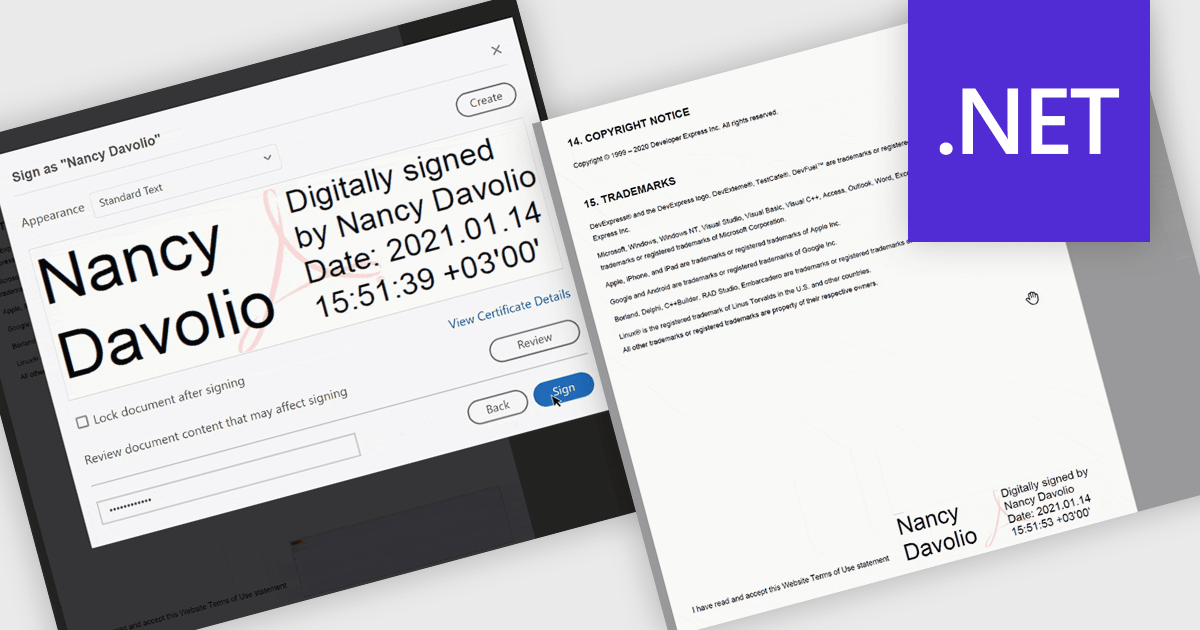
PDF visual signatures allow you to embed a clear, on-page representation of a digital signature directly into your exported reports, combining the security of a certified digital signature with the clarity of a visibly signed document. This feature instantly communicates authenticity and approval, helping recipients quickly verify who signed the report without navigating hidden metadata. It enhances professionalism with styled signature blocks that can include names, titles, dates, or branding elements, reinforcing trust and consistency across all distributed documents. Common use cases include signed invoices, compliance reports, approval forms, contracts, certificates, and any document that requires both a secure digital signature and a visually identifiable sign-off for clarity and reassurance.
Several .NET Reporting controls offer PDF visual signature support including:
For an in-depth analysis of features and price, visit our .NET Reporting controls comparison.
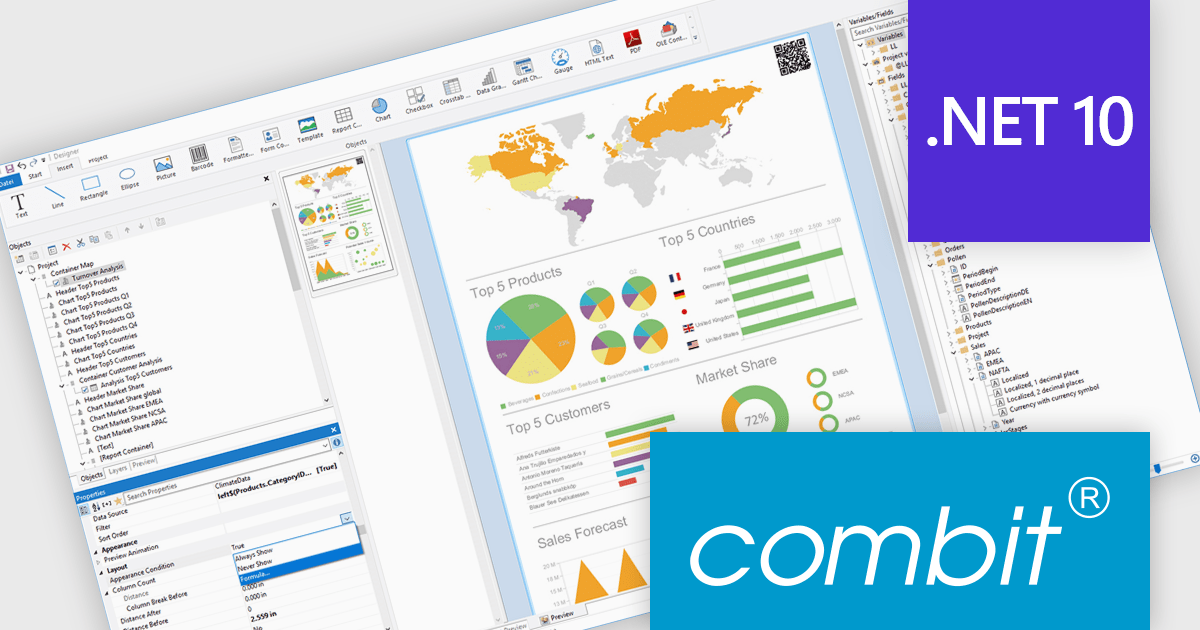
List & Label by combit is a software development toolkit that helps developers to integrate comprehensive reporting functionalities into their desktop, web, and cloud applications. It offers features such as data binding, complex data visualization, and a user-friendly report designer, along with printing, exporting, and previewing capabilities. List & Label operates independently of programming languages and data sources, providing developers with the flexibility to design and deliver informative reports within their development environment.
combit adds .NET 10 support to ensure developers can adopt the newest framework without compatibility concerns, allowing existing reporting logic, data integrations, and application code to run reliably on a modern, secure, and high-performance platform. This update helps teams optimize their upgrade path, maintain a consistent technology stack, and build applications that remain maintainable and future-ready as the .NET ecosystem evolves.
List & Label is licensed per developer and is available as a Perpetual License with a 12 month support and maintenance subscription. See our List & Label licensing page for full details.
List & Label is available in the following products:
聯繫電話: (888) 850 9911
傳真: +1 770 250 6199


