













官方供應商
我們作為官方授權經銷商,直接提供超過200家開發廠家所發行超過1000個的產品授權給您。
請參閱我們所有的品牌。
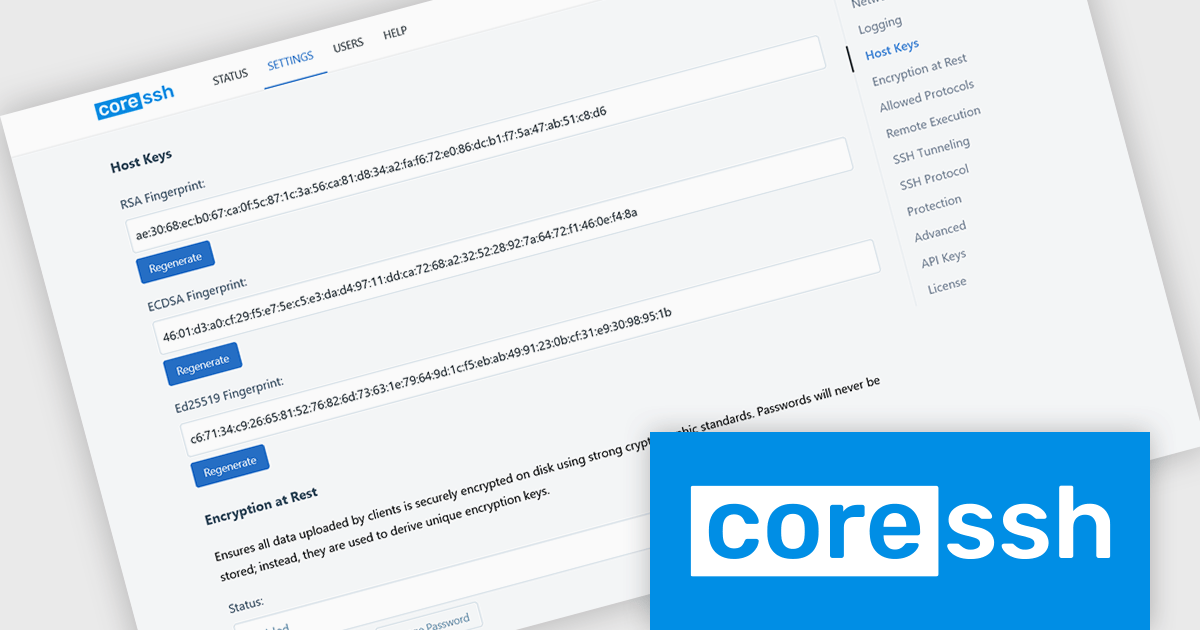
CoreSSH Server is a secure shell (SSH) and file transfer server designed to enable encrypted remote access and data movement without requiring extensive initial setup. It implements secure protocols such as SSH and the SSH File Transfer Protocol (SFTP) to protect data in transit and provides support for common authentication methods like passwords, public keys, and multi‑factor authentication. Its architecture is built in managed code on the .NET framework with modern cryptographic standards to address performance and security needs without relying on external open‑source libraries.
CoreSSH Server brings secure SSH and SFTP capabilities to Windows, Linux, and macOS through a lightweight, cross-platform design focused on simplicity and fast deployment. Built to run natively on each operating system, it delivers the same setup experience, security-focused defaults, and high-performance connectivity whether it’s used for development, testing, or production workloads. Teams working across mixed environments can deploy and manage secure file transfer services consistently without changing workflows between platforms.
CoreSSH Server is licensed per server and is available as both perpetual and annual subscription based licenses. See our CoreSSH Server licensing page for full details.
For more information, see our CoreSSH Server product page.
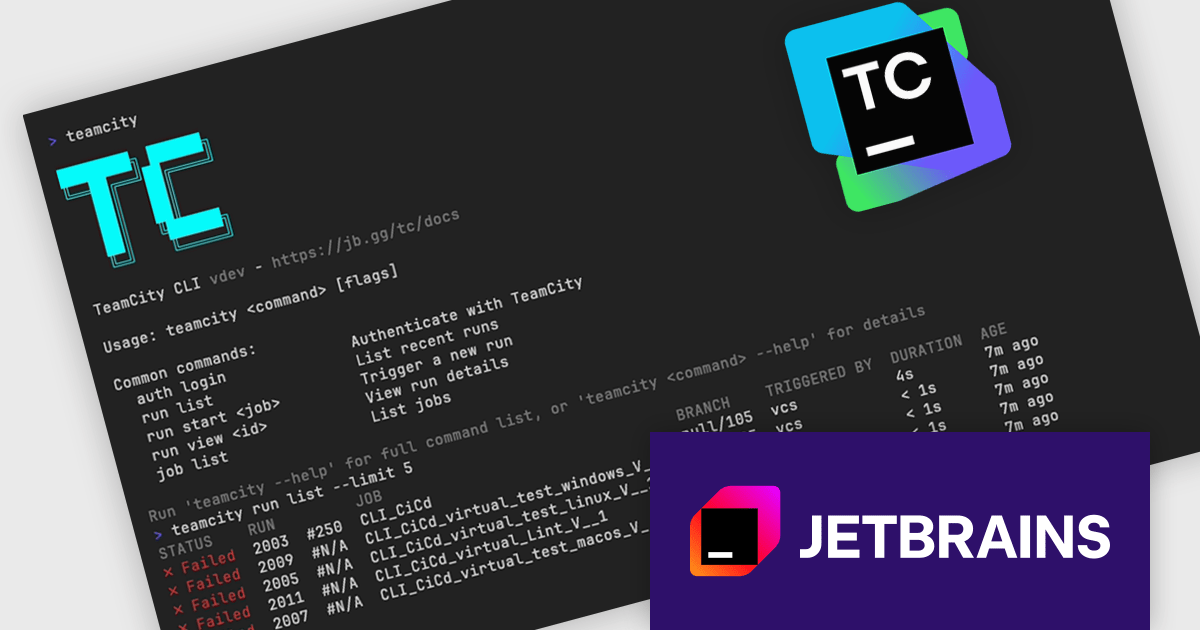
TeamCity by JetBrains is a robust continuous integration and deployment (CI/CD) server that simplifies building, testing, and deploying software. It supports diverse workflows with features like real-time build monitoring, customizable pipelines, and integrations with tools like Git and Mercurial. TeamCity’s intelligent build management, including parallel builds and automated testing, optimizes resources and accelerates delivery. With its user-friendly interface and extensive language and framework support, TeamCity is ideal for teams aiming to improve development and maintain high-quality code efficiently.
The TeamCity 2026.1 introduces TeamCity CLI, a new command-line interface that provides direct access to TeamCity instances from the terminal. Alongside the existing browser-based UI and REST API, the CLI gives developers and DevOps teams another way to manage everyday tasks such as checking build statuses, triggering new builds, and investigating failures. Designed for use on any machine, it brings faster access to routine workflows without requiring users to leave the command line.
To see a full list of what's new in version 2026.1, see our release notes.
TeamCity On-Premises is licensed per server and per build agent, and is available as a commercial perpetual license. See our TeamCity On-Premises licensing page for full details.
For more information, visit our TeamCity On-Premises product page.
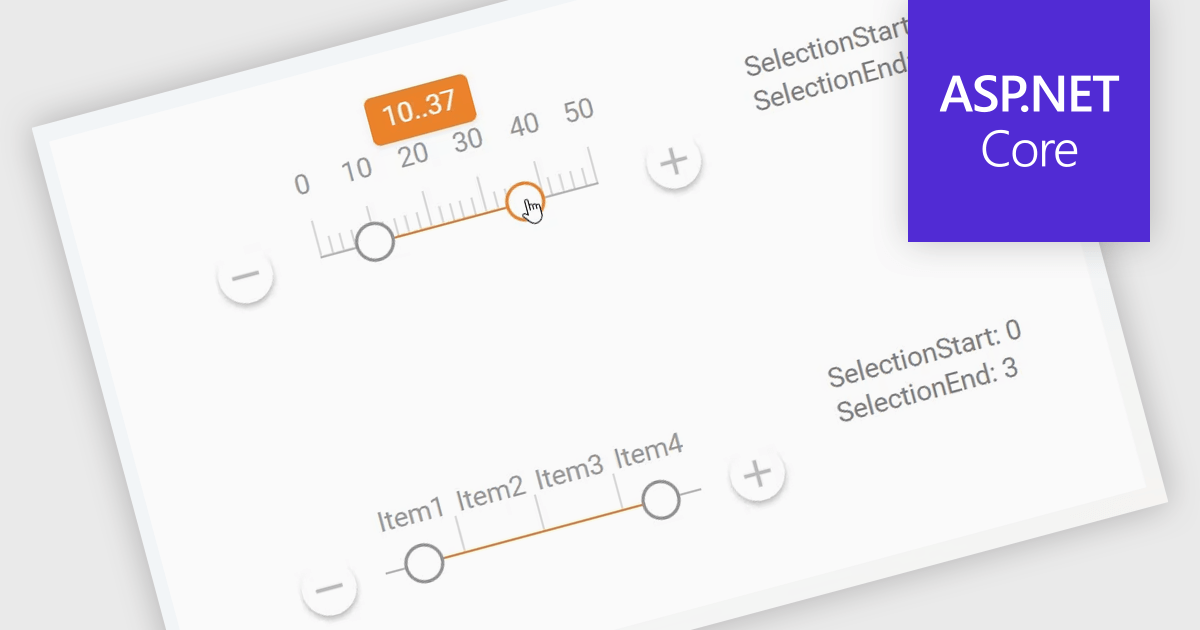
A Range Trackbar in ASP.NET Core Data Editor controls is an interactive input component that lets users select a numeric range by moving two handles along a track, rather than typing minimum and maximum values into separate fields. This makes range-based data entry faster, clearer, and less error-prone, especially when the valid values are bounded, such as prices, dates, percentages, ratings, quantities, or performance thresholds. For developers, it provides a more intuitive way to capture structured range input while maintaining control over validation, step intervals, formatting, and default values. In real-world applications, a Range Trackbar can be used in product filters to select a price range, reporting dashboards to define a date or score interval, booking systems to choose acceptable time windows, analytics tools to adjust threshold limits, or administrative forms where users need to configure minimum and maximum values without manually entering exact numbers.
Many ASP.NET Core Assembly Data Editors collections contain Range Trackbar controls including:
For an in-depth analysis of features and price, visit our comparison of ASP.NET Core Assembly Data Editors.
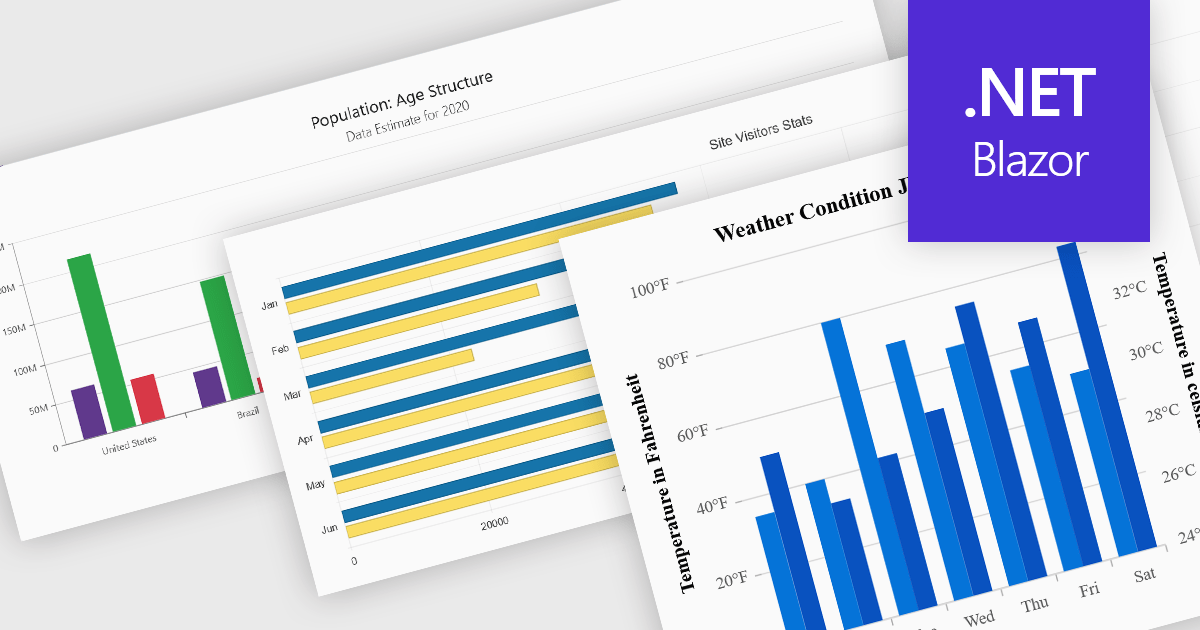
Column and bar charts are among the most widely used data visualization features in modern charting components, helping developers present comparisons, trends, and category-based metrics in a format that is easy to interpret. By displaying values as horizontal or vertical bars, these chart types allow applications to communicate changes in performance, rankings, distributions, and other business data with clarity. Modern charting components typically support customization options such as stacked series, grouped categories, animations, tooltips, responsive layouts, and interactive behaviors, enabling developers to create dashboards and reporting experiences that suit a wide range of enterprise and analytical scenarios.
Several Blazor chart controls offer column and bar charts including:
For an in-depth analysis of features and price, visit our Blazor chart controls comparison.
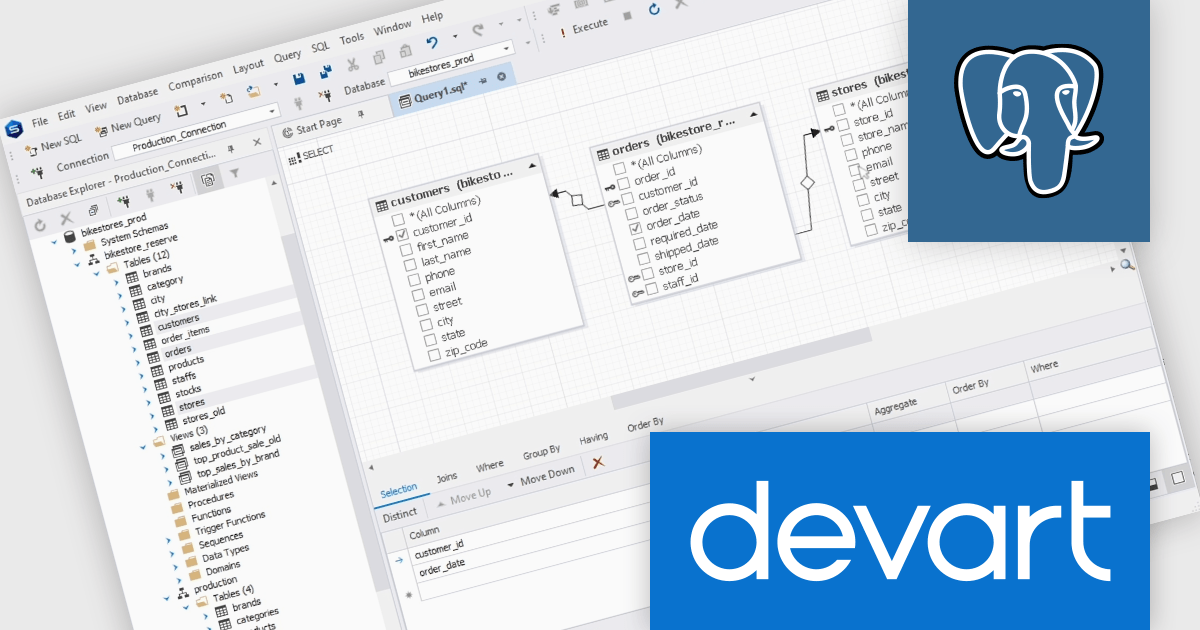
dbForge Studio for PostgreSQL by Devart is a comprehensive IDE (Integrated Development Environment) designed to simplify database management, development, and administration for PostgreSQL users. It provides a user-friendly interface and a robust set of tools for tasks such as SQL editing, query building, data import/export, and schema comparison. Key features include an advanced code editor with syntax highlighting, a visual query builder, and database synchronization tools, making it easier to optimize workflows and ensure data integrity. Ideal for developers, database administrators, and analysts, it streamlines complex processes, enhances productivity, and supports efficient database management across various use cases, from small-scale projects to enterprise-level solutions.
The dbForge Studio for PostgreSQL V2026.1 release adds a new fully-fledged visual Query builder making it easier to create and refine complex SQL queries through an intuitive graphical interface. By allowing users to visually design joins, filters, sorting, and query structures without relying entirely on manual coding, the feature helps reduce errors, speeds up query development, and makes advanced SQL more accessible to a broader range of users. It also provides a clearer view of query logic and relationships, which can simplify troubleshooting, and support faster database analysis and reporting workflows.
To see a full list of what's new in V2026.1 see our release notes.
dbForge Studio for PostgreSQL is licensed per developer and is available as an Annual or Perpetual License with a 12 month support and maintenance subscription. See our dbForge Studio for PostgreSQL licensing page for full details.
dbForge Studio for PostgreSQL is available individually or as part of dbForge Edge.
聯繫電話: (888) 850 9911
傳真: +1 770 250 6199


