













官方供應商
我們作為官方授權經銷商,直接提供超過200家開發廠家所發行超過1000個的產品授權給您。
請參閱我們所有的品牌。
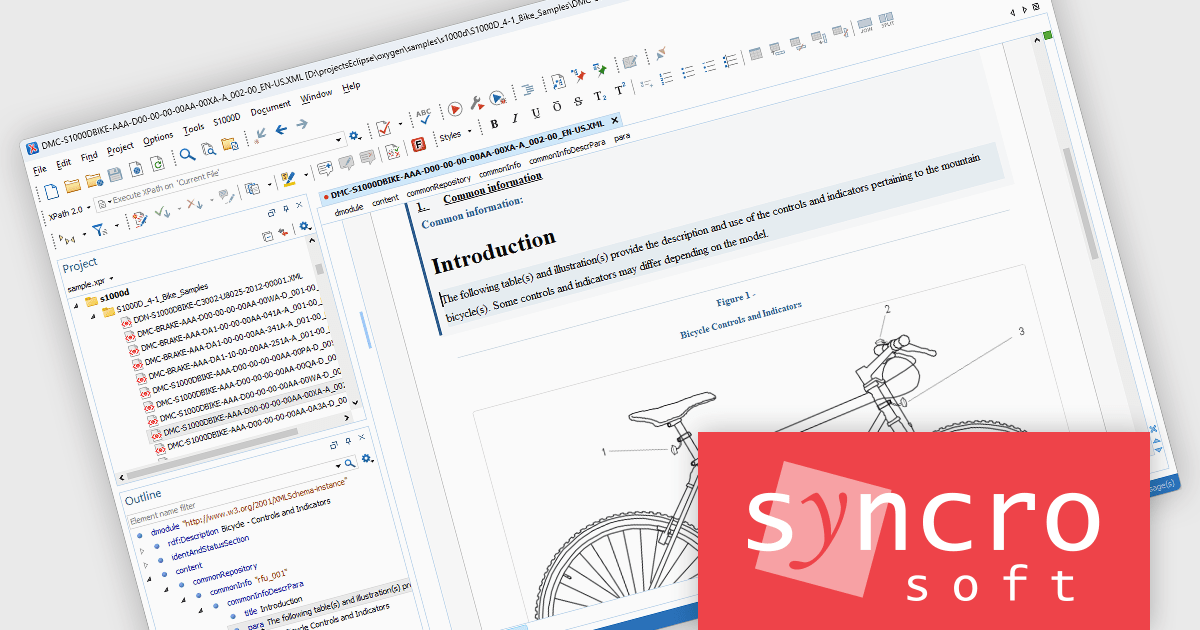
Oxygen XML Editor is a cross-platform XML editor that provides a comprehensive suite of tools for XML authoring and development. It is designed for users of all levels of experience, and includes support for all aspects of XML development, including editing, validating, generating output, debugging, and managing XML projects. Its wide feature set includes XML schema editing, graphical XML document browser, syntax highlighting, context-aware code completion, and powerful search and replace functionality.
The latest Oxygen XML Editor release adds the ability to edit S1000D documents with schema-guided editing, content completion, and validation support. Schema-guided editing and intelligent content completion help authors create compliant documents more efficiently by presenting only valid elements, attributes, and structures as they work. Built-in XML Schema-based validation provides immediate feedback on document correctness, helping to identify issues early in the authoring process. In addition, Oxygen currently supports BREX-based validation through conversion to Schematron, enabling organizations to enforce project-specific business rules and content restrictions alongside standard schema validation. Together, these capabilities help improve content accuracy, reduce manual review effort, and support greater consistency across S1000D documentation projects.
Oxygen XML Editor is licensed per Named or Floating user and is available as a Timed or Perpetual License with support and maintenance subscription. See our Oxygen XML Editor licensing page for full details.
Oxygen XML Editor is available in the following editions:
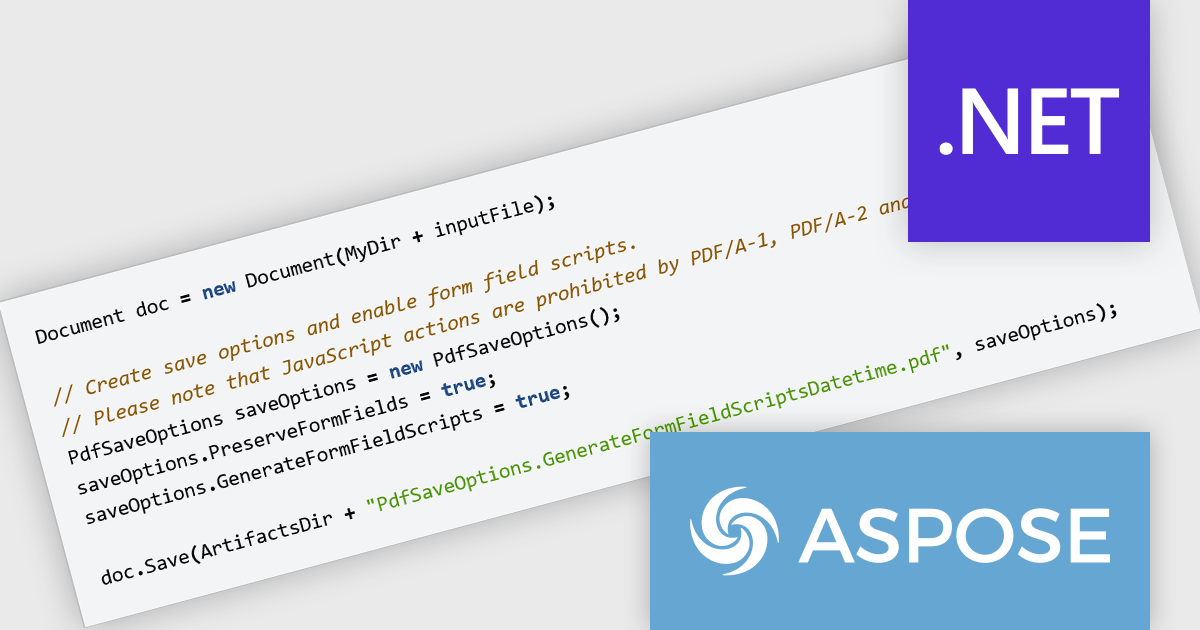
Aspose.Words for .NET is a software development library that empowers developers to build document processing functionalities into their applications. It supports a wide range of document formats, including Microsoft Word (DOC, DOCX), OpenOffice (ODT), PDF, and HTML, allowing applications to generate, edit, convert, render, and print documents without relying on external programs like Microsoft Word. This streamlines development and ensures applications can handle various document needs.
The Aspose.Words for .NET V26.6 release introduces JavaScript trigger support for date and time fields in PDF AcroForms helping developers create more interactive and responsive forms when exporting documents to PDF. By enabling JavaScript actions to be associated with date and time fields, forms can automatically validate user input, apply formatting rules, and respond dynamically to user interactions. This improves the overall user experience by reducing input errors and providing immediate feedback, while also helping organizations build smarter digital forms that require less manual correction and processing after submission.
To see a full list of what's new in V26.6, see our release notes.
Aspose.Words for .NET is offered as Developer Small Business, Developer OEM, Developer SDK, Site Small Business, Site OEM and Site SDK licenses catering to a range of business needs. Licenses are perpetual, and include 1 year of support and maintenance. Subscription renewals are also available. See our Aspose.Words for .NET licensing page for full details.
Aspose.Words for .NET is available individually or as part of the following products:
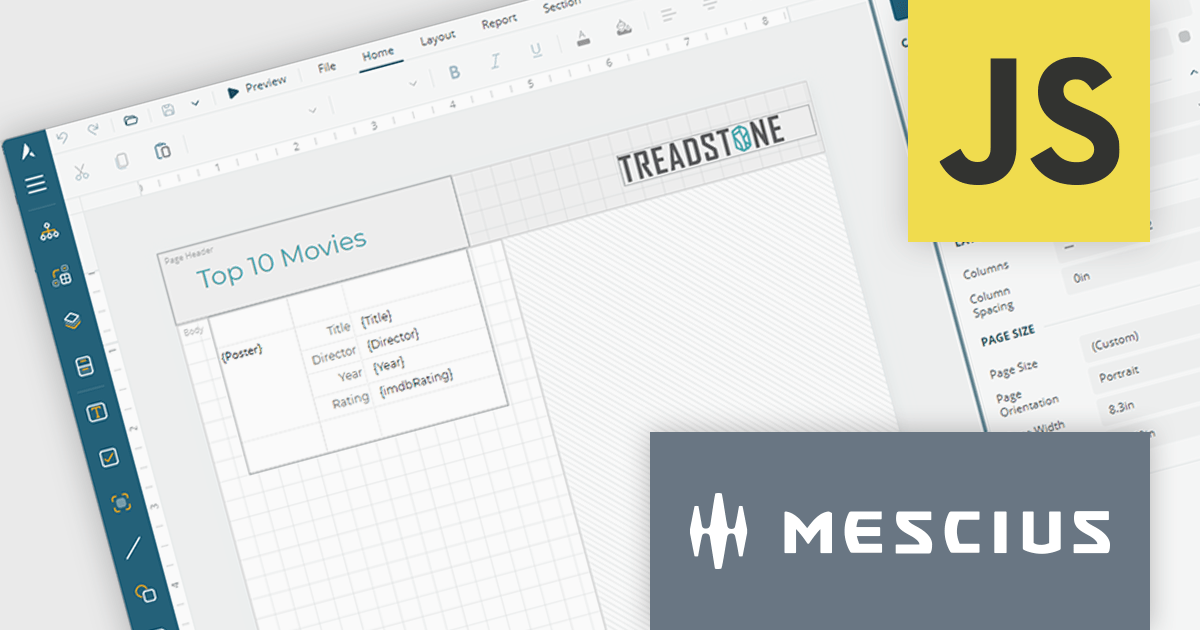
ActiveReportsJS by MESCIUS is a JavaScript reporting toolkit that allows developers to design and embed interactive reports within web applications. It includes a standalone report designer for building reports visually and a JavaScript report viewer component that integrates with web frameworks such as React or vanilla JavaScript. The toolkit supports a range of data visualization options and export formats, helping developers deliver rich, interactive reporting capabilities in the browser.
The ActiveReportsJS Report Designer now offers a more intuitive design-time experience for multi-column reports. Column splits are displayed directly on the design surface, providing clear visual guidance when creating report layouts. To help maintain layout accuracy, controls can be placed in the primary column while additional columns are automatically generated at runtime as content grows. This approach makes it easier to design, preview and manage multi-column reports while reducing the risk of unexpected layout issues.
To see a full list of what's new in 6.1, see our release notes.
ActiveReportsJS is licensed on an annual subscription or perpetual basis and is available as a Single Deployment License for non-commercial use, and as a Single Domain License or Unlimited Domain License for commercial and/or SaaS use. See our ActiveReportsJS licensing page for full details.
Learn more on our ActiveReportsJS product page.
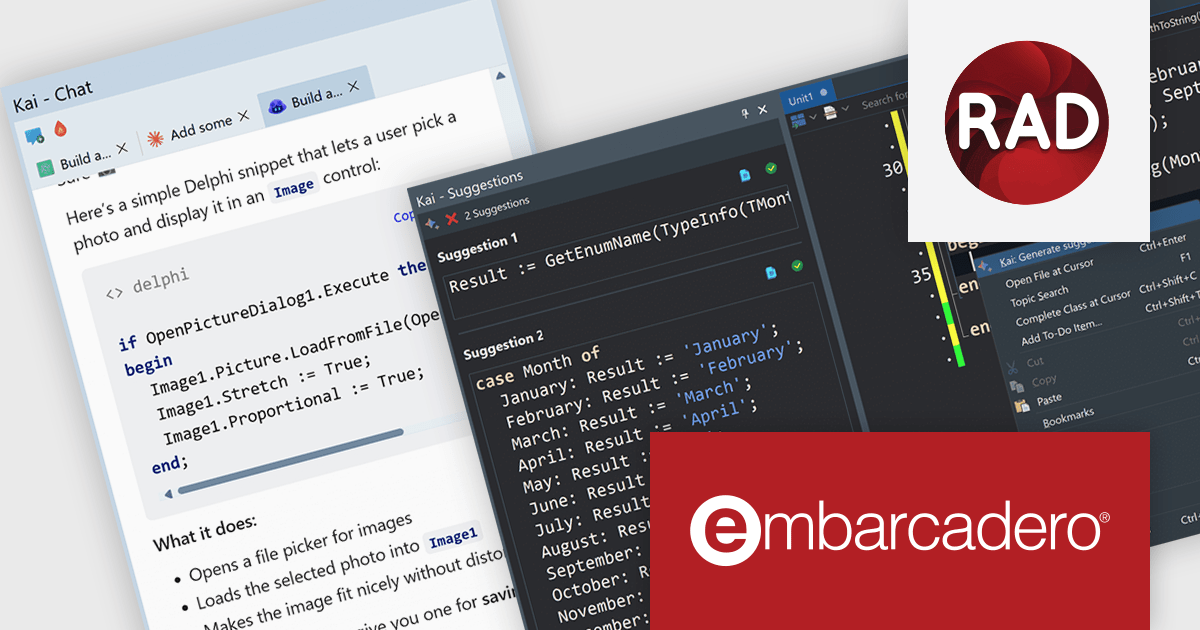
Kai is an add-on for RAD Studio that brings agentic AI directly into the Delphi and C++Builder development experience. Rather than acting as a standalone chatbot or code assistant, Kai is deeply integrated into the IDE, giving developers access to AI-powered code suggestions, project-aware assistance, and automated workflows without leaving their existing environment. It combines inline code completion, intelligent suggestions, and an integrated AI agent capable of understanding project context, helping developers move from idea to implementation more efficiently.
Beyond code generation, Kai can compile projects, analyze compiler output, help resolve errors and warnings, generate user interfaces, and assist with refactoring and modernizing existing applications. Through support for the Model Context Protocol (MCP), it can orchestrate multi-step development tasks and integrate with a range of AI providers, including OpenAI, Anthropic Claude, Google Gemini, GitHub Copilot, and local models. This flexibility allows organizations to choose the models that best fit their requirements while keeping development workflows centered within RAD Studio.
Kai is available as a timed subscription license. At the end of the subscription period you must renew your subscription license to continue using the software. Kai is an add-on and requires an active license for RAD Studio, Delphi, or C++Builder to operate. Your Kai subscription is tied to the support and maintenance dates of your RAD Studio, Delphi, or C++Builder license. If your base product support or maintenance expires, Kai will no longer function. You would need to renew your base product support before Kai can be used again. See our Kai licensing page for full details.
For more information, visit our Kai product page.
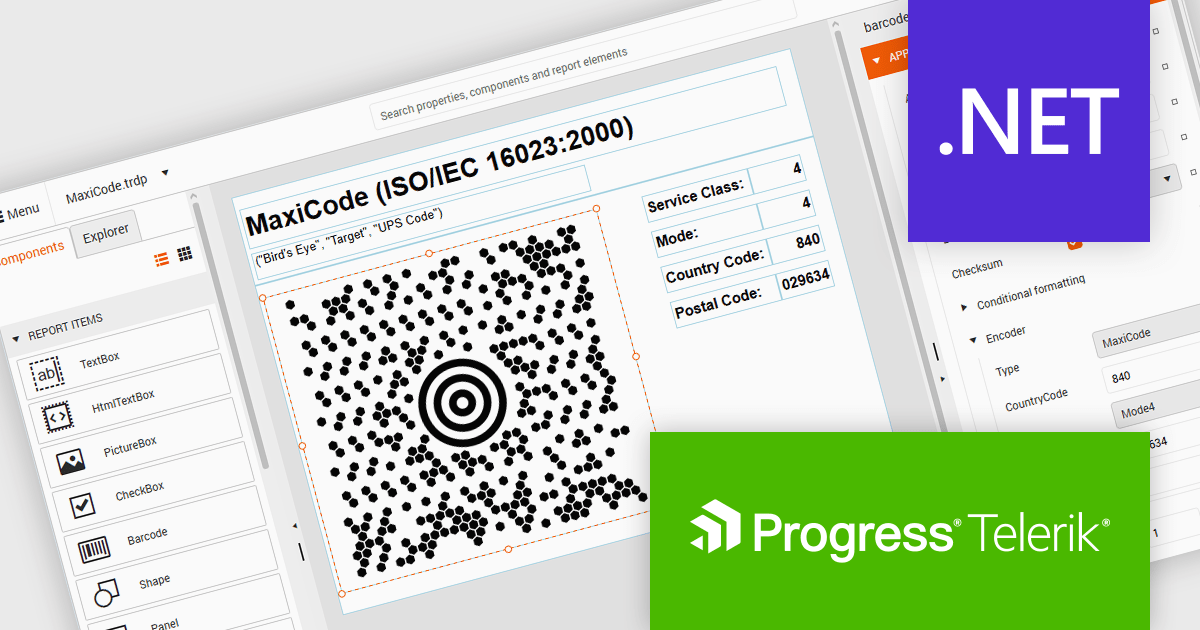
Telerik Reporting and Telerik Report Server deliver a complete solution for creating, managing, and distributing reports across .NET applications. Telerik Reporting is a lightweight, embedded reporting tool for .NET web and desktop apps. It lets developers and users easily design, customize, and export interactive, reusable reports. It supports multiple platforms, including ASP.NET Core, Blazor, MVC, AJAX, HTML5/JS, Angular, WPF, WinForms, and WinUI. Telerik Report Server is a web-based, server-side solution for centralized report management. Built on Telerik Reporting, it offers scheduling, delivery, user management, and web-based access. It can be used standalone or integrated into apps built with Blazor, Angular, or Windows Forms.
The Telerik Reporting and Report Server 2026 Q2 update adds MaxiCode barcode support, enabling developers to generate UPS-compatible shipping labels directly within Telerik reporting workflows without relying on separate labeling tools. The enhancement ensures accurate MaxiCode rendering across export formats including PDF, HTML, DOCX, XAML, Image, and RTF, while allowing barcode generation, scheduling, distribution, and reporting to be managed from a single platform. This helps organizations streamline shipping and fulfillment processes, automate high-volume delivery workflows through scheduled reports and data alerts, and reduce operational complexity.
To see a full list of what's new, see our release notes for Telerik Reporting and Telerik Report Server 2026 Q2.
Telerik Reporting is licensed per developer and is available as an Annual Subscription License, which includes product updates, technical support, AI Productivity Tools, and other benefits for 12 months. Telerik Report Server is licensed per domain, with each license including 15 Client Access Licenses (CALs) and 12 months of support and maintenance. See our licensing pages for full details. See our licensing pages for Telerik Reporting and Telerik Report Server for full details.
Telerik Reporting and Telerik Report Server are available individually or as part of Telerik DevCraft Ultimate.
聯繫電話: (888) 850 9911
傳真: +1 770 250 6199


