













官方供應商
我們作為官方授權經銷商,直接提供超過200家開發廠家所發行超過1000個的產品授權給您。
請參閱我們所有的品牌。
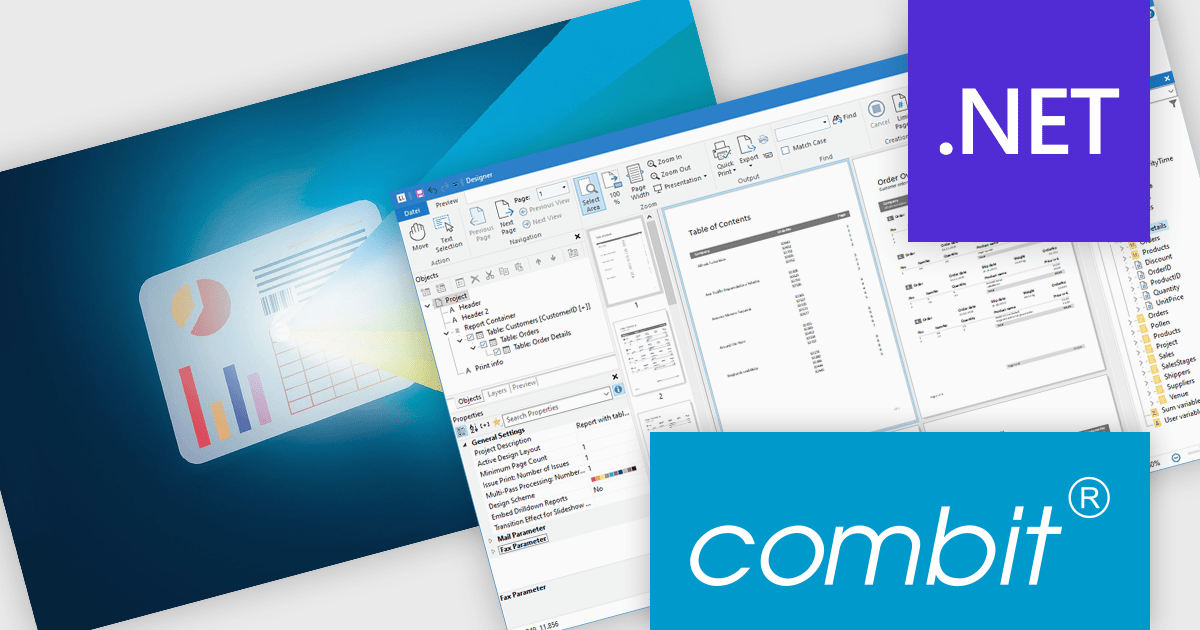
List & Label by combit is a software development toolkit that empowers developers to integrate comprehensive reporting functionalities into their desktop, web, and cloud applications. It offers features such as data binding, complex data visualization, and a user-friendly report designer, along with printing, exporting, and previewing capabilities. List & Label operates independently of programming languages and data sources, providing developers with the flexibility to design and deliver informative reports within their development environment.
The List & Label 31 update introduces cross-platform reporting, enabling developers to design, generate, and distribute reports across Windows, macOS, Linux, and web environments. This enhancement ensures consistent performance, layout accuracy, and data representation on every platform while reducing the need for multiple platform-specific implementations. By unifying the reporting process within a single framework, developers can deliver a cohesive reporting experience to all users, regardless of their operating system.
To see a full list of what's new in version 31, see our release notes.
List & Label is licensed per developer and is available as a Perpetual License with a 12 month support and maintenance subscription. See our List & Label licensing page for full details.
For more information, visit our List & Label Enterprise Reporting Edition product page.
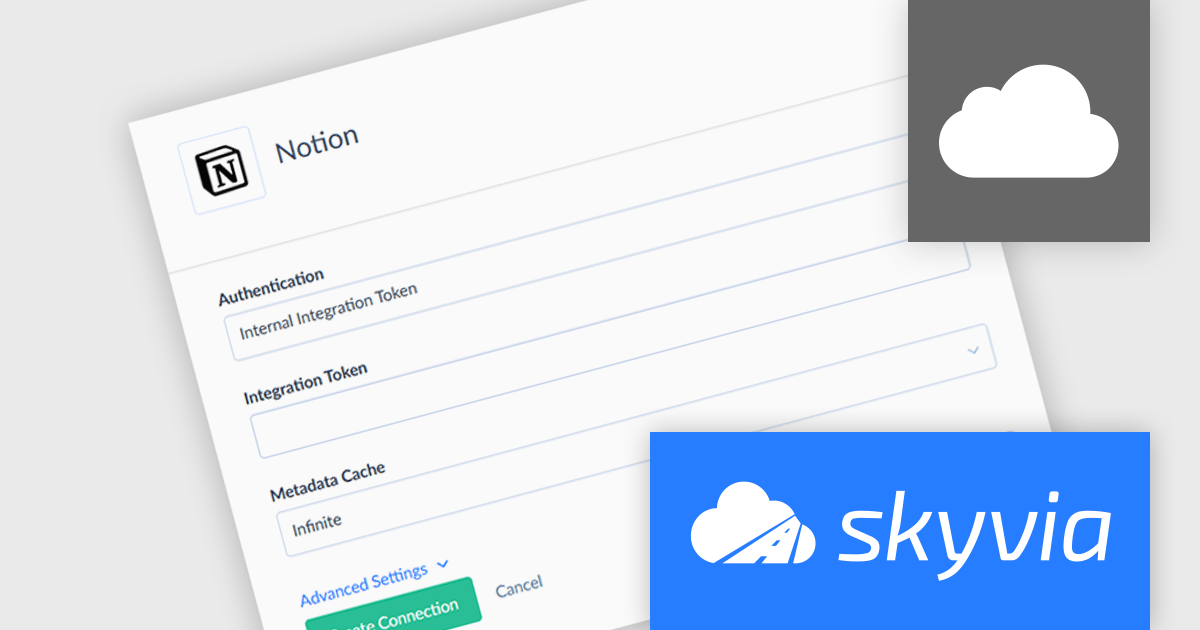
Skyvia Connect is a cloud-based integration platform that enables developers to connect and synchronize data between various applications and databases. It offers a flexible and scalable solution for building data pipelines and automating data workflows, supporting a wide range of data sources and formats. By providing a user-friendly interface and pre-built connectors, Skyvia Connect simplifies the process of integrating data systems, allowing developers to focus on core application development and data management tasks.
The latest release of Skyvia Connect adds a new connector for Notion, an all-in-one platform for individuals and teams to organize thoughts, plans, and workflows. The new connector allows users to publish live Notion content as OData or SQL endpoints, making it accessible for real-time analytics, reporting, and integration with other SaaS platforms. Whether pulling data into Power BI, syncing with CRM systems, or querying structured knowledge bases, teams can now treat Notion databases like any other enterprise data source.
To see a full list of what's new, see our release notes.
Skyvia Connect is licensed based on volume of traffic per month and is available as an Annual License. See our Skyvia Connect licensing page for full details.
Learn more on our Skyvia Connect product page.
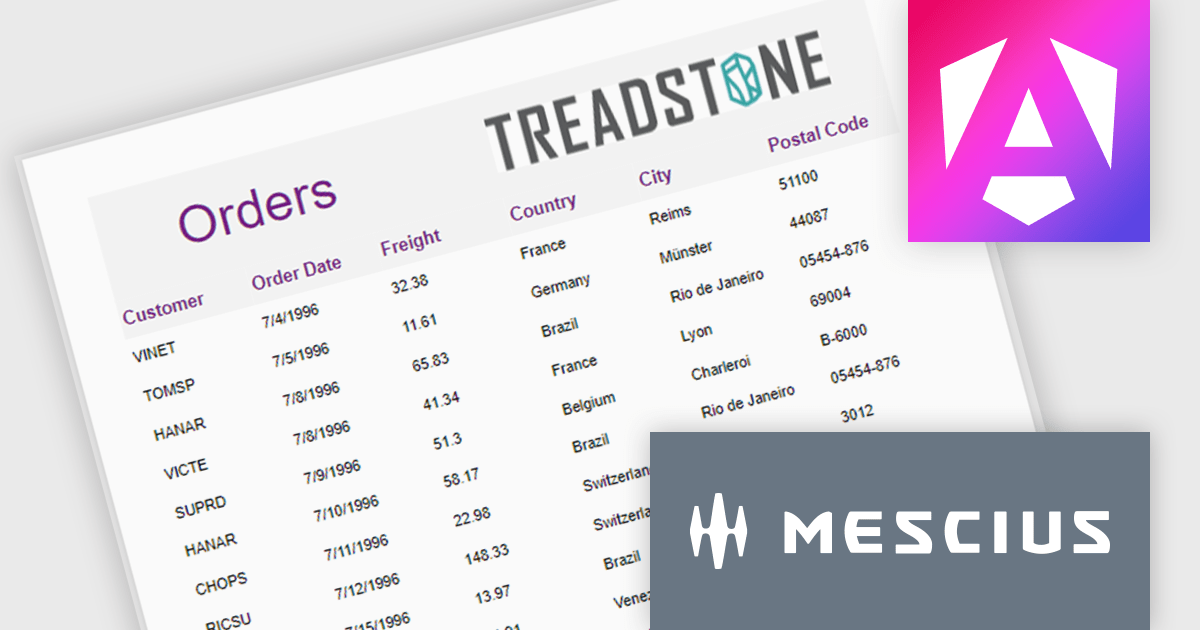
ActiveReportsJS is a robust JavaScript reporting tool that enables developers and report authors to seamlessly design and integrate interactive reports into web applications. It offers advanced features such as drill-down capabilities, runtime data filtering, and interactive parameters, enhancing the functionality and usability of reports. With compatibility across popular frameworks and the flexibility of its report designer component, ActiveReportsJS simplifies the visualization of diverse data sets, making it ideal for applications that require financial reporting, such as balance sheets, and other dynamic reporting needs.
In this blog post, MESCIUS Product Manager Joel Parks highlights real-world scenarios in where you can use ActiveReportsJS to provide users with the capability to define data sources on the fly, using Runtime Data Binding to dynamically inject data into your Angular Reporting component at runtime. Steps include:
This powerful capability gives your application the flexibility to generate customized reports based on user input, server logic, or changing data sources, without forcing the report designer to predefine every field.
Read the full blog to get started building powerful, dynamic reports.
ActiveReportsJS is licensed on an annual subscription or perpetual basis and is available as a Single Deployment License for non-commercial use, and as a Single Domain License or Unlimited Domain License for commercial and/or SaaS use. See our ActiveReportsJS licensing page for full details.
For more information, visit our ActiveReportsJS product page.
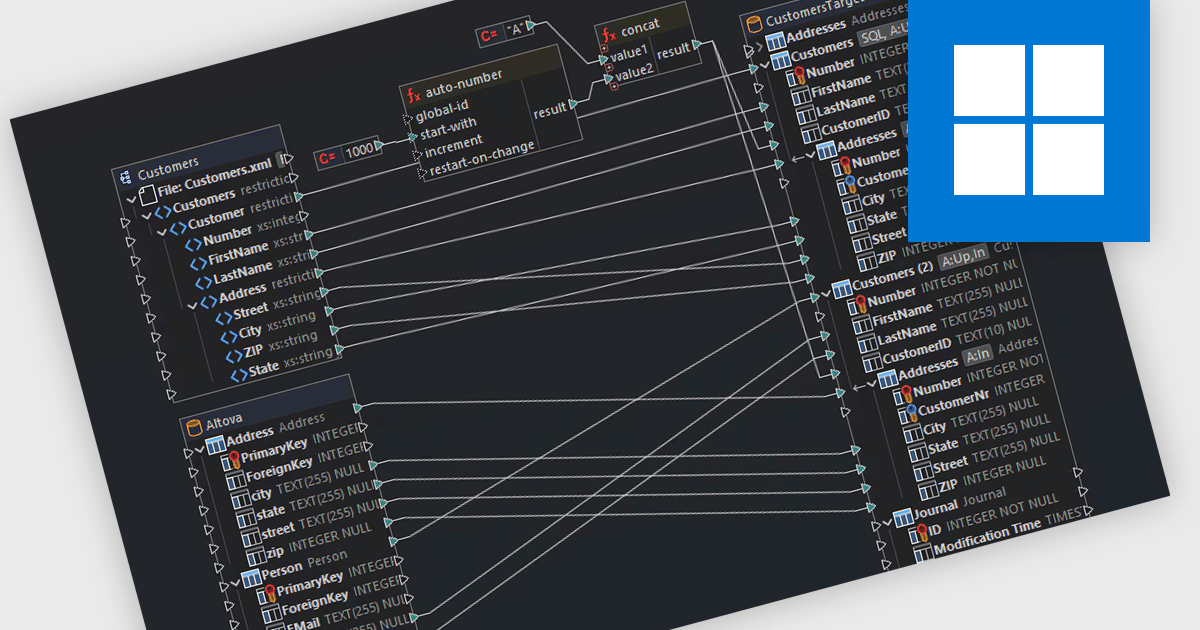
Support for Postgres in structured document tools enables integration between document-centric workflows and relational data storage. This allows developers to connect directly to a PostgreSQL database to manage, query, and transform structured content such as XML, JSON, or schema-driven documents. With capabilities like data mapping, validation, and conversion, users can work across multiple data formats while maintaining consistency and referential integrity through SQL-backed operations. This level of support enhances interoperability between document formats and databases, making it easier to automate complex data flows, enforce standards, and align structured documents with enterprise data architectures.
Several structured document tools offer support for Postgres including:
For an in-depth analysis of features and price, visit our comparison of structured document tools.
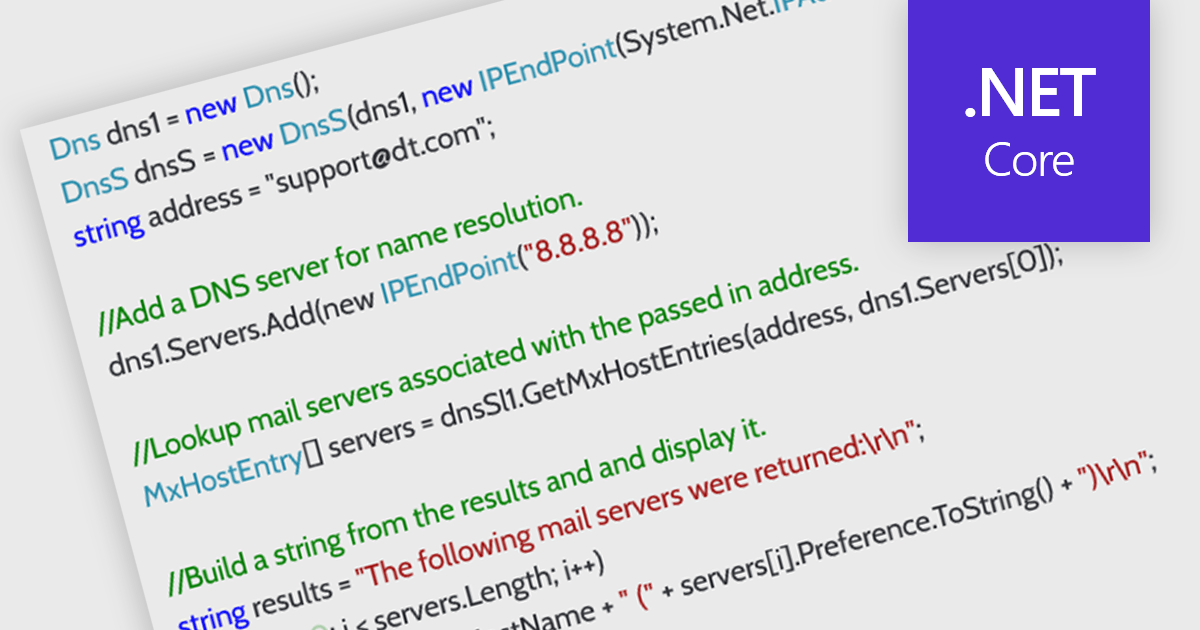
DNS support in an internet communication component refers to the ability to resolve domain names into IP addresses, enabling applications to connect to remote services using human-readable URLs rather than numeric IP addresses. This capability allows developers to build more flexible and maintainable networking features, as endpoints can be referenced by domain name even when the underlying IPs change. It simplifies configuration, supports dynamic address management, and enhances compatibility with modern infrastructure such as load balancers and cloud services. By handling domain resolution internally, the component can also offer improved performance through caching and error handling tailored to application needs.
Several .NET Core communications and messaging components offer DNS support including:
For an in-depth analysis of features and price, visit our comparison of .NET Core comms & messaging components.
聯繫電話: (888) 850 9911
傳真: +1 770 250 6199


