













官方供應商
我們作為官方授權經銷商,直接提供超過200家開發廠家所發行超過1000個的產品授權給您。
請參閱我們所有的品牌。
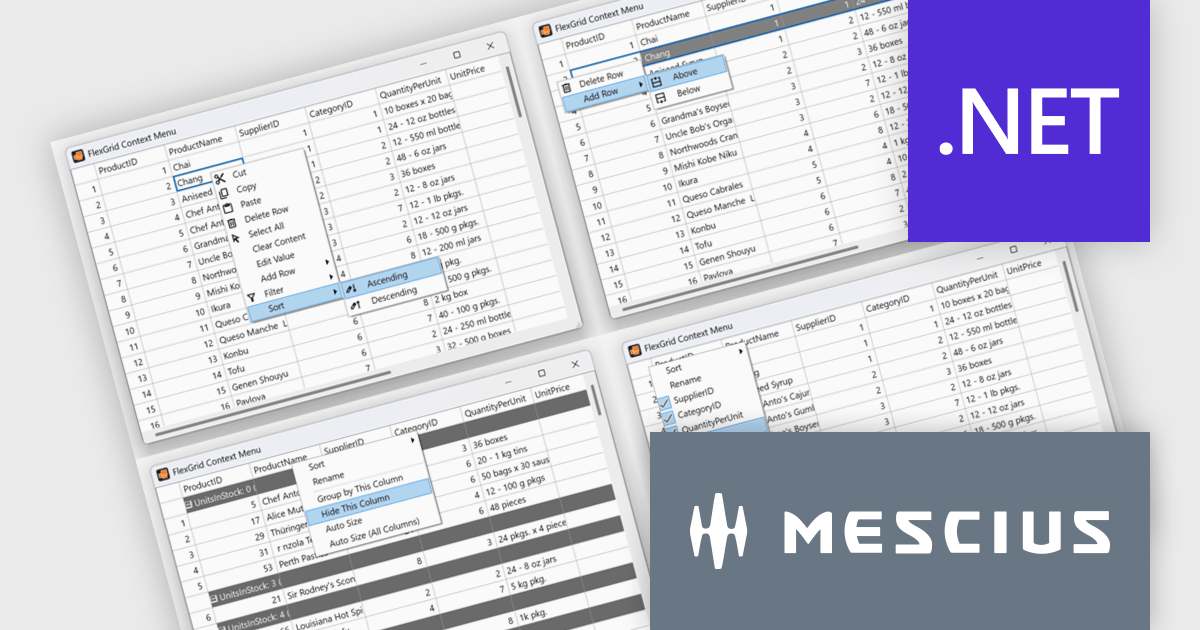
ComponentOne Studio Enterprise is a comprehensive suite of .NET UI controls developed by MESCIUS (formerly GrapeCity) designed for building rich, interactive desktop, web, and mobile applications. It provides developers with a broad range of tools and components-including data grids, charts, reports, input controls, and advanced data visualization features-for platforms such as WinForms, WPF, ASP.NET Core, Blazor, WinUI, and .NET MAUI. The suite emphasizes performance, flexibility, and ease of integration, helping teams create consistent, feature-rich user experiences across multiple application types while maintaining a unified development approach.
The ComponentOne 2025 v1.2 update includes a new sample demonstrating a complete, custom context menu solution for FlexGrid. It allows developers to define context-aware actions that adapt to different parts of the grid. This enables right-click functionality to insert rows, sort or group columns, and open a column picker directly within the grid. Developers benefit from the flexibility of FlexGrid’s API to implement tailored solutions while providing end users with a familiar, Excel-like experience that enhances efficiency and precision in data management tasks.
To see a full list of what's new in 2025 v1.2, see our release notes.
ComponentOne Studio Enterprise is licensed per developer on a perpetual basis and includes a 12 month subscription. Priority Support is also available. See our ComponentOne Studio Enterprise licensing page for full details.
Learn more on our ComponentOne Studio Enterprise product page.
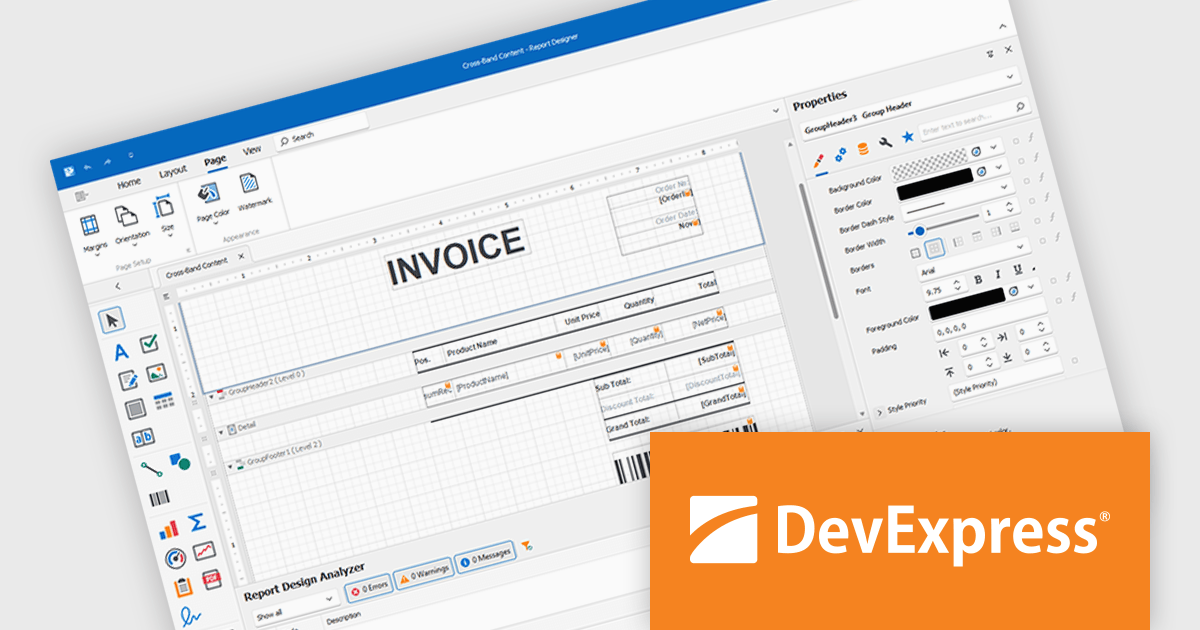
DevExpress Reporting is a comprehensive suite of reporting tools that help developers create visually stunning and highly customizable reports for various applications. With its rich feature set, including data binding, layout design, printing, and exporting capabilities, DevExpress Reporting enables the efficient creation of reports that meet the most demanding business requirements.
DevExpress Reporting lets developers build custom report controls that go beyond the built-in options, making it easier to meet specific project needs. These controls can include unique visual elements or functions that fit naturally into the existing reporting setup, keeping reports consistent in both appearance and behavior. Custom controls also help standardize design, support reusable logic, and handle specialized data presentation that standard controls may not cover, improving maintainability and scalability over time.
DevExpress Reporting is licensed per developer and is available as a Perpetual License with a 12 month support and maintenance subscription. See our DevExpress Reporting licensing page for full details.
DevExpress Reporting is available to buy in the following products:
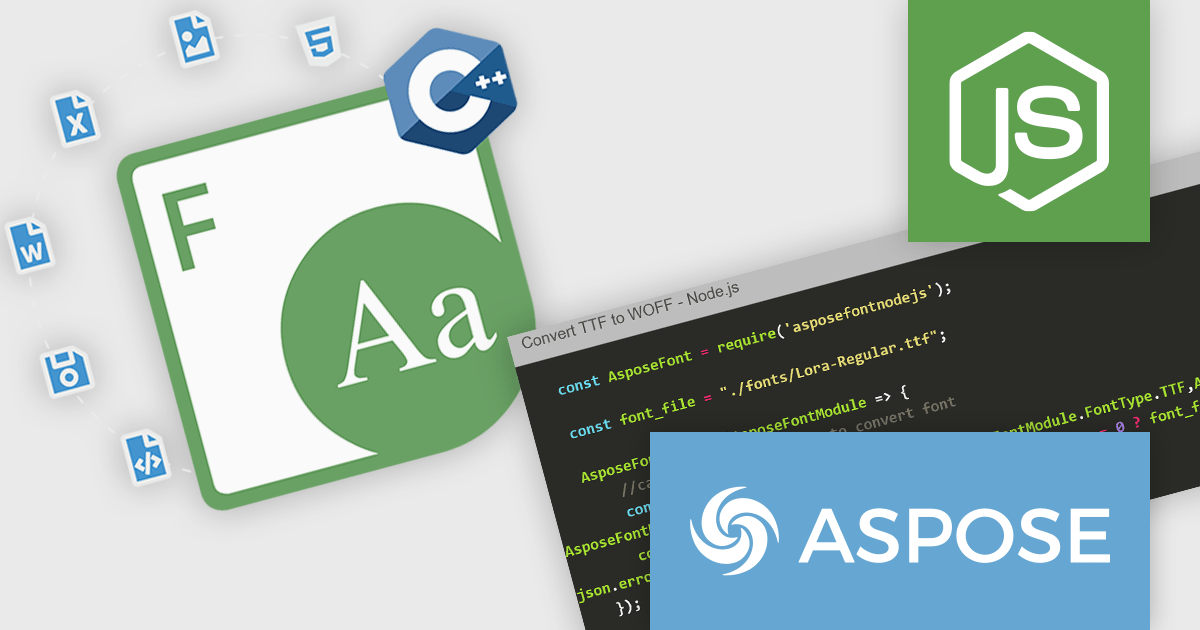
Aspose.Font for Node.js via C++ is a native Node.js library that enables developers to load, manage, and process a wide range of font file formats directly within JavaScript applications. Built on C++ and exposed via WebAssembly, the library supports formats such as TrueType (TTF), OpenType (OTF), Web Open Font Format (WOFF/WOFF2), CFF, EOT, and Type 1 fonts. It provides functionality for reading font metadata, extracting glyphs, rendering individual characters, and converting fonts between formats, all without relying on any external software or font rendering engines.
The library offers clear advantages for applications that require programmatic font manipulation, inspection, or transformation. Developers working on document generation, digital publishing, or font auditing tools can use Aspose.Font to embed, subset, or convert fonts in workflows involving PDF or web content. Its ability to extract font details and render glyphs programmatically also makes it suitable for design automation, compliance checking, or branding systems where consistent typography handling is essential. The self-contained nature of the library ensures cross-platform compatibility and seamless integration into Node.js applications running on server or desktop environments.
Aspose.Font for Node.js via C++ is offered as Developer Small Business, Developer OEM, Developer SDK, Site Small Business, Site OEM and Site SDK licenses catering to a range of business needs. Licenses are perpetual, and include 1 year of support and maintenance. Subscription renewals are also available. See our Aspose.Font for Node.js via C++ licensing page for full details.
Aspose.Font for Node.js via C++ is available individually or as part of the following products:
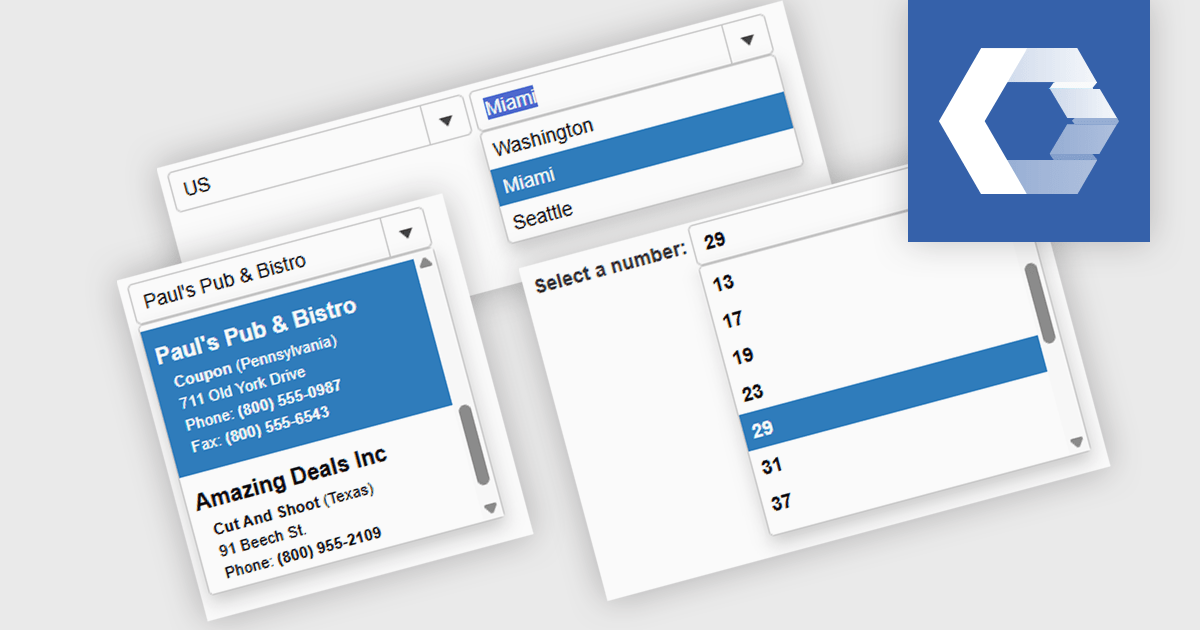
A combobox Web Components control is a user interface element that combines an input field with a dropdown list, allowing users to either type a value directly or select from predefined options. It is commonly used to simplify data entry, particularly when the input must match a set of known values. By supporting features such as filtering, autocomplete, and keyboard navigation, a combobox enhances accessibility and improves the user experience in forms or interactive components. It also helps maintain consistency and validation in data-driven applications by reducing the likelihood of input errors.
Several Web Components Data Editors offer a combobox including:
For an in-depth analysis of features and price, visit our comparison of Web Components Data Editors.
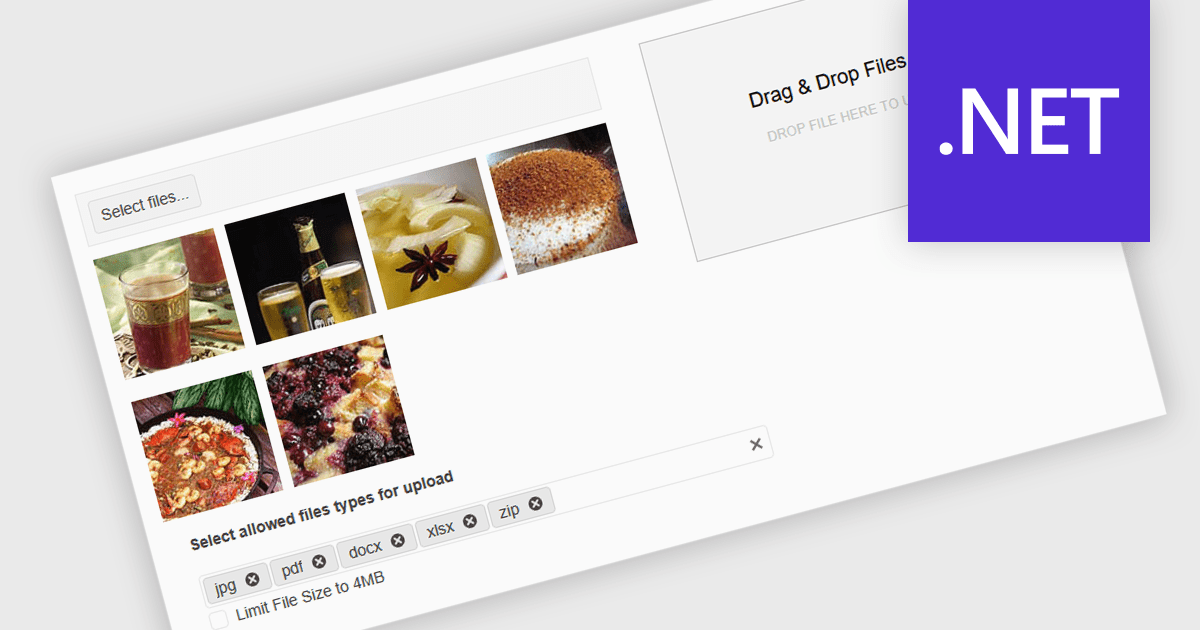
Queuing multiple files for upload in .NET components refers to the ability to stage several files for transfer either sequentially or in parallel, rather than requiring each to be uploaded individually. This capability is especially valuable in applications where users need to upload large sets of files - such as images, documents, or backups - without manually initiating each upload. It enhances efficiency by automating the process, supporting better resource management and enabling features such as progress tracking, retry mechanisms, and batch error handling. When integrated with protocols like FTP (File Transfer Protocol), this feature becomes critical for systems that handle bulk file distribution, content management, or remote data archiving. For instance, a content management system might allow editors to upload an entire gallery at once, while a backup tool could automatically queue system logs for nightly FTP transfer.
Several .NET Comms & Messaging components support queuing multiple files for upload including:
For an in-depth analysis of features and price, visit our comparison of .NET Comms & Messaging components.
聯繫電話: (888) 850 9911
傳真: +1 770 250 6199


