













官方供應商
我們作為官方授權經銷商,直接提供超過200家開發廠家所發行超過1000個的產品授權給您。
請參閱我們所有的品牌。
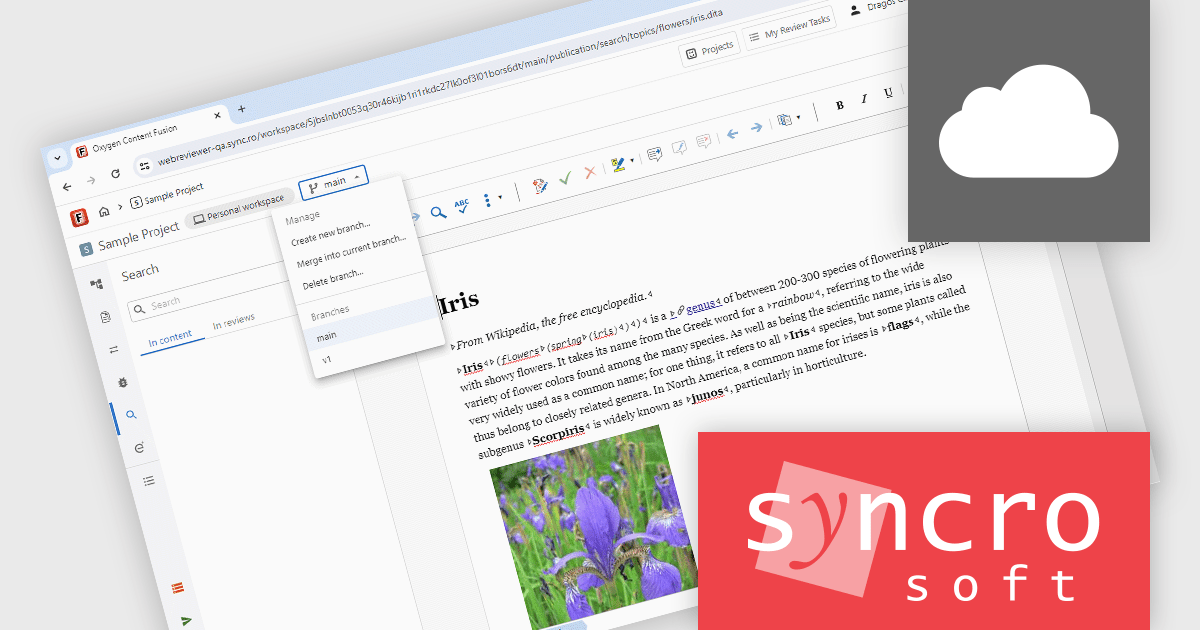
Oxygen Content Fusion by Syncro Soft is a cloud-based collaboration platform for managing and publishing DITA (Darwin Information Typing Architecture) documentation. It allows authors, reviewers, and publishers to work together on the same content in real time, and to track changes and feedback throughout the documentation process. Oxygen Content Fusion also provides a variety of tools for generating and publishing DITA content in a variety of formats, including WebHelp, PDF, and EPUB.
The Oxygen Content Fusion V8.2 release adds the ability to manage branches from the Personal Workspace page, authors can now create, switch, delete, and merge branches without leaving their workspace. This enables content teams to work in isolated contexts, preserve in-progress edits, orchestrate targeted review processes, and merge changes confidently. In particular, the flexibility to handle branch operations, combined with selective file commits and detailed history tracking, allows for improved collaboration, reduces risk of interference between parallel work streams, and ensures that only polished deliverables are shared with peers.
To see a full list of what's new in V8.2, see our release notes.
Oxygen Content Fusion is licensed per user and is available as an Annual license with 1 year support and maintenance. See our Oxygen Content Fusion licensing page for full details.
Learn more on our Oxygen Content Fusion product page.
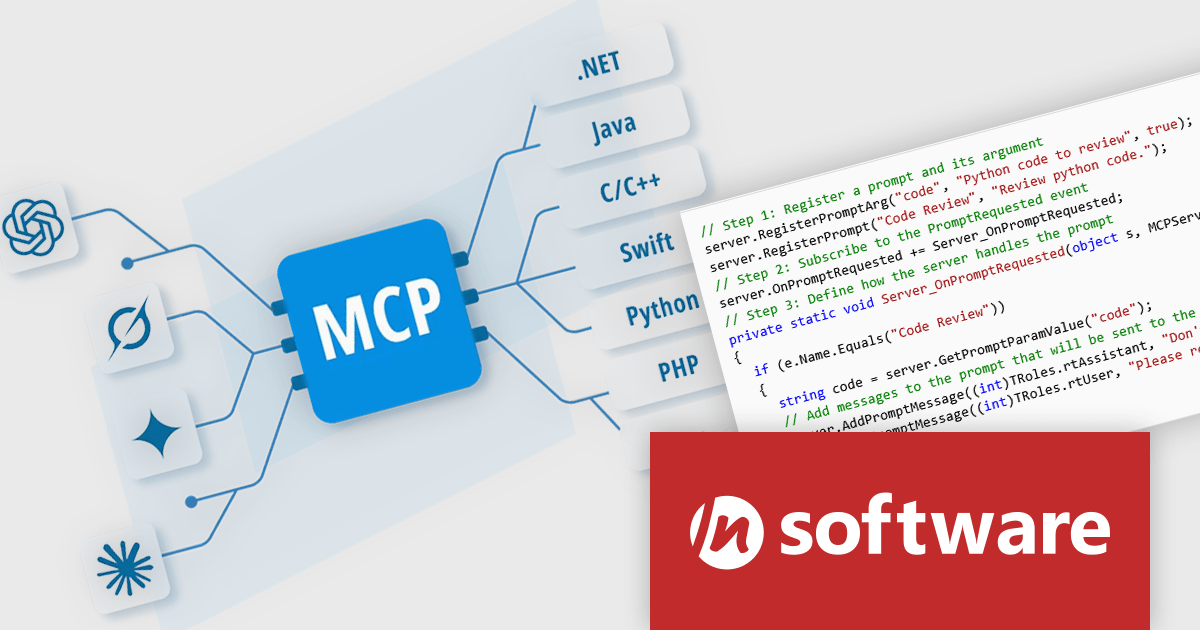
MCP SDK, a new product in the Red Carpet Subscription Vol. 3 2025 update, is a developer-focused library that reduces the complexity of implementing MCP (Model-Context-Protocol) servers and clients. Built around an intuitive event-driven API, it enables large language models (LLMs) to interact meaningfully with your application logic - retrieving data, invoking tools, executing predefined operations, or following structured prompts.
MCP SDK is ideal for building AI agents or integrating LLMs into backend processes that require stateful reasoning and real-time execution. Whether you're building intelligent assistants, automated systems, or decision-support tools, the MCP SDK gives you the flexibility to integrate LLMs into your existing software architecture with minimal effort.
To see a full list of what's new in Red Carpet Subscription Vol. 3 2025, see our release notes.
Red Carpet Subscription is licensed per developer and is available as a Perpetual License with a 12 month support and maintenance subscription. See our Red Carpet Subscription licensing page for full details.
For more information, visit our /n software Red Carpet Subscription product page.
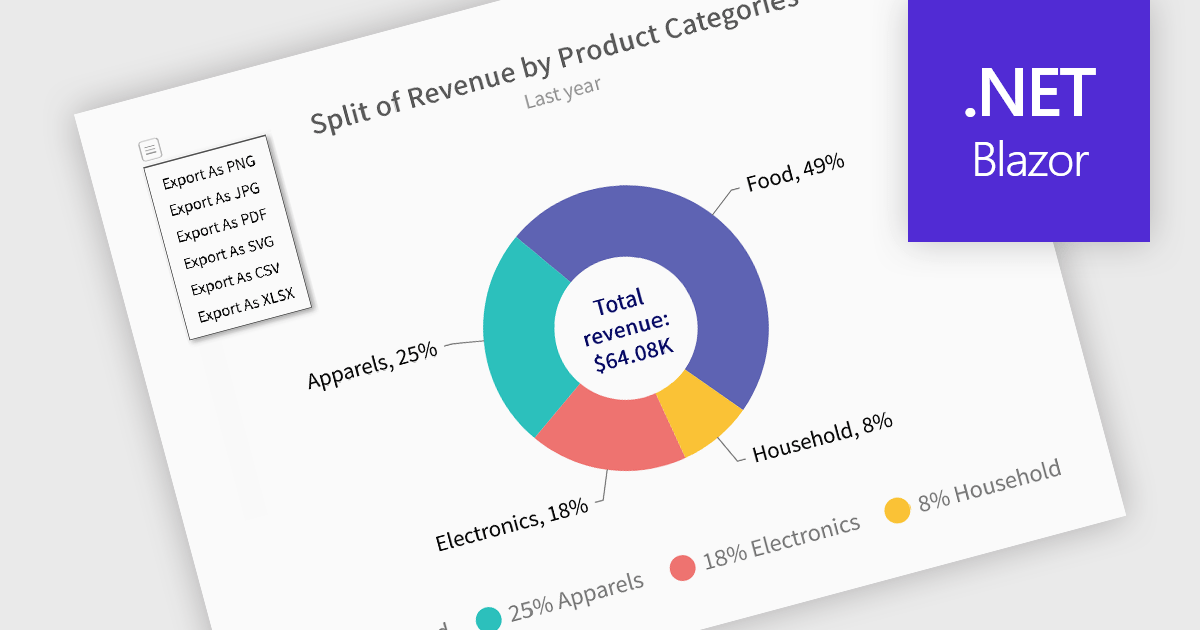
Exporting charts to XLS or XLSX formats enables developers to extract the structured underlying data from visualizations and make it available for deeper analysis or downstream processing. Rather than being confined to image or PDF exports, this approach allows for easy integration of chart data with spreadsheet tools and data workflows. By converting charts into Excel files, users gain the ability to manipulate, filter, or augment data, ideal for reporting, auditing, or business intelligence scenarios where numerical insights must be both visual and actionable.
Several Blazor charting controls offer the ability to export charts to XLS/XLSX including:
For an in-depth analysis of features and price, visit our Blazor charting controls comparison.

Spell-checker components in UI suites provide built-in functionality to detect and correct spelling errors within user-input fields and documents. They enhance text accuracy by underlining errors as the user types and offering context-menu corrections or dialog-based review, mirroring the familiar, production-grade experience found in Microsoft Office. These components typically support multiple dictionary formats (such as ISpell, OpenOffice, Hunspell, or custom dictionaries), integrate seamlessly into both basic and advanced text editors, and are essential for ensuring text quality in enterprise and productivity applications.
Several WPF UI suites offer spell checker components including:
For an in-depth analysis of features and price, visit our WPF UI suites comparison.
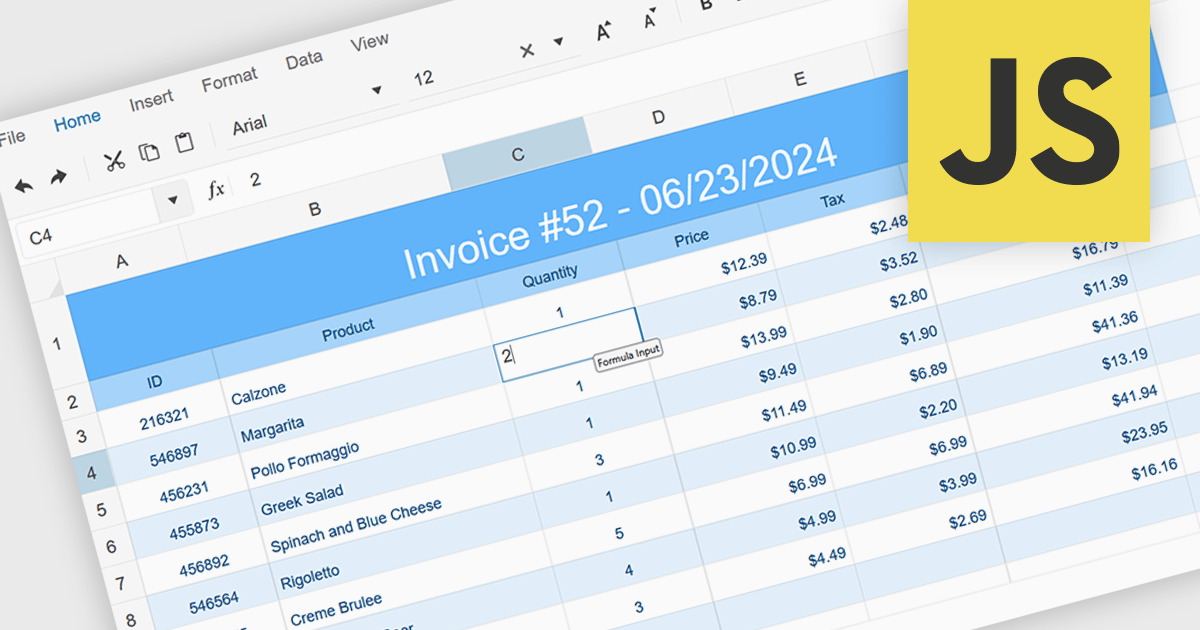
In-cell data editing allows information to be modified directly within a spreadsheet cell rather than through separate forms or dialog boxes. This approach speeds up data entry, provides immediate visual feedback, and makes it easier to spot and correct mistakes in context. It enhances efficiency by reducing interruptions, lowering cognitive effort, and offering a familiar Excel-style experience. Common use cases include updating financial figures, adjusting inventory records, or revising project timelines where quick, accurate edits are essential.
Several JavaScript spreadsheet controls support in-cell data editing including:
For an in-depth analysis of features and price, visit our comparison of JavaScript Spreadsheet Controls.
聯繫電話: (888) 850 9911
傳真: +1 770 250 6199


