













官方供應商
我們作為官方授權經銷商,直接提供超過200家開發廠家所發行超過1000個的產品授權給您。
請參閱我們所有的品牌。
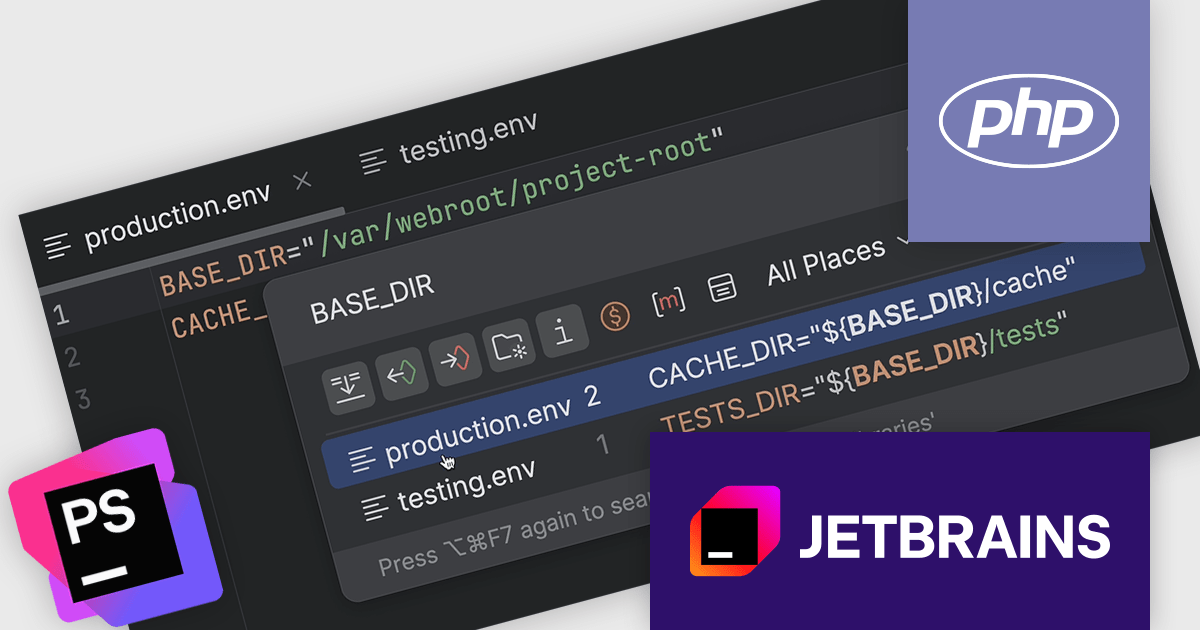
PhpStorm by JetBrains is a sophisticated Integrated Development Environment (IDE) specifically designed for PHP and web development. It offers a range of features to enhance your coding experience, including syntax highlighting, intelligent code completion, on-the-fly error detection, built-in debugging tools, and advanced code refactoring capabilities. It also supports various web technologies like HTML, CSS, and JavaScript, making it a versatile tool for building complete web applications.
The JetBrains PhpStorm version 2025.1 release introduces support for nested variable syntax. This update brings significant improvements to how developers interact with environment files (.env), allowing for more dynamic and maintainable configurations. With this addition, PhpStorm now offers code completion, navigation between variable declarations and usages, as well as inspections and quick-fixes for nested variables. These enhancements improve the development experience when working with complex environment setups, helping users catch issues earlier and write more consistent configuration files.
To see a full list of what's new in version 2025.1, see our release notes.
PhpStorm is licensed per user, and is available as a commercial annual subscription license. We can supply new subscriptions, subscription renewals (including continuity discounts), lapsed renewals, and additional user licenses. See our PhpStorm licensing page for full details.
PhpStorm is available to buy in the following products:
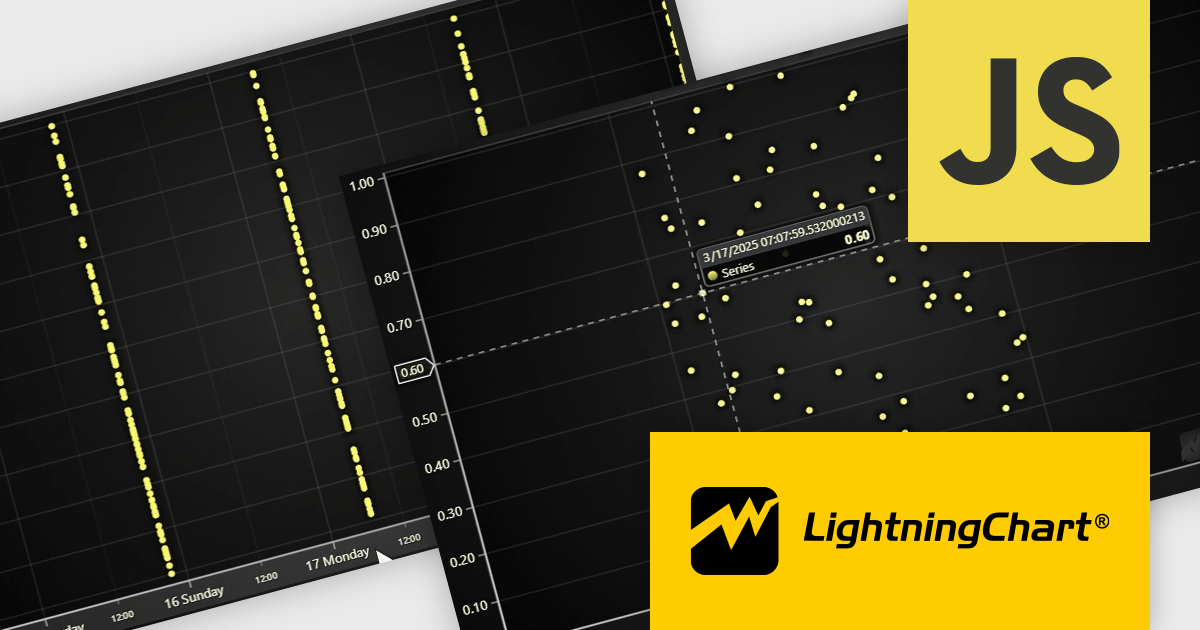
LightningChart JS is a JavaScript/TypeScript library developed by LightningChart that is particularly well-suited for data-intensive visualizations, offering exceptionally fast rendering capabilities thanks to its use of WebGL. This makes it a strong choice for applications that require real-time data updates, such as financial platforms, engineering tools, scientific research dashboards, and industrial monitoring systems. It provides high-performance, 2D, 3D, and real-time charting controls and a comprehensive suite of visualizations including candlestick, bar, line, and various technical indicators and drawing tools. This library enables software developers to craft interactive technical analysis tools without the need for server-side setup as it runs completely on the client device.
The LightningChart JS v7.1 update enhances its Date-Time axis capabilities by introducing support for nanosecond-resolution timestamps, allowing users to zoom into microsecond and nanosecond ranges for more granular time-based data analysis—well beyond the previous millisecond limitations. To utilize this feature, timestamps should generally be supplied as BigInt64. This update positions LightningChart JS among the few web charting libraries explicitly supporting nanosecond precision, making it a strong choice for applications requiring high-resolution temporal data visualization.
To see a full list of what's new in v7.1, see our release notes.
LightningChart JS is licensed per developer and is available as an annual license with 1 year support. See our LightningChart JS licensing page for full details.
For more information, see our LightningChart JS product page.
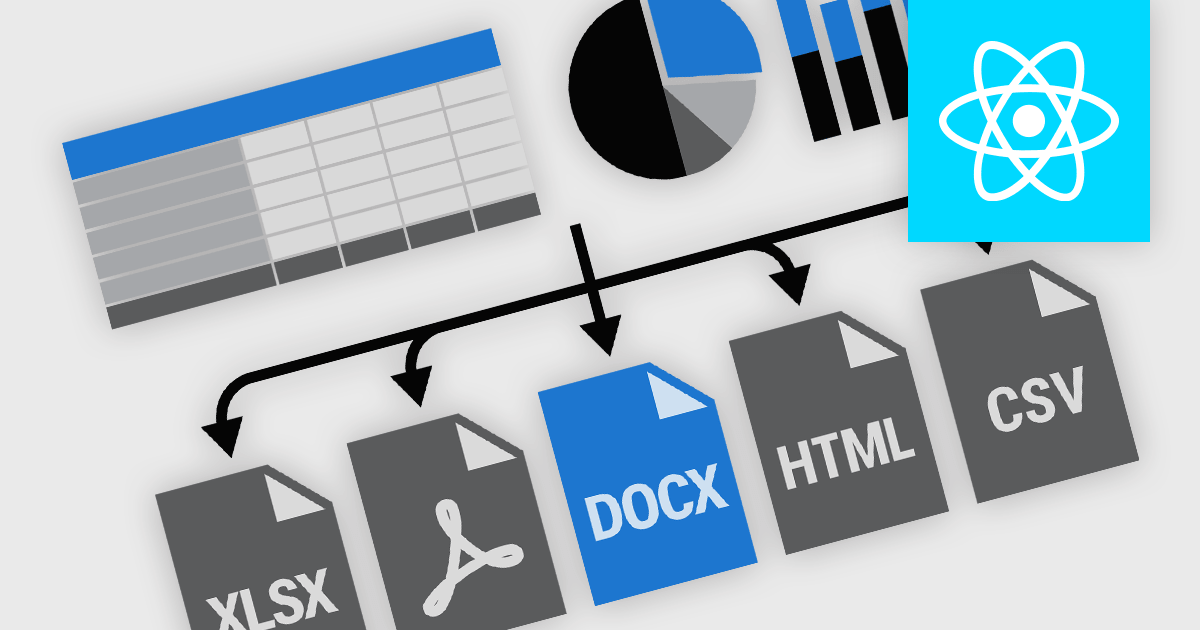
Exporting and printing functionality in reporting components is a core requirement for many software applications, particularly those used in business, finance, and analytics. These capabilities enable users to transform dynamic, on-screen reports into portable or hard-copy formats suitable for distribution, archiving, or further processing. High-performance reporting tools offer flexible export and print options to accommodate various workflows, whether for regulatory compliance, client communications, or internal documentation. Support for a broad range of output formats ensures that users can interact with report content in the way that best suits their needs.
Common features include:
For an in-depth analysis of features and price, visit our React reporting components comparison.
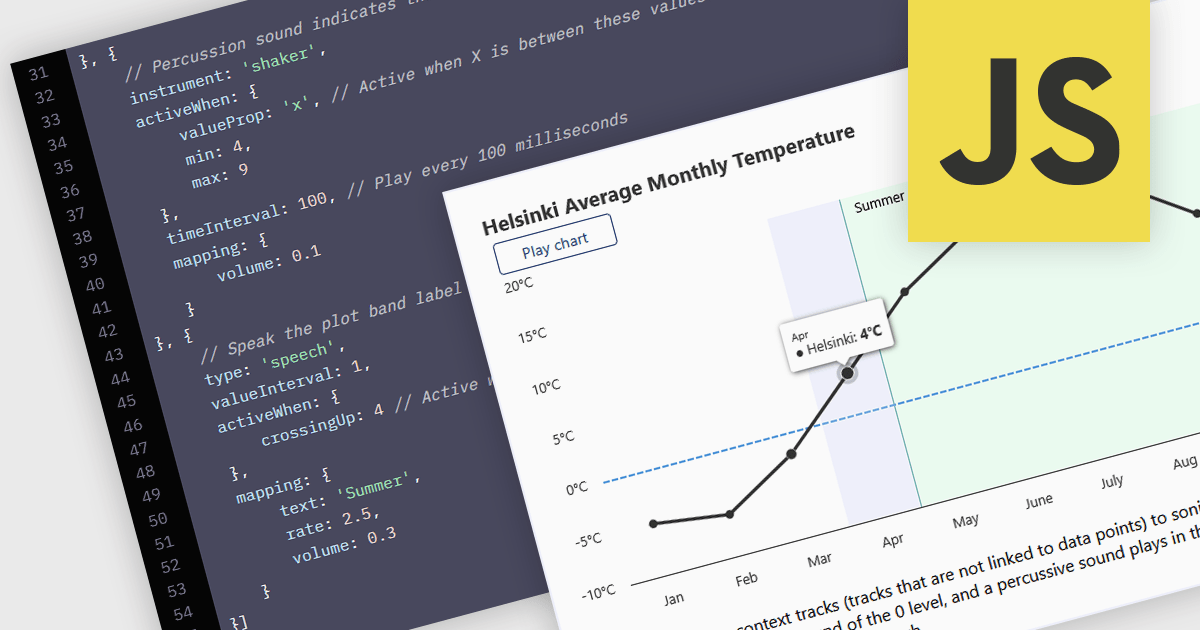
WCAG (Web Content Accessibility Guidelines) compliance in JavaScript charts ensures that visual data representations are accessible to all users, including those with disabilities. This involves implementing features such as semantic markup for assistive technologies, keyboard navigation support, high-contrast color schemes for users with visual impairments, and descriptive alternative text for charts and data points. Additionally, it may include providing data tables or summaries as textual alternatives and ensuring that interactive elements are operable without reliance on a mouse. Achieving WCAG 2.0 compliance enhances usability, meets legal accessibility standards, and promotes inclusive user experiences across web applications.
Several JavaScript chart controls offer WCAG compliance including:
For an in-depth analysis of features and price, visit our comparison of JavaScript Chart Controls.

Since 2022, ComponentSource has expanded global access to Blazorise’s high performance UI component library by offering it through their comprehensive catalog of developer tools. Blazorise’s modular architecture and seamless integration with Bootstrap, Bulma, AntDesign and Material perfectly complement ComponentSource’s mission to provide versatile, high-quality components for any project.
Over the past three years, this partnership has demonstrated a shared commitment to delivering feature rich Blazor UI solutions including theming, form validation, localization, data grids and charting that integrate seamlessly into modern web applications.
As they mark three years of working together, ComponentSource and Blazorise continue to support developers with a growing ecosystem of modern UI components, proactive feature enhancements, comprehensive documentation, and expert support that accelerate Blazor application development.
Blazorise is licensed per developer and is runtime royalty free. Licenses include a 1 year subscription for updates and premium support. Professional, Enterprise, and Enterprise Plus editions are available, each offering tailored levels of support and service to meet varying business needs. See our Blazorise licensing page for full details.
For more information, visit our Blazorise brand page.
聯繫電話: (888) 850 9911
傳真: +1 770 250 6199


