













官方供應商
我們作為官方授權經銷商,直接提供超過200家開發廠家所發行超過1000個的產品授權給您。
請參閱我們所有的品牌。
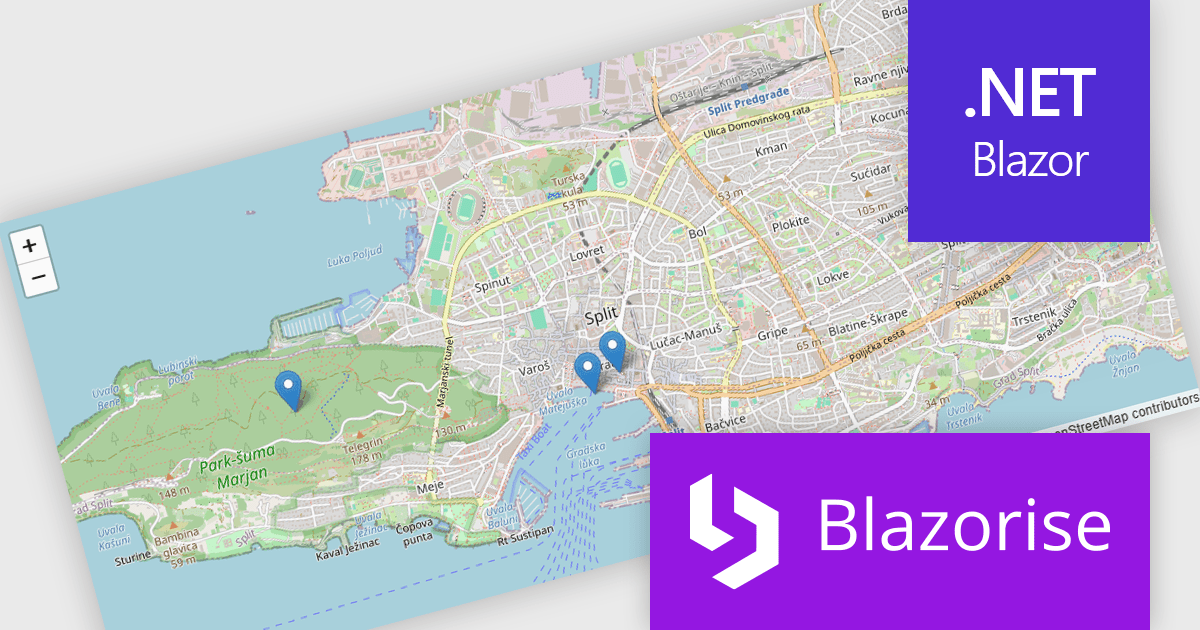
Blazorise is a versatile component library that empowers developers to build modern and feature-rich web applications using Blazor, a client-side web development framework from Microsoft. It offers a comprehensive collection of user interface components, including buttons, forms, charts, and navigation elements, all built with accessibility and responsiveness in mind.
The Blazorise 2.1 update introduces a new maps component that enables developers to build interactive mapping functionality using a provider-neutral component model, allowing applications to remain independent of any specific mapping library. By abstracting core concepts such as maps, layers, markers, and shapes, developers can implement rich, data-driven map experiences with support for events, programmatic control, and synchronization between application state and the rendered map, while retaining the flexibility to adopt additional mapping providers in the future without requiring significant code changes.
To see a full list of what’s new in version 2.1, see our release notes.
Blazorise is licensed per developer and includes a 1 year subscription for updates and support. Professional, Enterprise, and Enterprise Plus editions are available, each offering tailored levels of support and service to meet varying business needs. See our Blazorise licensing page for full details.
For more information, visit our Blazorise product page.
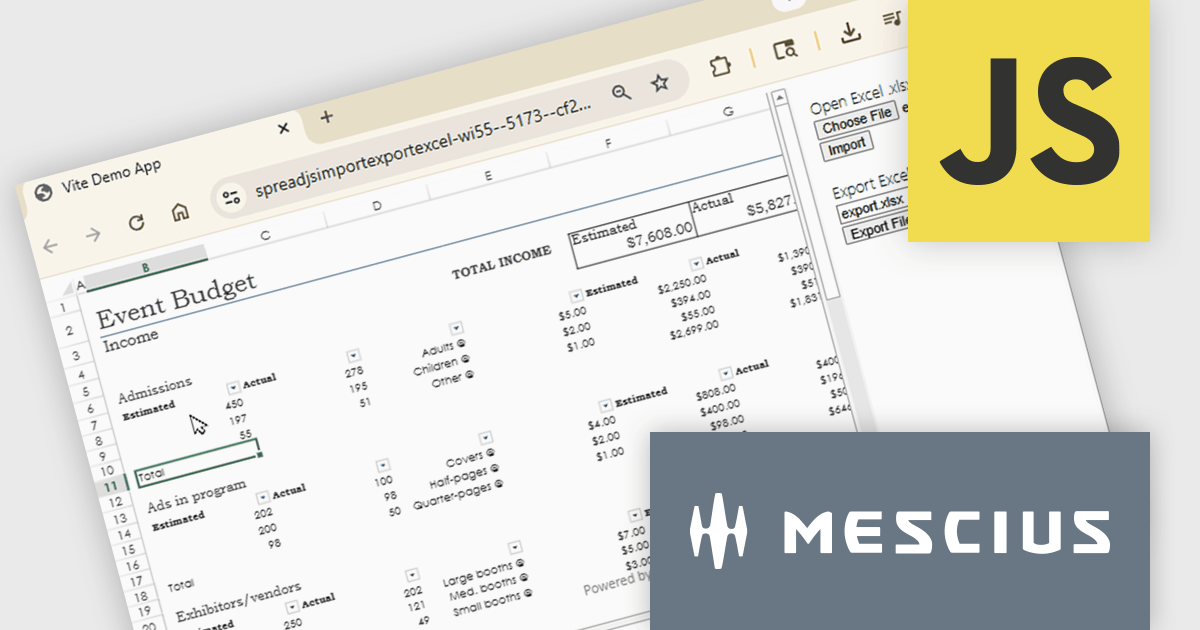
SpreadJS is a complete enterprise JavaScript spreadsheet solution used to create financial reports and dashboards, budgeting and forecasting models, scientific, engineering, healthcare, education, science lab notebooks, and other similar JavaScript business applications. Leverage the high-speed calculation engine with over 500 Excel built-in functions in 19 languages, to deliver true Excel-like spreadsheet experiences with zero dependencies on Excel.
In this online tutorial from MESCIUS, you will learn the critical steps allowing you to import/export XLSX files using JavaScript. Steps include:
Detailed sample code is included to help you along the way.
View the tutorial now and get started working with spreadsheet files in your JavaScript applications.
SpreadJS is licensed per developer and includes 1 Year Maintenance (major and minor version releases and unlimited support phone calls). SpreadJS requires an Annual or Perpetual Deployment License. The optional Add-ons are available at an additional cost, and require a SpreadJS license. See our SpreadJS licensing page for full details.
For more information, visit our SpreadJS product page.
Altova MobileTogether is a rapid app development platform that empowers anyone, regardless of coding experience, to build sophisticated data-driven apps for all mobile and desktop platforms. With its visual UI design, drag-and-drop functionality, and powerful Action Tree programming language, MobileTogether improves the development process, enabling you to create custom database apps, integrate with backend systems, and deploy secure solutions swiftly and cost-effectively.
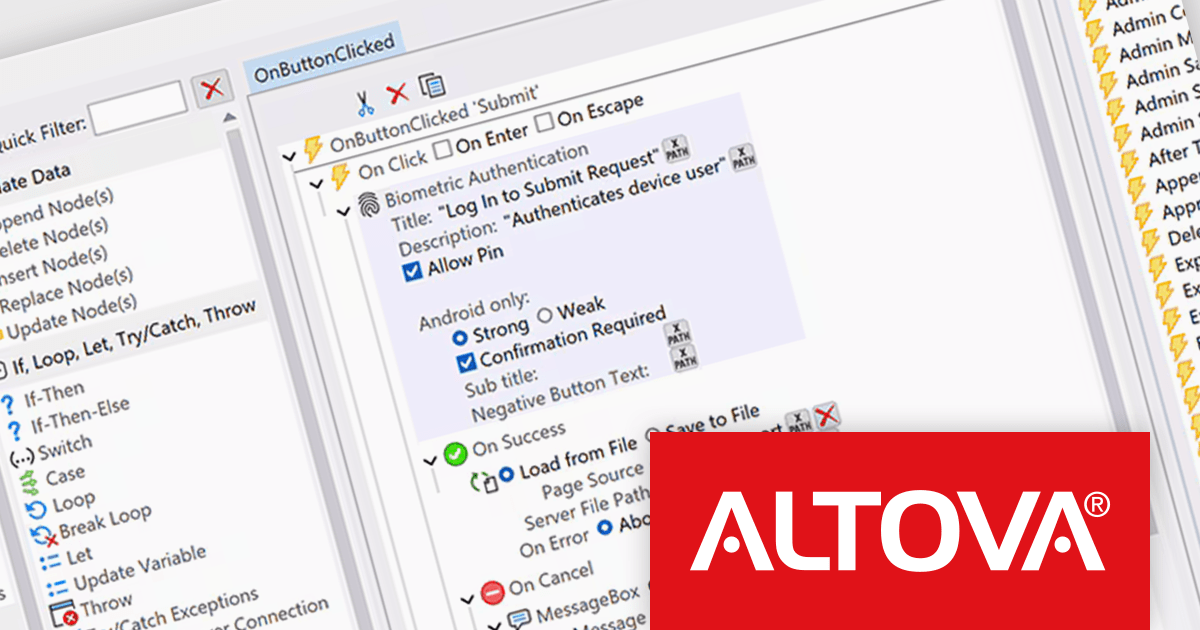
The MobileTogether 10.3 release introduces support for biometric authentication in client applications, allowing developers to incorporate face recognition or fingerprint scanning as a secure and convenient login method. An optional runtime function lets apps detect whether a user’s device supports biometric capabilities, enabling intelligent decisions about when to present authentication prompts. To ensure consistent access across devices and user preferences, a PIN-based fallback can also be configured, providing an alternative when biometric options are unavailable or not set up. Together, these enhancements offer a practical approach to improving both security and user experience in mobile solutions.
To see a full list of what's new in version 10.3, see our release notes.
MobileTogether is licensed per server core as an annual subscription. See our MobileTogether licensing page for full details.
For more information, visit our MobileTogether product page.
TX Text Control .NET is a royalty-free, fully programmable document editor that empowers developers to add rich WYSIWYG word processing to desktop and web applications across various platforms. It provides everything from comprehensive text formatting and mail merge to PDF creation and processing, all through a robust API and intuitive user interface.
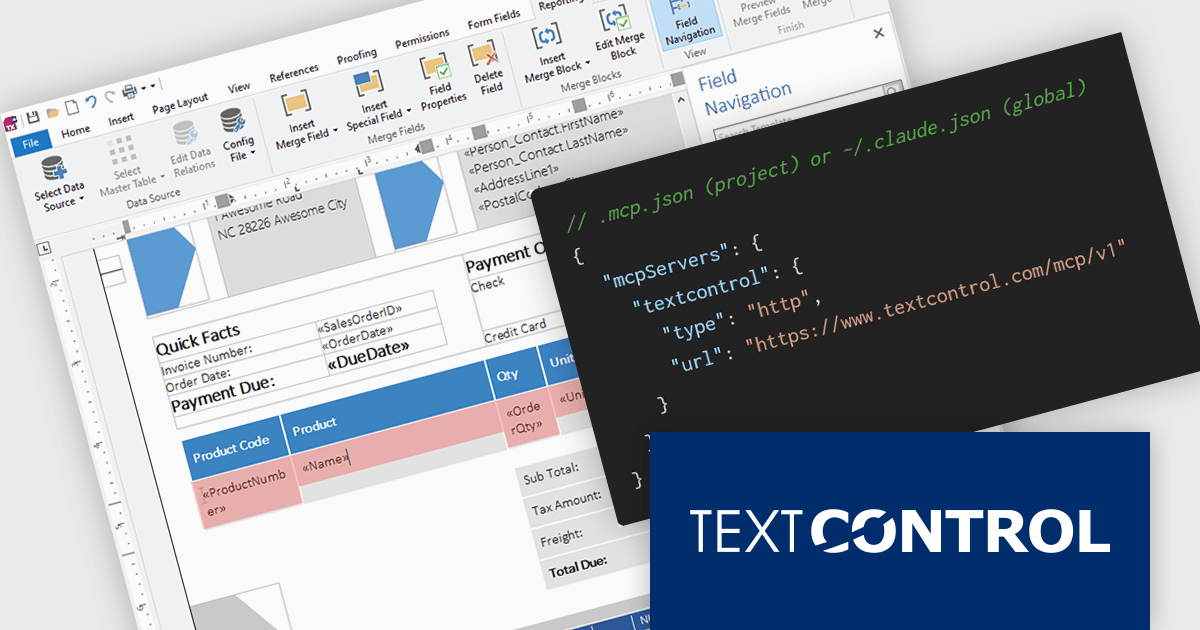
The new Text Control MCP Server introduces a read-only Model Context Protocol (MCP) endpoint designed to integrate authoritative product knowledge into AI-assisted processes. By adding a single URL to an assistant’s configuration, developers can enable access to blog content, documentation, API references, and more, all without leaving the editor. This approach improves the relevance and accuracy of AI-generated responses, making it easier to work with up-to-date information across the entire Text Control ecosystem.
TX Text Control .NET for Windows Forms and TX Text Control .NET for WPF are licensed per developer and are available as a Perpetual License with a 12 month support and maintenance subscription. See our TX Text Control .NET for Windows Forms licensing page or TX Text Control .NET for WPF licensing page for full details.
TX Text Control .NET is available to buy in the following products:
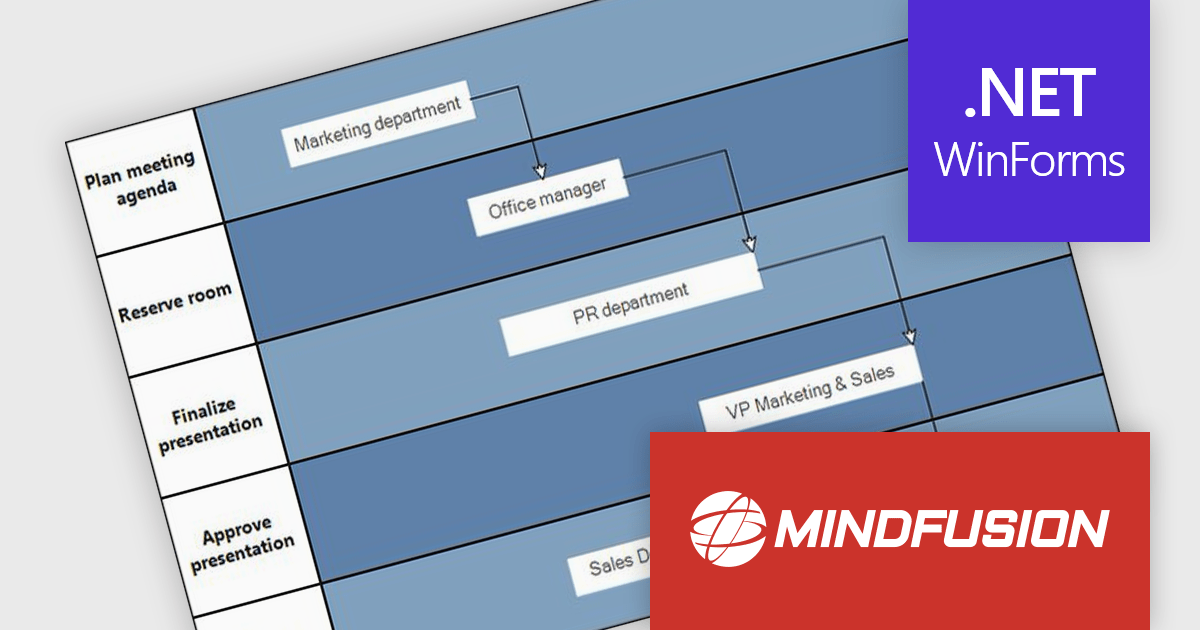
MindFusion.Diagramming for WinForms is a versatile diagramming component that enables developers to create and present workflows, process diagrams, database models, organizational charts, and more. It includes over 100 predefined node shapes, flexible table objects with unlimited rows and columns, and container nodes that can be nested to represent complex structures. With customizable links and arrowhead styles, it helps build clear and interactive visualizations, making it easier to organize information, communicate ideas, and support a wide range of business and technical applications.
The MindFusion.Diagramming for WinForms 7.2 update introduces the new Palette control, providing developers with a structured way to organize and present diagram elements within categorized, collapsible panels. This feature improves usability by enabling efficient navigation and selection of items, particularly in applications with large or complex sets of diagrams. With flexible APIs for adding categories and items programmatically or through collections, the Palette control improves development while supporting scalable user interfaces for diagram-driven applications.
To see a full list of what’s new in version 7.2, see our release notes.
MindFusion.Diagramming for WinForms is licensed per developer, per site, or across an entire enterprise with perpetual licensing. All options include royalty free distribution with no additional runtime or end user fees. See our MindFusion.Diagramming for WinForms licensing page for full details.
For more information, visit our MindFusion.Diagramming for WinForms product page.
聯繫電話: (888) 850 9911
傳真: +1 770 250 6199


