













官方供應商
我們作為官方授權經銷商,直接提供超過200家開發廠家所發行超過1000個的產品授權給您。
請參閱我們所有的品牌。
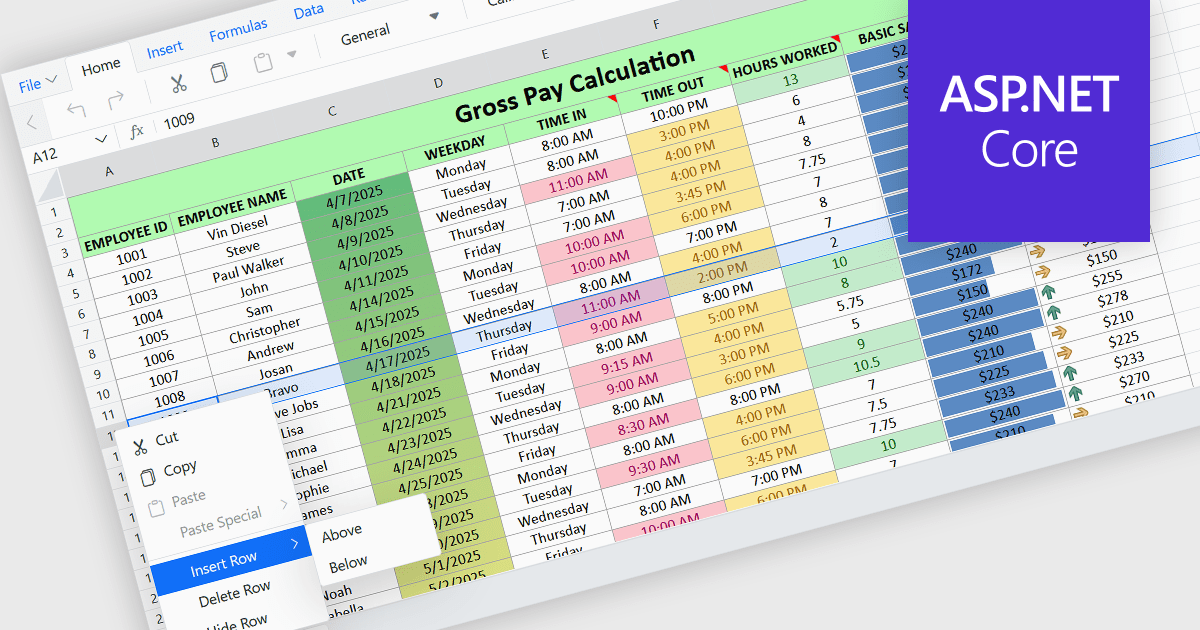
Inserting rows in spreadsheet components enables users to expand and reorganize data dynamically within a worksheet. It supports common data management tasks such as adding new records, adjusting layouts, and maintaining structured datasets without disrupting existing content. By integrating row insertion directly through APIs, applications can offer a familiar and efficient spreadsheet experience for users working with tabular data.
Several ASP.NET Core spreadsheet controls offer support for inserting rows including:
For an in-depth analysis of features and price, visit our ASP.NET Core spreadsheet controls comparison.
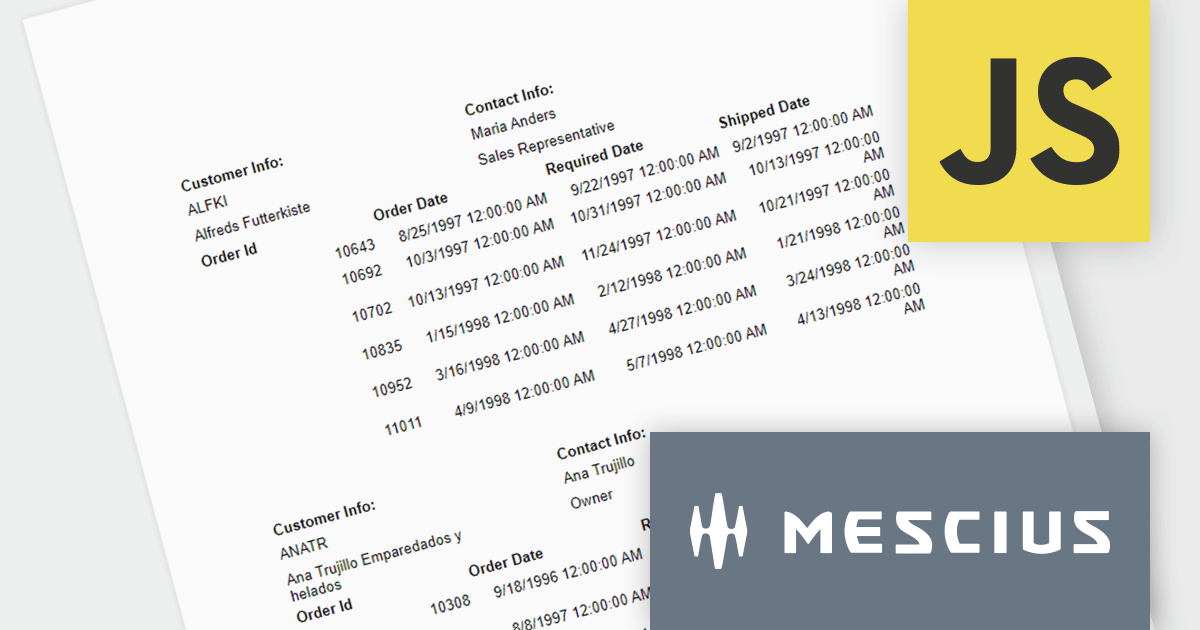
ActiveReportsJS is a powerful, lightweight reporting tool designed to integrate advanced reporting capabilities into any JavaScript application. ActiveReportsJS enables developers to create, view, export, and print richly formatted reports entirely on the client side - with zero server dependencies.
In this blog post, MESCIUS Product Consultant Victor Stahlman demonstrates how to build nested data regions in ActiveReportsJS to create master-detail reports that display related data, such as customers and their orders, within a structured layout. He walks your through configuring datasets, nesting controls like Lists and Tables, and applying filters to correctly link and present hierarchical data relationships in your reports. Key topics include:
By implementing nested data regions in ActiveReportsJS, you can transform flat datasets into structured, master-detail reports that are easier to read and analyze.
Read the complete blog to get started building scalable, dynamic JavaScript reports that deliver more meaningful insights to your users.
ActiveReportsJS is licensed on an annual subscription or perpetual basis and is available as a Single Deployment License for non-commercial use, and as a Single Domain License or Unlimited Domain License for commercial and/or SaaS use. See our ActiveReportsJS licensing page for full details.
For more information, visit our ActiveReportsJS product page.
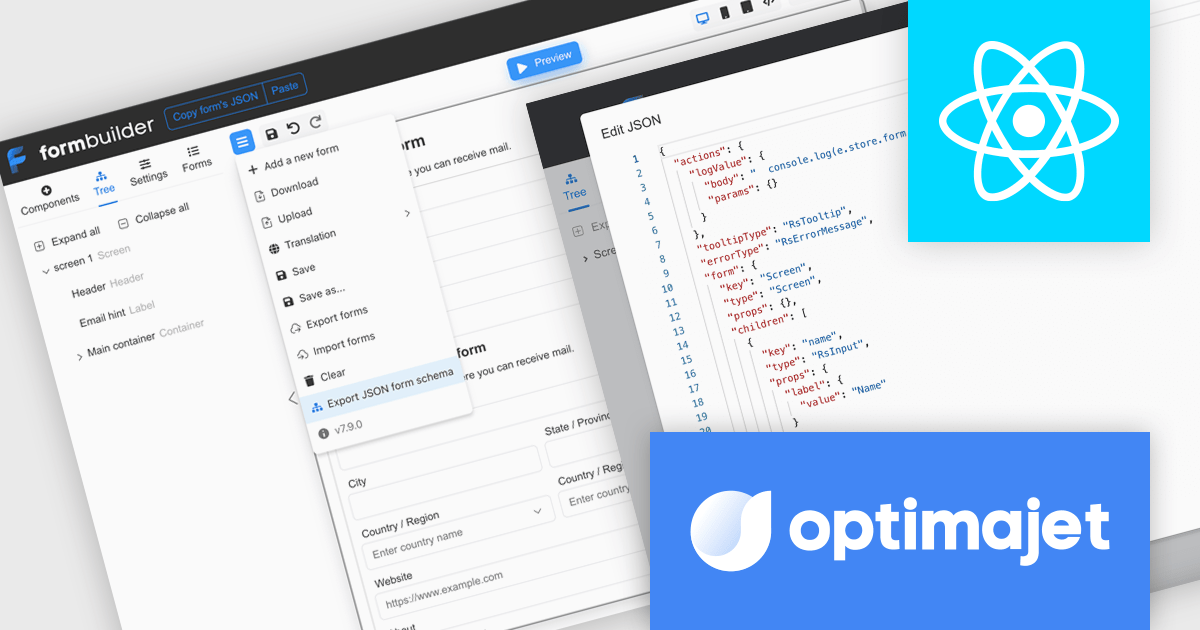
Optimajet FormEngine is a drag-and-drop React form builder that lets teams create, manage, and render complex web forms without writing frontend code. It allows developers and business users to visually design forms, store them as JSON, and render them at runtime. As a React JS library, it easily integrates into existing applications while giving developers full control over form logic, structure, and data flow, making it well suited for complex data collection.
Optimajet FormEngine enables JSON Schema validation for forms, allowing developers to validate form JSON directly within their IDE, identify structural issues, incorrect data types, and unsupported configurations early in the development process, and enforce a consistent, well-defined structure across all forms. By providing real-time feedback, inline error highlighting, and autocomplete suggestions, it improves accuracy and reduces the need for repeated testing cycles, helping developers work more efficiently while minimizing runtime errors and ensuring more reliable form implementations.
Optimajet FormEngine is licensed based on usage type (internal commercial use, public web/SaaS, or OEM embedding), number of domains for the visual editor, and access to additional ready-made components. Licenses are perpetual and include 6 months or 1 year of updates and support. See our Optimajet FormEngine licensing page for full details.
For more information, visit our Optimajet FormEngine product page.
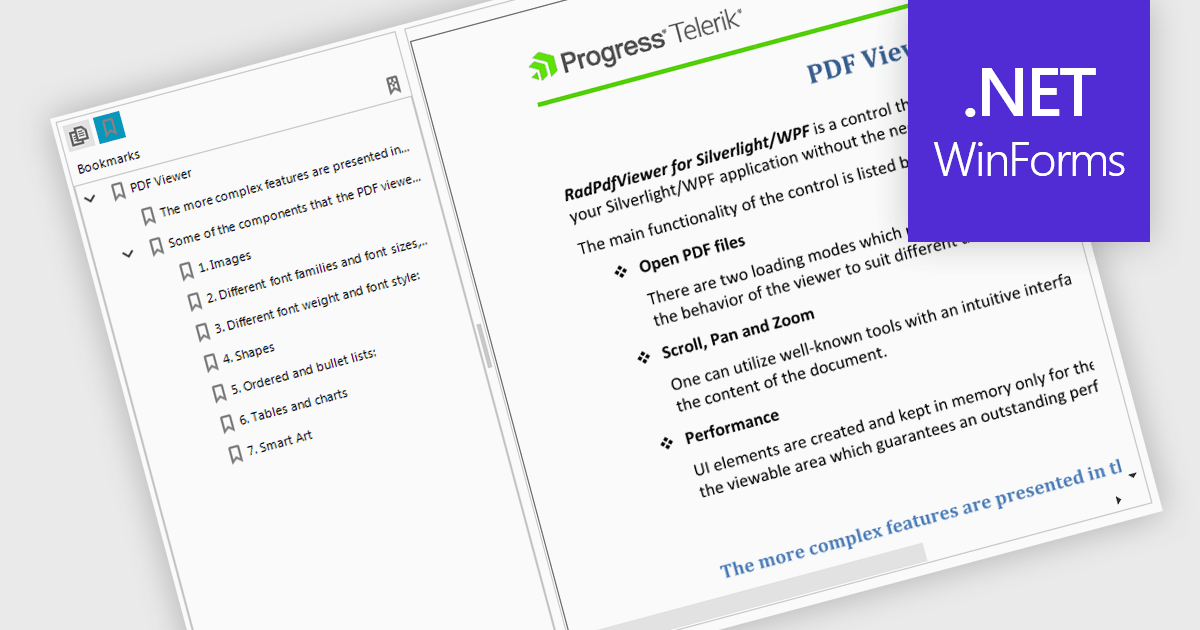
Bookmark navigation in a PDF Viewer enables developers to expose the hierarchical bookmark structure embedded within a PDF so users can quickly jump to specific sections or pages. It typically presents bookmarks in a tree view synchronized with the document, allowing programmatic control and event handling for selection changes. This capability improves usability in applications that handle large or structured documents by reducing manual scrolling, supporting faster content discovery, and providing a more organized reading experience.
Several WinForms PDF Viewer components support bookmark navigation, including:
For an in-depth analysis of features and price, visit our comparison of WinForms PDF Viewer components.
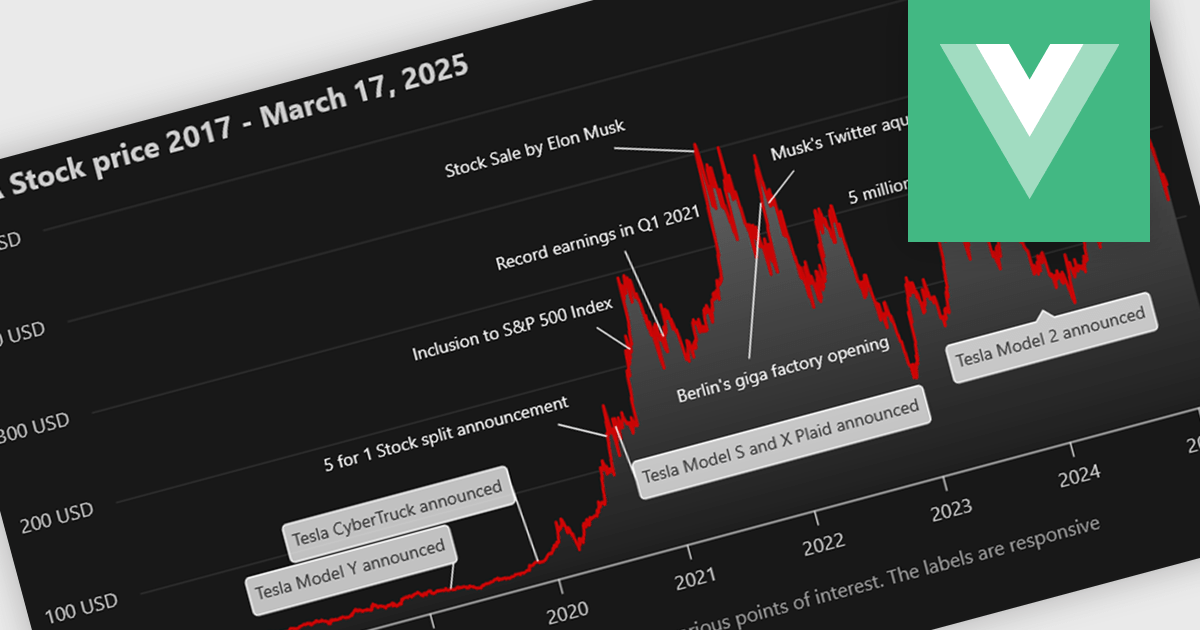
Annotation support in a Vue.js chart component refers to the capability to overlay additional contextual elements, such as labels, markers, lines, or regions, directly onto a chart to highlight specific data points, thresholds, or events. This feature enables developers to enrich visualizations with meaningful insights without altering the underlying dataset, making it easier to communicate key information such as trends, anomalies, or business rules within the UI.
Several Vue.js chart components support chart annotations, including:
For an in-depth analysis of features and price, visit our comparison of Vue.js charting components.
聯繫電話: (888) 850 9911
傳真: +1 770 250 6199


