













官方供應商
我們作為官方授權經銷商,直接提供超過200家開發廠家所發行超過1000個的產品授權給您。
請參閱我們所有的品牌。
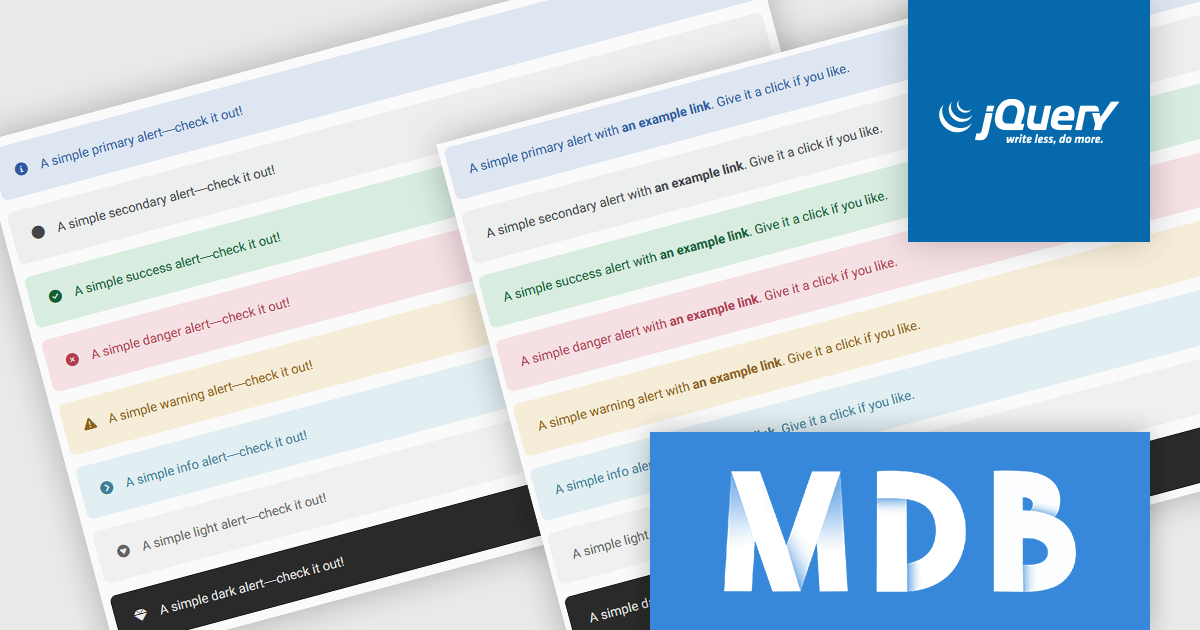
MDB Pro Standard is a powerful front-end development toolkit built on Bootstrap 5, offering responsive and feature-rich components for professional web applications. With tools like customizable alerts, interactive building blocks, and pre-designed templates, it enables developers to deliver visually consistent feedback and create polished, user-friendly interfaces. Supporting icons, rich content, and responsive design, MDB Pro Standard streamlines workflows and is ideal for dashboards, e-commerce sites, and modern web solutions.
MDBootstrap's MDB Pro Standard version 8.1.0 update introduces advanced Bootstrap 5 alerts, providing software developers with a powerful tool for integrating responsive, visually consistent feedback components into their applications. These alerts offer extensive customization options, including contextual classes, support for rich content, and seamless integration with Font Awesome icons, enabling developers to create clear, actionable messages. With the additional ability to incorporate headings, paragraphs, dividers, and interactive, styled links, these alerts can be transformed into detailed, multi-functional components that effectively convey information. By leveraging these pre-designed and flexible elements, users can save time on UI design, ensure compatibility across devices, and deliver polished, engaging feedback systems that enhance the overall user experience.
To see a full list of what's new in version 8.1.0, see our release notes.
MDB Pro Standard is licensed per user, per project/domain with packages for individual developers, teams and Enterprises. See our MDB Pro Standard licensing page for full details.
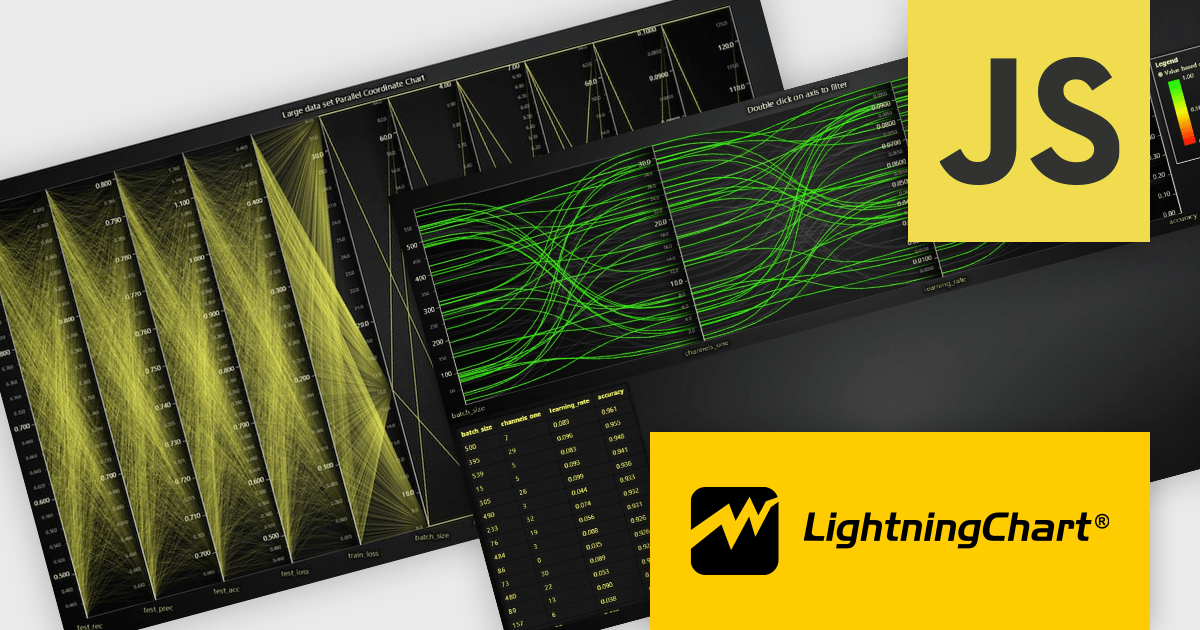
LightningChart JS is a high-performance JavaScript charting library optimized for real-time data visualization. Leveraging WebGL and GPU acceleration, it enables developers to create interactive, complex charts capable of handling massive datasets with high refresh rates. Ideal for applications demanding rapid data updates and smooth interactions, LightningChart JS provides a robust API for customization and integration into web-based projects.
The LightningChart JS v6.1 update introduces the Parallel Coordinate Chart, a powerful tool designed for advanced data visualization and exploration. It allows developers to work with large-scale datasets, supporting over 100,000 series and multiple axes while maintaining high performance. This chart type is optimized for real-time data input, enabling smooth updates at high stream rates. With features like value-based coloring, range-based highlighting, and interactive cursors, it provides an intuitive way to analyze and interpret complex data relationships, making it an essential addition for creating data-driven applications.
To see a full list of what's new in v6.1, see our release notes.
LightningChart JS is licensed based on method of deployment with options including SaaS Developer Licenses, Application Developer Licenses, and Publisher Developer Licenses. Each license is perpetual and includes 1 year subscription for technical support and software updates. See our LightningChart JS licensing page for full details.
Learn more on our LightningChart JS product page.

The ability to export reports to XLS/XLSX enables developers to transform report data into Microsoft Excel files in the widely-used XLS or XLSX formats. This allows easy integration of structured data with Excel's powerful data analysis and presentation tools and ensures compatibility with industry standards. It simplifies the dissemination of information by providing end-users with editable spreadsheets that preserve the layout, formatting, and accuracy of the original reports. The capability enhances user experience, streamlines workflows, and supports automated reporting solutions in enterprise and business applications.
Several .NET Reporting Controls offer exporting of reports to XLS/XLSX including:
For an in-depth analysis of features and price, visit our comparison of .NET Reporting Controls.

Blazorise is a versatile component library that empowers developers to build modern and feature-rich web applications using Blazor, a client-side web development framework from Microsoft. It offers a comprehensive collection of user interface components, including buttons, forms, charts, and navigation elements, all built with accessibility and responsiveness in mind.
The Blazorise 1.7 update adds a new PdfViewer component, providing developers with a seamless solution for rendering PDF documents directly within their applications. This new component eliminates the need for third-party libraries, offering built-in support for essential features such as zooming and navigation. By integrating this functionality natively, developers can streamline the implementation of document viewing in dashboards, reporting systems, and other applications that require efficient PDF handling. This enhancement not only simplifies development workflows but also ensures a consistent and professional user experience within Blazorise-powered applications.
To see a full list of what’s new in version 1.7, see our release notes.
Blazorise is licensed per developer and is runtime royalty free. Licenses include a 1 year subscription for updates and premium support. Professional, Enterprise, and Enterprise Plus editions are available, each offering tailored levels of support and service to meet varying business needs. See our Blazorise licensing page for full details.
For more information, visit our Blazorise product page.
PDF manipulation tools empower users to reshape and optimize documents, transforming static files into versatile assets. These capabilities cater to diverse needs, from streamlining document management to enhancing accessibility and collaboration. Whether optimizing file sizes for seamless sharing, reorganizing content to better suit a project’s structure, or combining and customizing materials for tailored communication, PDF manipulation simplifies what could otherwise be a tedious process. Such tools bridge the gap between the rigidity of fixed-format documents and the flexibility modern workflows demand, ensuring professionals can work with PDFs in ways that are both efficient and precise.
Common features include:
For an in-depth analysis of features and price, visit our .NET PDF components comparison.
聯繫電話: (888) 850 9911
傳真: +1 770 250 6199


