













官方供應商
我們作為官方授權經銷商,直接提供超過200家開發廠家所發行超過1000個的產品授權給您。
請參閱我們所有的品牌。

ComponentSource, the world’s largest reseller of software components, is proud to celebrate the 10-year anniversary of its partnership with JointJS, part of client.IO, a company dedicated to developing Low-Code/No-Code tools and empowering innovative thinkers to create amazing products faster.
JointJS is a well-established, community-driven JavaScript diagramming library that empowers developers to build interactive visual UIs and applications. Its user-friendly API and rich feature set enable the creation of diverse diagrams, from flowcharts and network visualizations to UML models and mind maps, making it a versatile tool for a wide range of development needs.
By utilizing ComponentSource's global network and unparalleled expertise in software distribution, JointJS has achieved an expanding customer base. This decade-long collaboration has provided developers with intuitive and efficient diagramming tools to cut development times and improve productivity for developers and businesses across the world.
Learn more about JointJS.
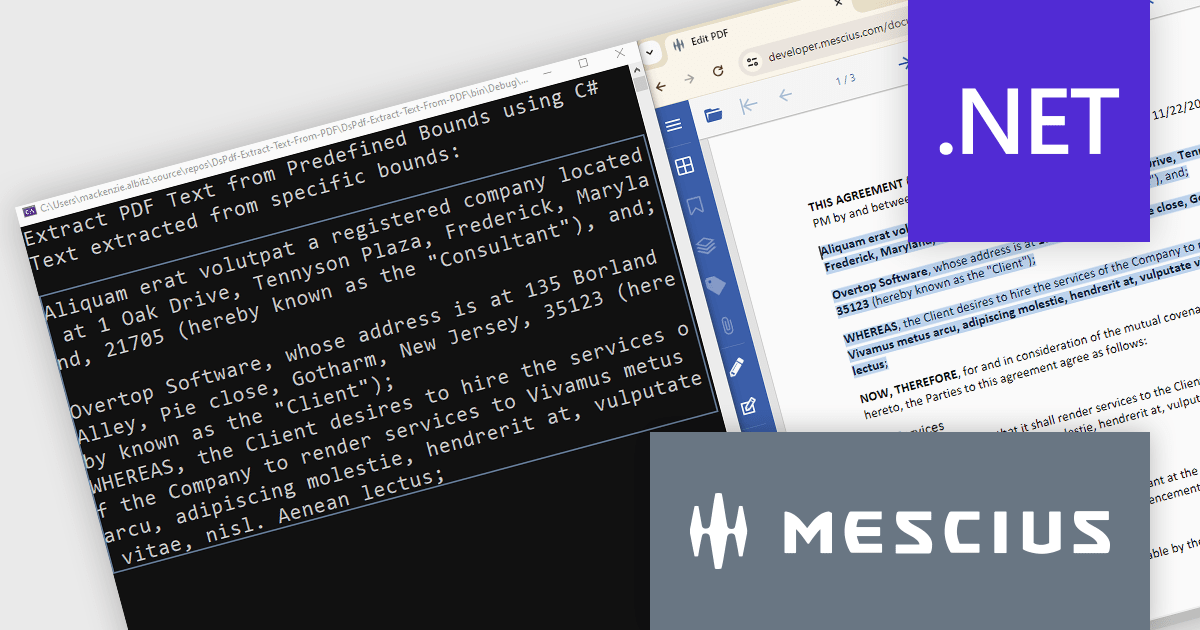
Document Solutions for PDF (DsPdf) is a high-speed, feature-rich, server-side PDF API Library for .NET with no dependencies on Adobe Acrobat. DsPdf allows developers to programmatically create, manipulate, import/export, and deploy PDF documents, including AcroForms, across desktop and web applications at scale. With full .NET support, you can generate, load, modify, and convert PDFs directly within your .NET, Mono, Xamarin.iOS, and Xamarin.Android apps. It also includes a fast JavaScript-based client-side viewer/editor that allows users to view/optionally edit PDF documents in desktop/web applications.
In this blog post, MESCIUS Product Marketing Specialist Mackenzie Albitz demonstrates how to use DsPdf to unlock PDF content seamlessly by parsing and extracting text from PDFs for a variety of scenarios, including:
Sample code is included and there's even a link to a Quick Start Demo and a complete sample application to assist you in getting started.
Read the full blog to learn how to unlock PDF content.
Document Solutions for PDF is licensed per developer and is available in several license options for differing distribution needs. Team licenses are also available for multiple developers within the same organization. See our Document Solutions for PDF licensing page for full details.
Learn more on our Document Solutions for PDF product page.

Actipro Avalonia UI Pro is a suite of professionally designed UI controls, themes, and components specifically built for the Avalonia UI framework. It empowers developers to craft beautiful, modern cross-platform applications while leveraging their existing C# and WPF skills. Actipro offers a range of controls from essential navigation and data visualization components to advanced charting and scheduling features, all adhering to its signature high-quality design and seamless integration with Avalonia.
The Actipro Avalonia UI Pro 24.1.0 update introduces the Card control, designed to present information about a single subject in a visually grouped and actionable way. This control offers flexibility through optional cover, thumbnail, header, and footer sections, allowing developers to effectively organize content within the card. Additionally, cards can be made interactive, enabling users to directly engage with the presented information.
To see a full list of what's new in 24.1.0, see our release notes.
Actipro Avalonia UI Pro is licensed per developer and is available as a Perpetual license with 1 year support and maintenance. See our Actipro Avalonia UI Pro licensing page for full details.
Learn more on our Actipro Avalonia UI Pro product page.
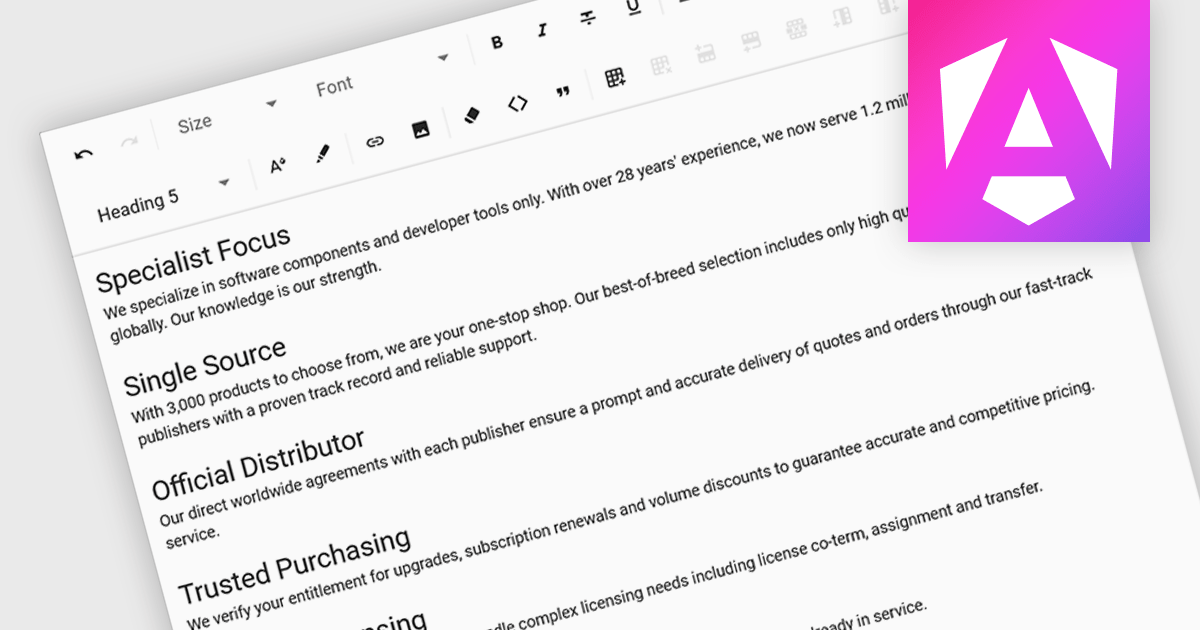
Rich text functionality in Angular UI suites empowers developers to create applications where users can format and style text directly, fostering a more engaging and user-friendly experience for content creation and editing tasks. They offer a user-friendly interfaces for formatting, adding visual elements like images, and structuring content with features like lists and tables.
Several Angular UI suites offer Rich Text functionality, including:
For an in-depth analysis of features and price, visit our Angular UI suites comparison.
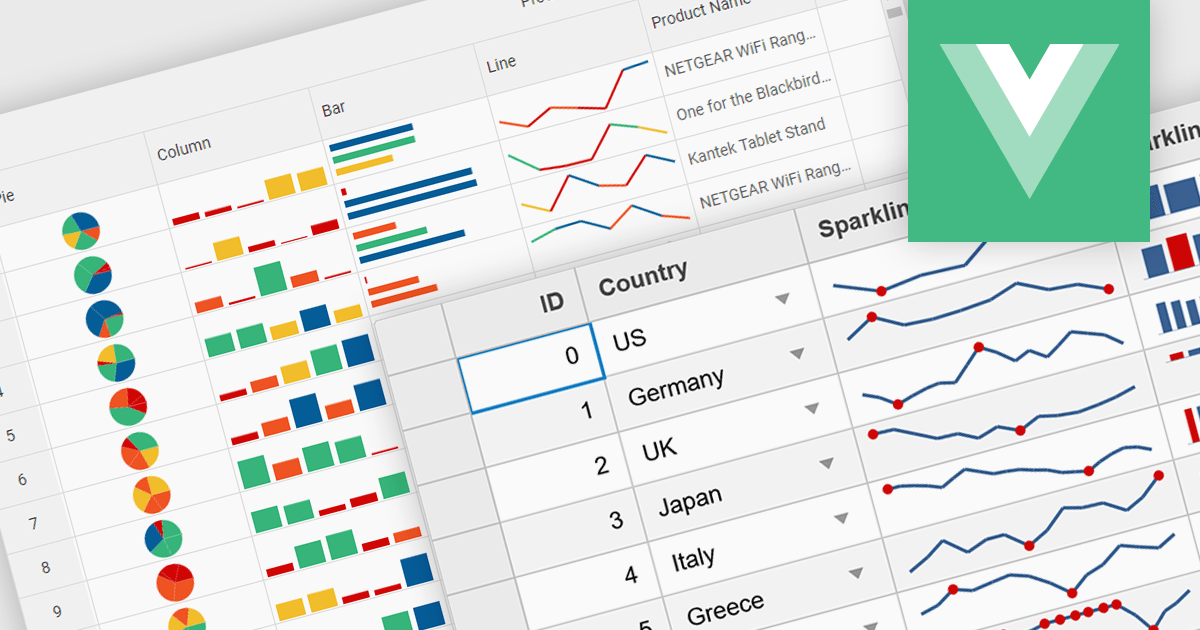
Sparklines are miniature charts embedded directly within grid cells, providing a quick visual summary of data trends within a larger dataset. These tiny line graphs, often lacking axes or detailed labels, condense information into a highly space-efficient format, allowing viewers to grasp patterns and fluctuations at a glance across multiple rows and columns of a grid.
Several Vue.js grid controls offer support for sparklines including:
For an in-depth analysis of features and price, visit our Vue.js Grid controls comparison.
聯繫電話: (888) 850 9911
傳真: +1 770 250 6199


