













官方供應商
我們作為官方授權經銷商,直接提供超過200家開發廠家所發行超過1000個的產品授權給您。
請參閱我們所有的品牌。
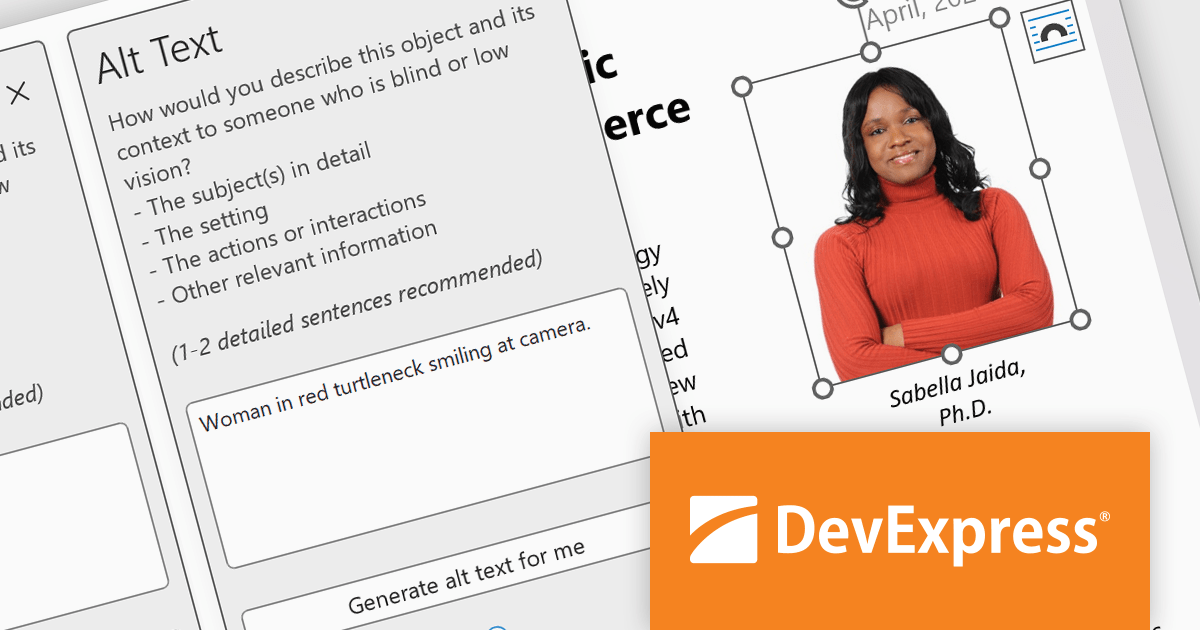
The DevExpress Office File API enables developers to read and write Excel and Word files, create PDF documents, and generate barcodes and compressed archives. It can be used to convert documents to a different format, password-protect documents, and digitally sign Office documents and PDFs.
In this blog post, DevExpress Technical Writer Poline Fedorova shows you how to integrate the OpenAI model into a DevExpress-powered Office API application and add missing media descriptions and alt text into Word and Excel files which can then be exported to PDF and read with a screen reader. Sample code is included for each step and you can even download the entire project from GitHub.
Read the full blog to get started using OpenAI along with DevExpress Office File API to enhance the accessibility features of your Word, Excel, and PDF documents.
DevExpress Office File API is licensed per developer and is available as a Perpetual License with a 12 month support and maintenance subscription. See our DevExpress Office File API licensing page for full details.
DevExpress Office File API is available to buy in the following products:
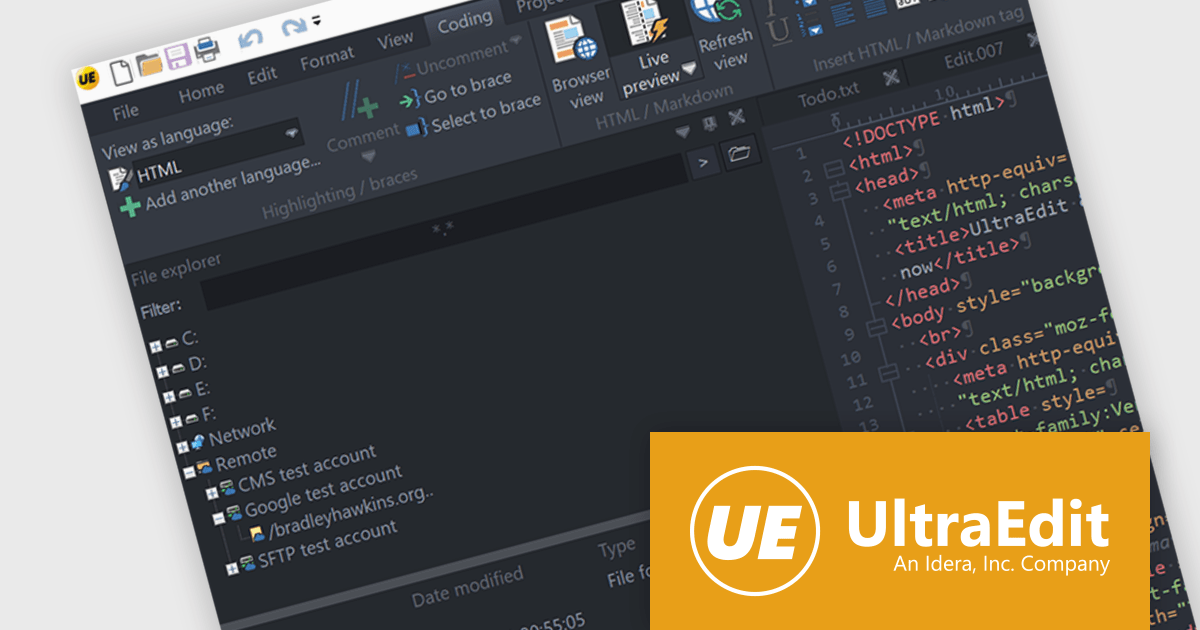
UltraEdit is a powerful text editor designed specifically for programmers, available on Windows, Linux, and macOS. It offers syntax highlighting and code structuring for a wide range of languages, enabling efficient code editing and comprehension. Additionally, UltraEdit supports large files beyond 4GB, regular expressions for complex searches, and integrates features like FTP, SSH, and scripting for streamlined development workflows.
The UltraEdit 2024.0 update introduces integrated cloud storage search directly within the editor's dialog window. This functionality significantly enhances user experience for those managing multiple cloud accounts or lacking locally mounted profiles. Functioning as a central hub, the integrated search seamlessly locates files across all supported cloud storage providers, including Google Drive, Microsoft OneDrive, Amazon S3, and Dropbox.
To see a full list of what's new in version 2024.0, see our release notes.
UltraEdit is licensed per user and is available as a Perpetual or Annual Subscription License. See our UltraEdit licensing page for full details.
UltraEdit is available to buy in the following products:

DWGSee CAD by AutoDWG is a lightweight software tool with a command line interface designed to facilitate the viewing, editing, and management of DWG, DXF and DWF files, which are commonly used in computer-aided design (CAD). This comprehensive tool offers efficiency when working with 2D drawings due to its low system resource consumption and precise object measurement, whilst also fostering easy collaboration by allowing users to markup and publish their drawings as PDF or JPG files.
The DWGSee CAD 2025 update expands the set of commands available, giving developers more granular control over the software. These include features for isolating and hiding objects (ISOLATEOBJECTS, UNISOLATEOBJECTS, HIDEOBJECTS), improved dimensioning (DCANGULAR, Jogged Dimension), and advanced selection tools (SELECTSIMILAR, Selection Cycling). Collectively, these commands enhance the flexibility and precision of 2D drawing management using DWGSee CAD.
To see a full list of what's new in the 2025 update, see our release notes.
DWGSee CAD is licensed per user and is available as a perpetual license with 1 year of updates. See our DWGSee CAD licensing page for full details.
For more information, see our DWGSee CAD product page.

Aspose.Cells is a software development toolkit that empowers developers to work with spreadsheets directly within their applications. It provides functionalities like creating, editing, converting, and rendering spreadsheets in various formats (including Excel, CSV, and PDF) without requiring Microsoft Excel to be installed. This allows developers to seamlessly integrate spreadsheet manipulation into their programs, enhancing their capabilities.
The Aspose.Cells for C++ and Aspose.Cells for Python via .NET 24.4 releases add support for exporting charts from Apple Numbers files to XLSX. This allows developers to seamlessly integrate chart data created in Numbers into Excel spreadsheets, streamlining workflows and data exchange between macOS and Windows environments.
To see a full list of what's new in Aspose.Cells version 24.4, see our C++ and Python via .NET release notes.
Aspose.Cells is offered as Developer Small Business, Developer OEM, Site Small Business, and Site OEM licenses catering to a range of business needs. Licenses are perpetual, and include 1 year of support and maintenance. Subscription renewals are also available. See our Aspose.Cells licensing pages for C++ and Python via .NET for full details.
Aspose.Cells for C++ is available to buy in the following products: Aspose.Cells for C++, Aspose.Cells Product Family, Aspose.Total for C++, and Aspose.Total Product Family.
Aspose.Cells for Python via .NET is available to buy in the following products: Aspose.Cells for Python via .NET, Aspose.Cells Product Family, Aspose.Total for Python via .NET, and Aspose.Total Product Family.

Charting support within a reporting component refers to the functionality that enables data visualization through charts and graphs. This integration offers several advantages for developers. By leveraging built-in charting capabilities, developers can streamline the reporting process, reducing the need for manual chart creation and improving report clarity and interactivity for end users. This not only saves development time but also fosters a more intuitive user experience for data exploration and analysis.
Several Vue.js reporting components support charts including:
For an in-depth analysis of features and price, visit our Vue.js Reporting Components comparison.
聯繫電話: (888) 850 9911
傳真: +1 770 250 6199


