













官方供應商
我們作為官方授權經銷商,直接提供超過200家開發廠家所發行超過1000個的產品授權給您。
請參閱我們所有的品牌。
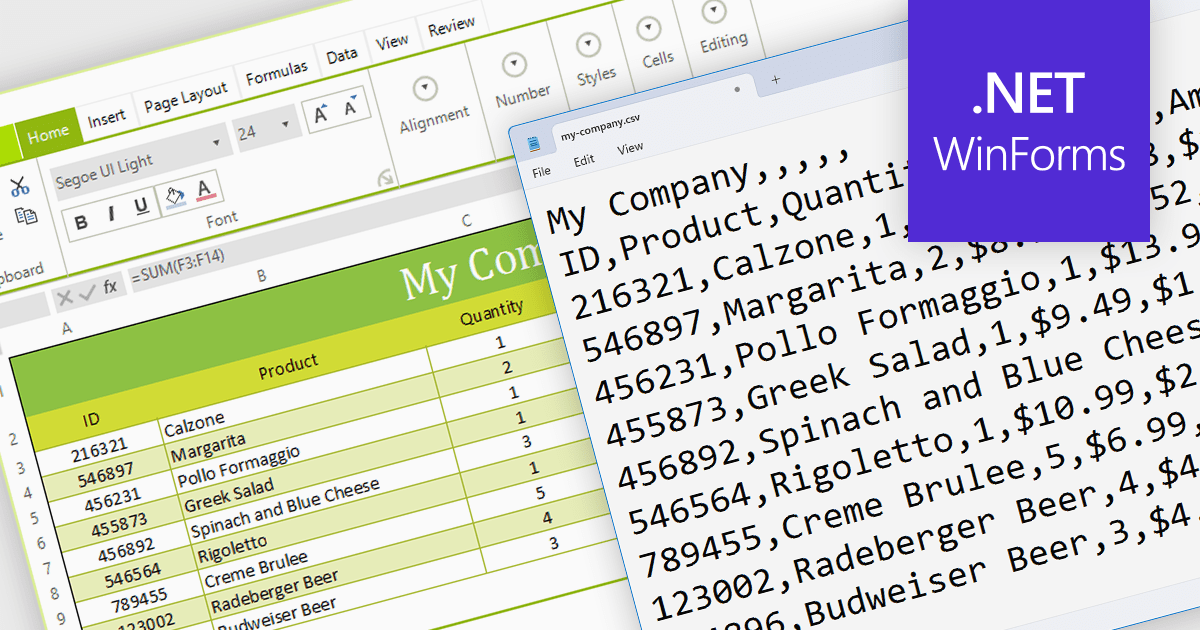
The ability to export to comma-separated values (CSV) from a spreadsheet control enhances interoperability and data accessibility. It seamlessly translates spreadsheet data into the ubiquitous CSV format, fostering effortless integration with a vast ecosystem of analytical tools, databases, and third-party applications. This democratizes your data, empowering users to leverage existing workflows and external expertise, enriching analysis, and maximizing the reach and impact of your data-driven insights.
Several WinForms spreadsheet components provide CSV export functionality, including:
For an in-depth analysis of features and price, visit our WinForms Spreadsheet Component comparison.
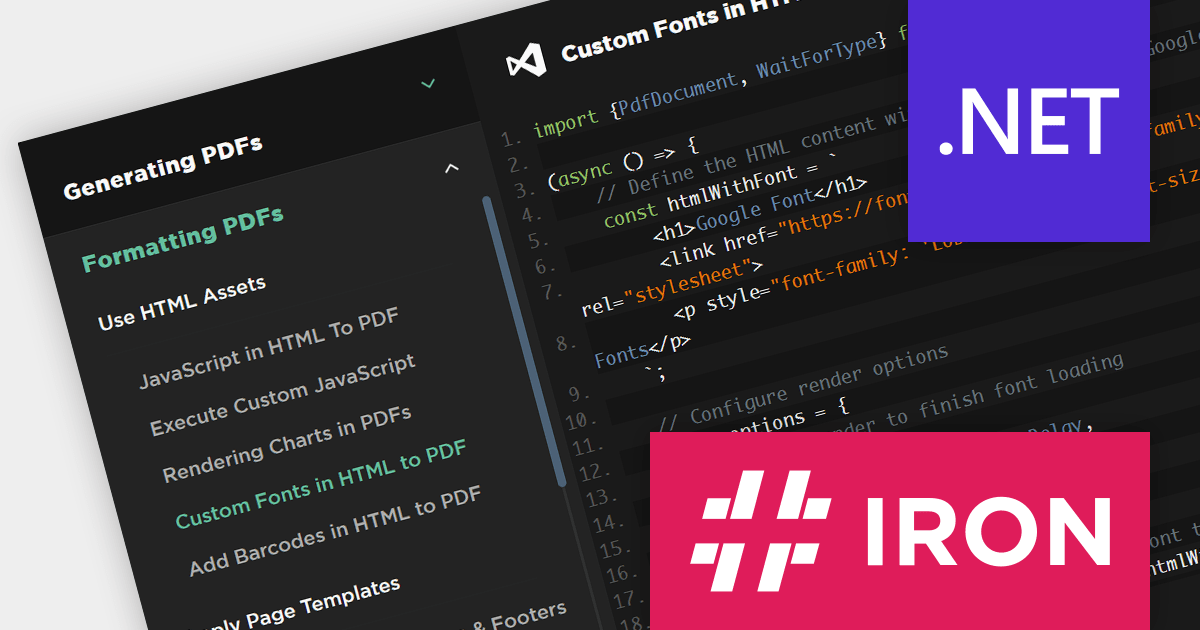
IronPDF for Node.js lets you generate, edit, and extract PDF content in Node.js projects. It is designed for Node.js 12+ and is compatible with various operating systems including Windows, macOS and Linux, and IDEs such as JetBrains WebStorm and Microsoft Visual Studio Code. Its key features include generating PDFs programmatically using Node.js, creating PDFs from HTML, CSS, and JavaScript, adding headers/footers, watermarks or attachments to PDF documents, and securing PDFs using passwords, metadata and digital signatures.
IronPDF for Node.js is licensed per developer and is available as a perpetual license with 1 year of product updates and support services. Lite, Plus and Professional Licenses are available for different development and distribution requirements. See our IronPDF for Node.js licensing page for full details.
IronPDF for Node.js is available to buy in the following products:

DevExpress Blazor (part of DevExpress ASP.NET and Blazor) helps you create high-impact user experiences for both Blazor Server and Blazor WebAssembly using C#. The Blazor UI Component Library ships with a comprehensive set of native components (including a DataGrid, Pivot Grid, Scheduler, Chart, Data Editors and Reporting).
The DevExpress Blazor 23.2 release enhances data analysis with chart zooming functionality. This new feature empowers users to home in on specific areas of interest by clicking and dragging within your charts, unlocking a deeper level of granularity and precision. Users can uncover subtle trends, pinpoint anomalous data points, and dissect complex patterns that might otherwise remain obscured.
To see a full list of what's new in version 23.2, see our release notes.
DevExpress ASP.NET and Blazor is licensed per developer and is available as a Perpetual License with a 12 month support and maintenance subscription. See our DevExpress ASP.NET and Blazor licensing page for full details.
DevExpress Blazor is available in the following products:
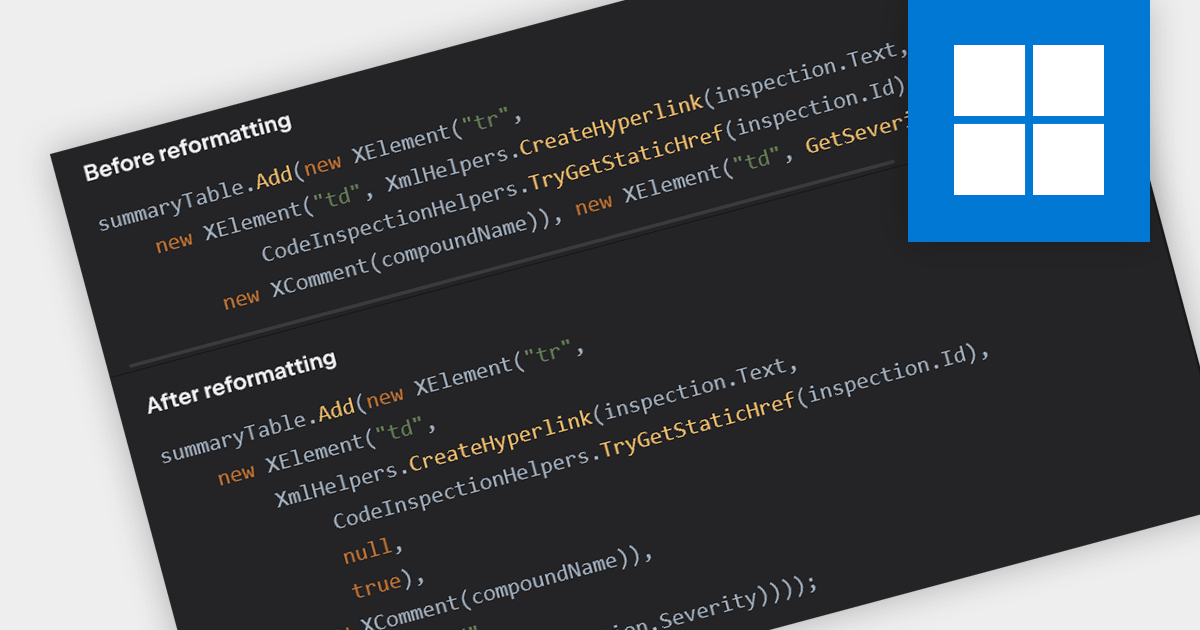
Consistent code formatting makes code clearer and easier to understand, allowing teams to focus on function rather than fighting inconsistencies. Many IDEs enhance productivity by offering auto-formatting, saving time, preventing indentation issues and highlighting syntax errors as you type. This leads to a more robust codebase, ready for version control with clear diffs and minimized merge conflicts. Beyond individual developers, formatting empowers the entire team through streamlined code reviews and improved communication.
Several IDEs incorporate code formatting features including:
For an in-depth analysis of features and price, visit our IDEs comparison.
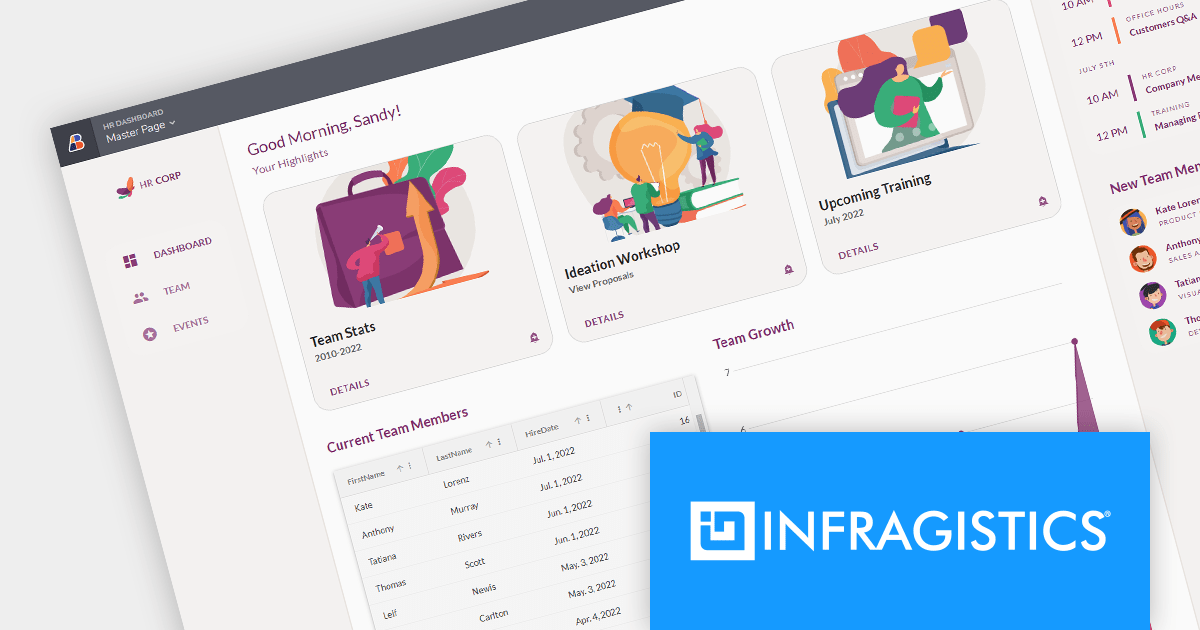
Infragistics App Builder is a new cloud-based tool that helps designers and developers build modern web apps faster. It acts as a bridge between design and code, letting you drag-and-drop UI components and generate production-ready Angular or Blazor code instantly. This eliminates the need for hand-coding layouts and saves time, allowing you to iterate on designs quickly and get feedback sooner. App Builder is a visual development platform that includes a toolbox of 60+ UI controls to turn your ideas into pixel-perfect apps without the coding headache.
Infragistics App Builder is licensed per user as a commercial annual subscription. It is available as Cloud and On Premise solutions. See our Infragistics App Builder licensing page for full details.
For more information, visit our Infragistics App Builder product page.
聯繫電話: (888) 850 9911
傳真: +1 770 250 6199


