













官方供應商
我們作為官方授權經銷商,直接提供超過200家開發廠家所發行超過1000個的產品授權給您。
請參閱我們所有的品牌。
ComponentOne Studio Enterprise is a comprehensive suite of .NET UI controls developed by MESCIUS (formerly GrapeCity) designed for building rich, interactive desktop, web, and mobile applications. It provides developers with a broad range of tools and components-including data grids, charts, reports, input controls, and advanced data visualization features-for platforms such as WinForms, WPF, ASP.NET Core, Blazor, WinUI, and .NET MAUI. The suite emphasizes performance, flexibility, and ease of integration, helping teams create consistent, feature-rich user experiences across multiple application types while maintaining a unified development approach.
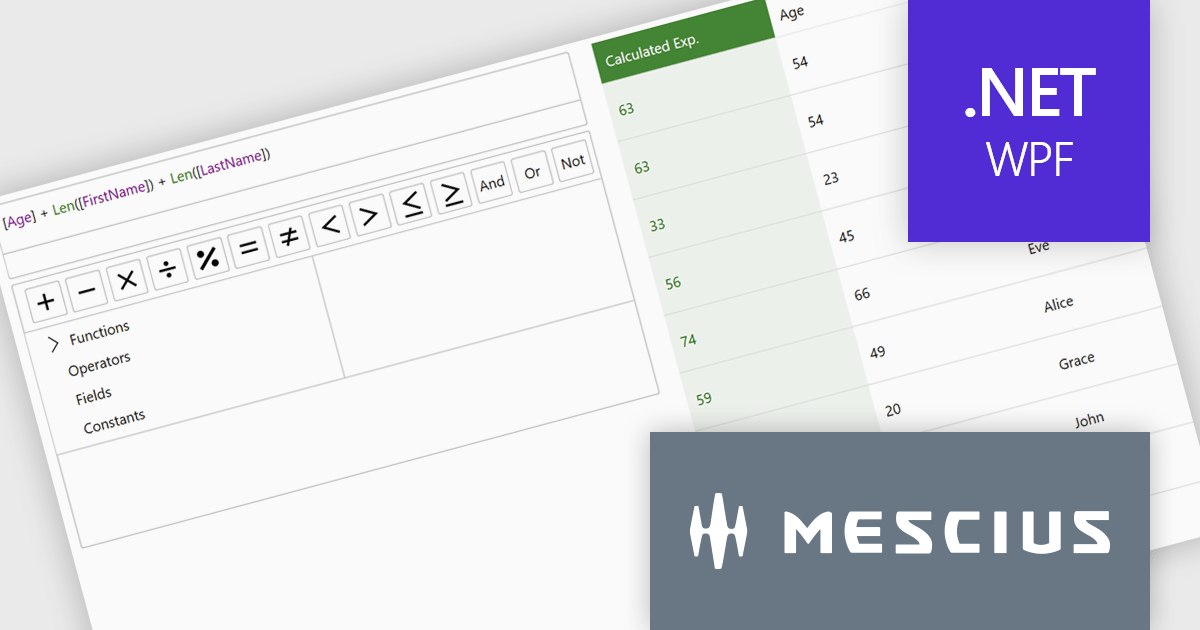
The ComponentOne Studio Enterprise 2025 v2 update introduces a modern WPF ExpressionEditor that enables developers to integrate a complete runtime formula-building experience directly into their applications. It allows end users to create, edit, and validate logical expressions using familiar Visual Studio–style code completion, syntax highlighting, and real-time error reporting, while also providing a set of built-in operators, constants, and aggregate, logical, mathematical, and conversion functions. By offering both a lightweight expression text box and a full-featured formula panel, the update reduces the need for custom expression editors, shortens development time, and improves the reliability and usability of data-driven application logic.
To see a full list of what's new in 2025 v2, see our release notes.
ComponentOne Studio Enterprise is licensed per developer on a perpetual basis and includes a 12 month subscription. Priority Support is also available. See our ComponentOne Studio Enterprise licensing page for full details.
Learn more on our ComponentOne Studio Enterprise product page.
CLion, by JetBrains, is a robust Integrated Development Environment (IDE) tailored for C and C++ development, with support for other languages like Python, Kotlin, and Rust via plugins. Designed for software developers and embedded engineers, it improves coding with features like intelligent code completion, real-time analysis, and an advanced debugger. CLion integrates seamlessly with tools like CMake, version control systems, and remote development setups, making it ideal for cross-platform and performance-critical projects. By automating repetitive tasks and enhancing code quality, it helps developers focus on innovation and problem-solving.
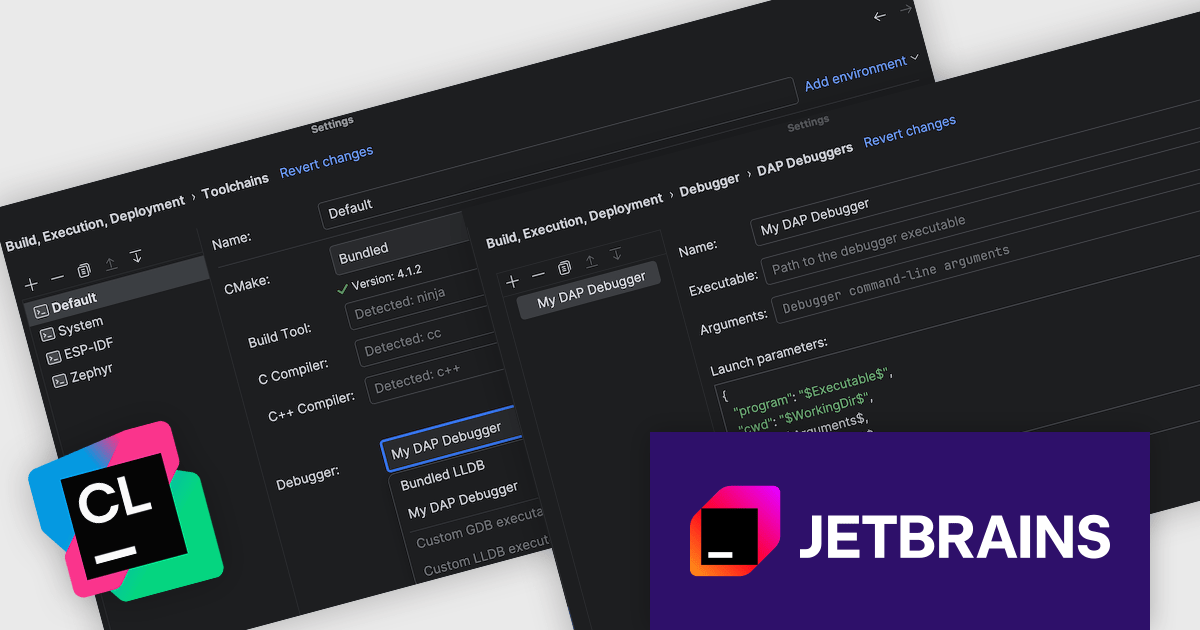
The CLion 2025.3 update introduces expanded debugger support with Debug Adapter Protocol (DAP) technology, allowing developers to use a wider variety of debuggers beyond the built-in LLDB and GDB. This flexibility ensures that developers can work with third-party debuggers and adapt to different toolchains, making CLion more versatile and better suited for diverse development environments. By supporting the Debug Adapter Protocol, CLion allows for easier integration with specialized, remote, or vendor-specific debuggers, providing a more customizable debugging experience for a broader range of use cases.
To see a full list of what's new in version 2025.3, see our release notes.
CLion is licensed per user as a commercial annual subscription. We can supply New Subscriptions, Subscription Renewals, Lapsed Subscription Renewals, and Additional Developer Licenses. See our CLion licensing page for full details.
CLion is available to buy individually or as part of JetBrains All Products Pack.

ComponentSource and Clever Components have worked together for 15 years, supporting developers with a range of reliable Internet, networking, and communication components. This long-standing partnership has helped bring powerful development tools to a global audience through ComponentSource's trusted distribution platform.
Clever Components was founded by a team of experienced developers dedicated to creating easy-to-use Internet development components. Since the release of the first version of Clever Internet Suite in 2002, the company has steadily expanded its product portfolio, including the launch of a .NET edition in 2004. Today, Clever Components delivers high-quality RAD components for C#, VB.NET, Delphi, and C++Builder, enabling developers to rapidly implement advanced Internet, email, FTP, and networking functionality within their applications. Clever Components' products closely align with ComponentSource’s mission to provide developers with trusted, productivity-enhancing solutions.
Together, ComponentSource and Clever Components continue to help developers accelerate internet-enabled application development while reducing complexity and risk. By combining Clever Components’ proven, feature-rich toolsets with ComponentSource's reach, licensing options, and customer support, the partnership remains well positioned to support developers' evolving needs and drive continued success in the years ahead.
Learn more about Clever Components.
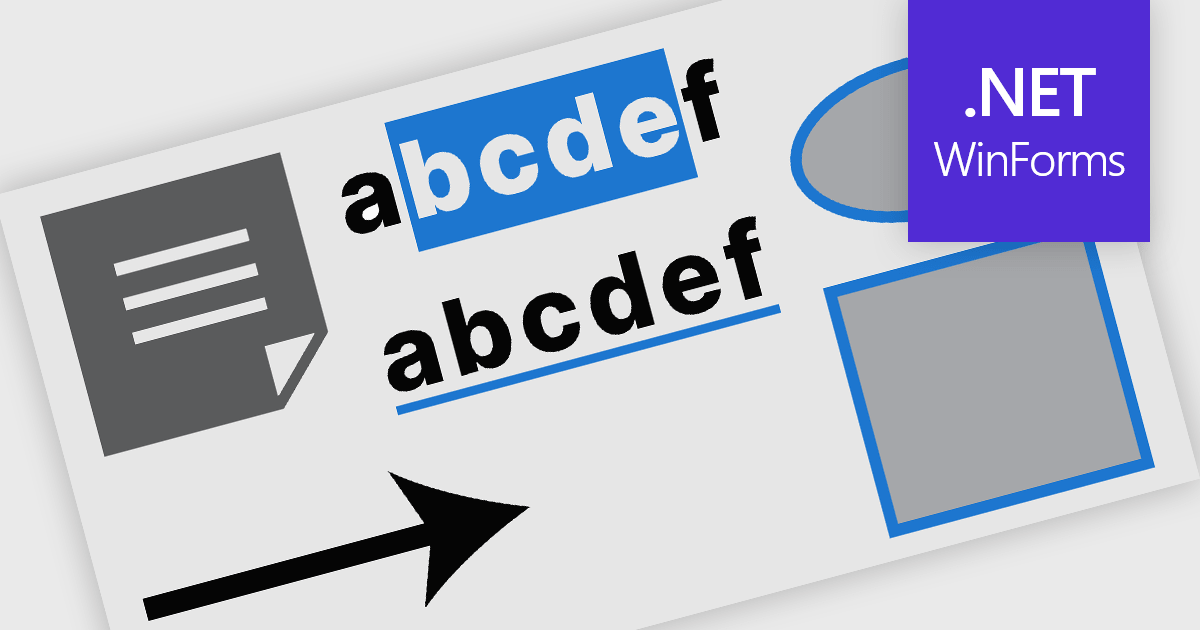
PDF annotation in .NET WinForms PDF viewer components refers to the ability to add visual and textual markup directly onto PDF documents without altering the original content. These tools allow users to draw shapes, highlight text, insert comments, and place notes within the viewing interface, supporting workflows such as document review, feedback, and approval. This functionality improves collaboration and clarity in document handling, making it well-suited for document processing tasks in WinForms applications.
Common features include:
For an in-depth analysis of features and price, visit our WinForms PDF viewer components comparison.
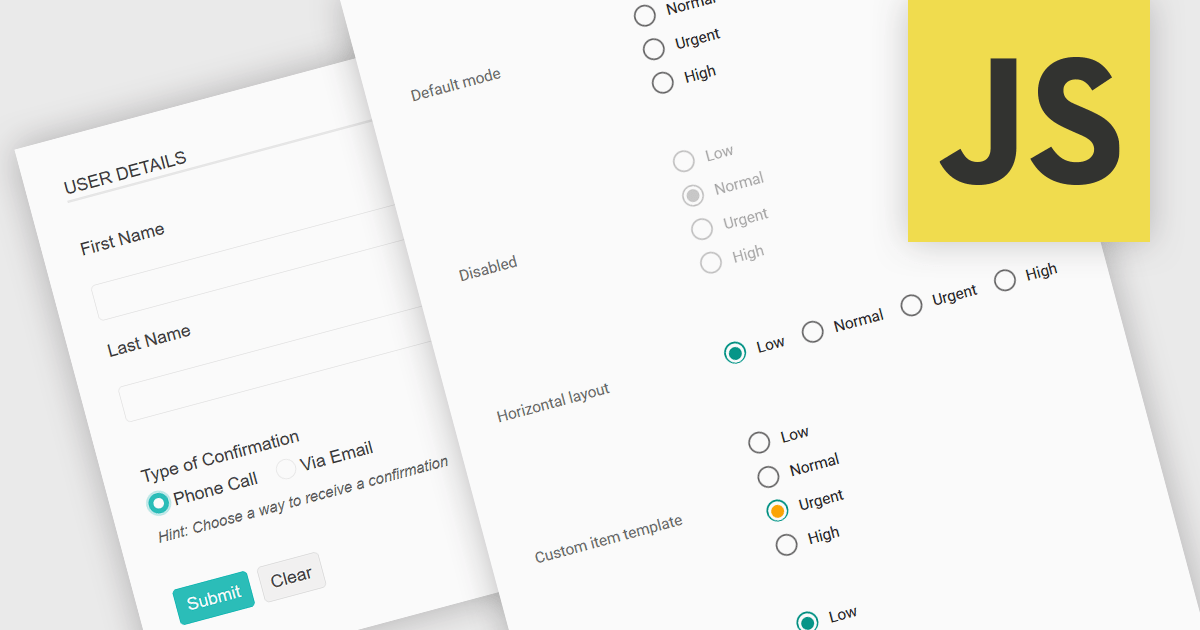
A radio group in data editing refers to a set of mutually exclusive options presented as selectable buttons, where only one option can be active at a time. It is typically used in user interfaces to enforce a single selection from a predefined set of values, which helps reduce input errors and ensures data consistency. By visually grouping related choices and clearly indicating the selected value, a radio group simplifies decision-making for users and speeds up data entry. This control is especially useful in forms and configuration settings where a user must choose one valid option from several possibilities.
Several JavaScript data editor collections provide support for radio groups, including:
For an in-depth analysis of features and price, visit our comparison of JavaScript data editors.
聯繫電話: (888) 850 9911
傳真: +1 770 250 6199


