













官方供應商
我們作為官方授權經銷商,直接提供超過200家開發廠家所發行超過1000個的產品授權給您。
請參閱我們所有的品牌。
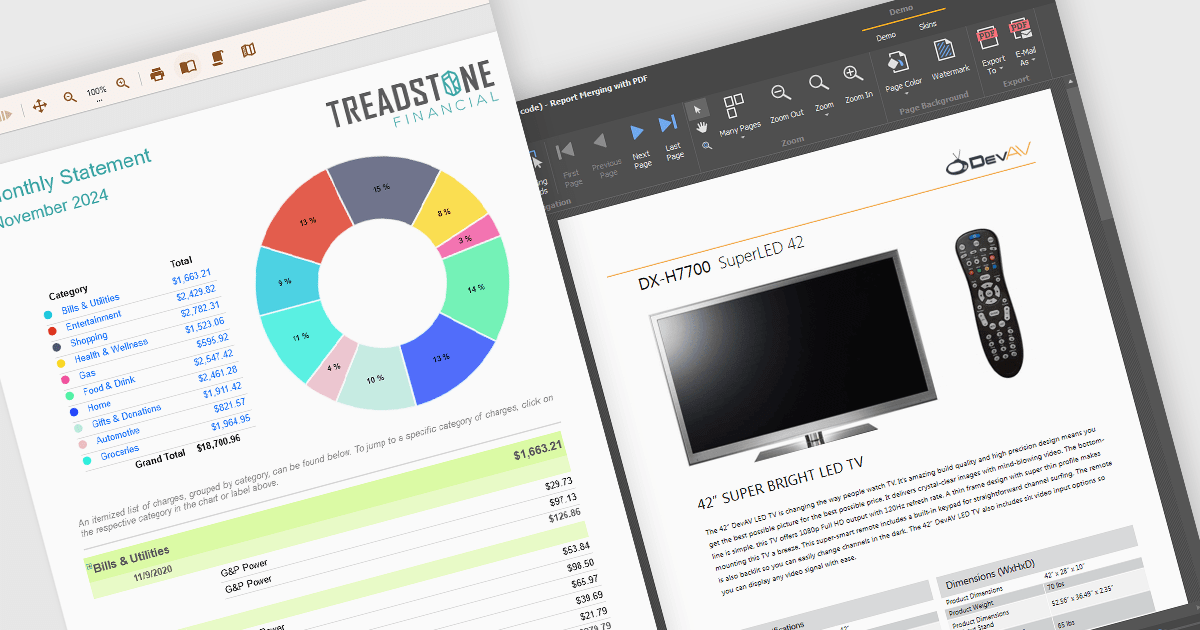
Text formatting functionality in reporting components lets users customize the appearance of text within reports, including options for fonts, sizes, colors, alignment, spacing, and styles such as bold or italic. Many components also support advanced features like conditional formatting, rich text, and HTML rendering, enabling developers to dynamically style content based on data or incorporate complex visual elements. This functionality is essential for creating professional and polished reports that are easy to read and visually appealing, helping users quickly identify key trends and insights. Use cases range from financial reporting, where precise alignment and emphasis are crucial, to marketing dashboards that require visually engaging presentations to communicate data effectively.
Several WinForms reporting controls offer support for formatted text including:
For an in-depth analysis of features and price, visit our WinForms reporting controls comparison.
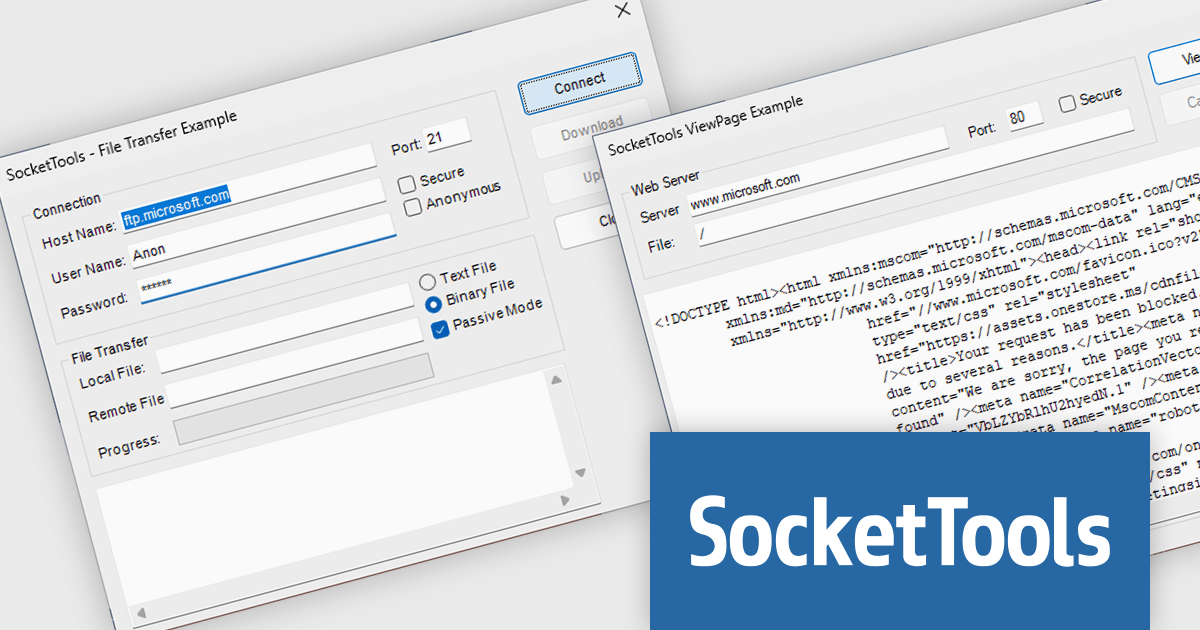
SocketTools .NET Edition by Catalyst Development Corp. is a development library designed to simplify adding internet functionality to your C# or Visual Basic applications. It provides managed .NET classes for tasks like file transfer, email communication, remote server management, and secure connections via TLS and SSH. The library offers private cloud storage and IP location lookup, eliminating the need for additional subscriptions or services.
The SocketTools .NET Version 11.0.2210.1824 update introduces .NET 9.0 compatibility, providing developers with access to the latest advancements in the .NET framework. This update enables seamless integration with Visual Studio 2022, allowing for the creation of modern, efficient, and secure network applications that leverage cutting-edge performance and functionality improvements. By aligning with .NET 9.0, developers can future-proof their applications while ensuring they adhere to the highest standards of software development. This compatibility also ensures greater flexibility for developers working in diverse environments, empowering them to build robust solutions optimized for all technological demands.
To see a full list of what's new in version 11.0.2210.1824, see our release notes.
SocketTools .NET Edition is licensed per developer and is available as a perpetual license with or without 1 year priority support subscription. See our SocketTools .NET Edition licensing page for full details.
SocketTools .NET Edition is available to buy in the following products:
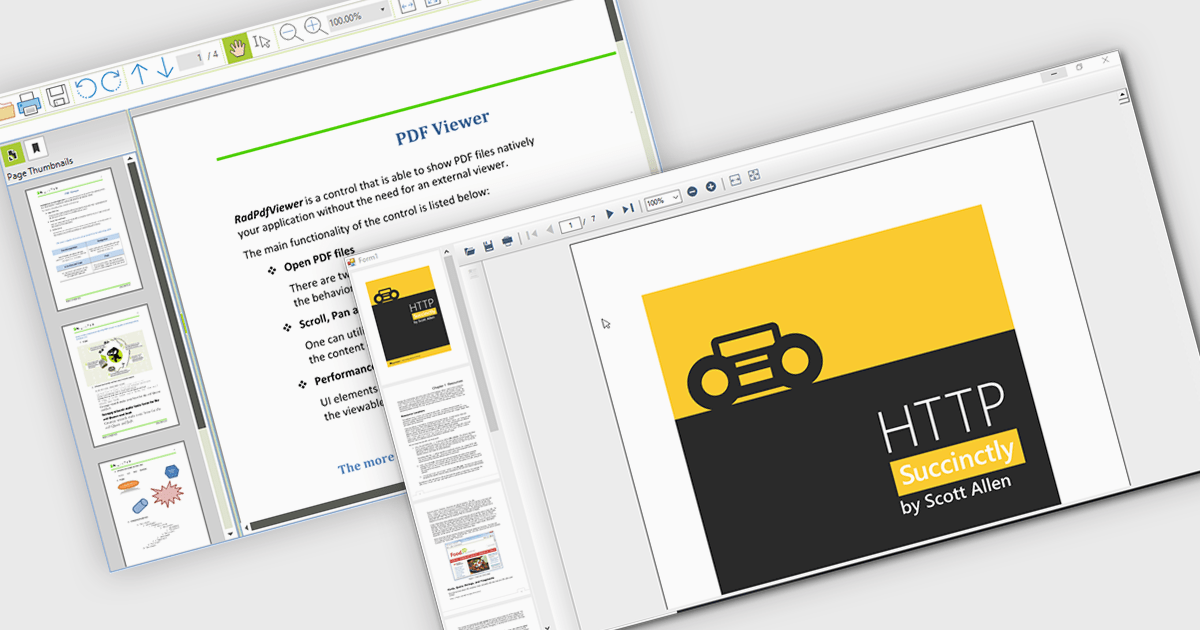
Thumbnail navigation empowers users to navigate PDF documents with greater speed and ease by offering a visual preview of individual pages in a compact thumbnail view. This feature significantly improves the user experience by presenting a clear overview of the document’s structure, allowing users to quickly locate and access specific pages. By minimizing the time and effort needed to find content, especially in lengthy documents, thumbnail navigation enhances productivity and streamlines document interaction.
Several WinForms PDF Viewers feature thumbnail navigation support, including:
For an in-depth analysis of features and price, visit our WinForms PDF Viewer comparison.
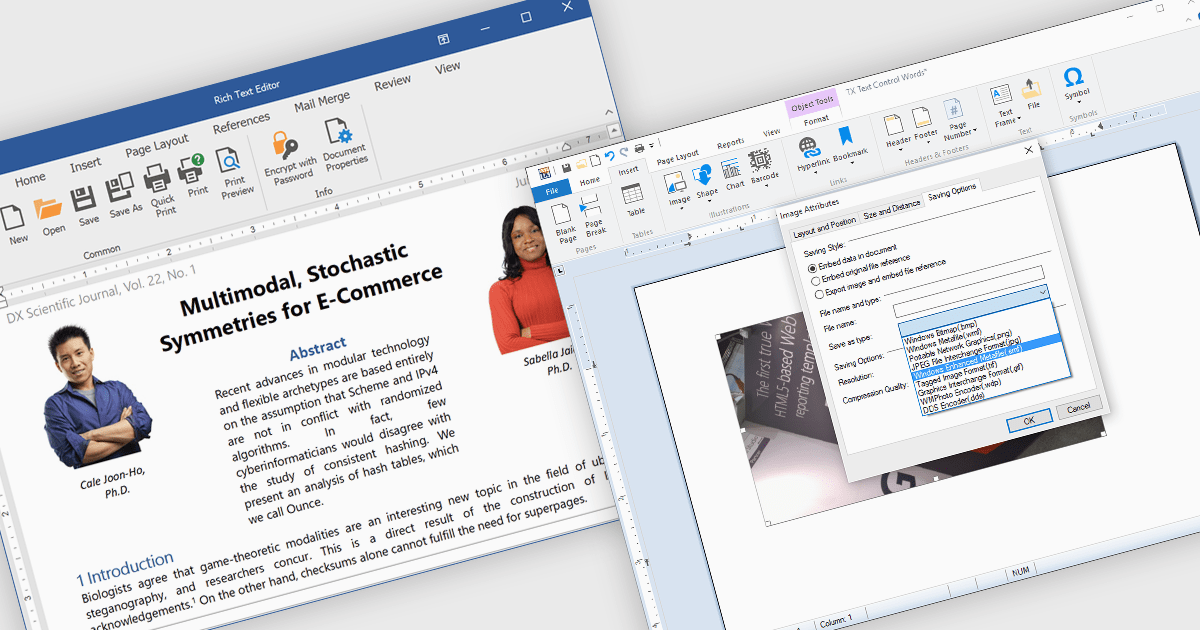
The integration of images within a rich text component enhances the flexibility and visual appeal of digital content by allowing users to embed and format images directly alongside text. This functionality supports a more immersive, informative experience, as images can clarify complex ideas, provide visual examples, or highlight key points within a block of text. For instance, in a blog post, users can insert images to illustrate steps in a tutorial, while marketers may use embedded images to create visually engaging product descriptions within a text editor. This approach streamlines workflows by eliminating the need for separate image and text components, offering a unified platform for visually enriched content creation. The rich text component's support for embedded images facilitates a dynamic presentation, fostering greater user engagement and enhancing readability.
Several .NET WinForms products offer image insertion within rich text components including:
Explore our range of .NET WinForms rich text editors within Word Processing Components.
Need help to find the right software license, upgrade or renewal? Call, Email, or Live Chat with our experts.
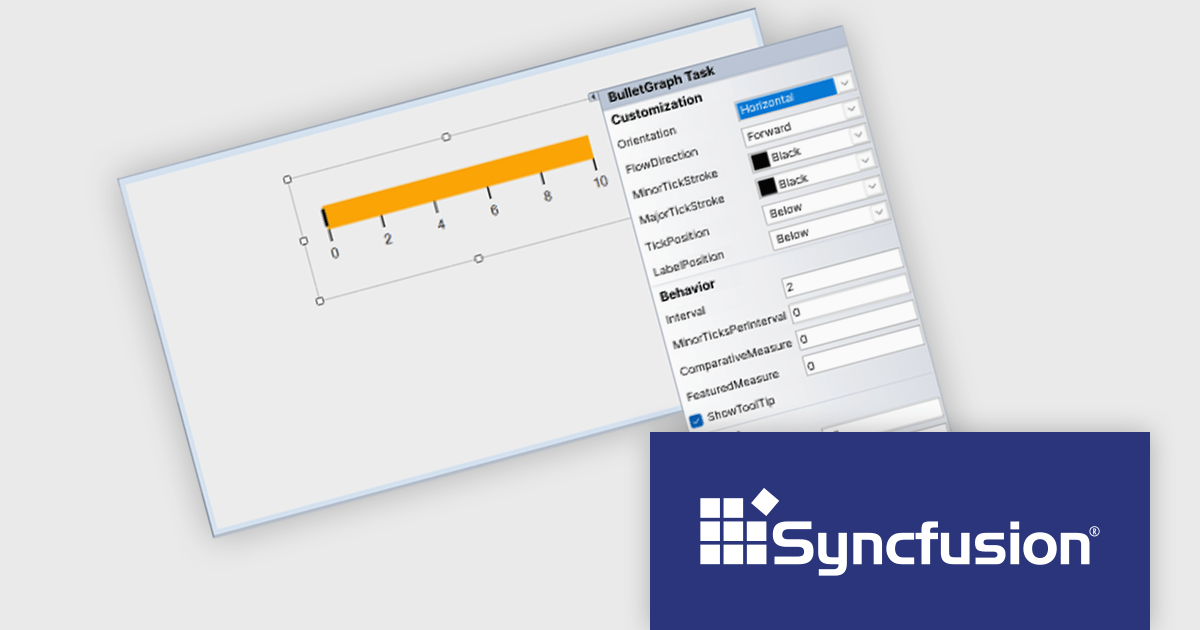
Syncfusion Essential Studio Windows Forms is a powerful UI component suite designed to enhance your WinForms development. It boasts over 100 high-performance controls, ranging from essential grids and charts to advanced schedulers and diagrams, enabling you to craft visually appealing and feature-rich applications with ease. Its extensive customization options and built-in themes allow for tailored user experiences, while touch-friendly design ensures seamless interaction across devices.
The Syncfusion Essential Studio Windows Forms 2024 Volume 3 release adds smart tag support to the BulletGraph control. Smart tags provide quick access to common properties and settings directly within the design view, eliminating the need for manual property adjustments. This approach accelerates development time and reduces the risk of errors, empowering developers to create visually compelling and informative BulletGraphs with greater efficiency.
To see a full list of what's new in 2024 Volume 3, see our release notes.
Syncfusion Essential Studio Windows Forms is available as part of Syncfusion Essential Studio Enterprise which is licensed per developer starting with a Team License of up to five developers. It is available as a 12 Month Timed Subscription License which includes support and maintenance. See our Syncfusion Essential Studio Enterprise licensing page for full details.
Learn more on our Syncfusion Essential Studio Windows Forms product page.
聯繫電話: (888) 850 9911
傳真: +1 770 250 6199


