













官方供應商
我們作為官方授權經銷商,直接提供超過200家開發廠家所發行超過1000個的產品授權給您。
請參閱我們所有的品牌。
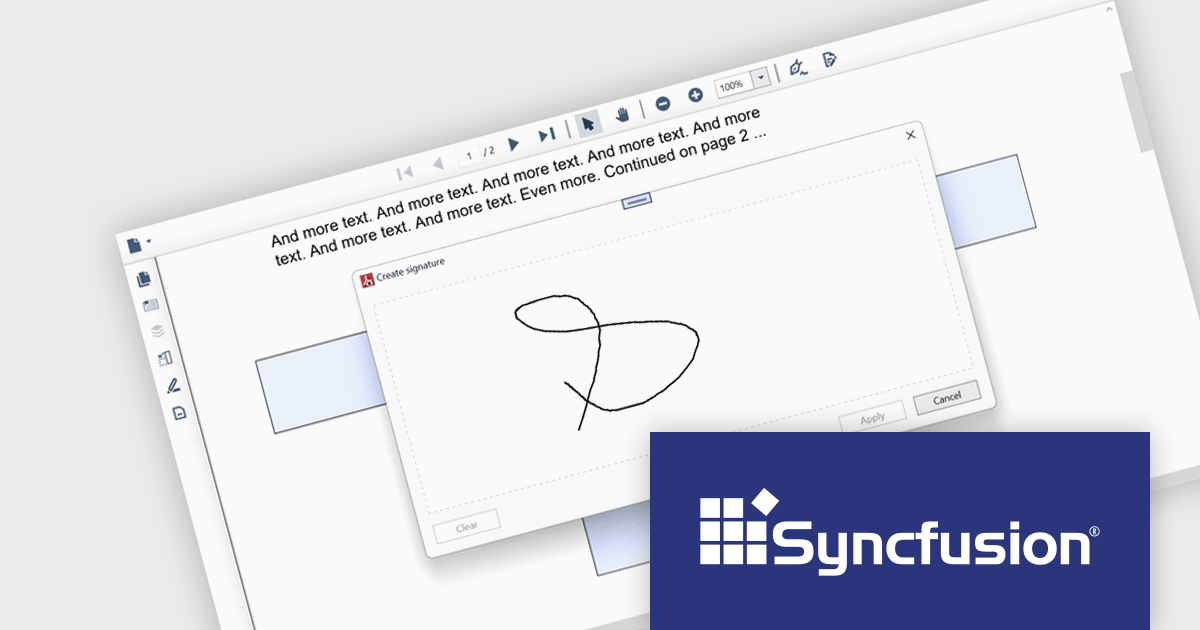
Syncfusion Essential Studio WPF, available as part of Syncfusion Essential Studio Enterprise, is a powerful suite of over 95 UI controls, 50+ charts, and document processing libraries designed to boost the development of high-performance line-of-business applications for the Windows Presentation Foundation (WPF) framework. With built-in themes, touch-friendly interfaces, and seamless Visual Studio integration, it empowers developers to craft modern, feature-rich, and cross-platform experiences with ease.
The Syncfusion Essential Studio WPF 2024 Volume 1 (25.1.35) release adds support for signature form fields in the PDF Viewer component. This empowers users to effortlessly view, add, or remove signatures directly within PDFs, eliminating the need for physical printing and scanning, thereby saving time and improving efficiency. The addition of signature form fields ensures a clear audit trail, fostering trust and accountability in collaborative environments.
To see a full list of what's new in version 2024 Volume 1 (25.1.35), see our release notes.
Syncfusion Essential Studio WPF is available as part of Syncfusion Essential Studio Enterprise which is licensed per developer starting with a Team License of up to five developers. It is available as a 12 Month Timed Subscription License which includes support and maintenance. See our Syncfusion Essential Studio Enterprise licensing page for full details.
For more information, visit our Syncfusion Essential Studio WPF product page.
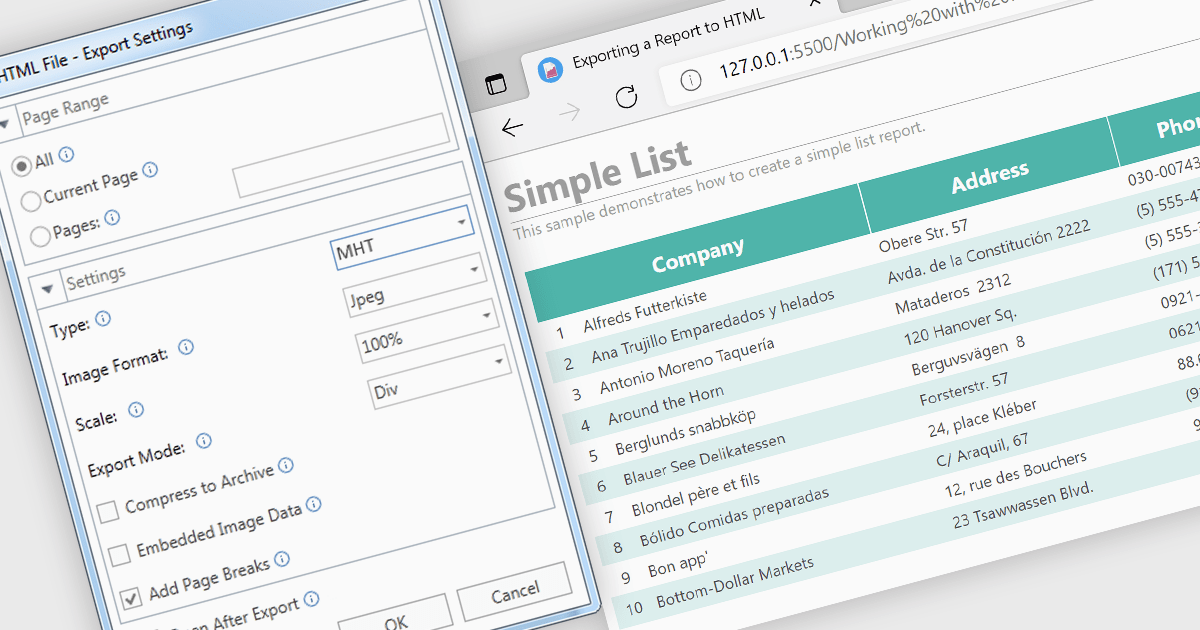
MHT (MHTML or MIME HTML) is a web archive format that bundles a web page's HTML code and all its resources such as images, stylesheets, and scripts into a single file that can be viewed offline or in applications that don't require an internet connection. Exporting to MHT format gives you a single archive file that contains your webpage and all its necessary components. This format is especially beneficial for preserving the exact state of a web page at a specific point in time, allowing for offline storage and easy sharing without losing the original design and functionality. Additionally, it simplifies the management and transfer of web content by consolidating multiple files into a single entity.
Several .NET 8 WPF reporting components allow you to export to MHT, including:
For an in-depth analysis of features and price, visit our comparison of .NET 8 WPF reporting components.
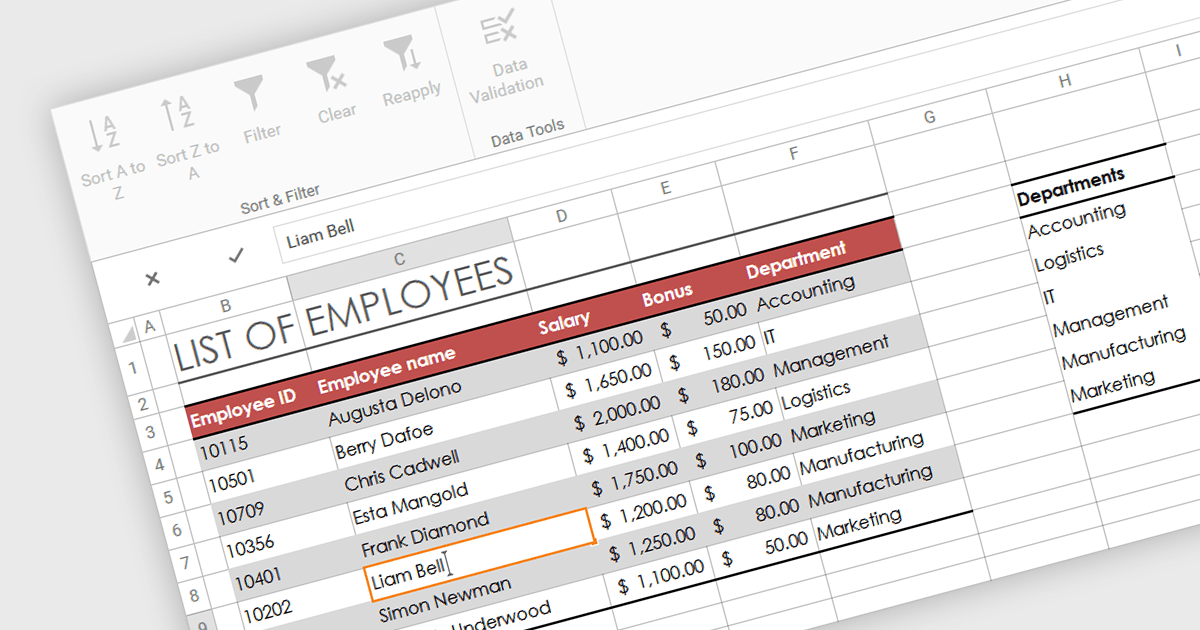
In-cell data editing refers to the functionality within spreadsheet software that allows users to directly click on and modify the contents of a cell without the need for separate data entry forms or pop-up dialogs. This feature allows for quicker and more direct changes to the data displayed on the screen, enhancing productivity by reducing the steps required for data manipulation.
Several .NET 8 WPF spreadsheet controls support in-cell data editing including:
For an in-depth analysis of features and price, visit our comparison of .NET 8 WPF Spreadsheet Controls.
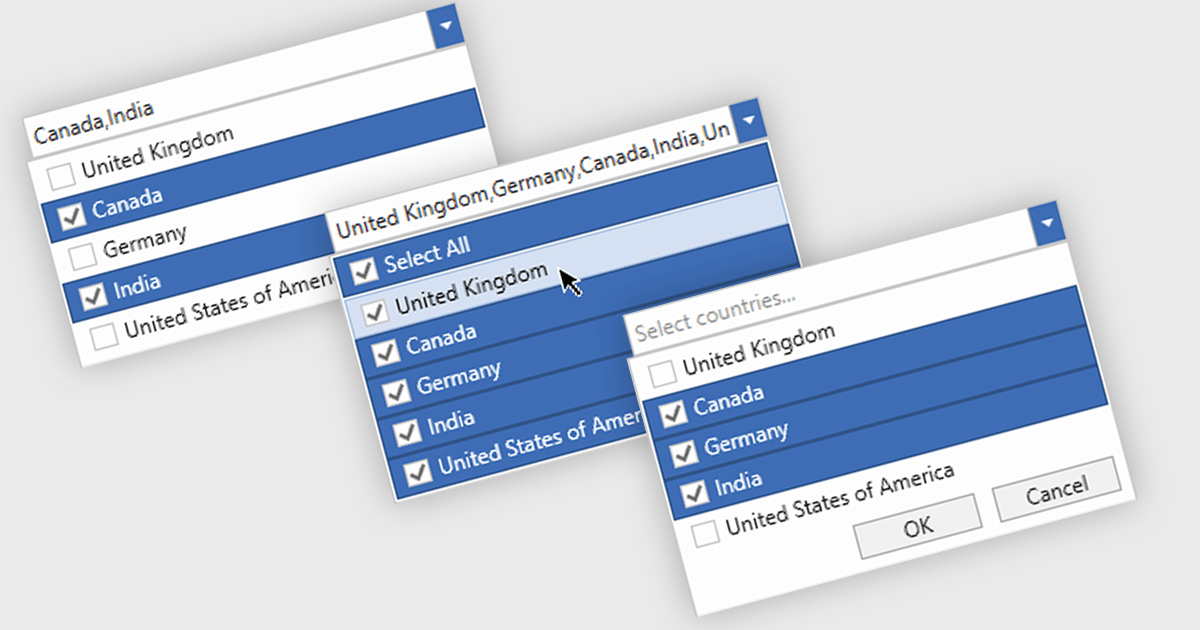
Checked combobox controls are data editor user interface elements that allow users to select multiple options from a dropdown list while visually indicating their choices through checkboxes. These controls provide developers with a convenient way to implement multi-select functionality within their applications, enhancing the user experience by offering intuitive selection methods. By integrating checked combobox controls, developers can streamline data entry processes, improve usability, and increase productivity within their software applications, ultimately leading to more efficient and user-friendly interfaces.
Many .NET WPF Data Editor collections contain checked combobox components including:
For an in-depth analysis of features and price, visit our comparison of .NET WPF Data Editors.
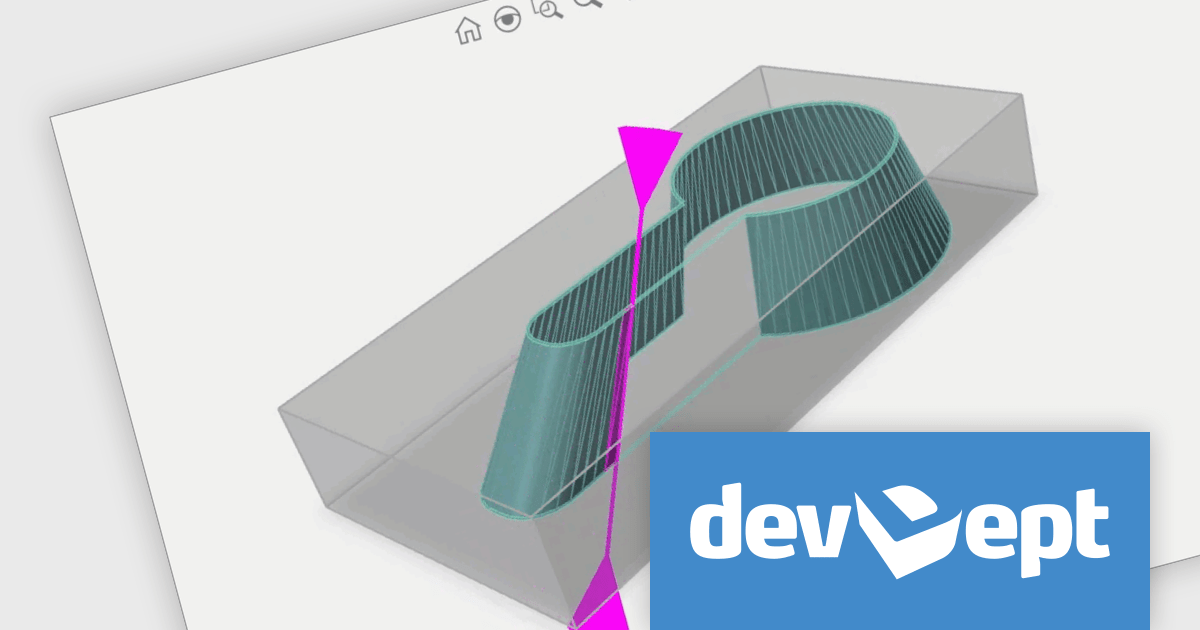
Eyeshot by devDept Software empowers you to integrate robust CAD functionalities into your .NET applications. Supporting both Windows Forms and WPF natively, it offers a comprehensive suite of tools accessible through the Visual Studio toolbox. These include Design for 2D/3D geometry creation and editing, Drawing for automatic 2D view generation, Simulation for geometry validation, and Manufacture for CNC toolpath generation and simulation.
The Eyeshot 2024 release introduces MultiFastMesh, a solution specifically designed to address a prevalent challenge in CAD applications - visualizing complex 3D objects comprised of numerous sub-parts. Traditionally, merging these sub-parts into a single mesh enhances performance but eliminates control over individual sub-mesh visibility and color. MultiFastMesh bridges this gap, offering the combined benefits of efficient single-mesh rendering and the flexibility of maintaining control over individual sub-meshes.
To see a full list of what's new in version 2024, see our release notes.
Eyeshot is licensed per developer and is available as an annual license, with either Lite or Priority support. See our licensing pages for Eyeshot Pro, Eyeshot Ultimate, and Eyeshot Fem for full details.
Eyeshot is available to buy in the following products:
聯繫電話: (888) 850 9911
傳真: +1 770 250 6199


