













官方供應商
我們作為官方授權經銷商,直接提供超過200家開發廠家所發行超過1000個的產品授權給您。
請參閱我們所有的品牌。
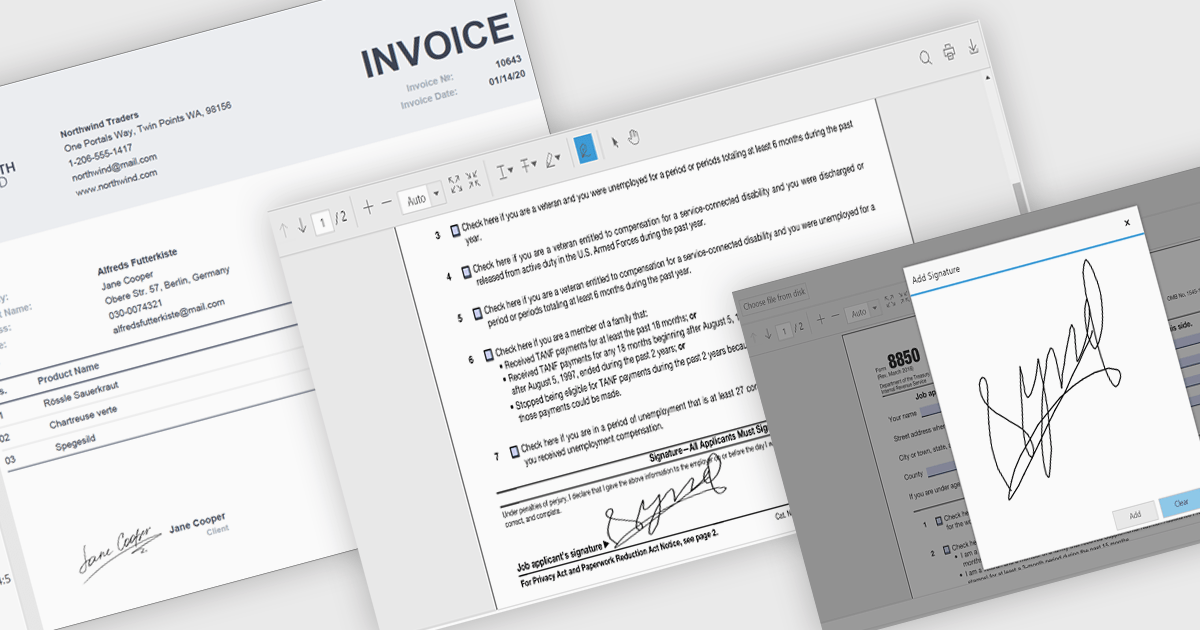
Hand-written signature support allows users to draw or insert a stylized representation of their physical signature directly onto a digital document. This feature provides a familiar and intuitive way to sign documents electronically while maintaining a personal touch. For software developers, integrating hand-written signatures into applications offers an accessible and user-friendly signing option that enhances user engagement, reduces reliance on paper-based workflows, and streamlines document processing. By supporting this functionality, developers can provide users with a convenient, secure, and legally compliant method for signing digital documents, improving overall workflow efficiency.
Several .NET PDF controls offer handwritten signature support including:
For an in-depth analysis of features and price, visit our .NET PDF controls comparison.

Sparklines are compact, embedded charts that provide a visual representation of data trends within individual spreadsheet cells. Unlike traditional charts, they do not require a separate charting area, making them ideal for summarizing data patterns, such as sales performance, stock trends, or operational metrics, in a space-efficient manner. These microcharts enhance readability and decision-making by offering a quick, at-a-glance view of trends without overwhelming users with excessive detail.
Several ASP.NET Core spreadsheet controls offer sparkline functionality including:
For an in-depth analysis of features and price, visit our ASP.NET Core spreadsheet controls comparison.

Red Carpet Subscription by /n software is an all-inclusive developer toolkit offering a comprehensive library of development tools, network management utilities, and enterprise adapters. This subscription grants access to all products and updates, including new releases, for a flat fee per developer, streamlining your workflow and ensuring your team has the latest resources to tackle any communication or security protocol challenge.
The Red Carpet Subscription Vol. 1 2025 update adds new Cloud Calendar components that integrate calendar and task management into your applications. Supporting major cloud providers like Microsoft 365 and Google, it empowers developers to easily create and manage calendars, events, coordinate attendees, and attach files. Additionally, it facilitates robust task management by enabling the creation, editing, and deletion of tasks, their organization into lists, and the tracking of their statuses. With features like calendar color customization, Cloud Calendars enhances the user experience while reducing development time and effort.
To see a full list of what's new in Red Carpet Subscription Vol. 1 2025, see our release notes.
Red Carpet Subscription is licensed per developer and is available as a Perpetual License with a 12 month support and maintenance subscription. See our Red Carpet Subscription licensing page for full details.
For more information, visit our /n software Red Carpet Subscription product page.
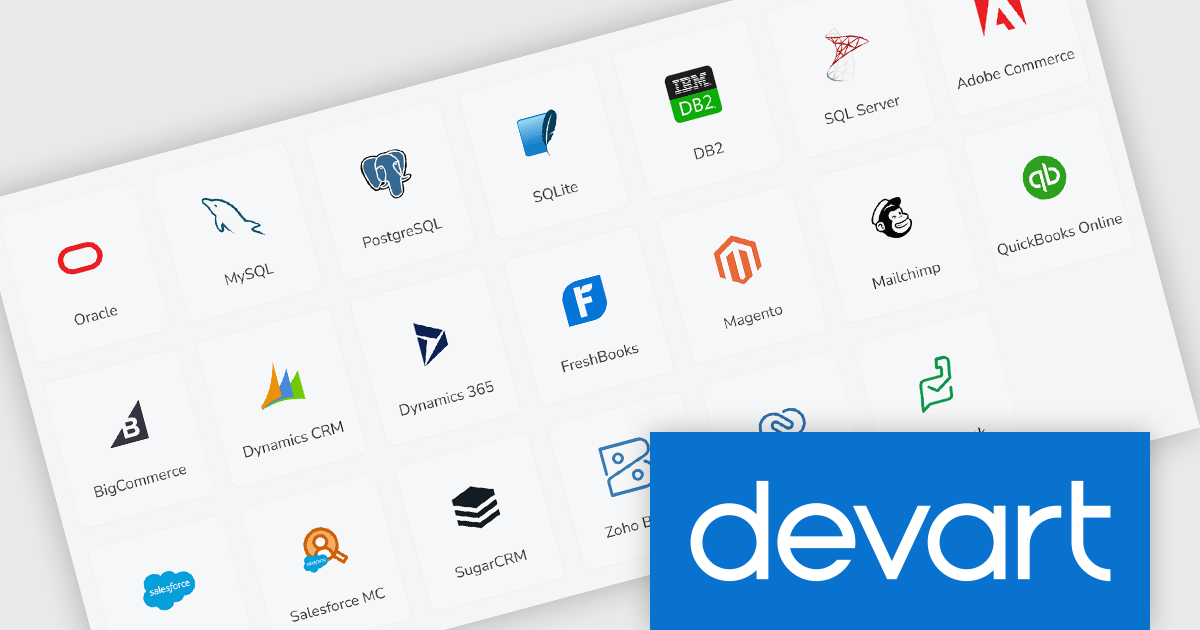
Devart dotConnect is a range of high-performance ADO.NET data providers for various databases and cloud applications, enabling efficient data connectivity for building web and mobile applications. It provides high-performance connectors for databases such as SQL Server and Oracle, as well as Cloud services such as Salesforce and QuickBooks Online.
The Devart dotConnect ADO.NET data providers now support .NET 9. By embracing the latest version of Microsoft's popular framework, developers gain access to the most up-to-date language features, performance enhancements, and improved tooling provided by .NET 9.
The dotConnect ADO.NET Data Providers are licensed per developer and are available as a Perpetual License with a 12 month support and maintenance subscription. See our dotConnect licensing pages for Adobe Commerce, BigCommerce, DB2, Dynamics 365, FreshBooks, Mailchimp, MySQL, Oracle, PostgreSQL, QuickBooks Online, Salesforce, Salesforce Marketing Cloud, SQL Server, SQLite, SugarCRM, Zoho Books, Zoho CRM, Zoho Desk, and Universal.
Devart dotConnect ADO.NET data providers are available for the following databases and Cloud services:

Many .NET communications and messaging components include file transferring and uploading capabilities, making it easier for developers to integrate seamless file exchange into their applications. These features support efficient handling of files of varying sizes while enhancing user experience through intuitive interfaces and real-time feedback. Designed with scalability and performance in mind, these components simplify complex tasks, from managing large files to coordinating simultaneous uploads, ensuring smooth operations across diverse use cases.
Common features include:
For an in-depth analysis of features and price, visit our .NET communications and messaging components comparison.
聯繫電話: (888) 850 9911
傳真: +1 770 250 6199


