













官方供應商
我們作為官方授權經銷商,直接提供超過200家開發廠家所發行超過1000個的產品授權給您。
請參閱我們所有的品牌。
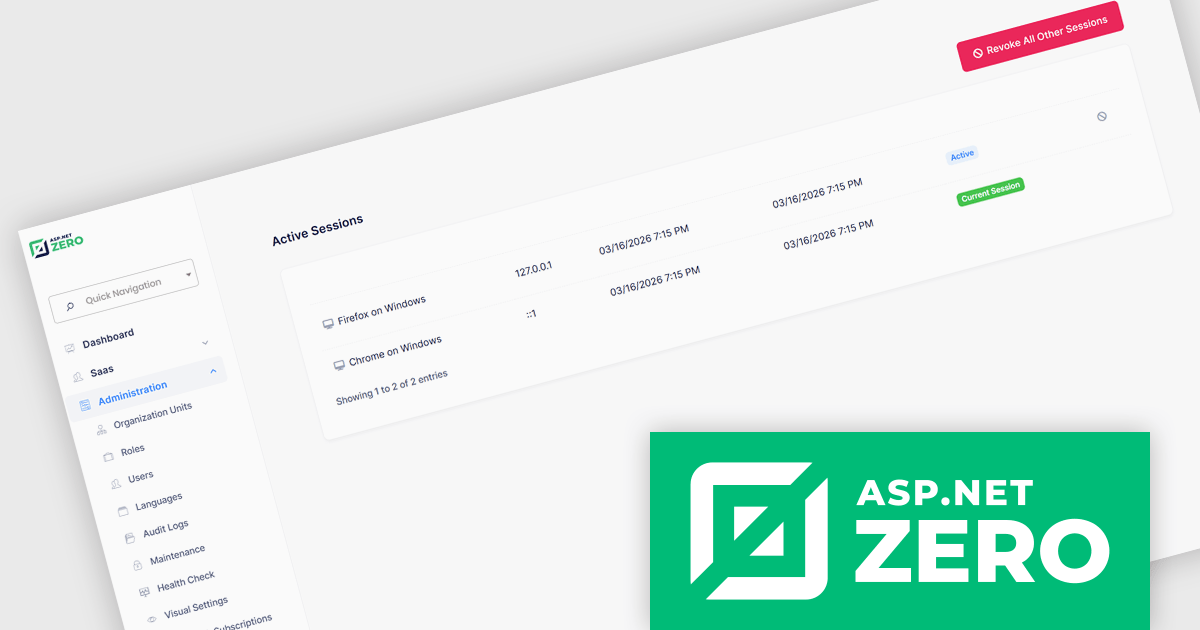
ASP.NET Zero is a comprehensive starting point for building new web applications, providing a modern UI, SOLID-based architecture, and implementations of common line-of-business requirements so developers can focus on business logic while working directly with full source code. It offers multiple architectural options, including ASP.NET Core MVC and ASP.NET Core with Angular, and includes ASP.NET Zero Power Tools, a Visual Studio extension and CLI utility that improves development by generating entities and their full application layers from the database to the user interface.
The ASP.NET Zero 15.2 update introduces active session management and revocation, allowing developers to implement enhanced security controls by giving users clear visibility into all active sessions across devices and browsers, along with the ability to selectively revoke individual sessions. This capability helps reduce the risk of unauthorized access due to compromised credentials or unattended logins, supports more granular control over authentication.
To see a full list of what's new in 15.2, see our release notes.
ASP.NET Zero is licensed based on the number of developers using the framework and the number of products being developed. See our ASP.NET Zero licensing page for full details.
For more information, visit our ASP.NET Zero product page.
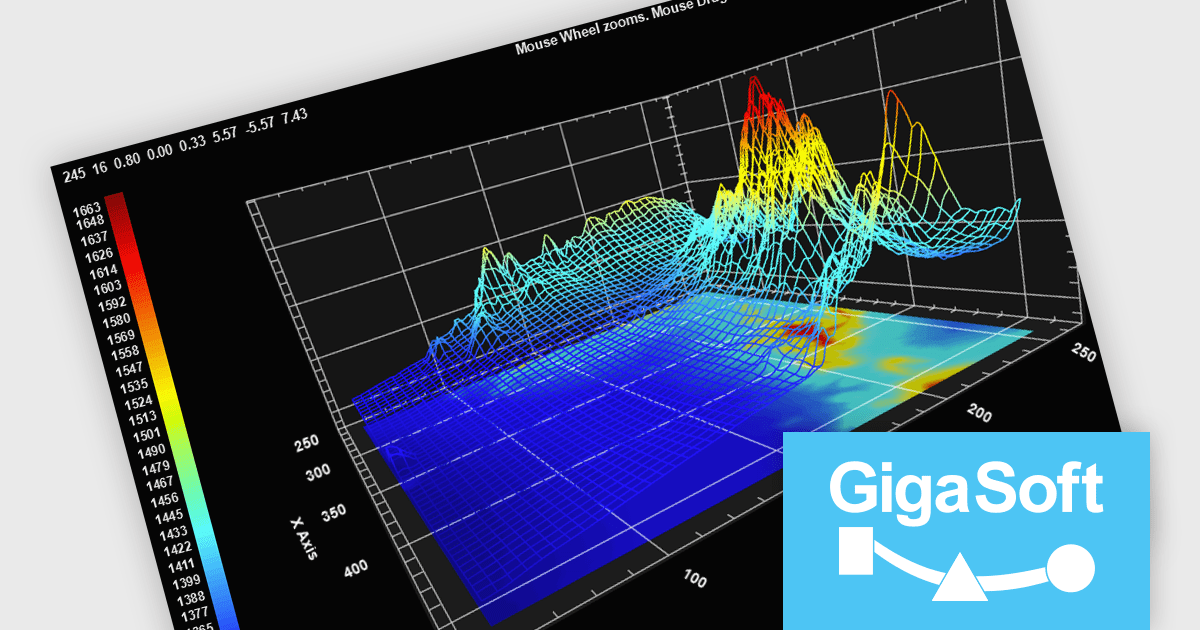
Gigasoft ProEssentials is a robust charting library for Windows development, providing a wide array of 2D and 3D chart types. The product offers a versatile suite of components, such as Graph, Scientific Graph, and 3D Scientific Graph, enabling the creation of sophisticated visualizations. It's extensive support for various platforms and development environments, including WPF, WinForm, and integration with popular IDEs like Visual Studio, enhances flexibility and empowers developers to efficiently visualize data within their applications.
Gigasoft ProEssentials enables developers to work more efficiently with its charting components by giving AI assistants direct, real-time access to validated API data, allowing them to generate accurate chart configurations, suggest correct property usage, and troubleshoot issues based on the actual capabilities of the library. By dynamically querying structured data rather than relying on static documentation, the feature ensures that responses reflect the current state of the API, reducing the likelihood of invalid property paths or unsupported configurations. This leads to more reliable code generation, faster resolution of integration challenges, and greater confidence when implementing or modifying charts within production applications across different environments.
Gigasoft ProEssentials is licensed per developer and is available as a perpetual license with free technical support and maintenance for the life of the version. See our Gigasoft ProEssentials licensing page for full details.
For more information, visit our Gigasoft ProEssentials product page.
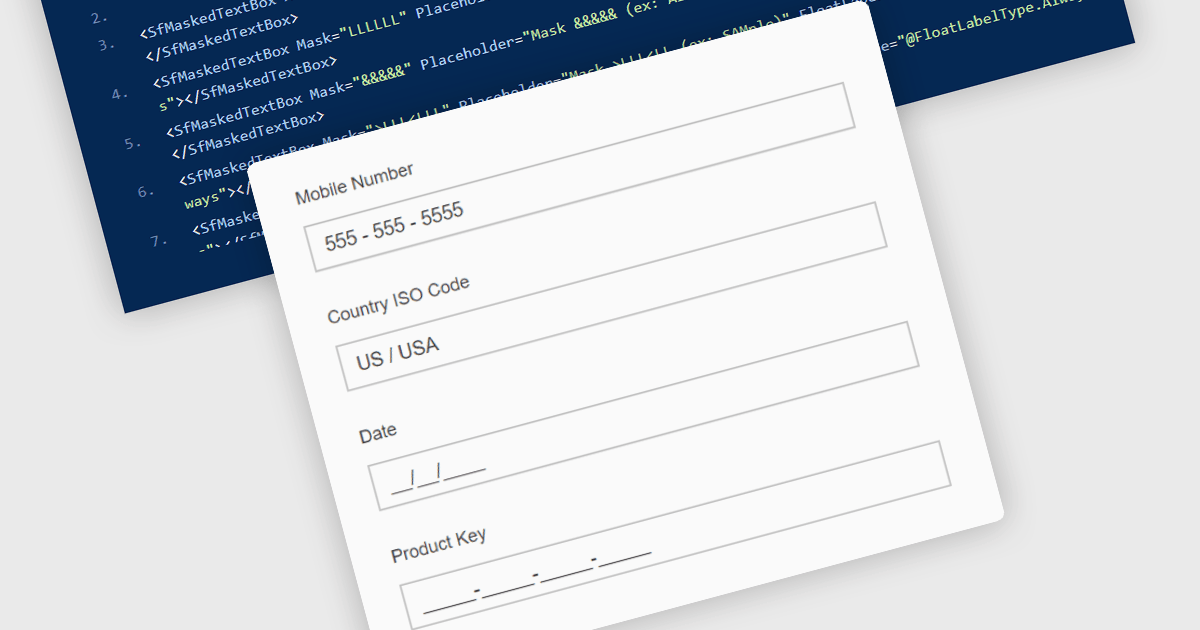
Masked Input Text Box editors are input components that enforce a predefined format while users type, ensuring that entered values follow a specific structure such as phone numbers, dates, postal codes, or identification numbers. By applying an input mask, the editor guides users to enter characters only in valid positions and formats, reducing the likelihood of invalid or incomplete data being submitted. This approach improves data consistency across applications, simplifies validation logic on both the client and server side, and reduces the need for additional parsing or correction of user input. For developers building data-driven Blazor applications, masked input editors help maintain reliable data entry while providing a clear and structured input experience directly within forms and data editing interfaces.
Many .NET Blazor data editor collections contain masked input text box editors including:
For an in-depth analysis of features and price, visit our comparison of .NET Blazor data editors.
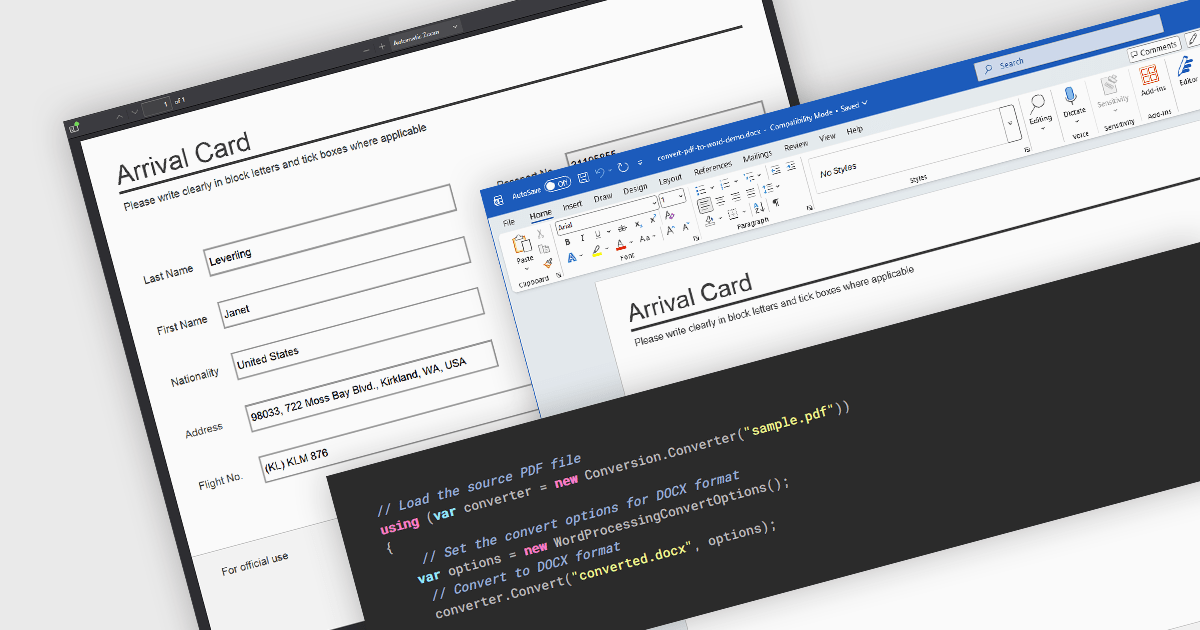
PDF to Word conversion is the process of transforming a Portable Document Format (PDF) file into an editable Microsoft Word document such as DOC or DOCX. This capability is widely used when content that was originally distributed in a fixed-layout format needs to be modified, reused, or incorporated into other documents. Converting PDFs to Word allows users to edit text, adjust formatting, and extract tables or images without manually recreating the original content. For developers and organizations that process large volumes of documents, automated conversion can improve productivity by enabling document reuse, simplifying content updates, and supporting processes that require editable formats.
Several .NET PDF components allow you to convert PDF to Word, including:
For an in-depth analysis of features and price, visit our comparison of .NET PDF components.
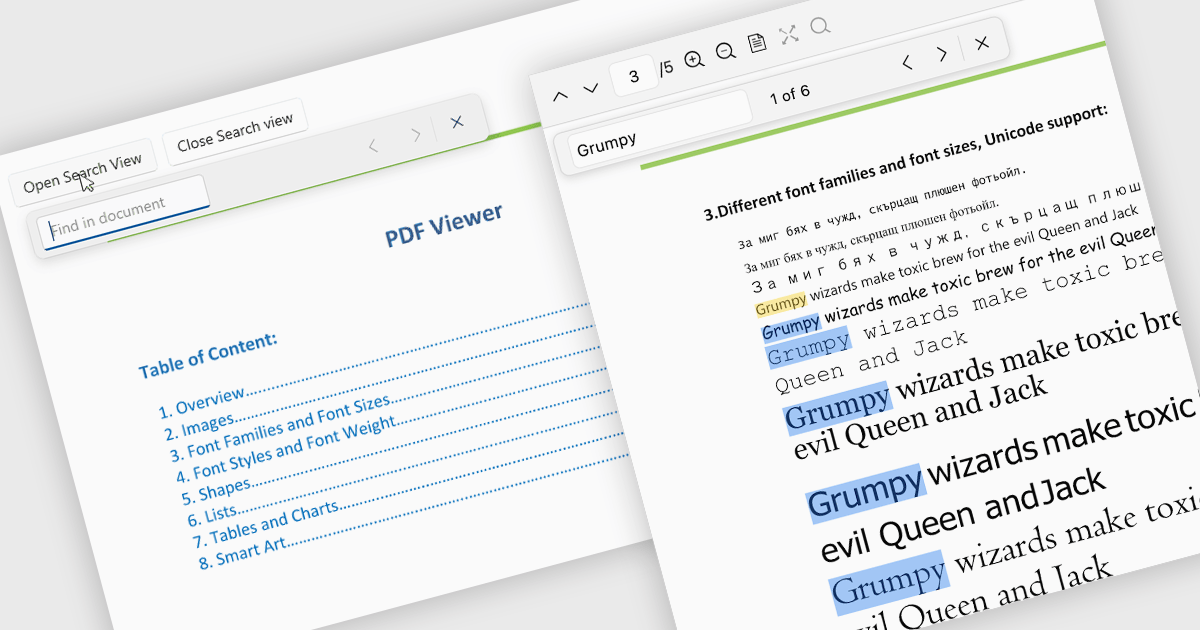
Search in a PDF viewer allows users to quickly locate specific words, phrases, or data within a document without manually scanning each page. By instantly highlighting and navigating between results, search makes it easier to work with large or complex PDFs such as reports, manuals, contracts, or research papers. This functionality improves productivity by helping users find relevant information faster, understand content in context, and move directly to important sections.
Several .NET PDF Viewer controls allow you to search for text in PDF files including:
For an in-depth analysis of features and price, visit our .NET PDF Viewer controls comparison.
聯繫電話: (888) 850 9911
傳真: +1 770 250 6199


