













官方供應商
我們作為官方授權經銷商,直接提供超過200家開發廠家所發行超過1000個的產品授權給您。
請參閱我們所有的品牌。
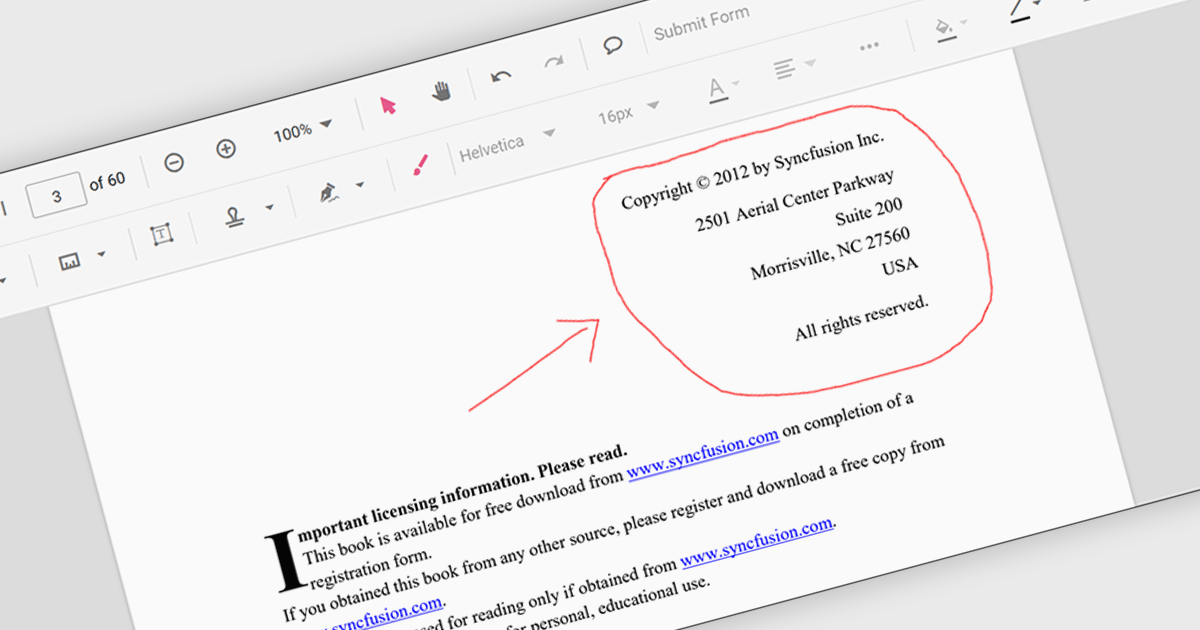
Freehand ink annotation support in a PDF component enables applications to capture and render freehand drawings directly on a PDF document, typically using input from a mouse, stylus, or touch device. It allows users to write, sketch, highlight, or mark up content in a natural way, with the annotations stored as standard PDF ink annotations that remain part of the document. For software developers, this capability adds interactive review and collaboration features to applications such as document viewers and form-processing systems, allowing users to provide visual feedback, sign documents, or annotate content without altering the original PDF structure.
Several .NET PDF components feature support for freehand ink annotations including:
For an in-depth analysis of features and price, visit our comparison of .NET PDF components.
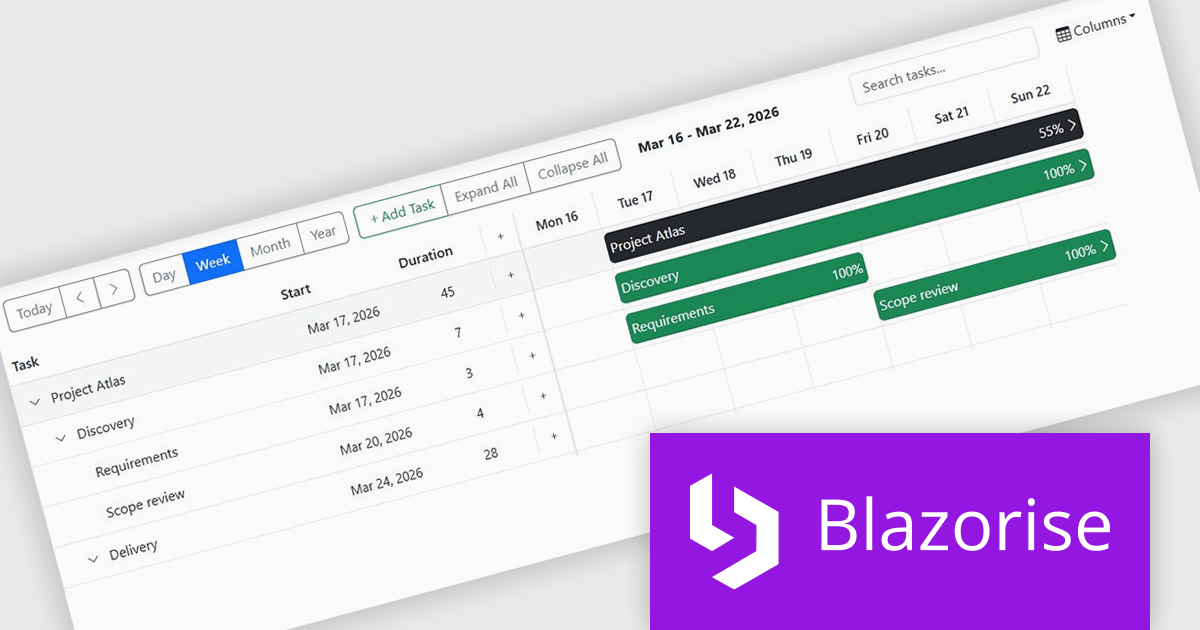
Blazorise is a versatile component library that empowers developers to build modern and feature-rich web applications using Blazor, a client-side web development framework from Microsoft. It offers a comprehensive collection of user interface components, including buttons, forms, charts, and navigation elements, all built with accessibility and responsiveness in mind.
The Blazorise 2.0.3 update introduces a Gantt component that enables developers to implement advanced project planning and timeline visualization directly within their applications, reducing the need for custom development or third party tools while supporting complex scheduling scenarios through features such as task editing, hierarchical data structures, dependency management, filtering, and drag and drop interactions, all within a consistent and theme aligned UI framework.
To see a full list of what’s new in version 2.0.3, see our release notes.
Blazorise is licensed per developer and includes a 1 year subscription for updates and support. Professional, Enterprise, and Enterprise Plus editions are available, each offering tailored levels of support and service to meet varying business needs. See our Blazorise licensing page for full details.
For more information, visit our Blazorise product page.
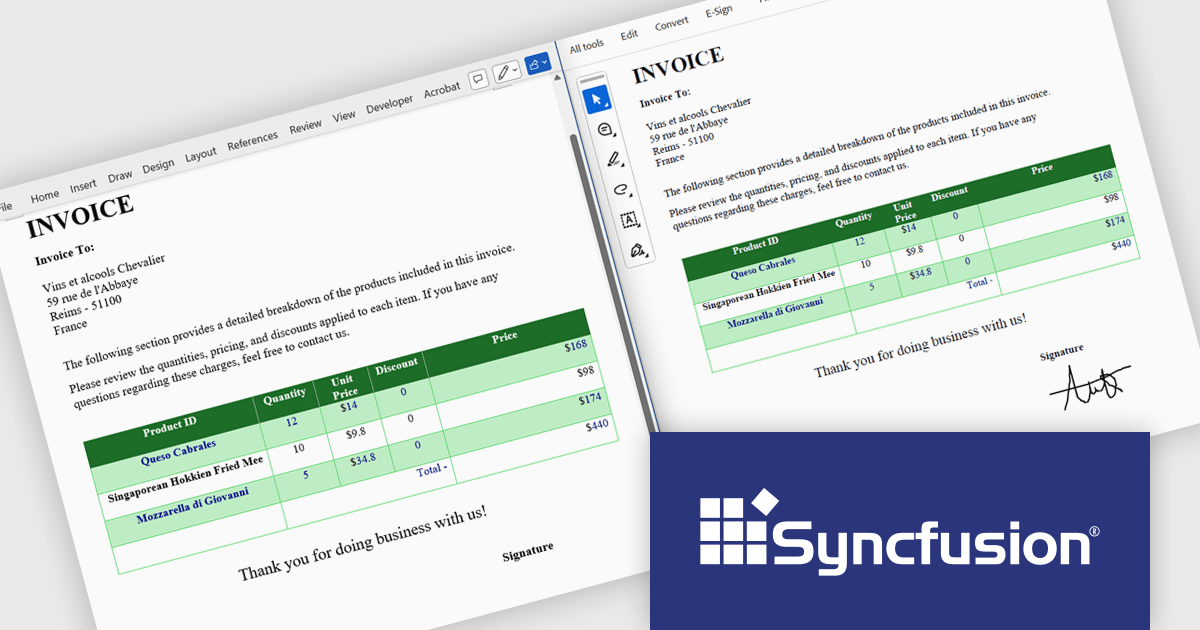
Syncfusion Essential Studio Document SDK is a comprehensive set of libraries that enables developers to create, edit, and convert PDF, Word, Excel, and PowerPoint files across web, desktop, and mobile applications without Microsoft Office or Adobe dependencies. It offers high-fidelity rendering, reliable format conversion, and support for complex document elements, helping improve document processing, and ensure consistent output. The SDK is ideal for business applications, reporting tools, and document processes that require efficient and scalable document generation and management.
The Syncfusion Essential Studio Document SDK 2026 Volume 1 update introduces ink object support that enables developers to create, edit, and preserve drawings, annotations, and stylus inputs directly within .docx documents while maintaining fidelity during PDF and image conversions. This capability improves overall visual consistency for handwritten and freehand content, minimizes reliance on external processing tools, and ensures dependable cross format rendering, making it particularly beneficial for applications that require precise handling of user generated input such as educational platforms, design tools, digital note taking solutions, and collaborative document systems.
To see a full list of what’s new in Syncfusion Essential Studio Document SDK 2026 Volume 1, see our release notes.
Syncfusion Essential Studio Document SDK is licensed per developer on a one year timed subscription basis, with runtime royalty free redistribution included when the subscription is current, and includes one year of unlimited technical support and updates. See our Syncfusion Essential Studio Document SDK licensing page for full details.
Learn more on our Syncfusion Essential Studio Document SDK product page.
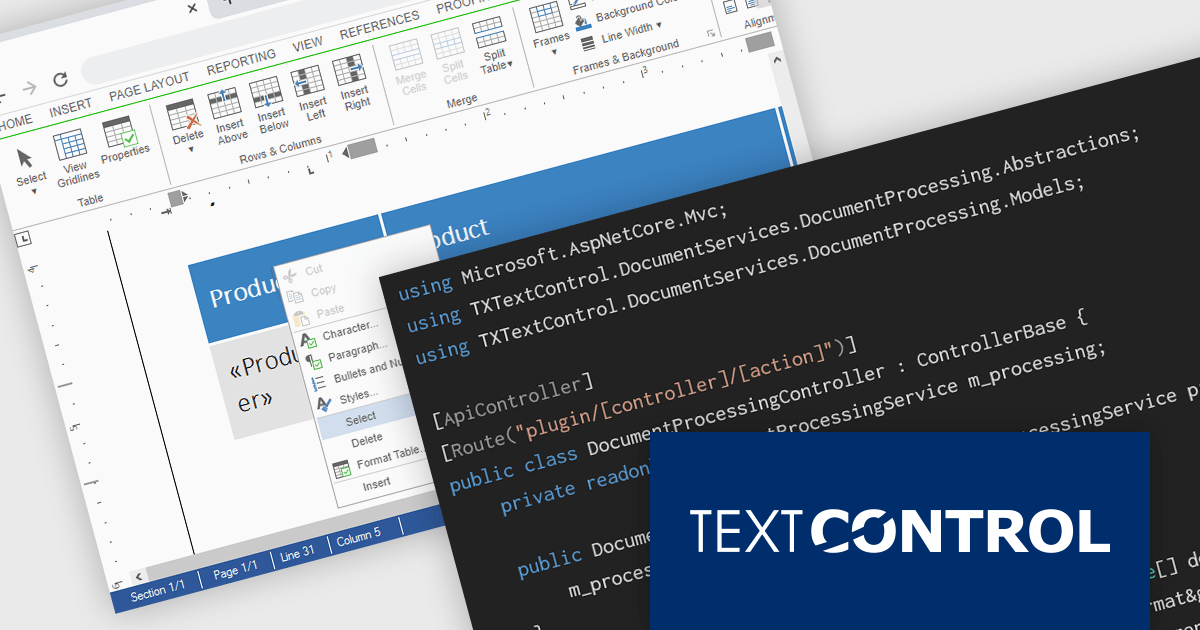
TX Text Control DS Server is a server-side document processing solution designed to integrate document generation, editing, and conversion capabilities into modern applications. Built for web, cloud, and service-based environments, it enables developers to programmatically create and manipulate rich-text documents such as DOCX, PDF, and HTML within their own systems. With APIs designed for integration into .NET applications and other backend services, it supports scenarios such as automated document generation, template-based reporting, and document workflows. By providing high-fidelity rendering and robust document processing on the server, it helps development teams incorporate powerful document functionality into enterprise applications without relying on client-side tools.
The DS Server 5.0 update introduces new Dependency Injection services for plugins, making it easier for developers to extend and integrate DS Server within enterprise applications. Using ASP.NET Core Dependency Injection, plugins can now access internal DS Server functionality through two new services. The IDocumentProcessingService provides programmatic access to document processing capabilities such as document conversion, mail merge processing, document manipulation, PDF form field extraction, and barcode generation. In addition, the IDocumentEditorSessionService enables plugins to interact with active Document Editor sessions, allowing developers to access and modify live documents, work with form fields, adjust formatting, or implement custom logic tied to editor activity. Together, these services provide a flexible way to build powerful extensions and integrate DS Server into complex systems and backend services.
To see a full list of what's new in version 5.0, see our release notes.
Text Control DS Server is licensed per server and is available as an Annual License that includes software updates. See our Text Control DS Server licensing page for full details.
For more information, visit our Text Control DS Server product page.
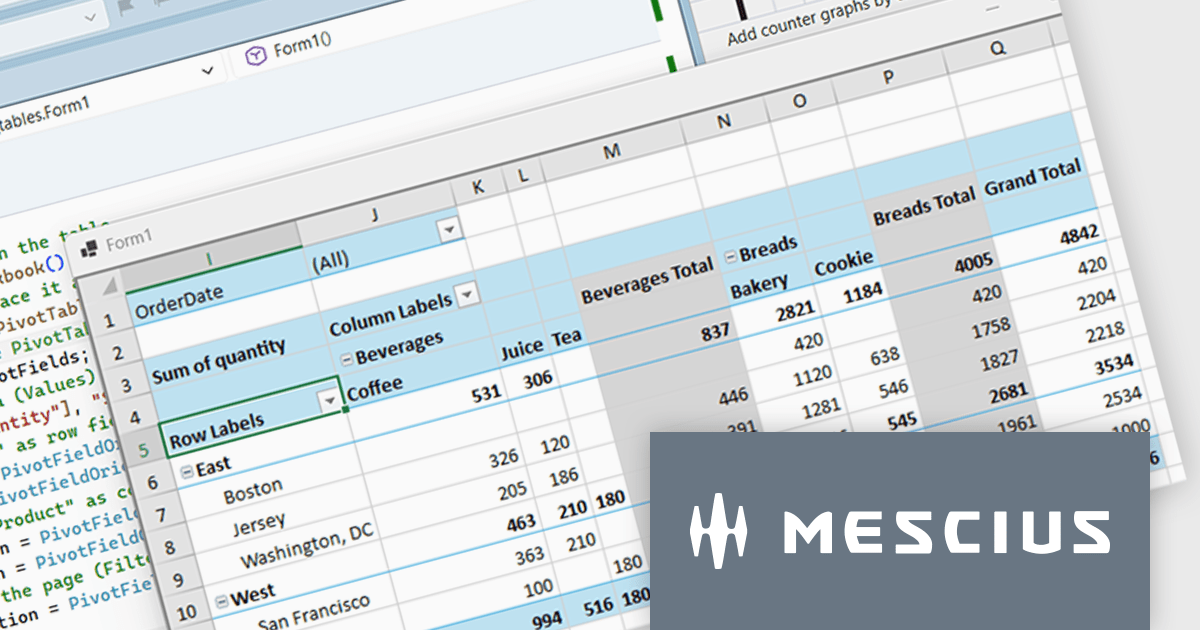
Spread.NET helps you create spreadsheets, grids, dashboards, and forms. It includes a powerful calculation engine with 450+ functions and the ability to import and export Excel spreadsheets. Leverage the extensive .NET spreadsheet API and powerful calculation engine to create analysis, budgeting, dashboard, data collection and management, scientific, and financial applications.
In this blog post, MESCIUS Product Marketing Specialist Mackenzie Albitz demonstrates how to build a Pivot Table using the Spread.NET WinForms component, enabling your users to quickly analyze large datasets with the ability to summarize, group, and reorganize data. Creating the Pivot Table includes the following steps:
Detailed source code and sample data are included to assist you along the way.
Read the complete blog post to learn how to integrate a spreadsheet component into your .NET applications and provide your users with familiar spreadsheet functionality without referring them to an external program.
Spread.NET is licensed per developer and is available as either a Perpetual or Annual license, depending upon geographic location. We can supply any Spread.NET license including new licenses, maintenance renewals, and upgrade licenses. See our Spread.NET licensing page for full details.
For more information, visit our Spread.NET product page.
聯繫電話: (888) 850 9911
傳真: +1 770 250 6199


