













官方供應商
我們作為官方授權經銷商,直接提供超過200家開發廠家所發行超過1000個的產品授權給您。
請參閱我們所有的品牌。

PrizmDoc Viewer by Accusoft is a web-based document viewing solution that supports over 100 file types and integrates seamlessly into applications via REST APIs. It offers secure, high-quality rendering for document collaboration, allowing users to view, annotate, redact, and convert documents without client-side installations. Designed for cross-platform compatibility, it ensures consistent document access and interaction across various devices. PrizmDoc Viewer enhances enterprise content management, legal tech, and financial services, providing a reliable, customizable interface for efficient document handling.
The PrizmDoc Viewer v14.2 update introduces an AI-powered document summarization feature that significantly enhances user efficiency by generating concise summaries of lengthy documents. This new capability allows users to quickly understand the main points and key insights of documents without the need to read through every detail. For software developers, this means they can implement a solution that reduces the time needed for users to process large volumes of information, enabling faster and more informed decision-making. By incorporating this feature, developers can improve the user experience and productivity of their applications.
To see a full list of what's new in v14.2, see our release notes.
PrizmDoc Viewer is available as Self-Hosted, Cloud-Hosted or Private Cloud-Hosted deployments. Billed on an annual subscription basis, you will need to renew your license each year to continue to use the software. The price is based on the number of servers or the number of transactions you require, depending on your deployment method. See our PrizmDoc Viewer licensing page for full details.
For more information, see our PrizmDoc Viewer product page.
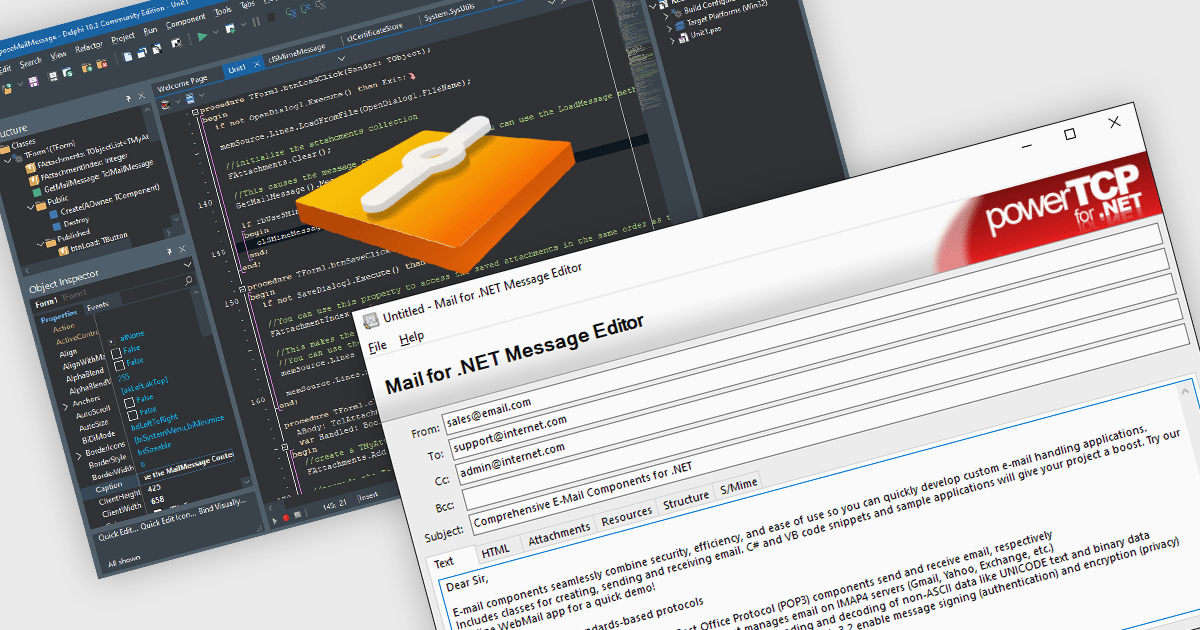
Mail functionality is an essential aspect of communications and messaging components, providing the backbone for email exchanges within software systems. It enables users to manage emails efficiently, supporting both basic messaging tasks and advanced workflows like integration with enterprise mail servers. This functionality covers everything from composing and sending emails to managing inbox content through filtering and organization. Modern systems rely on these capabilities to ensure seamless communication across personal and business contexts, offering tools to enhance collaboration and optimize message handling.
Common features include:
For an in-depth analysis of features and price, visit our .NET communications and messaging components comparison.

Rebex Graph is a powerful .NET library designed to simplify working with Microsoft Graph, the central API for accessing Microsoft 365 services. It streamlines interaction with Exchange Online, a core component of Microsoft 365, enabling developers to leverage functionalities like sending, receiving, listing, and searching emails directly within their applications.
The Rebex Graph 7.0.9048 release has been enhanced with the addition of CreateFolder and DeleteFolder methods, providing developers with greater control over their Microsoft Graph data structures. These new functionalities allow for the dynamic creation and removal of folders, enabling more flexible organization and management of resources. This update empowers users to structure their data more efficiently, tailoring their Graph environment to specific needs and workflows.
To see a full list of what's new in version 7.0.9048, see our release notes.
Rebex Graph is licensed per developer and is available as a Perpetual License with a 1 Year Support Contract which includes priority support and all software updates. See our Rebex Graph licensing page for full details.
Learn more on our Rebex Graph product page.

Support for JSON as a data source in .NET Blazor Grid controls allows developers to efficiently populate grid components with structured data, leveraging JSON's lightweight and easy-to-parse format. This approach enhances flexibility and scalability, as JSON is widely used for data interchange in web applications and can seamlessly integrate with various back-end services and APIs. By utilizing JSON, developers can dynamically bind data to the grid, enabling real-time updates and responsive user interactions. Moreover, JSON's hierarchical structure supports complex data representations, which simplifies the manipulation of nested objects and arrays, ultimately improving data handling within the Blazor framework.
Several .NET Blazor Grid controls offer JSON data source support including:
For an in-depth analysis of features and price, visit our comparison of NET Blazor Grid controls.

Data filtering and grouping allow spreadsheet users to efficiently organize and analyze information by categorizing and refining it. Filtering allows users to display only the data that meets specific criteria, reducing irrelevant information and focusing on key data points. Grouping, on the other hand, consolidates related rows or columns, facilitating hierarchical data organization and summarization. Together, these features enhance data manipulation capabilities by simplifying complex datasets, improving readability, and allowing for more efficient data analysis. This functionality supports productivity by providing a more structured view of data, making it easier for developers to interpret and work with extensive datasets.
Many .NET 8 WinForms spreadsheet controls contain data filtering and grouping including:
For an in-depth analysis of features and price, visit our comparison of .NET 8 WinForms spreadsheet controls.
聯繫電話: (888) 850 9911
傳真: +1 770 250 6199


