













官方供應商
我們作為官方授權經銷商,直接提供超過200家開發廠家所發行超過1000個的產品授權給您。
請參閱我們所有的品牌。
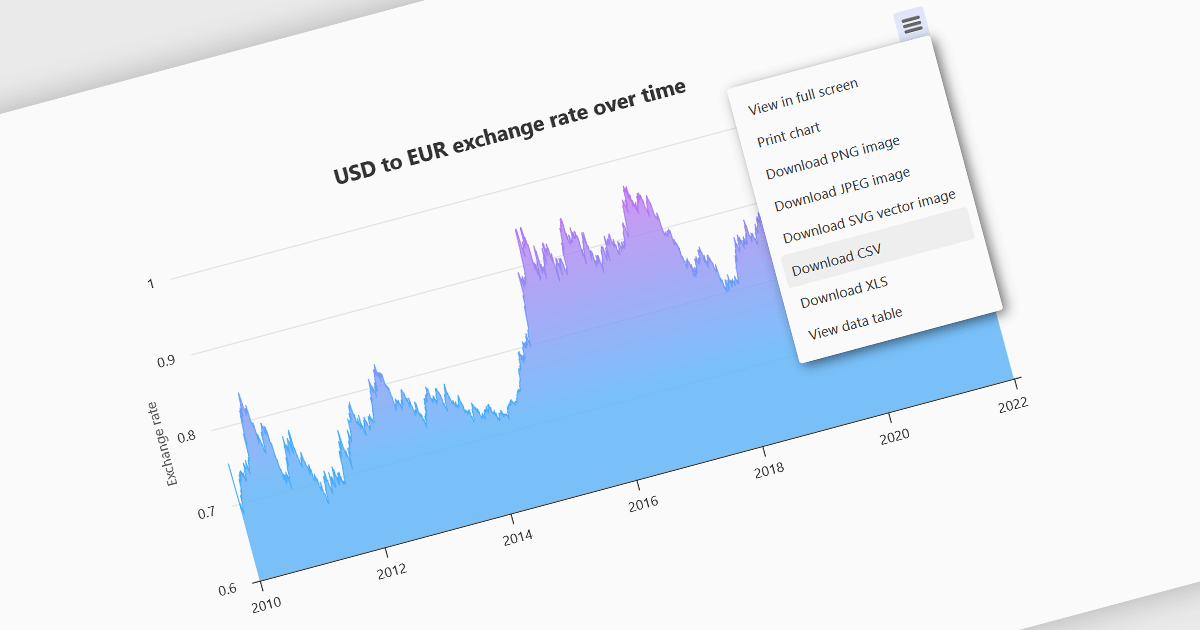
Exporting charts to CSV (Comma-Separated Values) allows users to extract underlying chart data into a simple, portable text format that can be easily opened in spreadsheet applications or processed by other tools. This feature is particularly useful for reporting, data analysis, auditing, and integration apps, as it decouples the visual presentation of data from the raw numerical or categorical information it represents. By enabling quick access to chart data in a structured format, exporting to CSV enhances interoperability across systems and supports a wider range of use cases.
Several WinForms charting components allow you to export to CSV, including:
For an in-depth analysis of features and price, visit our comparison of WinForms chart components.
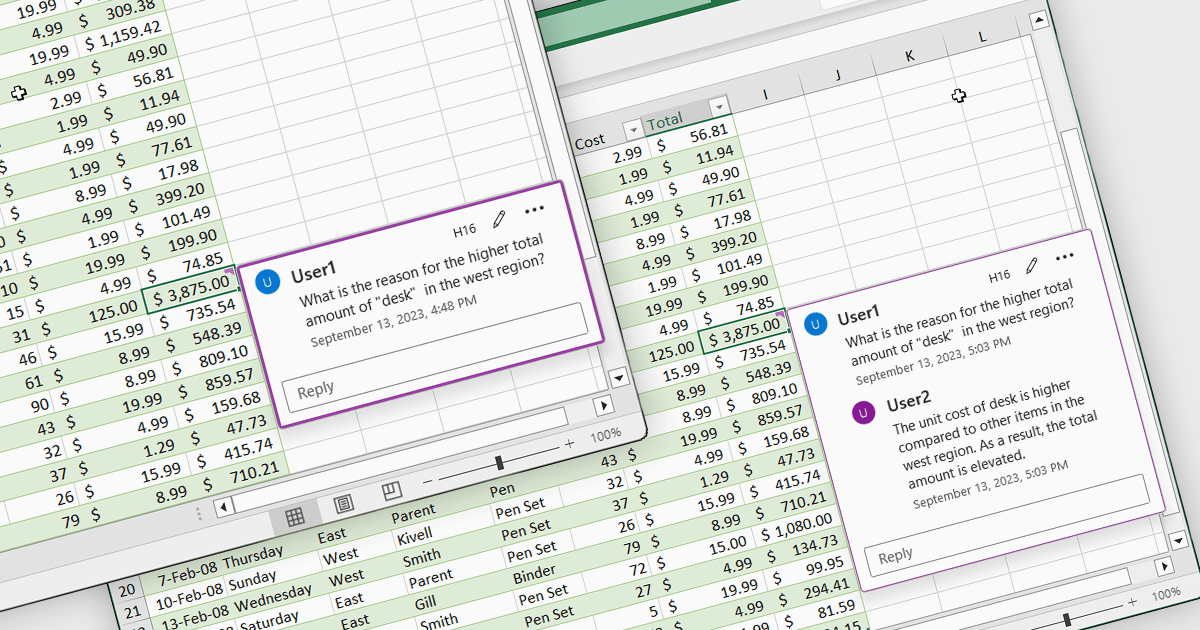
Cell comments and tooltips in spreadsheets allow users to attach contextual information to individual cells, displayed on hover or focus without altering the sheet’s layout. They help clarify data, explain formulas and assumptions, and provide guidance for correct data entry, reducing errors and misinterpretation. By keeping explanations close to the data, comments and tooltips improve collaboration, preserve knowledge, and make complex spreadsheets easier to understand and maintain. Common use cases include documenting calculation logic, adding validation instructions, leaving reviewer feedback, explaining exceptions in reports, and supporting onboarding for new users working with shared spreadsheets.
Several .NET Spreadsheet controls offer cell comments/tooltips including:
For an in-depth analysis of features and price, visit our .NET Spreadsheet controls comparison.
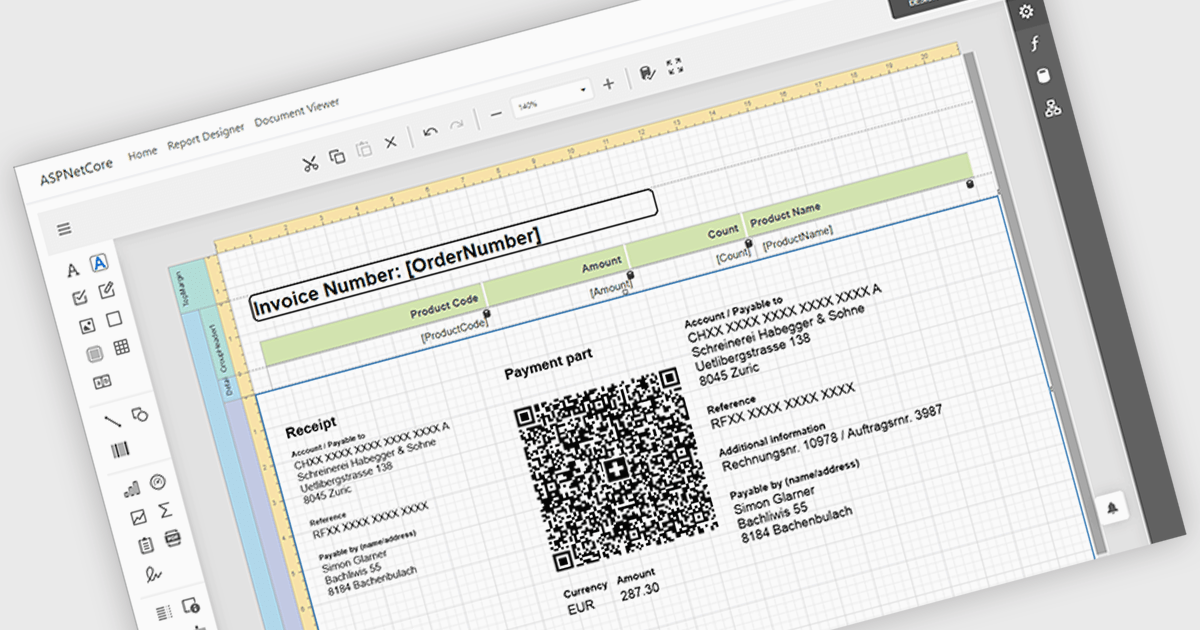
Adding barcodes to reports means embedding machine-readable codes that represent key data such as IDs, records, or transaction details, allowing information to be scanned and processed instantly. This enhances efficiency by reducing manual data entry, improving accuracy, and enabling integration with backend systems like inventory management, ERP, or tracking platforms. Barcodes in reports also support automation and traceability, making it easier to identify, validate, and track documents or items throughout a process. Common use cases include inventory and asset tracking, order fulfillment and shipping documentation, patient and sample identification in healthcare, financial and compliance reporting, and any scenario where fast, reliable data capture from printed or digital reports is essential.
Several ASP.NET Core reporting controls offer barcode support including:
For an in-depth analysis of features and price, visit our React reporting controls comparison.
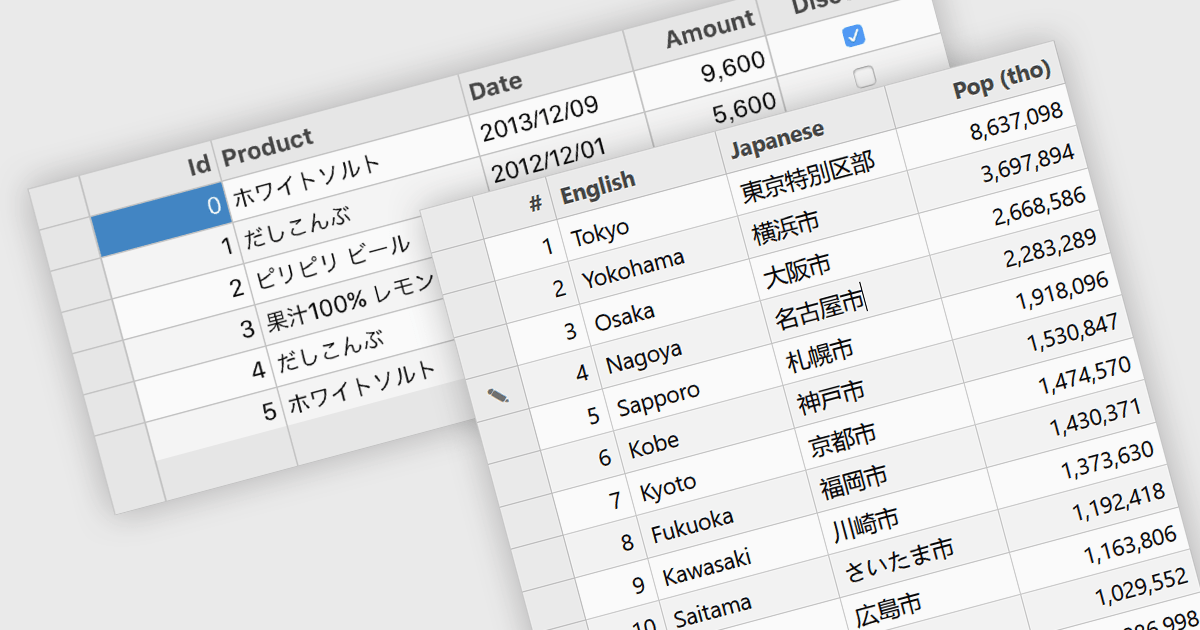
Input Method Editor (IME) support refers to the capability of an application or control to correctly handle complex text input, particularly for languages that require composition, such as Chinese, Japanese, and Korean. IME enables users to enter characters that are not directly available on a physical keyboard by converting sequences of keystrokes into the correct script, improving accessibility and usability for multilingual input. When applied to a data grid within an application, this capability ensures that users can reliably enter and edit multilingual text directly within grid cells without input loss or formatting issues. IME support in a data grid is especially valuable for applications that manage structured data across regions, as it allows accurate entry of names, descriptions, and other localized content while preserving normal grid behaviors such as editing, validation, and navigation.
Several WPF grid components include Input Method Editor support, including:
For an in-depth analysis of features and price, visit our comparison of WPF grid components.
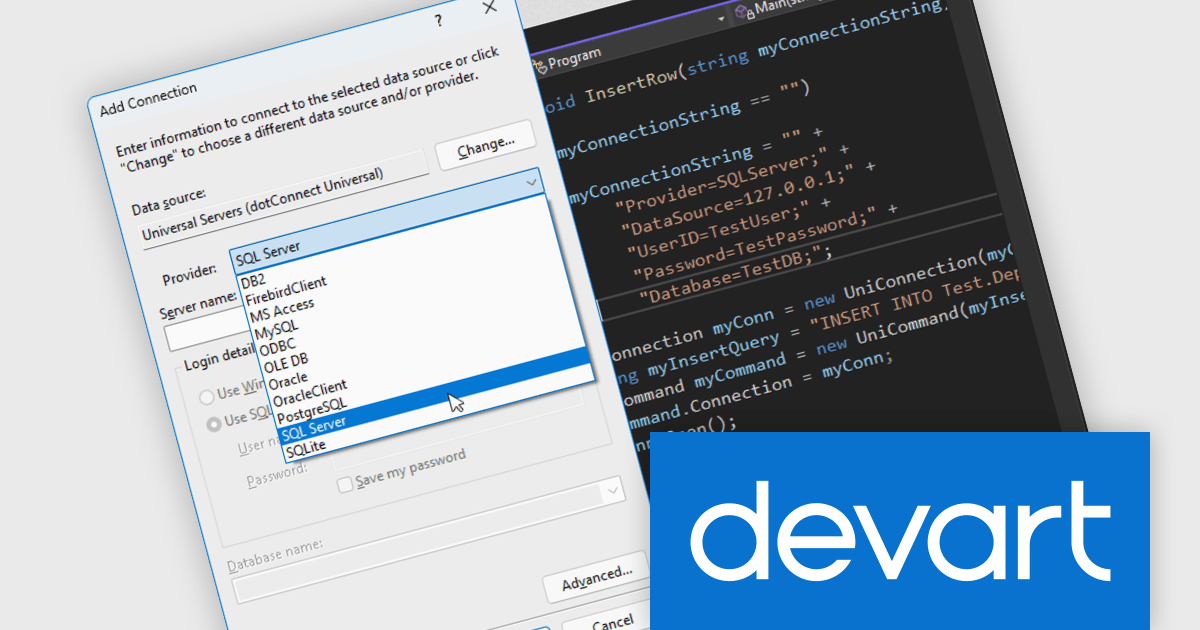
Devart dotConnect is a range of high-performance ADO.NET data providers for various databases and cloud applications, enabling efficient data connectivity for building web and mobile applications. It provides high-performance connectors for databases such as SQL Server and Oracle, as well as Cloud services such as Salesforce and QuickBooks Online.
The Devart dotConnect ADO.NET data providers now support .NET 10. By embracing the latest version of Microsoft's popular framework, developers gain access to the most up-to-date language features, performance enhancements, and improved tooling provided by .NET 10.
The dotConnect ADO.NET Data Providers are licensed per developer and are available as a Perpetual License with a 12 month support and maintenance subscription. See our dotConnect licensing pages for Adobe Commerce, BigCommerce, DB2, Dynamics 365, FreshBooks, Mailchimp, MySQL, Oracle, PostgreSQL, QuickBooks Online, Salesforce, Salesforce Marketing Cloud, SQL Server, SQLite, SugarCRM, Zoho Books, Zoho CRM, Zoho Desk, and Universal.
Devart dotConnect ADO.NET data providers are available for the following databases and Cloud services:
聯繫電話: (888) 850 9911
傳真: +1 770 250 6199


