













官方供應商
我們作為官方授權經銷商,直接提供超過200家開發廠家所發行超過1000個的產品授權給您。
請參閱我們所有的品牌。
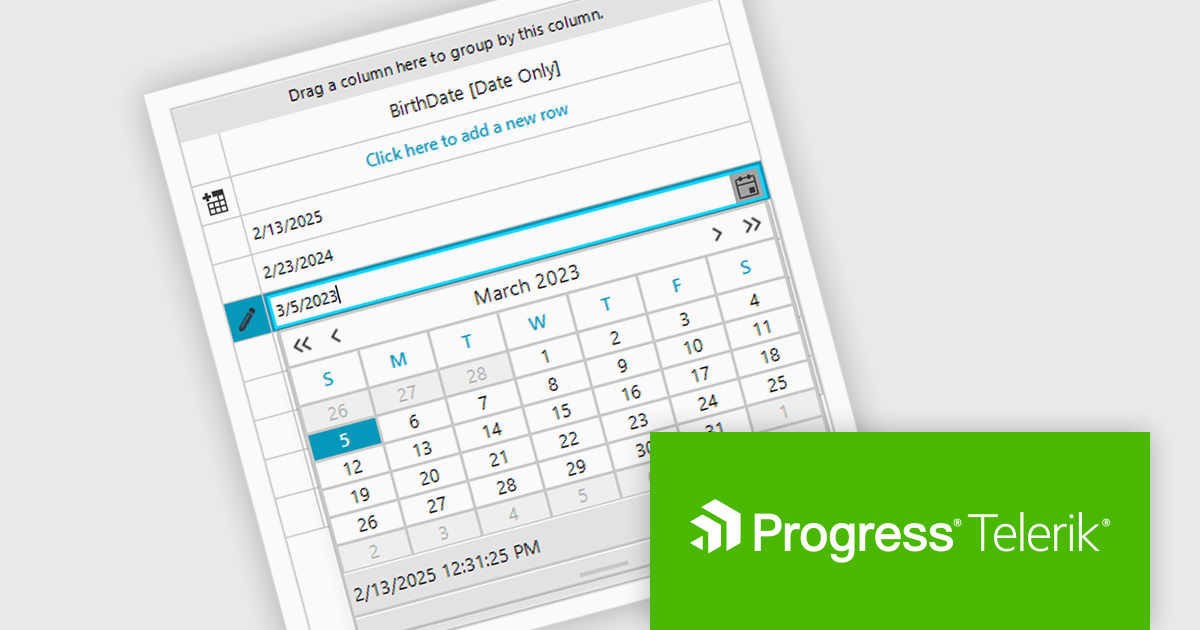
Telerik UI for WinForms is a comprehensive UI library offering over 160 versatile controls designed to streamline the development of modern, data-rich desktop applications. With features like built-in High DPI support, extensive customization options, and components ranging from grids and charts to schedulers and rich text boxes, it empowers developers to craft visually appealing and feature-packed Windows Forms applications.
The Telerik UI for WinForms 2025 Q1 update introduces dedicated support for .NET DateOnly column types in RadDataGrid. This update enhances the precision of date handling by allowing developers to bind, format, and edit date values without dealing with unnecessary time components. As a result, applications benefit from improved data accuracy, reducing potential errors in time-sensitive operations. This streamlined approach leads to greater reliability and offers developers a more efficient way to handle date data in their applications.
To see a full list of what's new in 2025 Q1 (2025.1.211), see our release notes.
Telerik UI for WinForms is licensed per developer and has two licensing models: an annual Subscription License and a Perpetual License. The Subscription license provides access to the latest product updates, technical support, and exclusive benefits for a flat annual fee, and must be renewed to continue using the software. The Perpetual license is a one-time purchase granting access to the current released version and includes a one-year subscription for product updates and technical support. After this initial period, users can choose to renew the subscription element to continue receiving updates and support; otherwise, they may continue using the installed version available during their active subscription term but will forgo future updates and support. See our Telerik UI for WinForms licensing page for full details.
Telerik UI for WinForms is available individually or as part of the following products:
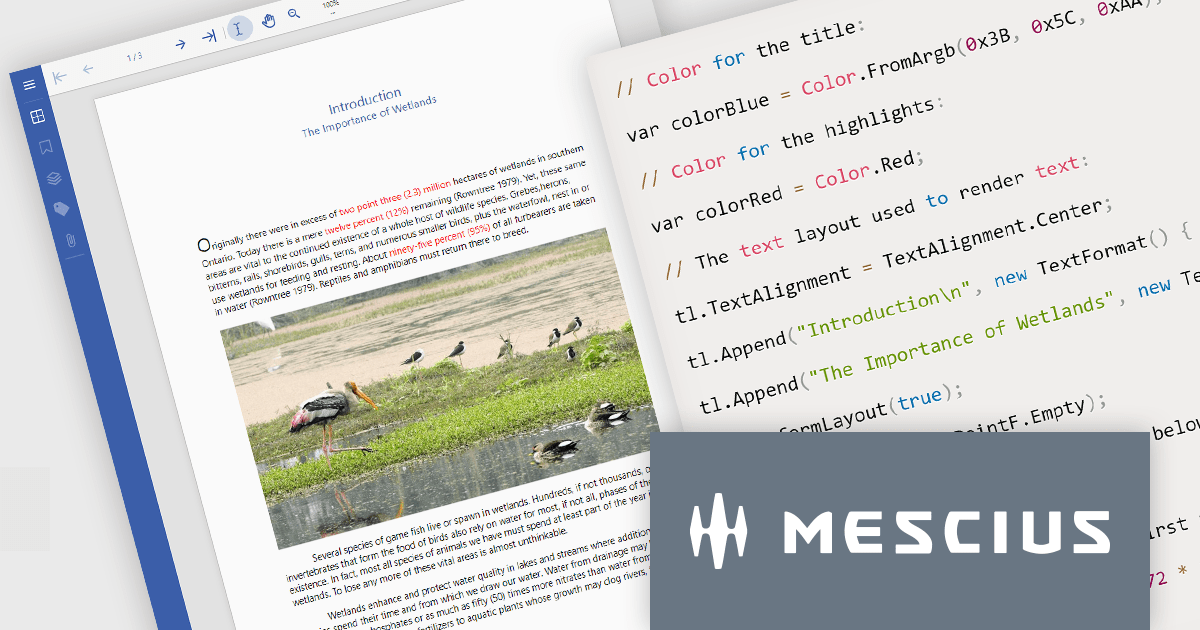
Document Solutions for PDF by MESCIUS is a high-speed, feature-rich, server-side PDF API Library for .NET with no dependencies on Adobe Acrobat. DsPdf allows developers to programmatically create, manipulate, import/export, and deploy PDF documents, including AcroForms, across desktop and web applications at scale. With full .NET support, you can generate, load, modify, and convert PDFs in your app for .NET, Mono, Xamarin.iOS, and Xamarin.Android. Apps using this .NET PDF API can be deployed to the cloud, Windows, Mac, or Linux. It also includes a fast JavaScript-based client-side viewer/editor that allows users to view/optionally edit PDF documents in desktop/web applications.
In this blog post, MESCIUS Senior Software Engineer Manpreet Kaur shows you how to use Document Solutions for PDF to add PDF creation capability to any application that targets .NET Standard 2.0 or higher - including .NET Core, .NET Framework, Mono, and Xamarin. Steps include:
Detailed code is included and there is a downloadable project - with an accompanying YouTube video - so that you can follow along in real time.
Read the complete blog and get started creating rich PDF documents from your .NET apps now!
Document Solutions for PDF is licensed per developer and is available in several license options for differing distribution needs. Team licenses are also available for multiple developers within the same organization. See our Document Solutions for PDF licensing page for full details.
Document Solutions for PDF is available to buy individually or as part of Document Solutions .NET Bundle.
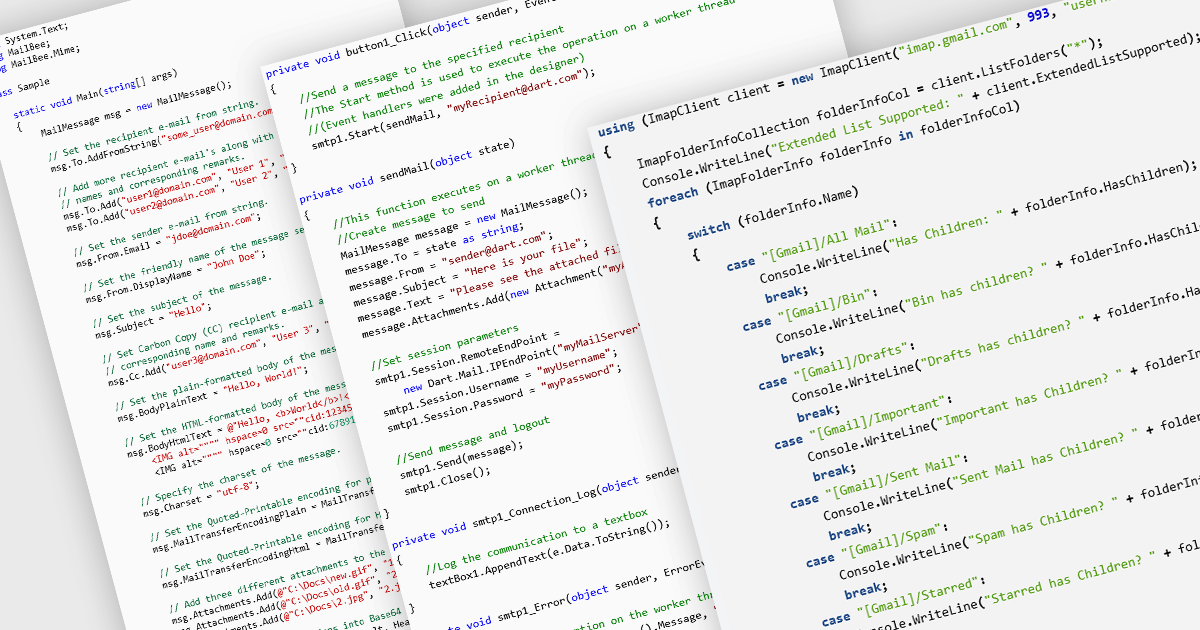
Messaging and communication protocols are essential components in modern communication systems, enabling the exchange of information between applications, services, and users. These protocols define how messages are formatted, transmitted, and processed across networks, ensuring interoperability between different platforms. Whether facilitating real-time messaging, email communication, or content syndication, these protocols provide the backbone for efficient and reliable data exchange. By standardizing communication, they allow diverse systems to interact seamlessly, supporting a wide range of use cases from email services to news aggregation and online discussions.
Common protocols include:
For an in-depth analysis of features and price, visit our .NET Comms & Messaging components comparison.
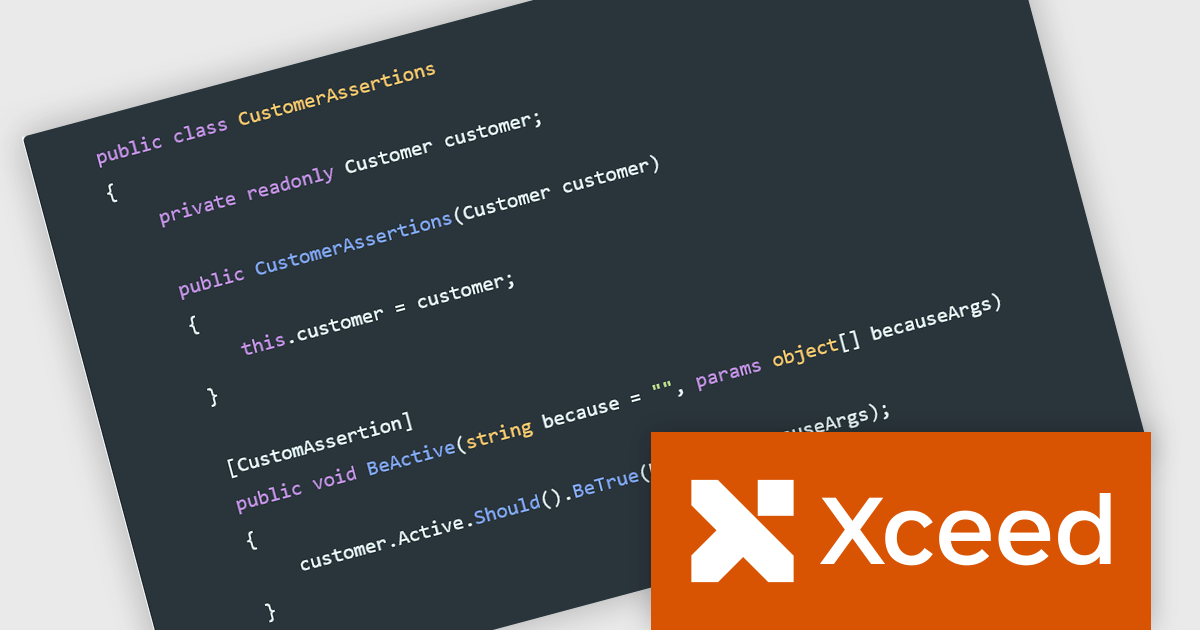
Xceed Fluent Assertions, developed by Xceed Software, is a new .NET library designed to enhance the readability and maintainability of unit tests. It provides a fluent interface for expressing assertions, allowing developers to write more natural and expressive test code. Instead of relying on traditional, often convoluted assertion syntax, Xceed Fluent Assertions enables developers to chain together methods that clearly articulate the expected outcomes of their tests. This promotes a more declarative style of testing, making it easier to understand the intent and logic behind each test case.
By leveraging its fluent API, developers can write concise and self-documenting tests, reducing the time and effort required for debugging and maintenance. Use cases range from simple value comparisons to complex object graph validations, including collections, exceptions, and event assertions. This library is particularly valuable in projects where test clarity and robustness are paramount, such as enterprise applications, libraries, and frameworks. Its ability to generate informative error messages further aids in quickly identifying and resolving issues, ultimately leading to more reliable and maintainable software.
Xceed Fluent Assertions is licensed per developer and is available as a perpetual license with 1 year of updates and support. See our Xceed Fluent Assertions licensing page for full details.
Xceed Fluent Assertions is available individually or as part of Xceed Ultimate Suite.
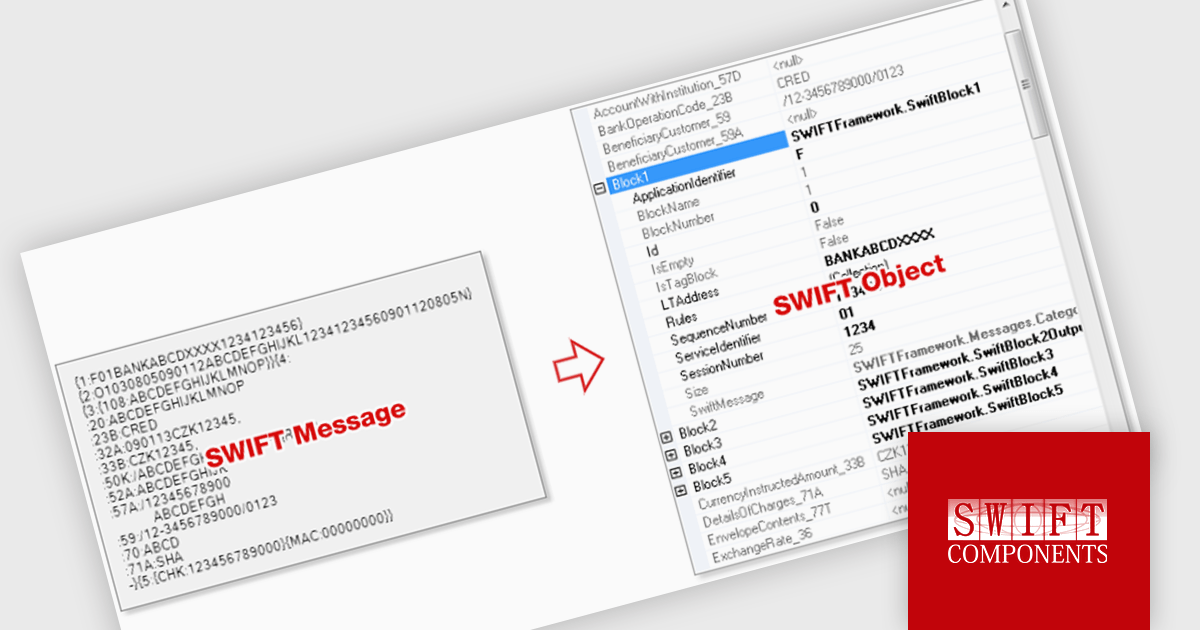
SWIFT Framework .NET by SWIFT Components is a comprehensive .NET library designed to facilitate seamless integration with the SWIFT financial messaging network. It provides developers with robust tools for creating, parsing, and validating SWIFT messages, streamlining the process of handling financial transactions and communications within .NET applications.
SWIFT Framework .NET enhances financial message processing by converting raw SWIFT messages into structured objects, enabling developers to efficiently parse, validate, and integrate financial data within their applications. This feature ensures compliance with SWIFT standards while streamlining workflows by eliminating manual data handling and reducing processing errors. With structured objects, developers can implement automated validations, transformations, and integrations with minimal effort, improving system reliability and performance in financial operations.
SWIFT Framework .NET is licensed per site, licensing an unlimited number of developers at a single physical address, and includes a one year subscription. See our SWIFT Framework .NET licensing page for full details.
Learn more on our SWIFT Framework .NET product page.
聯繫電話: (888) 850 9911
傳真: +1 770 250 6199


