













官方供應商
我們作為官方授權經銷商,直接提供超過200家開發廠家所發行超過1000個的產品授權給您。
請參閱我們所有的品牌。
The .NET Framework, a comprehensive development platform, has been a cornerstone of Microsoft's ecosystem for over two decades. It provides a rich set of class libraries, tools, and programming languages (like C#, VB.NET, and F#) that enable developers to create a wide range of applications, from desktop software to web services and mobile apps. With the approaching release of .NET 11, Microsoft continues its commitment to delivering a modern, high-performance, and cross-platform development environment.
Microsoft has announced the release of .NET 11 Preview 2. This Microsoft blog post highlights what's new in this release and includes links to download .NET 11 Preview 2. This .NET update contains improvements across the .NET Runtime, including:
Read the official Microsoft Release blog for a detailed list of all of the planned improvements in .NET 11.

React components in UI suites provide prebuilt, reusable building blocks for creating modern, responsive web applications using the React framework. These components are designed to integrate effortlessly into React's declarative model, enabling developers to construct complex user interfaces while maintaining consistency, performance, and maintainability. By offering a comprehensive set of controls and visual elements, UI suites help accelerate development and reduce the effort required to implement advanced functionality from scratch.
Common controls include:
For an in-depth analysis of features and price, visit our React UI suites comparison.
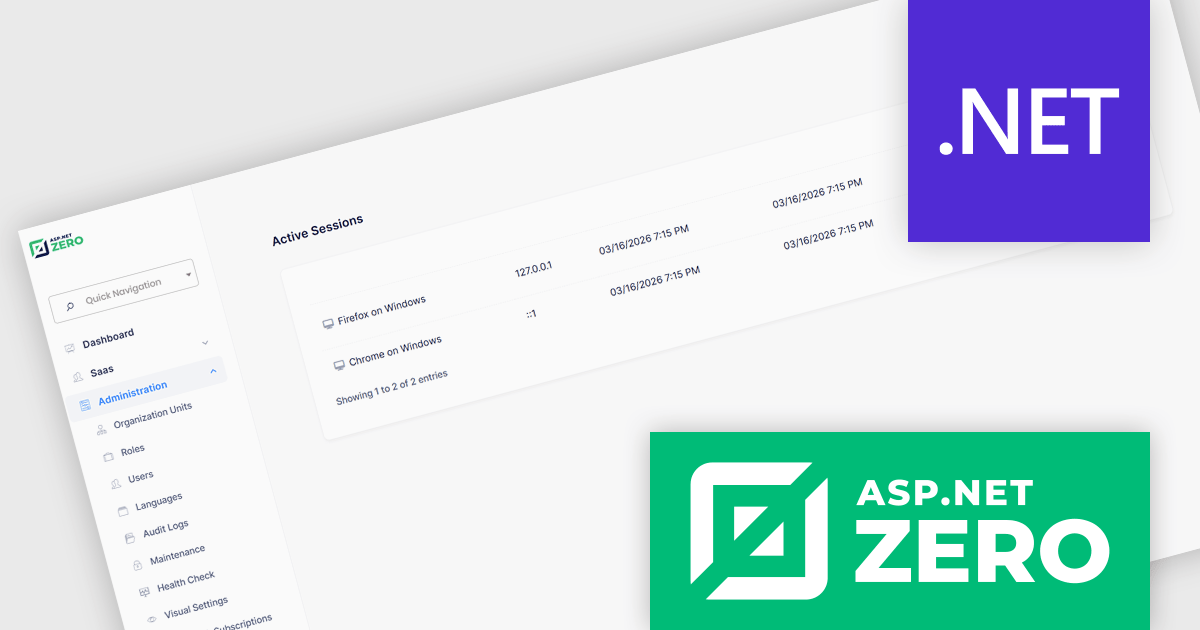
ASP.NET Zero is a comprehensive starting point for building new web applications, providing a modern UI, SOLID-based architecture, and implementations of common line-of-business requirements so developers can focus on business logic while working directly with full source code. It offers multiple architectural options, including ASP.NET Core MVC and ASP.NET Core with Angular, and includes ASP.NET Zero Power Tools, a Visual Studio extension and CLI utility that improves development by generating entities and their full application layers from the database to the user interface.
The ASP.NET Zero 15.2 update introduces active session management and revocation, allowing developers to implement enhanced security controls by giving users clear visibility into all active sessions across devices and browsers, along with the ability to selectively revoke individual sessions. This capability helps reduce the risk of unauthorized access due to compromised credentials or unattended logins, supports more granular control over authentication.
To see a full list of what's new in 15.2, see our release notes.
ASP.NET Zero is licensed based on the number of developers using the framework and the number of products being developed. See our ASP.NET Zero licensing page for full details.
For more information, visit our ASP.NET Zero product page.
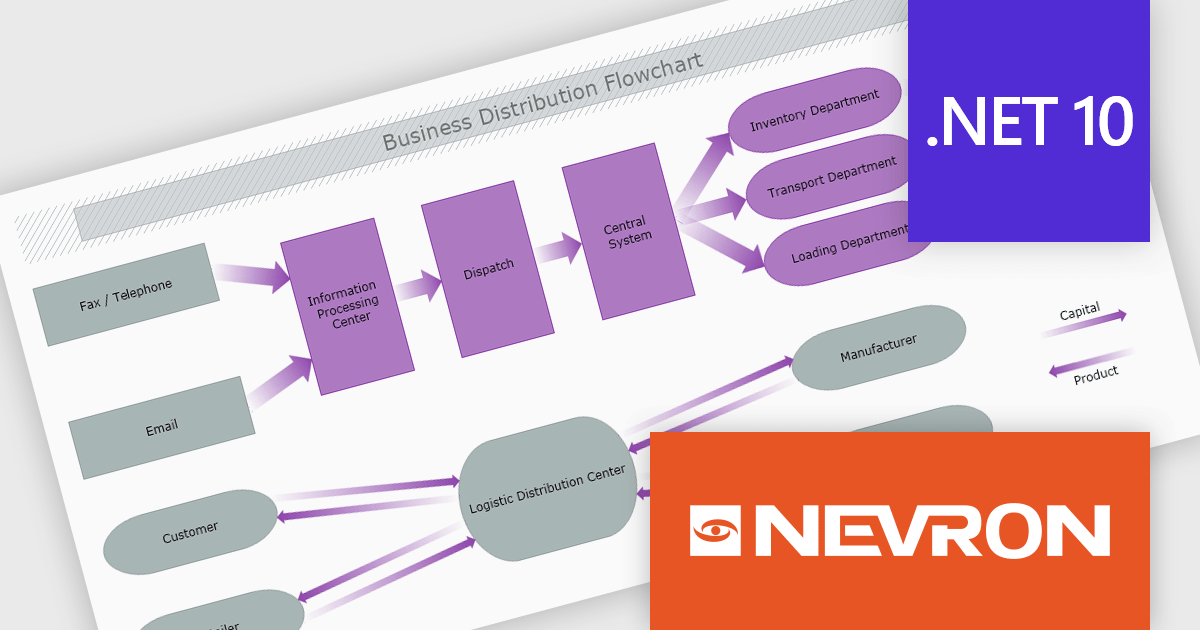
The Nevron .NET development components provide a comprehensive suite of components designed to help developers build advanced data presentation and visualization applications. It includes Nevron Chart for .NET, Nevron Diagram for .NET and Nevron User Interface for .NET, delivering tools for integrating charts, diagrams and rich user interface elements into Windows Forms and ASP.NET applications. With a well-structured object model, extensive features and flexible customization options, the suite enables developers to create applications that effectively visualize complex business, scientific or financial data while supporting interactive diagrams, automatic layouts and high-quality visual presentation.
The Nevron .NET product range now supports .NET Core 10.0 for its WinForms and WPF controls, enabling developers to build and maintain desktop applications using the latest .NET platform. Developers can take advantage of ongoing performance, security, and runtime enhancements in newer .NET versions without changing their UI component libraries, helping improve upgrades and maintain long-term platform alignment.
The Nevron .NET product range is licensed per developer machine and is available as a perpetual license with 1 year subscription and support. See our Nevron Vision for .NET licensing page for full details.
Support for .NET 10 is available across the Nevron .NET product range:
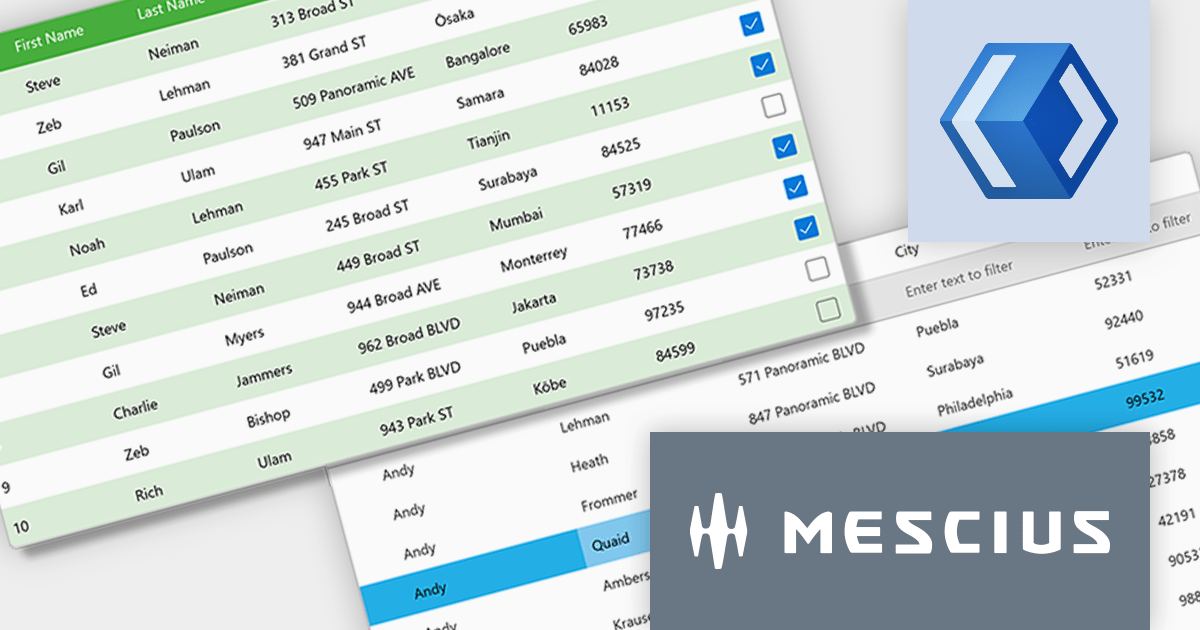
ComponentOne WinUI and MAUI Edition (formerly ComponentOne Studio for WinUI & MAUI) provides components for the latest cross-platform .NET applications. Offered as a single WinUI & MAUI license, you can build apps with ComponentOne controls for WinUI, MAUI, UWP, and Xamarin.
In this blog post, MESCIUS' Greg Lutz demonstrates tips and tricks you can utilize to transition your WinForms apps to WinUI by highlighting key differences like MVVM, adaptive layouts, async workflows, and sandboxed file access. He explores five key areas:
Sample code is included to help you get started.
Read the full blog to learn the tips and techniques to move into WinUI development.
ComponentOne Studio WinUI and MAUI is licensed per developer on a perpetual basis and includes a 12 month subscription. See our ComponentOne Studio WinUI and MAUI licensing page for full details.
Learn more on our ComponentOne Studio WinUI and MAUI product page.
聯繫電話: (888) 850 9911
傳真: +1 770 250 6199


