













官方供應商
我們作為官方授權經銷商,直接提供超過200家開發廠家所發行超過1000個的產品授權給您。
請參閱我們所有的品牌。
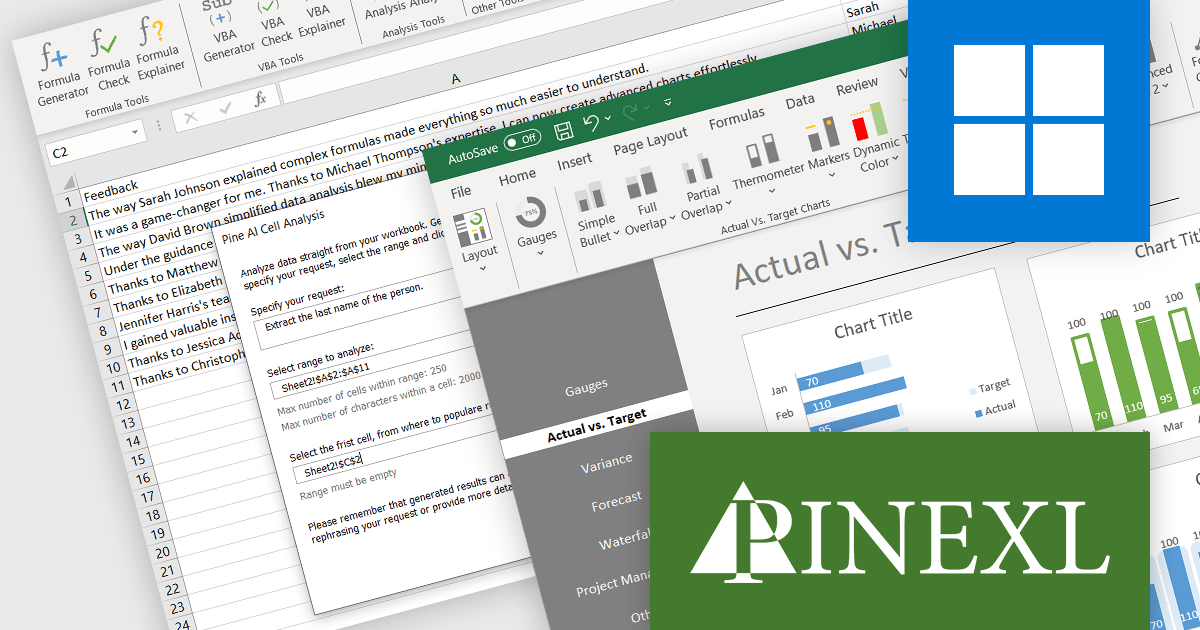
ComponentSource, a leading global provider of software components and development tools, has announced a new partnership with Pinexl, a company that specializes in creating premium Microsoft Excel-based tools that cater to both small and large businesses. These tools are designed to offer powerful insights while maintaining an intuitive interface, making them accessible for all levels of technical proficiency. Pinexl's products stand out for their professional, minimalist visualizations and the simplicity they bring to complex data analysis tasks. This collaboration aims to bring sophisticated data visualization and analytics capabilities to a wider audience.
Pine AI Excel Add-In is an AI-powered add-in that leverages ChatGPT technology to boost your Excel productivity. It can generate custom formulas, write VBA code, and even describe existing formulas in plain English. This alleviates the need for extensive formula knowledge and streamlines complex tasks, making it ideal for both Excel beginners and advanced users seeking to optimize their workflow.
Pine BI Excel Add-In is a premium add-in designed to revolutionize data visualization. With just a click, you can transform your spreadsheets into modern, dynamic dashboards, complete with advanced charts. Pine BI empowers you to create clear and impactful reports, enhancing communication and data storytelling for any data-driven task.
Through this strategic partnership, ComponentSource enhances its extensive offering of Add-ins for Microsoft Office, further cementing its position as a trusted provider of reliable and efficient solutions for developers, backed by guaranteed support.
For more information, explore the Pinexl product range.
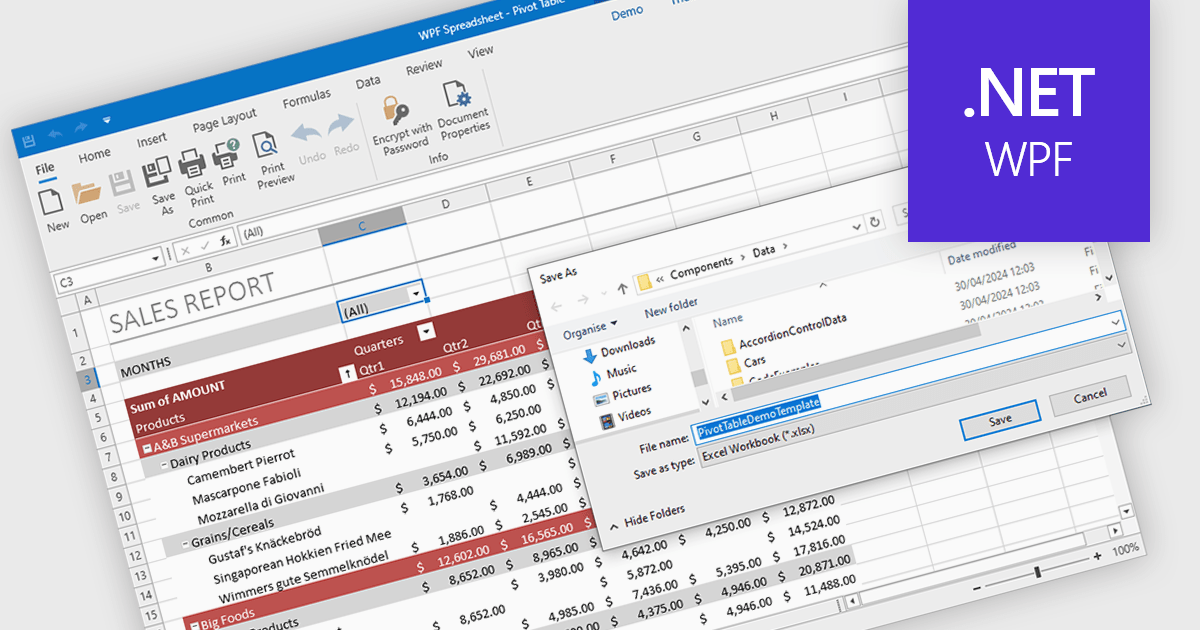
Spreadsheet components with XLSX export functionality allow developers to seamlessly save spreadsheet data and formatting from their application as a Microsoft Excel compatible file. This functionality provides significant benefits such as increased data portability for users who can then open and edit the spreadsheets in Excel, and improved collaboration as data can be easily shared and worked on across different platforms.
Several WPF spreadsheet controls offer the ability to export XLSX files including:
For an in-depth analysis of features and price, visit our WPF spreadsheet controls comparison.

Aspose.Cells is a software development toolkit that empowers developers to work with spreadsheets directly within their applications. It provides functionalities like creating, editing, converting, and rendering spreadsheets in various formats (including Excel, CSV, and PDF) without requiring Microsoft Excel to be installed. This allows developers to seamlessly integrate spreadsheet manipulation into their programs, enhancing their capabilities.
The Aspose.Cells for C++ and Aspose.Cells for Python via .NET 24.4 releases add support for exporting charts from Apple Numbers files to XLSX. This allows developers to seamlessly integrate chart data created in Numbers into Excel spreadsheets, streamlining workflows and data exchange between macOS and Windows environments.
To see a full list of what's new in Aspose.Cells version 24.4, see our C++ and Python via .NET release notes.
Aspose.Cells is offered as Developer Small Business, Developer OEM, Site Small Business, and Site OEM licenses catering to a range of business needs. Licenses are perpetual, and include 1 year of support and maintenance. Subscription renewals are also available. See our Aspose.Cells licensing pages for C++ and Python via .NET for full details.
Aspose.Cells for C++ is available to buy in the following products: Aspose.Cells for C++, Aspose.Cells Product Family, Aspose.Total for C++, and Aspose.Total Product Family.
Aspose.Cells for Python via .NET is available to buy in the following products: Aspose.Cells for Python via .NET, Aspose.Cells Product Family, Aspose.Total for Python via .NET, and Aspose.Total Product Family.
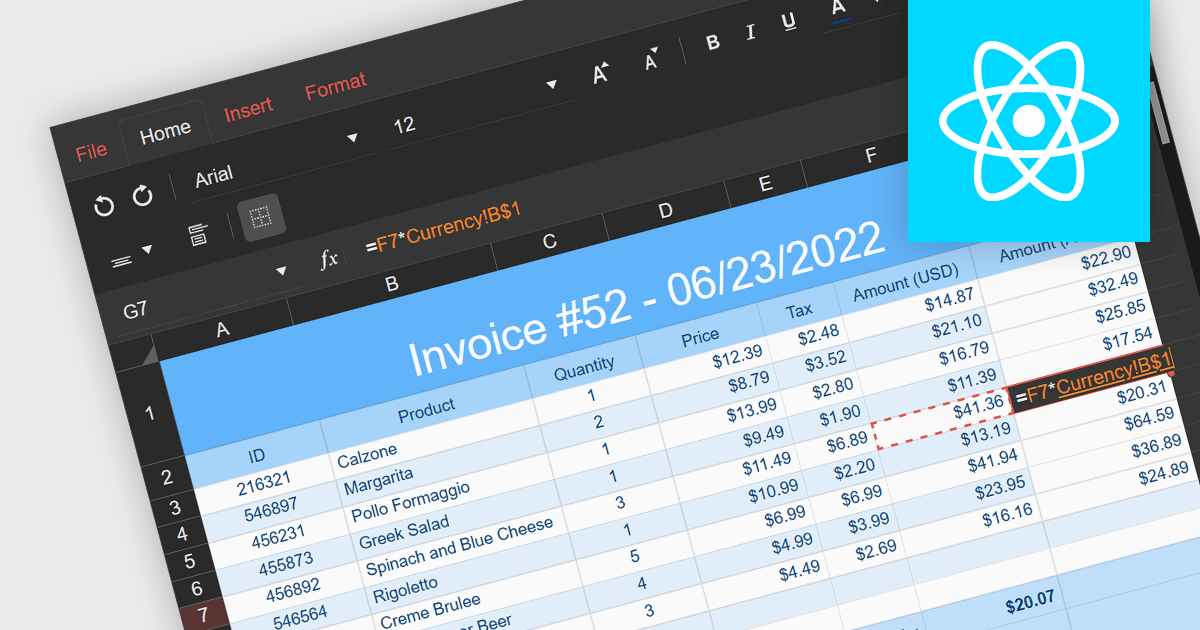
Cross-worksheet calculations involve using formulas within spreadsheet applications to reference and manipulate data across multiple worksheets within the same workbook. This allows you to consolidate and analyze information from various sections of your spreadsheet without consolidating it into a single worksheet. The ability to carry out such calculations simplifies complex operations enhances the efficiency and effectiveness of data organization and analysis.
Several React spreadsheet components support cross-worksheet calculations, including:
For an in-depth analysis of features and price, visit our comparison of React spreadsheet components.
Spread.NET by MESCIUS helps you create spreadsheets, grids, dashboards, and forms. It includes a powerful calculation engine with 450+ functions and the ability to import and export Microsoft Excel spreadsheets. Developers can leverage the extensive .NET spreadsheet API and powerful calculation engine to create analysis, budgeting, dashboard, data collection and management, scientific, and financial applications.
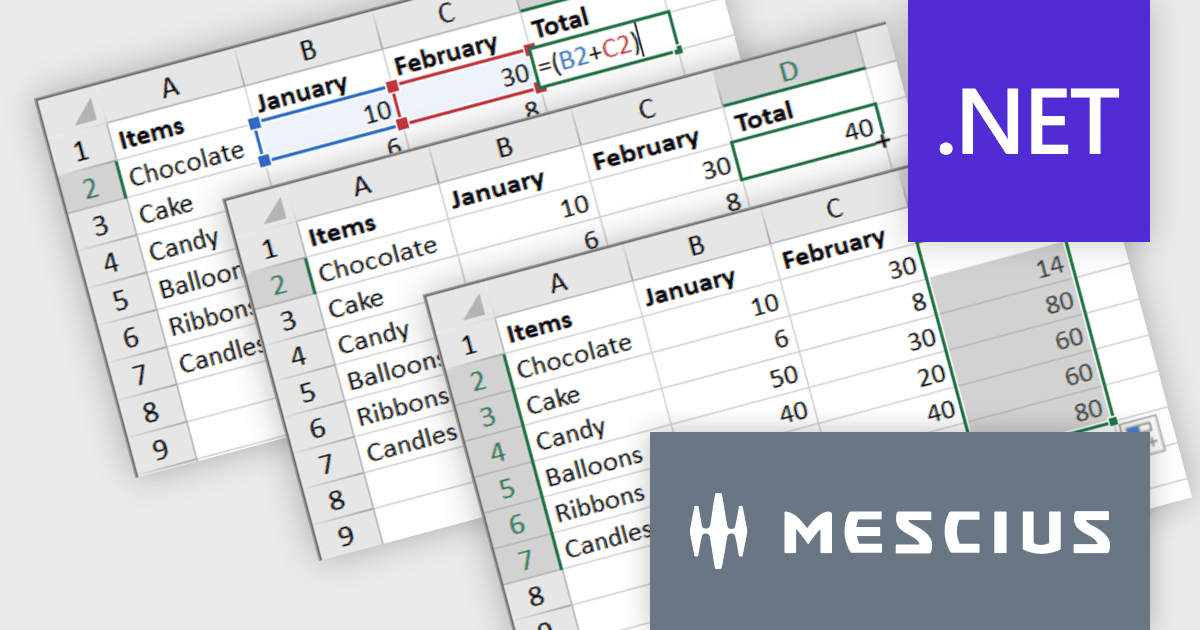
The Spread.NET v17.1 update introduces a streamlined method for extending formulas across datasets by allowing users to double-click the fill handle located at the bottom right corner of a selected cell. This action automatically replicates the formula down to the end of the data range, aligning it with the rows in adjacent columns. By simplifying the process of copying formulas, this feature enhances both efficiency and accuracy in data management tasks. It eliminates the need for manual drag-and-fill operations, reducing the time spent on repetitive tasks and minimizing the risk of inconsistencies in data entry. This improvement is particularly advantageous for users working with extensive datasets, facilitating quicker data processing and a more user-friendly experience in spreadsheet management.
To see a full list of what's new in version 17.1, see our release notes.
Spread.NET is licensed per developer and is available as a Perpetual License with a 12 month support and maintenance subscription. We can supply any Spread.NET license including new licenses, maintenance renewals, and upgrade licenses. See our Spread.NET licensing page for full details.
For more information, visit our Spread.NET product page.
聯繫電話: (888) 850 9911
傳真: +1 770 250 6199


