













官方供應商
我們作為官方授權經銷商,直接提供超過200家開發廠家所發行超過1000個的產品授權給您。
請參閱我們所有的品牌。
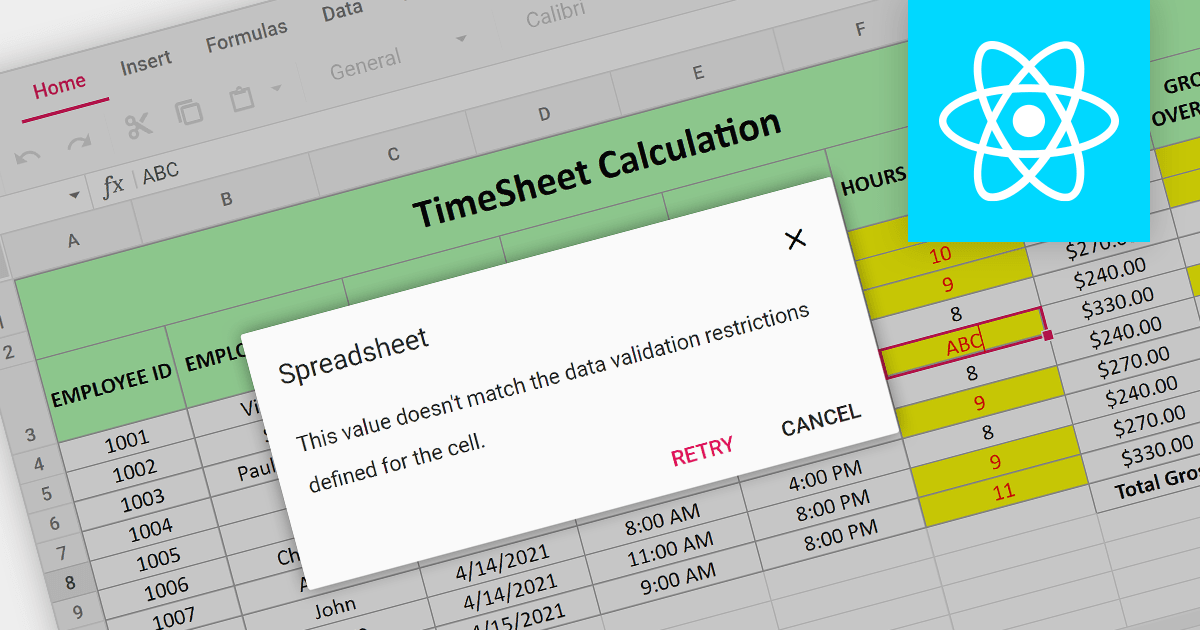
Data Validation is a crucial feature for maintaining the integrity of data within a spreadsheet. It restricts the type of data or the values that users can enter into a cell. For example, a cell can be configured to only accept dates or numbers within a certain range. This minimizes input errors and ensures that data adheres to specified parameters, which is particularly important in scenarios where spreadsheets are used for data entry by multiple users or when the data feeds into critical business processes.
Several React Spreadsheet components provide data validation support including:
For an in-depth analysis of features and price, visit our React Spreadsheet Component comparison.

EPPlus is a powerful and versatile .NET library for managing and manipulating Microsoft Excel files using the Office Open XML (OOXML) format. It is a lightweight and efficient library that is easy to use and can be integrated into a wide range of applications. It allows developers to create, read and modify spreadsheets without dependencies on any other library. Features include pivot tables, styling, VBA/Form controls, conditional formatting, charts, tables, formula calculation, data validation, pictures/shapes, and more.
The v7.0.3 release adds support for .NET 8. This enables developers to easily create and manage spreadsheets while working with the latest iteration of Microsoft's .NET ecosystem.
To see a full list of what's new in v7.0.3, see our release notes.
For more information, see our EPPlus product page.
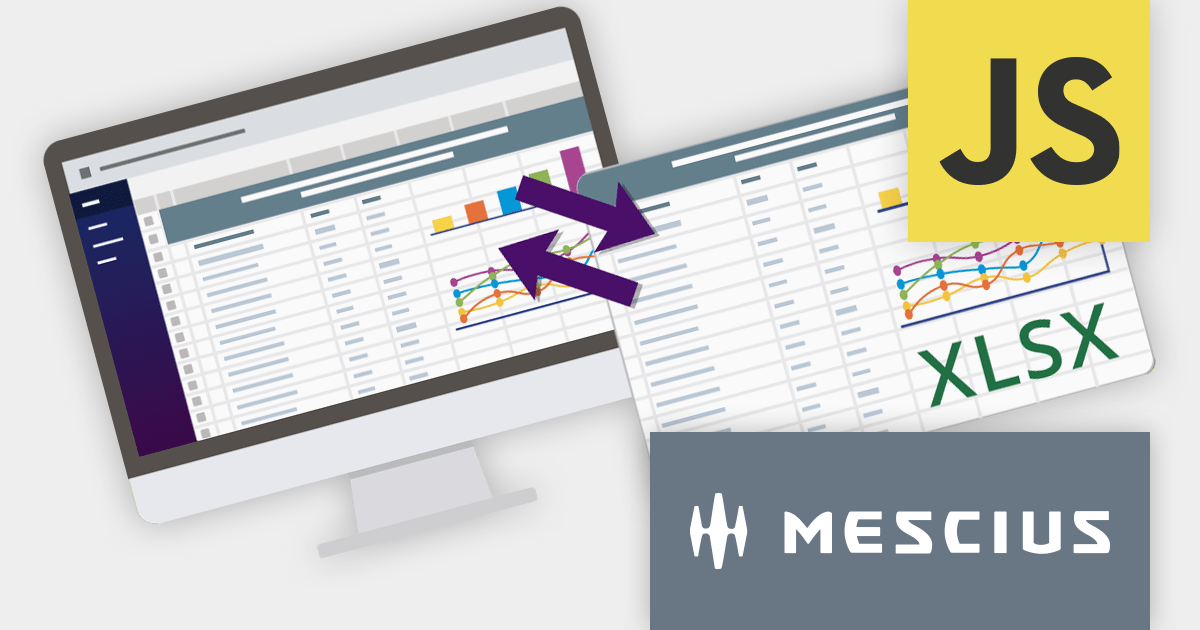
SpreadJS is a complete enterprise JavaScript spreadsheet solution used to create financial reports and dashboards, budgeting and forecasting models, scientific, engineering, healthcare, education, science lab notebooks, and other similar JavaScript business applications. Spreadsheets are a primary medium for displaying and sharing vital company data and it is crucial that this data can be easily viewed and updated in your JavaScript applications.
In this blog post, MESCIUS Product Manager Kevin Ashley shows you how to leverage the power of SpreadJS to import and export Excel spreadsheets into your enterprise web applications. Steps include:
View the complete blog and start working directly with Excel files in your JavaScript applications.
For more information visit our SpreadJS product page.
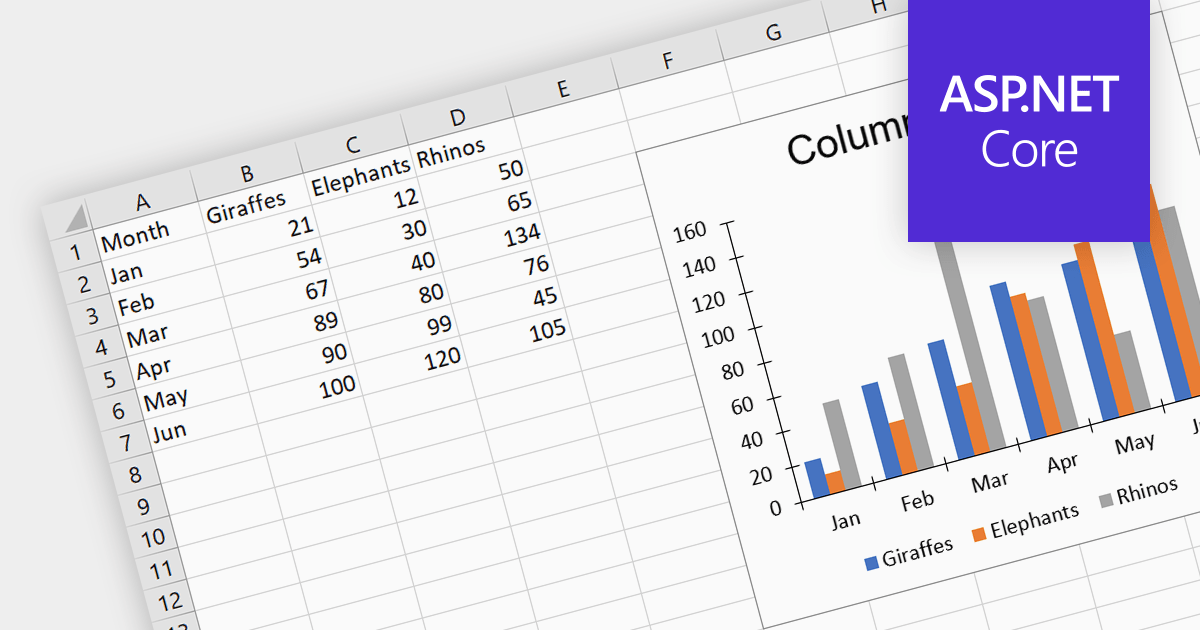
Charts help to transform complex numerical spreadsheet data into easily understandable graphical representations. They make it easier to identify patterns, trends, and relationships within the data, enabling faster comprehension and identification of key insights. This visual approach enhances communication and promotes informed decision-making. Charts can be particularly useful for presentations and performance tracking, allowing for effective data sharing and dissemination of insights.
Several ASP.NET Core spreadsheet controls offer charting support including:
Alternatively, many spreadsheet controls are available as part of multi-function suites:
For an in-depth analysis of features and price, visit our comparison of ASP.NET Core spreadsheets.
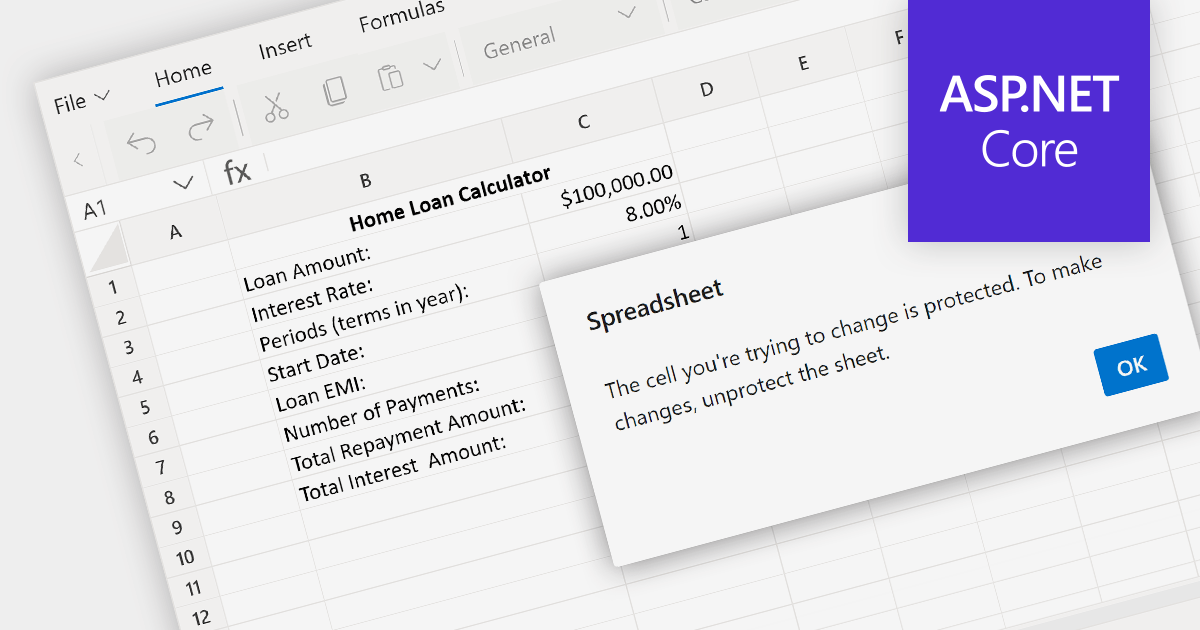
Spreadsheet security features safeguard sensitive data within a spreadsheet. This can include password protection for opening the spreadsheet, encrypting the data, and setting permissions that control who can view or edit specific cells, ranges, or sheets. In an environment where spreadsheets contain confidential or proprietary information, such security features are crucial for preventing unauthorized access and ensuring that data manipulation is restricted to authorized users.
Several ASP.NET Core spreadsheet components provide spreadsheet security including:
For an in-depth analysis of features and price, visit our comparison of ASP.NET Core Spreadsheet components.
聯繫電話: (888) 850 9911
傳真: +1 770 250 6199


