













官方供應商
我們作為官方授權經銷商,直接提供超過200家開發廠家所發行超過1000個的產品授權給您。
請參閱我們所有的品牌。
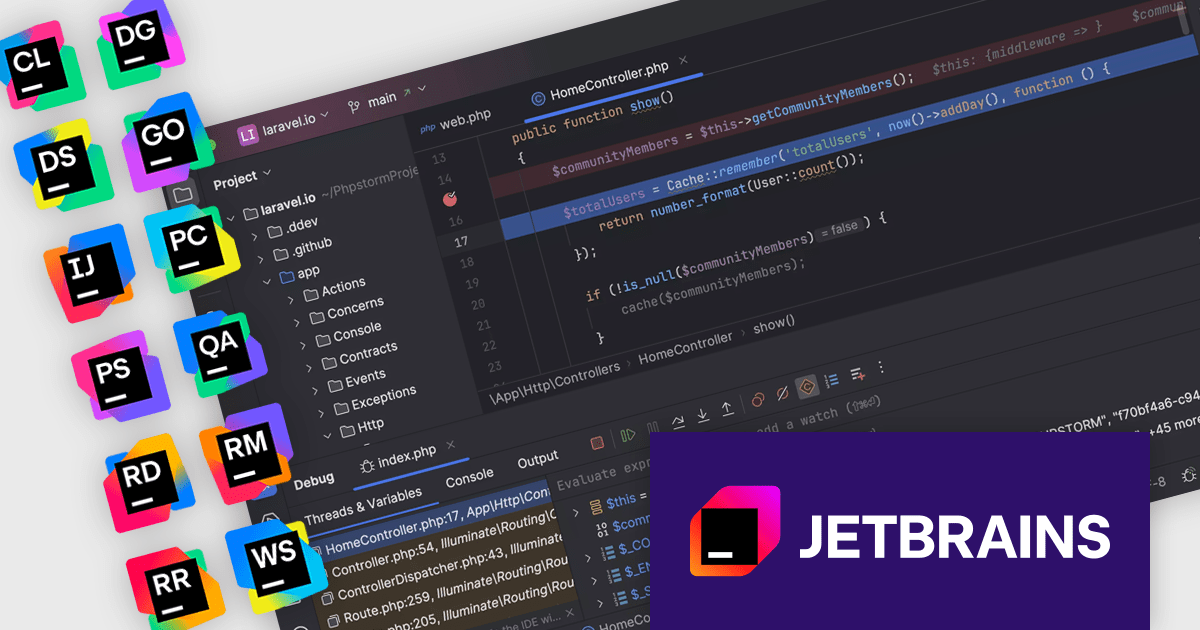
The JetBrains All Products Pack provides access to a comprehensive suite of JetBrains tools, including 11 IDEs, 3 extensions, and 2 profilers, all under one unified license. This flexible solution allows users to switch between tools across multiple machines, adapting to different projects with ease. With a single license, you benefit from simplified license management and significant cost savings - 11 IDEs for the price of two. The All Products Pack is designed to advance your skills by giving you unlimited access to industry-leading professional tools, empowering efficient, high-quality development across a variety of languages and platforms.
The JetBrains All Products Pack enhances development by incorporating integrated debuggers within each IDE, providing developers with immediate access to powerful tools for diagnosing and resolving code issues. This integration eliminates context switching, allowing for efficient setting of breakpoints, real-time inspection of variable states and call stacks, and granular control over program execution. By offering these capabilities directly within the coding environment, the integrated debugger facilitates a more intuitive and productive debugging experience, ultimately leading to faster identification and resolution of software defects.
JetBrains All Products Pack is licensed per user as a commercial annual subscription. We can supply new subscriptions, subscription renewals, lapsed subscription renewals, and additional developer licenses. See our JetBrains All Products Pack licensing page for full details.
For more information, see our JetBrains All Products Pack product page.
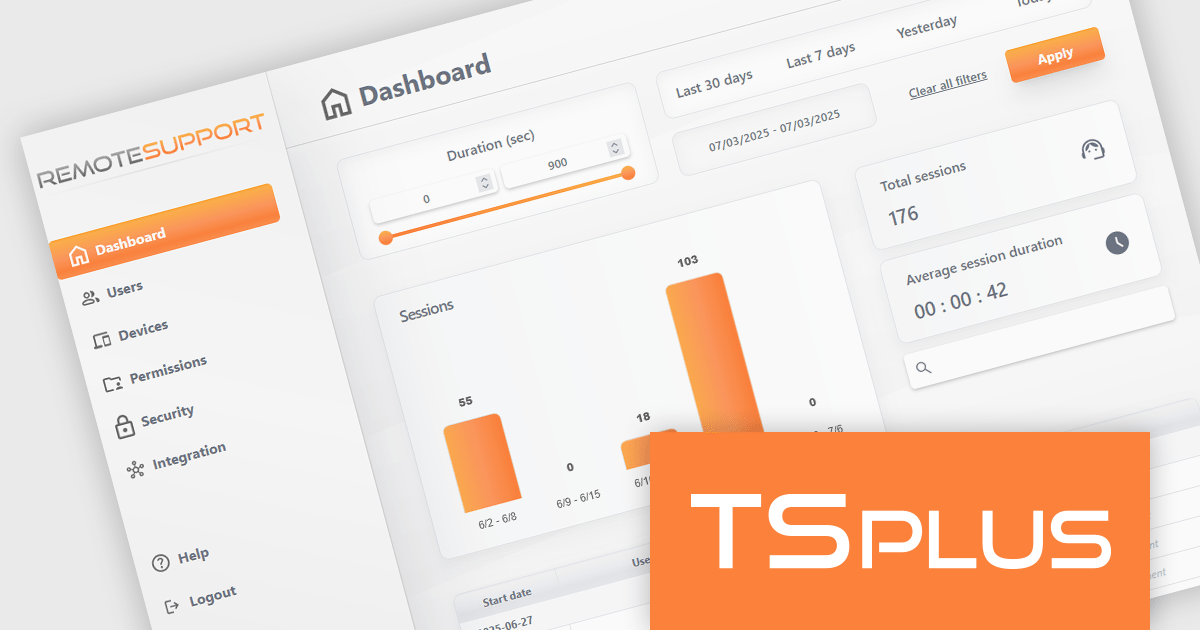
TSplus Remote Support is a remote desktop control solution that enables IT teams to deliver instant attended or unattended assistance without complex setup. Agents can take control of a user’s screen, mouse, and keyboard with a single click and communicate via built-in chat. The platform supports live troubleshooting, background maintenance, branded client customization, and secure connection management through TSplus servers. Typical use cases include help desk support, unattended system updates, and remote training, all achieved through a user-friendly, scalable interface.
The TSplus Remote Support v4.3 update includes important improvements to memory management for Remote Support clients and relays, as well as enhancements to the administration interface, and a refined dashboard with improved filter bar and reorganized page layout, delivering a smoother and more intuitive navigation experience for administrators and users alike.
To see a full list of what's new in v4.3, see our release notes.
TSplus Remote Support is licensed per concurrent connection. Licenses include a 1 year subscription for updates and support. See our TSplus Remote Support licensing page for full details.
For more information, visit our TSplus Remote Support product page.
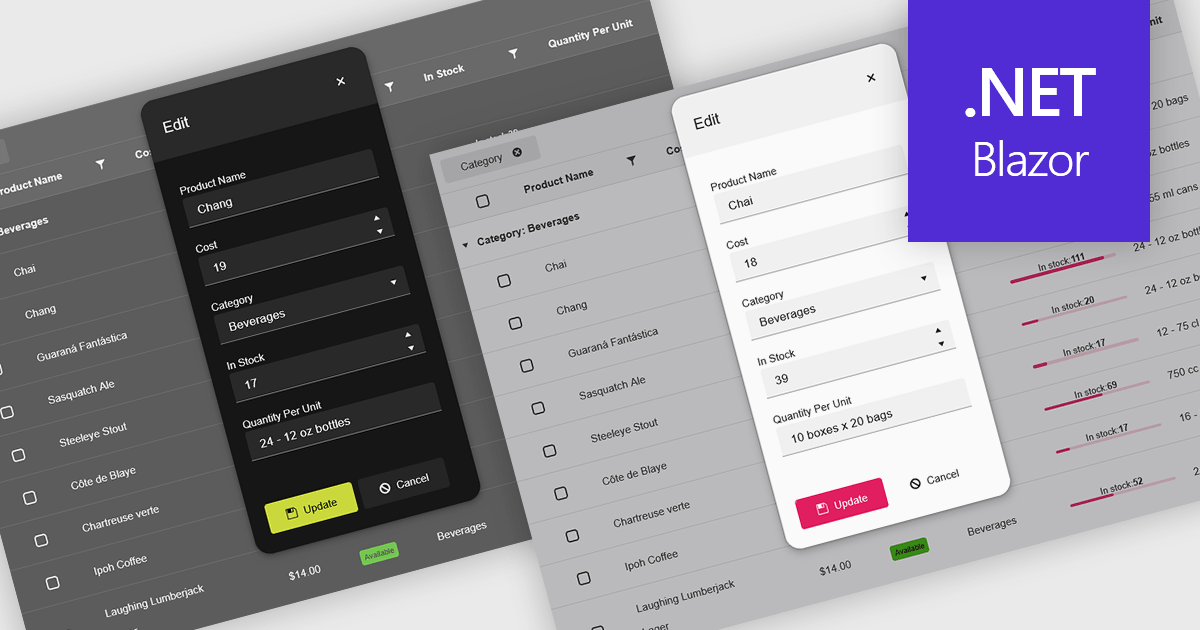
Themes in data editors provide a simple and efficient way to customize the visual appearance of data editing controls, including elements such as color schemes, fonts, and overall styling. By applying themes, developers and designers can create a consistent and professional look across multiple components, ensuring that applications align with brand guidelines and deliver a polished user experience. This flexibility enhances readability and usability while improving the design process, allowing visual updates to be made globally without modifying individual controls. For example, a dark theme can improve focus in data-intensive dashboards, while a light and minimalist theme can enhance clarity in business forms or reporting tools. Overall, themed data editors help maintain design consistency, reduce development time, and elevate the overall aesthetic of modern applications.
Several .NET Blazor data editor collections offer support for themes including:
For an in-depth analysis of features and price, visit our .NET Blazor data editor controls comparison.
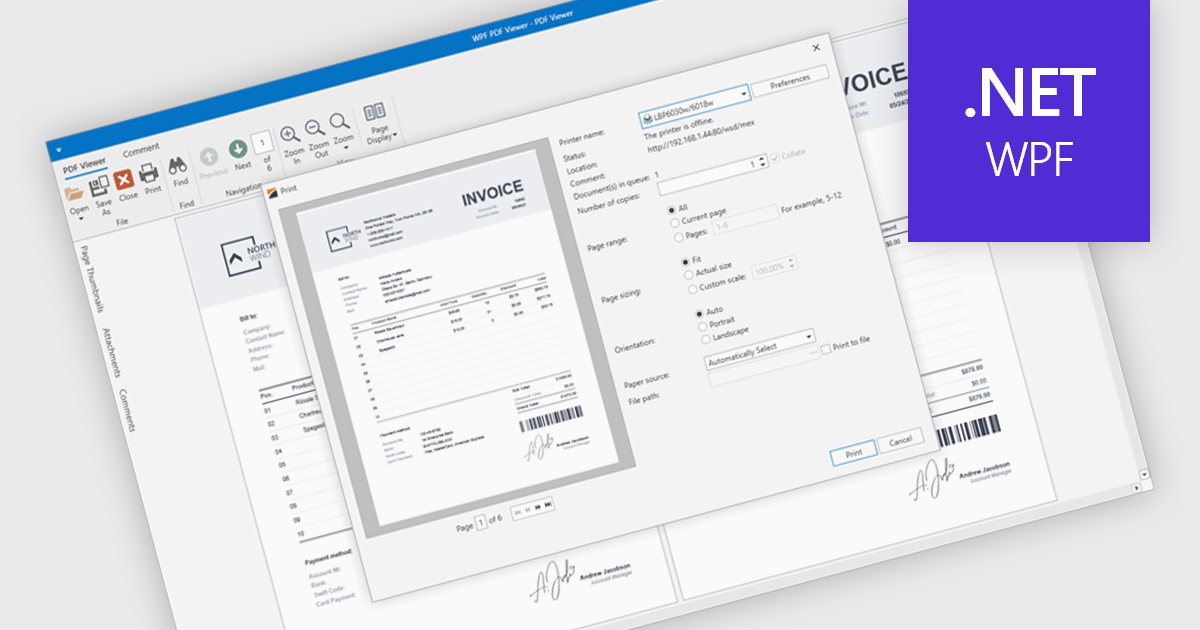
PDF printing within a PDF Viewer allows users to print documents directly from the viewing interface without needing to open external applications. This built-in functionality provides quick access to print options such as paper size, orientation, and scaling while maintaining the document’s original layout, fonts, and graphics. It ensures professional, high-quality output and a consistent user experience across different printers and devices. Common use cases include printing invoices, reports, forms, and technical documentation directly from desktop or embedded applications, helping users save time, reduce complexity, and improve productivity in document-heavy environments.
Several .NET WPF PDF viewer components include support for printing, including:
For an in-depth analysis of features and price, visit our comparison of .NET WPF PDF viewer components.
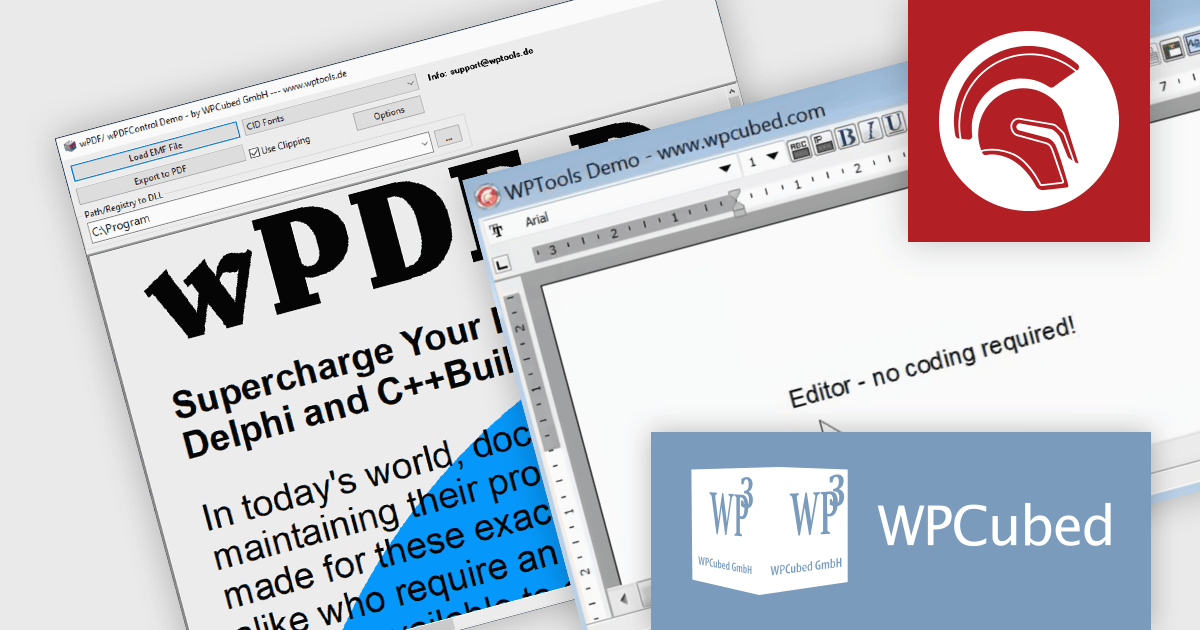
WPCubed offers a range of development components aimed at integrating word processing and PDF generation capabilities into applications built with Embarcadero's Delphi and C++Builder, as well as .NET. The primary product is WPTools, which is a VCL component suite that equips Delphi applications with word processing functionality, including a multitude of features you would expect from a word processing application, such as text property dialogs, mail merge, editors, hyperlinks, paragraph styles, tables and graphics. Additionally, wPDF is a high‑performance PDF creation engine for VCL applications and is used to convert output from your program to PDF files, featuring Unicode support, PDF/A compliance, and it works well in conjunction with WPTools. It uses "Canvas" methods as well as GDI API calls that require a device handle as a parameter, making it versatile and easy to integrate.
WPCubed adds support for Embarcadero Delphi 13 Florence to its WPTools and wPDF products. This compatibility allows developers to build and deploy applications with integrated word processing and PDF generation features in the latest Delphi development environment. The update maintains full functionality of WPTools and wPDF in Delphi 13, minimizing upgrade risks and simplifying adoption of the new platform.
WPTools and wPDF are licensed per developer and are available as perpetual licenses with 1 year support. See our licensing pages for full details:
WPTools is available to buy in the following products:
For more information about wPDF, see our product page.
聯繫電話: (888) 850 9911
傳真: +1 770 250 6199


