













官方供應商
我們作為官方授權經銷商,直接提供超過200家開發廠家所發行超過1000個的產品授權給您。
請參閱我們所有的品牌。
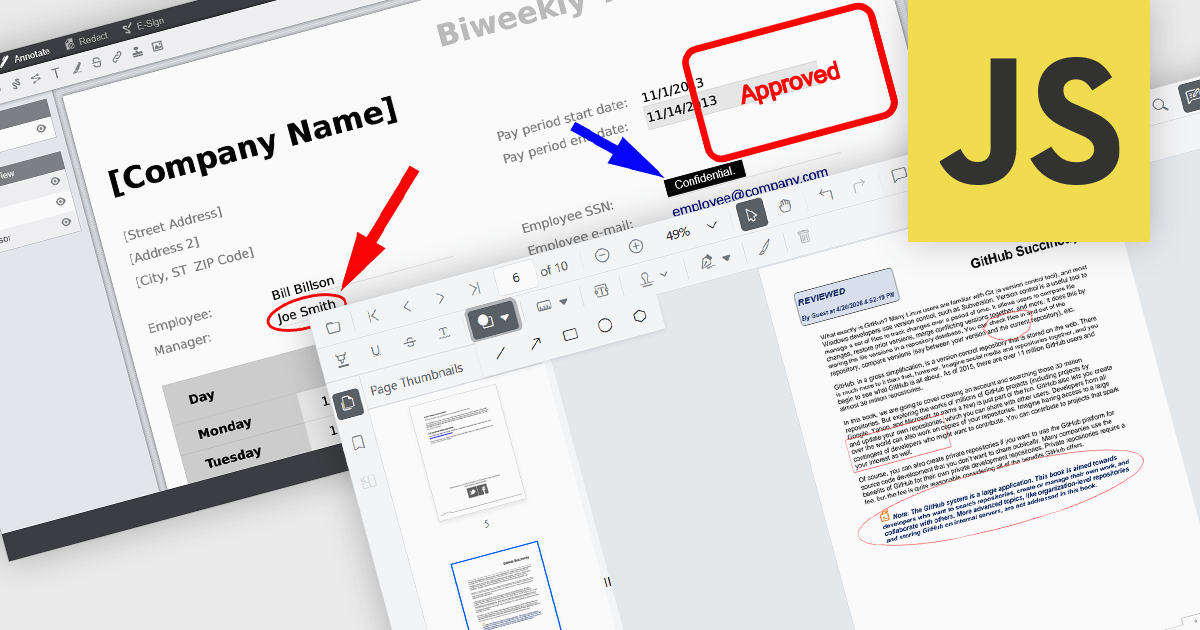
Annotation capabilities in PDF Viewer components allow users to interact with documents through visual and textual markup, supporting review, collaboration, and documentation processes. Tools such as Line, Rectangle, and Free text help highlight structure and add clarity, while Sticky note and Stamp annotations provide contextual feedback and status indicators. By embedding these capabilities directly into a viewer, applications can offer a cohesive experience for editing and reviewing PDFs without requiring external software.
Common annotations include:
For an in-depth analysis of features and price, visit our JavaScript PDF viewer components comparison.
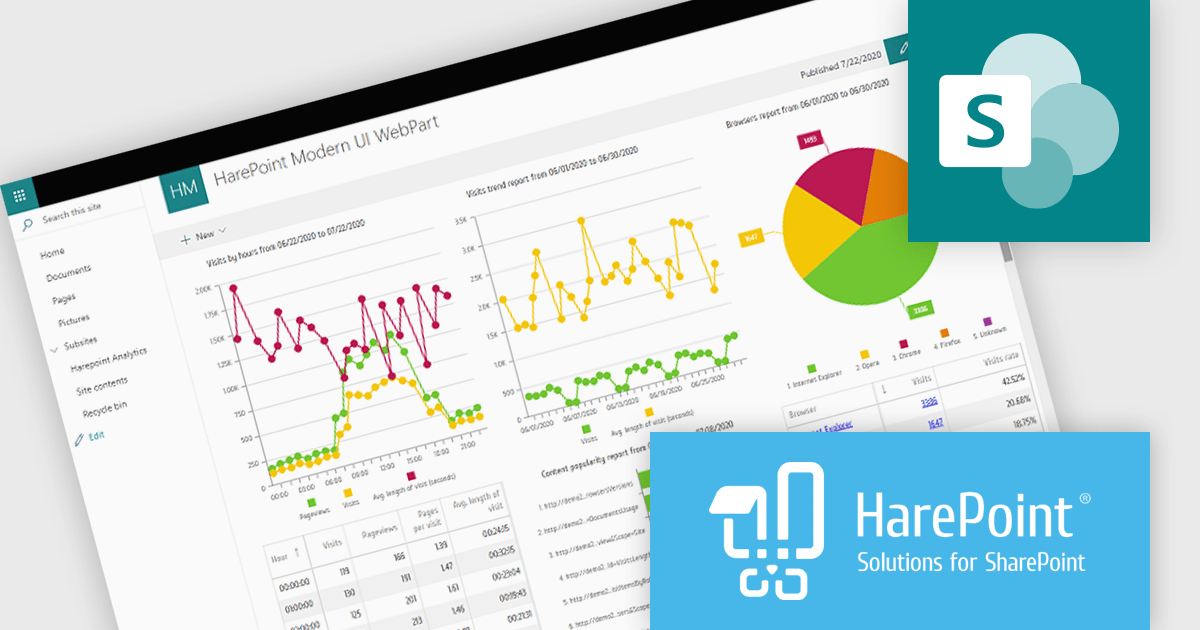
HarePoint Analytics for SharePoint is a solution that provides insights into the performance and usage of SharePoint portals and websites. It offers reports on user activity, page visits, site usage, document creation, and search services. With real time reporting and drill down capabilities, users can explore data in detail and make informed decisions. The platform integrates with Active Directory, supports departmental reporting, and is easy to deploy without requiring content changes, making it ideal for monitoring performance, improving user engagement, and optimizing content.
HarePoint Analytics for SharePoint enables developers to access detailed, real time data on user activity and content usage, allowing them to better understand how applications and sites are utilized, identify inefficiencies, and make informed decisions to optimize performance, improve user experience, and support more effective maintenance and development of SharePoint environments without requiring changes to existing content or structure.
HarePoint Analytics for SharePoint is available as a perpetual license and is licensed based on the number of SharePoint users with access to the server. It includes a one year subscription for support and updates, with optional annual renewal. See our HarePoint Analytics for SharePoint licensing page for full details.
Learn more on our HarePoint Analytics for SharePoint product page.
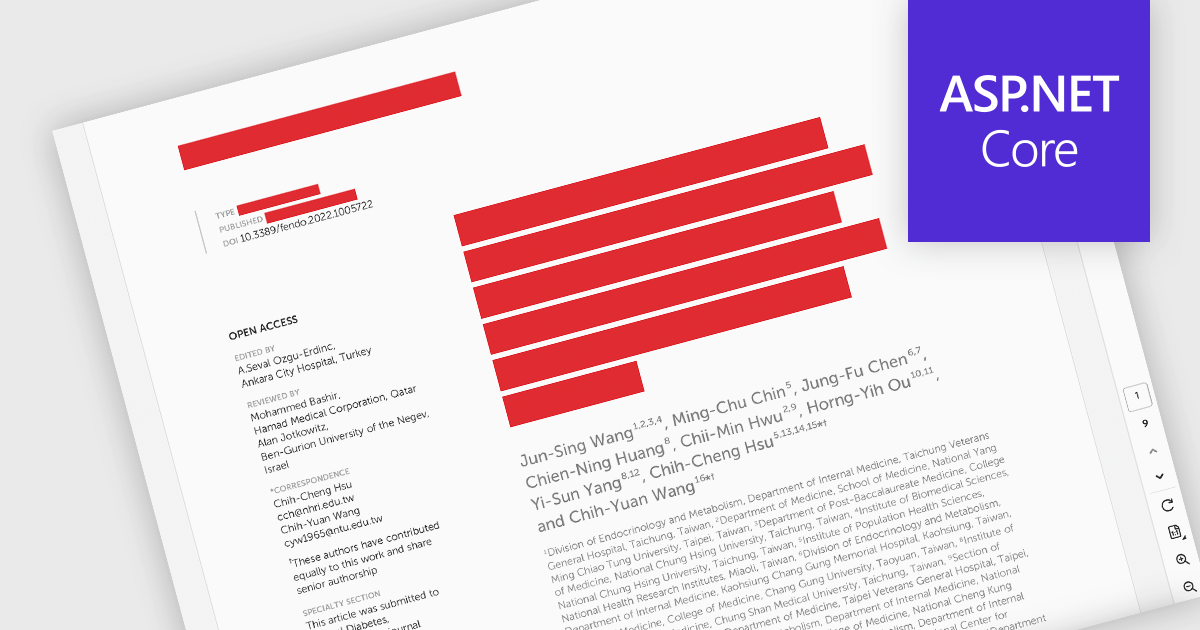
PDF redaction is the process of permanently removing sensitive or confidential information from a document so that it cannot be recovered or viewed. Unlike simple visual masking, true redaction deletes the underlying content, ensuring it is not accessible through copying, searching, or metadata extraction. This capability is essential for regulatory compliance, data protection, and secure document sharing, particularly in industries that handle personal, financial, or legal information.
Several ASP.NET Core PDF components allow you to redact PDFs, including:
For an in-depth analysis of features and price, visit our comparison of ASP.NET Core PDF components.
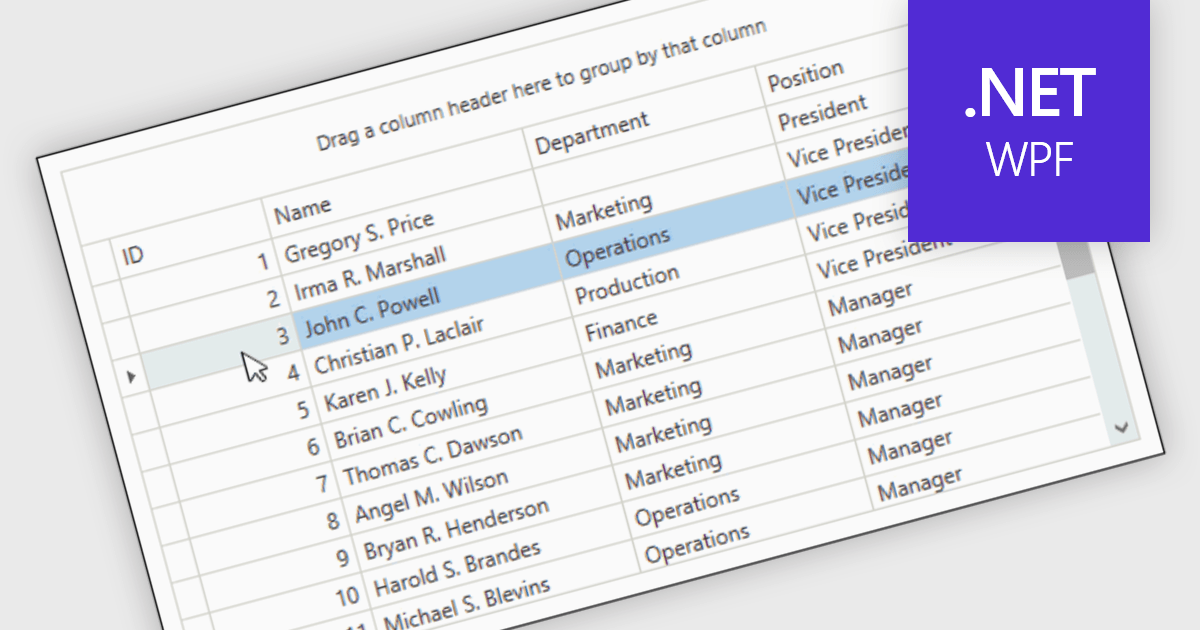
Reorder Rows is a WPF grid feature that lets users move a row by changing its display order directly in the control, usually through drag-and-drop, so data can be arranged in a meaningful custom sequence. For .NET developers, it is useful when row position represents business intent, such as task priority, processing order, or a user-defined layout, because it supports direct interaction while reducing the need for separate ordering controls or additional code for manual sequencing.
Many .NET WPF grid controls contain reorder row functionality including:
For an in-depth analysis of features and price, visit our comparison of .NET WPF grid controls.
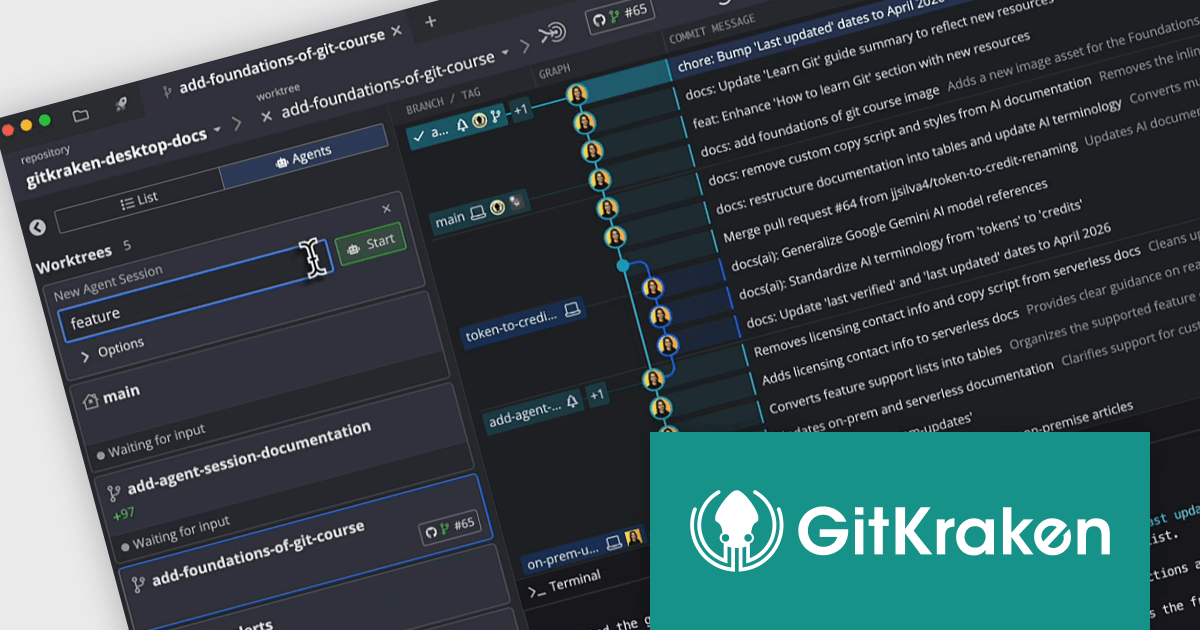
GitKraken is a suite of developer tools built around Git, a popular version control system. It offers a graphical user interface (GUI) that allows developers to interact with Git repositories visually instead of relying on the command line. This simplifies complex Git workflows like resolving merge conflicts and visualizing code history, making Git more accessible and efficient for developers of all experience levels.
The GitKraken Desktop V12.0.0 update introduces the Agent Sessions View, providing developers with a centralized interface to oversee multiple AI-driven workflows simultaneously, improving development efficiency by consolidating visibility into worktree status, branch progress, and associated pull requests while also delivering real time insight into agent activity.
To see a full list of what's new in V12.0.0, see our release notes.
GitKraken Desktop is licensed per user as an Annual license with free updates and technical support. See our GitKraken licensing page for full details.
Learn more on our GitKraken product page.
聯繫電話: (888) 850 9911
傳真: +1 770 250 6199


